Download the OVA file from vmware
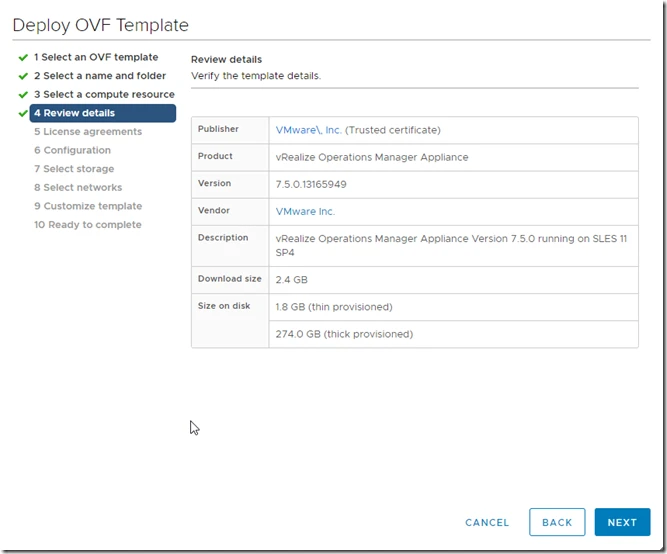
1. upload it in your vCenter server.
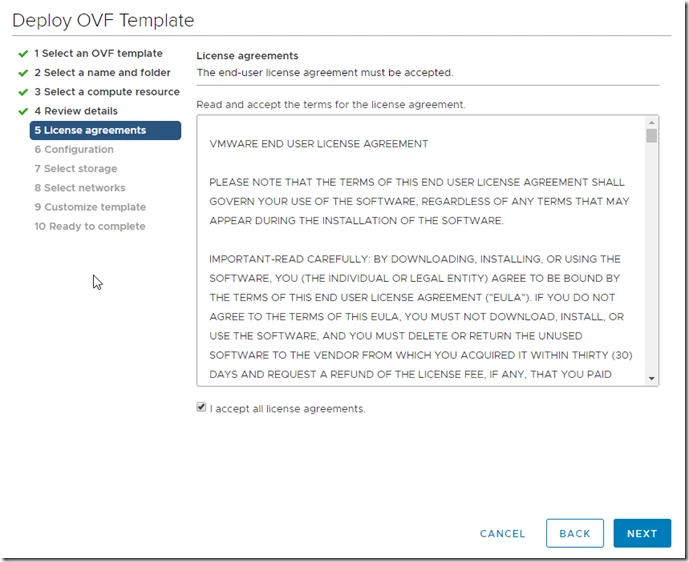
2. Now click on “I accept all license agreements”
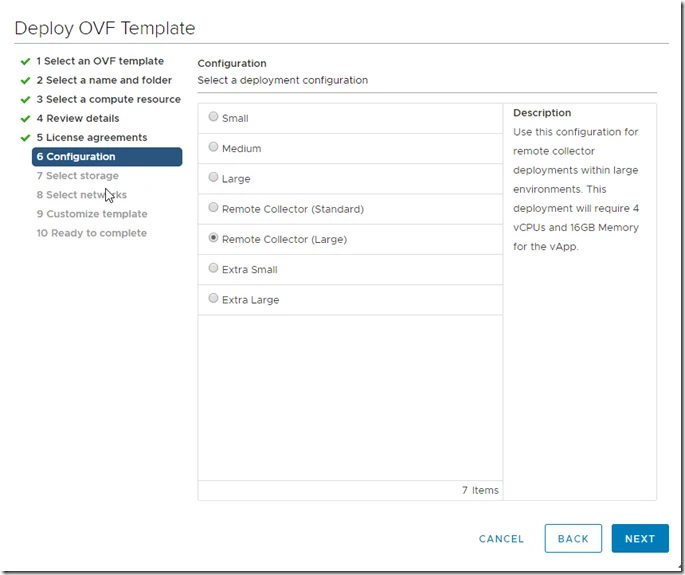
3. Select as Remote collect (Large) as per your requirement.
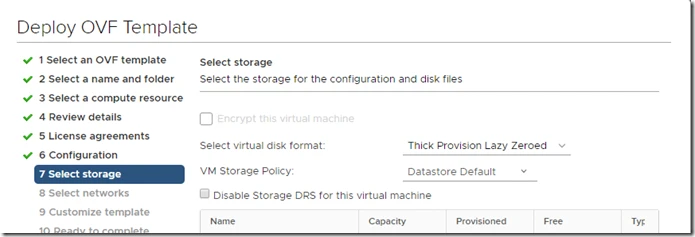
4. Select datastore
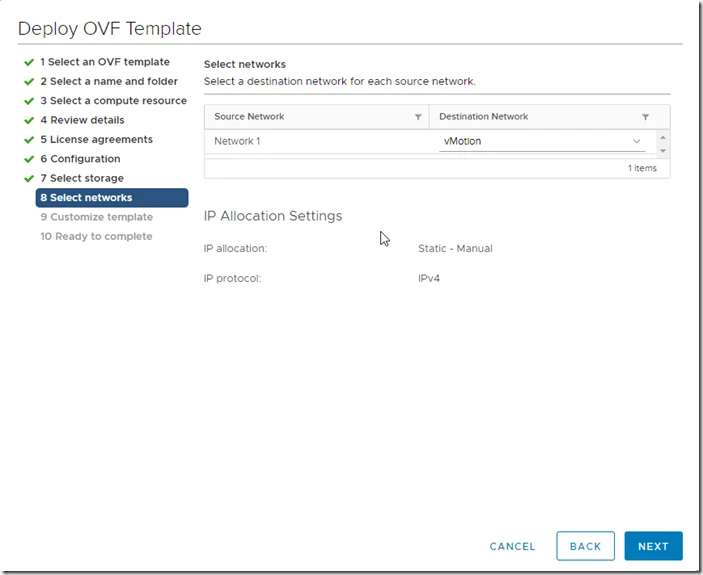
5. Select Network
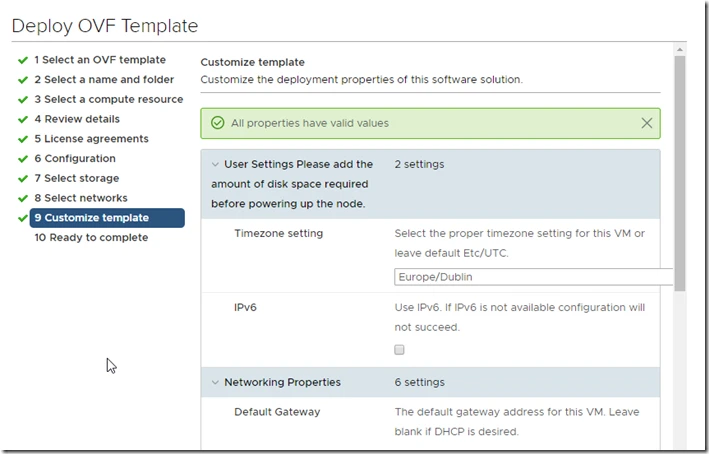
6. Provide IP and other details.
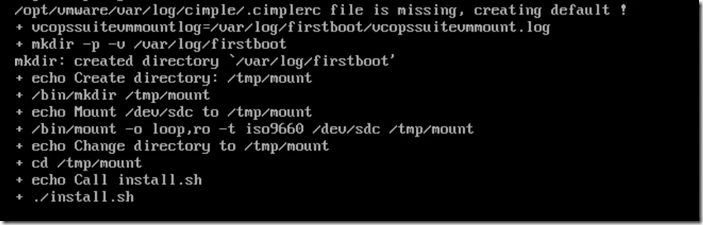
7. It will wait and install required modules in appliance.
8. Now appliance is deployed, lets configure it.
Open collector https://IP/admin
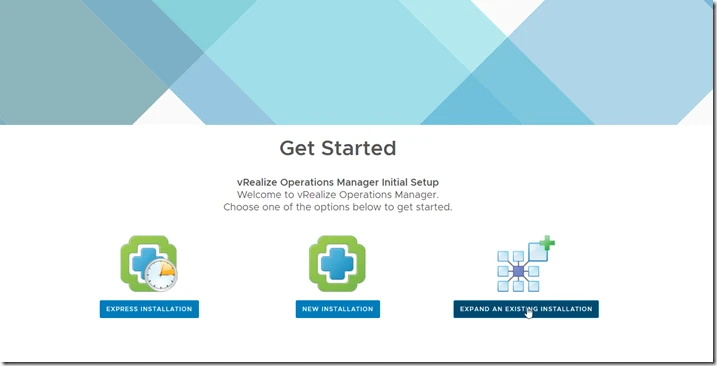
9. Click on Expand an existing installation
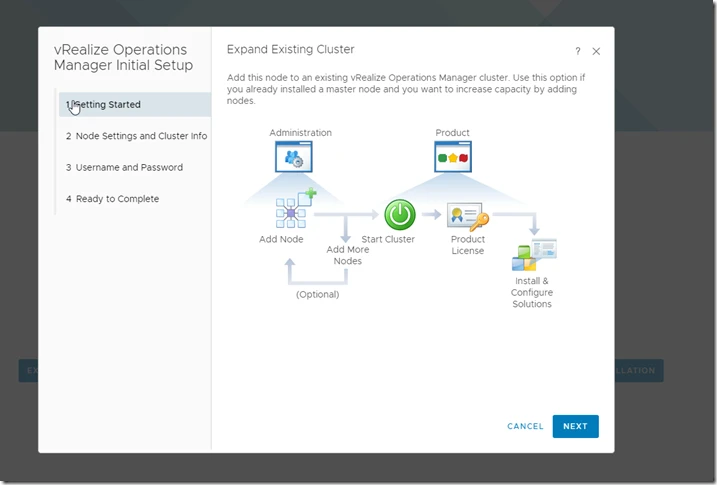
10. Node name as per company naming convention.
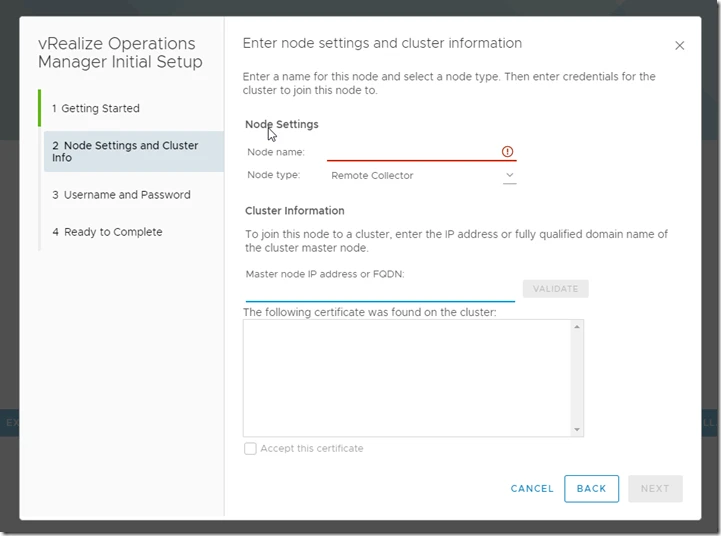
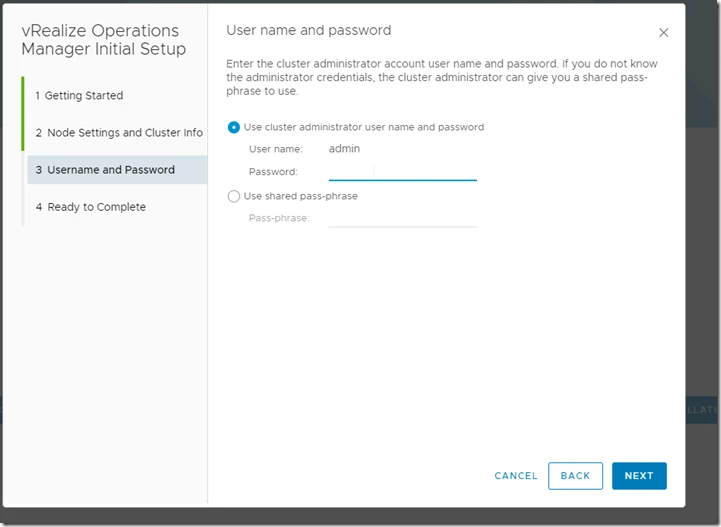
11. Now provide Master node ip or name also accept the Thumbprint.
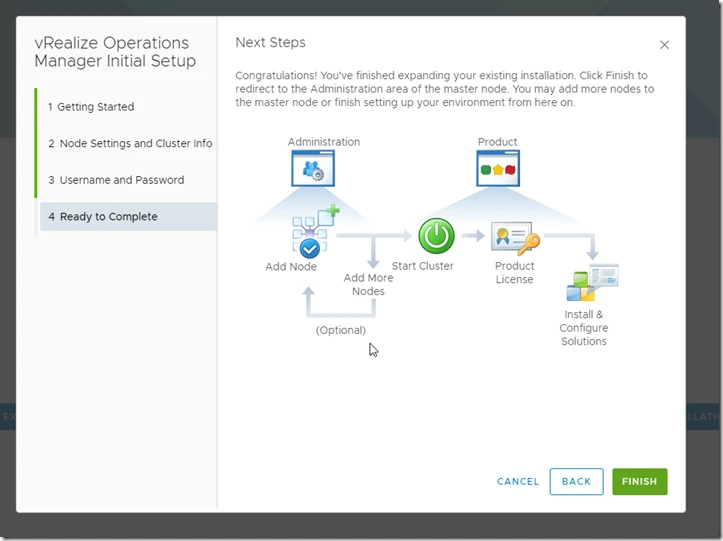
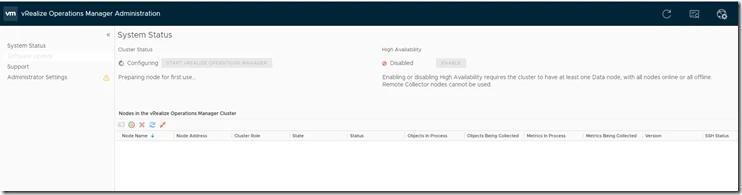
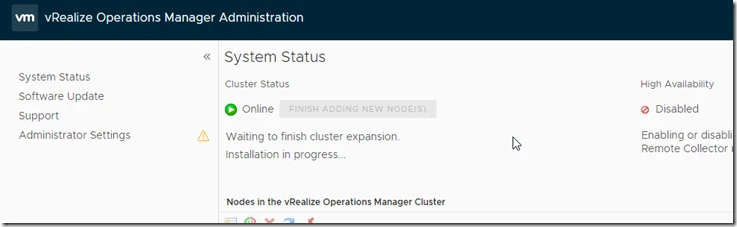
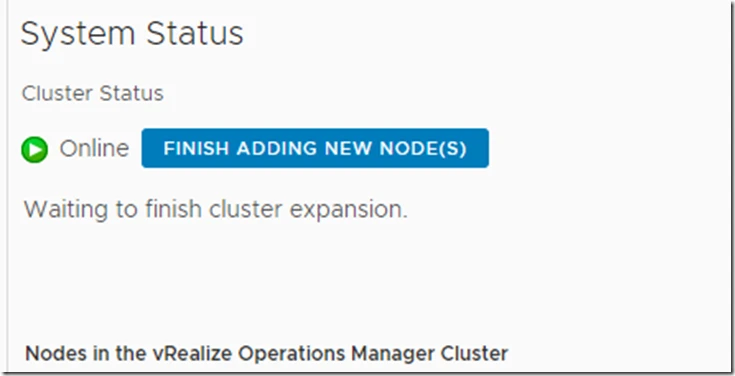
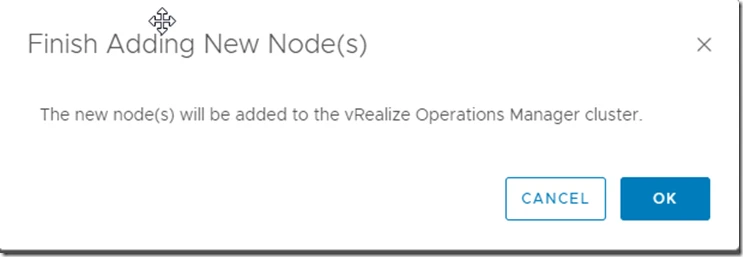
In master node you can see this message.