What is Service Catalog in vRealize Automation.
The service catalog is a self-service portal where users can browse and request items that they need like Virtual Machine, Machine on AWS or it could be on physical box and many more, track their requests, and manage their provisioned items.
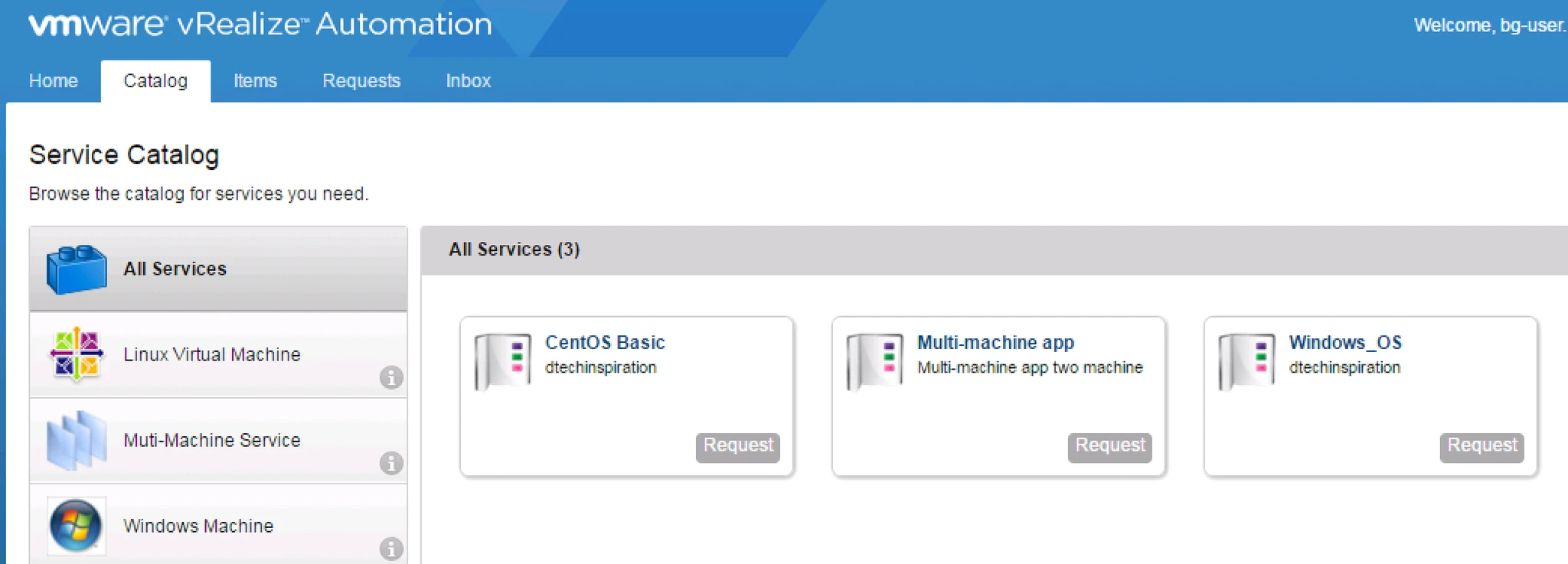
Let’s See how to create Service Catalog then we will see how to create vm by using Service Catalog.
1. Login into URL: http://IP-or-FQDN/vcac with [email protected]
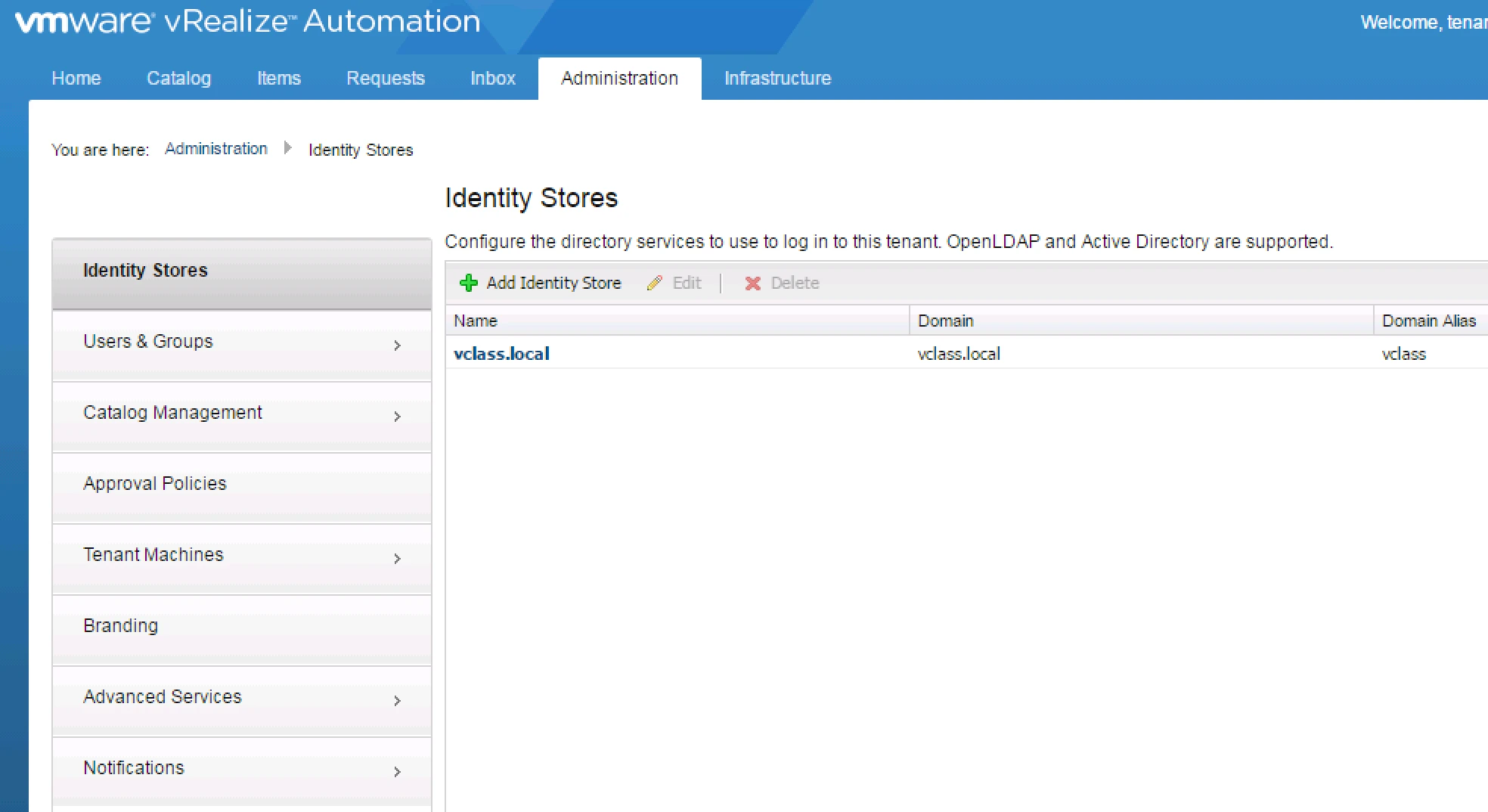
Here in Administrator Tab you can See Catalog Management click on that.
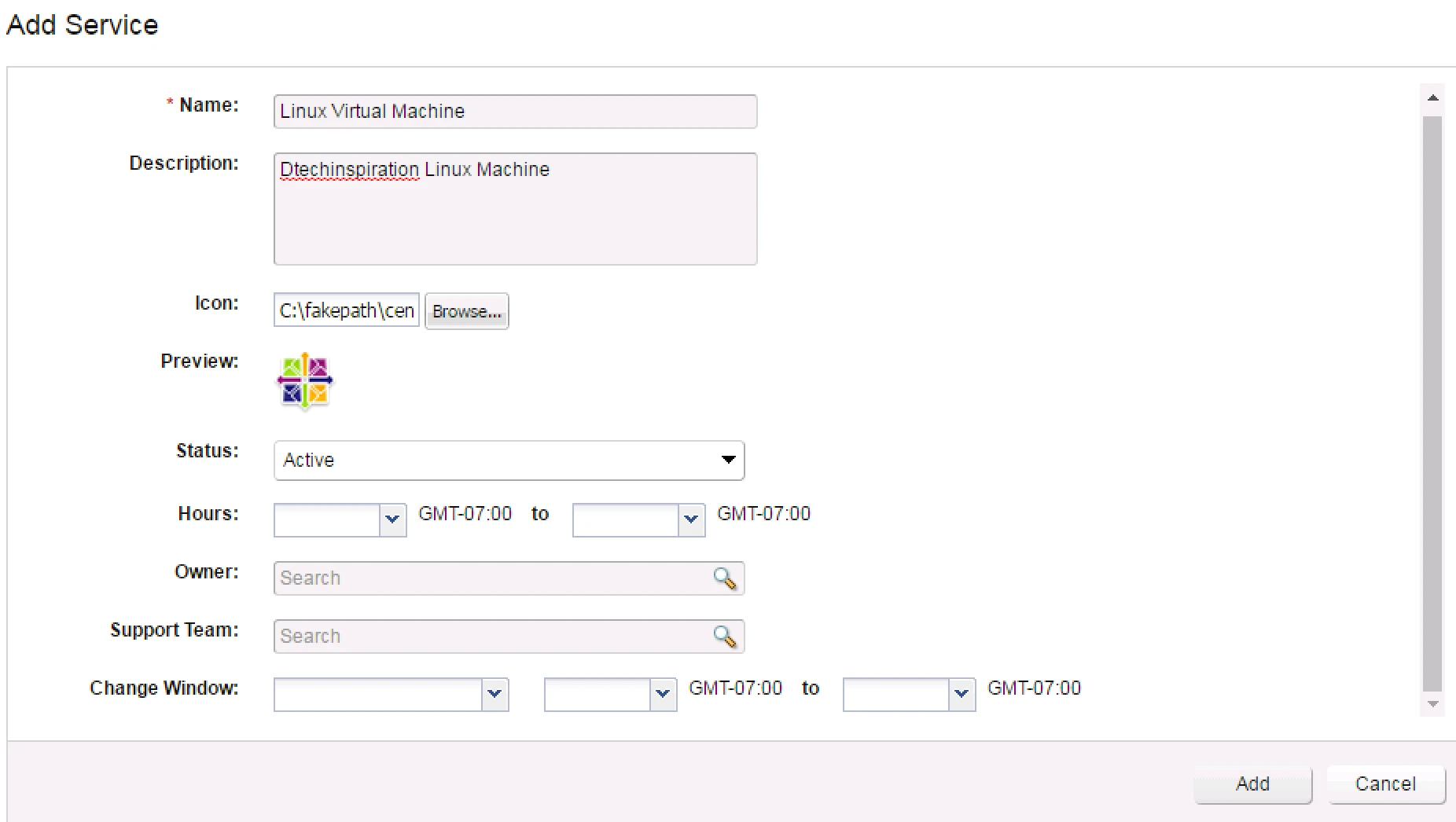
2. Click on the New Catalog and provide Details for this Catalog like.
a). Name : it could be Linux virtual machine or Windows Machine.
b). Description: Linux or CentOS
c). Icon: download the icon from internet and browse the same and select as per Name. it will help user to identify easily which OS the are provisioning
d). Status : make it as Active
e). Rest: if you want to provide Details then click ok
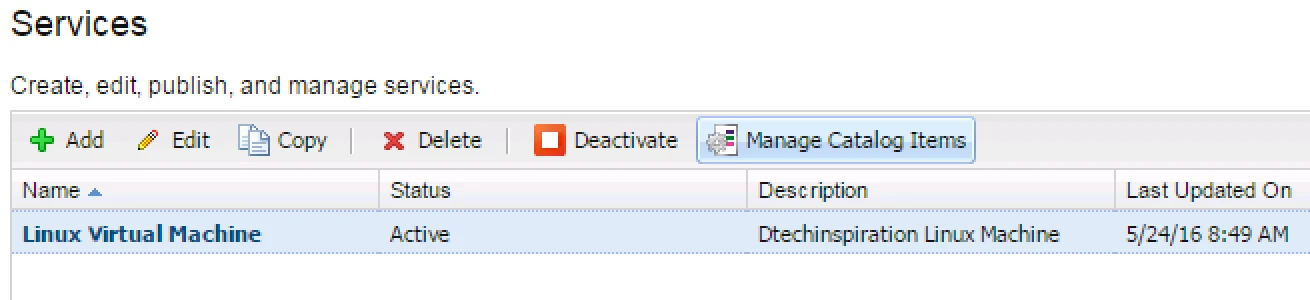
3. Once you are done with Service catalog it will shown in the list now click on that Name. on the Right hand side you will see Manage Catalog Items will be active click on it.
Once you click on Manage Catalog Items it will give you list of Catalog which is created in previous Step, now select the catalog as per name which you are creating.Click Add.

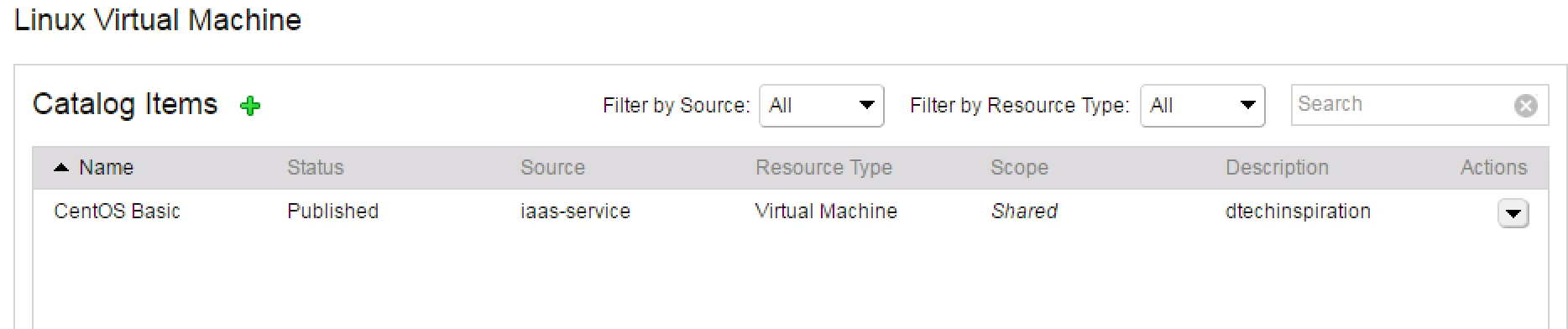
Now You Have to provide Entitlement: Entitlements determine which users or groups can request catalog items or perform specific actions.
Click on Entitlements > Click Add
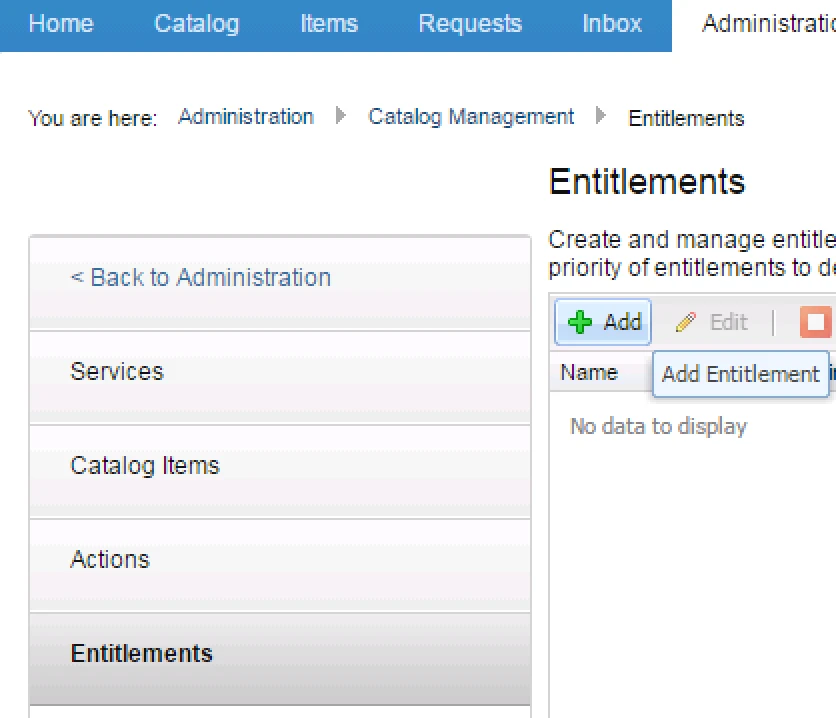
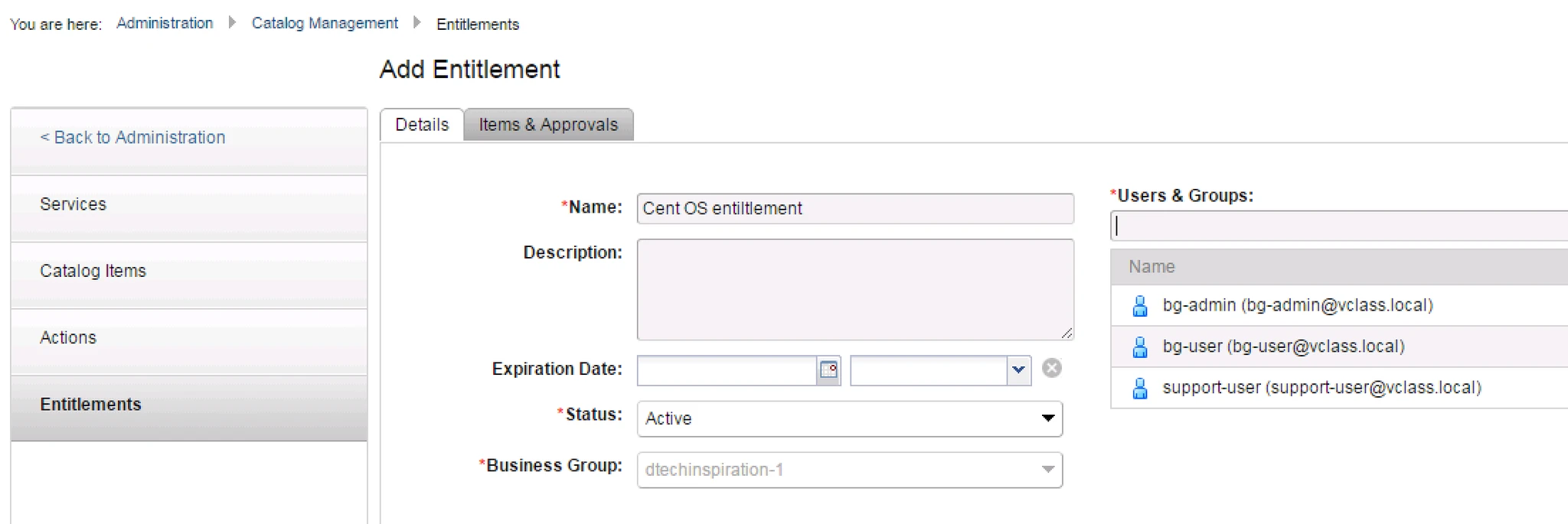
Once you click on Add Entitlement > you will get two tabs
a). Details
b). Items & Approvals
In Details : Provide Name, Description Expiration Date.
**Note: Make Sure Make the Status Active.
And Here you have to Provide Who can manage: In Users & Groups mention the Group or User name
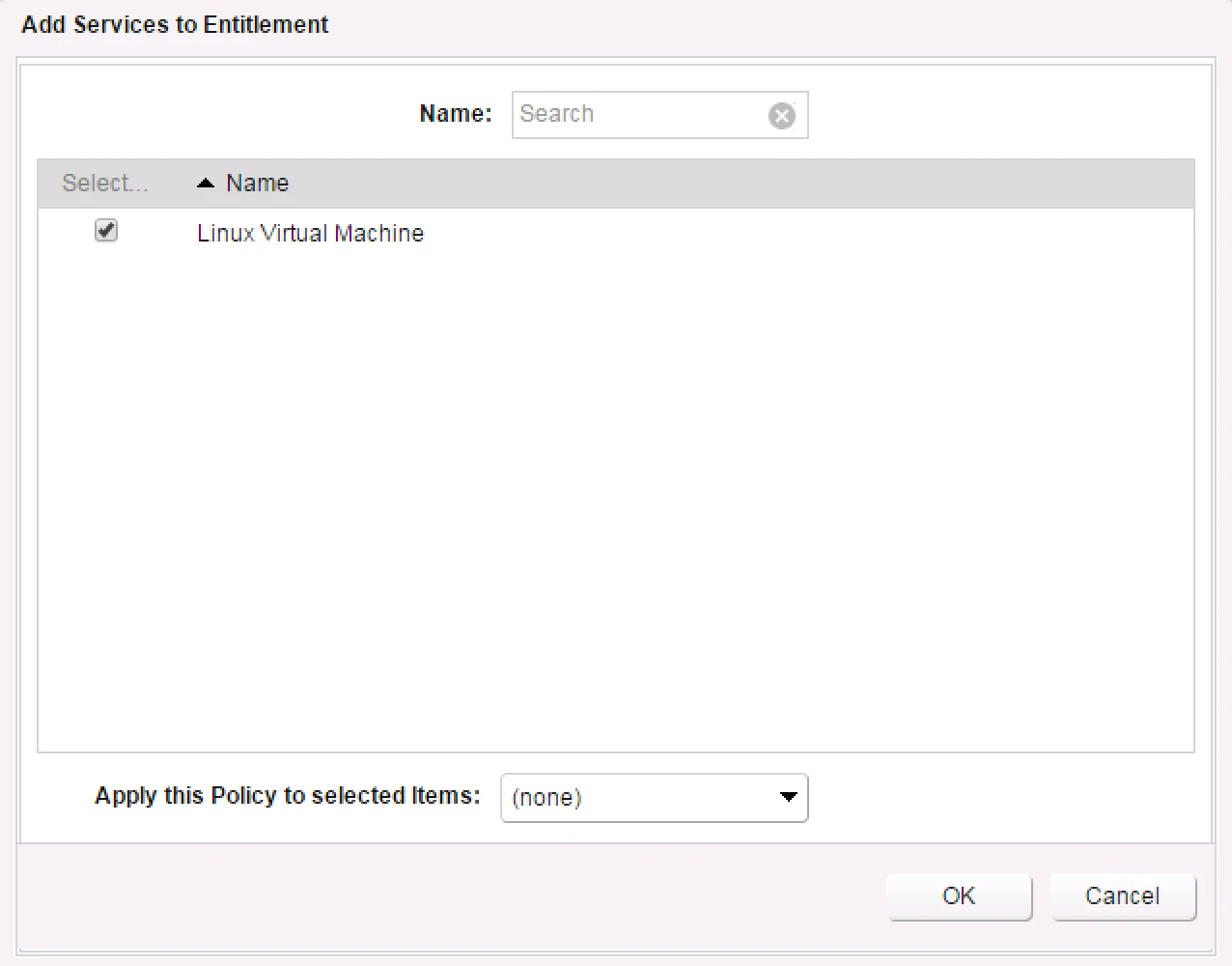
Add Service to this Entitlement.
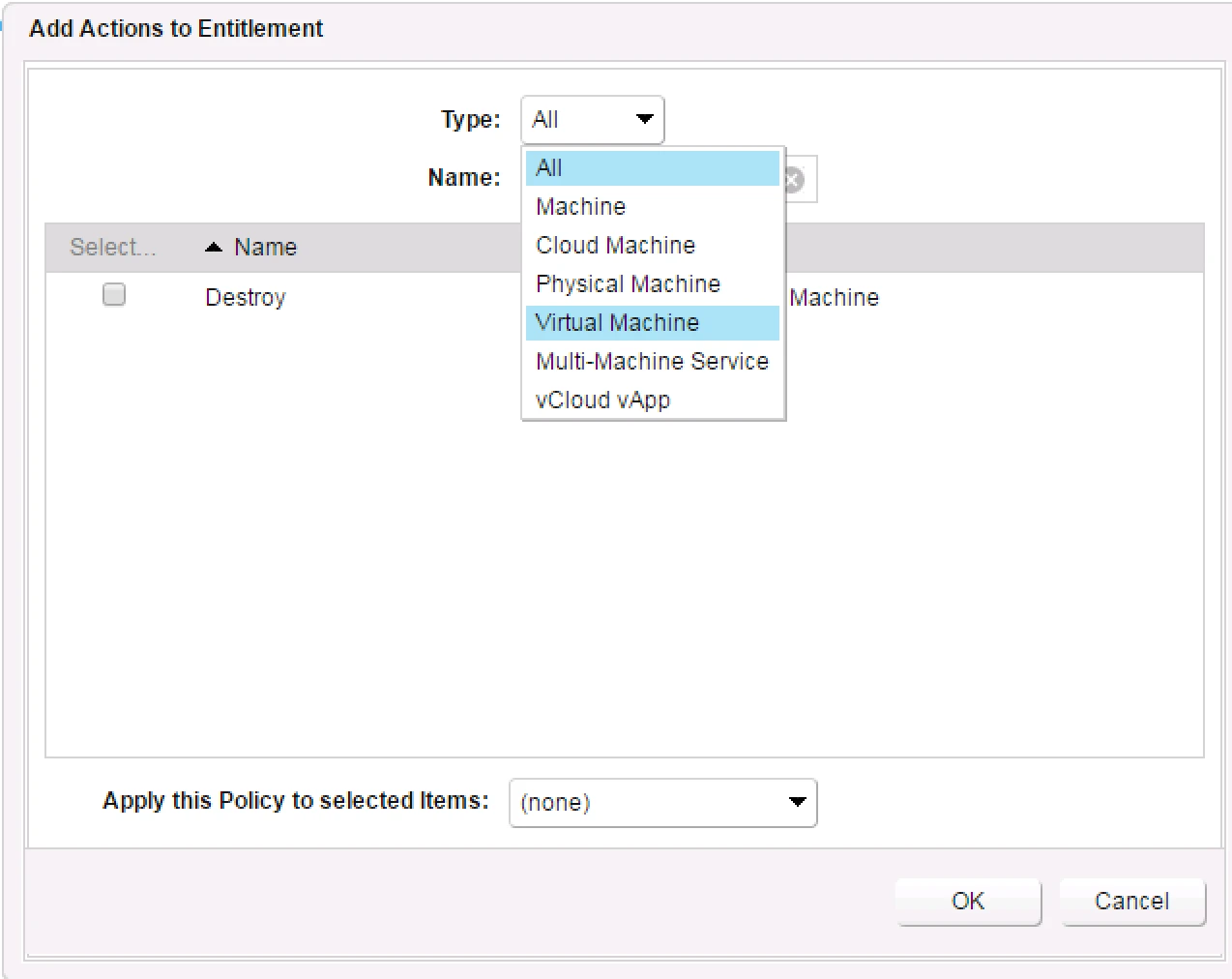
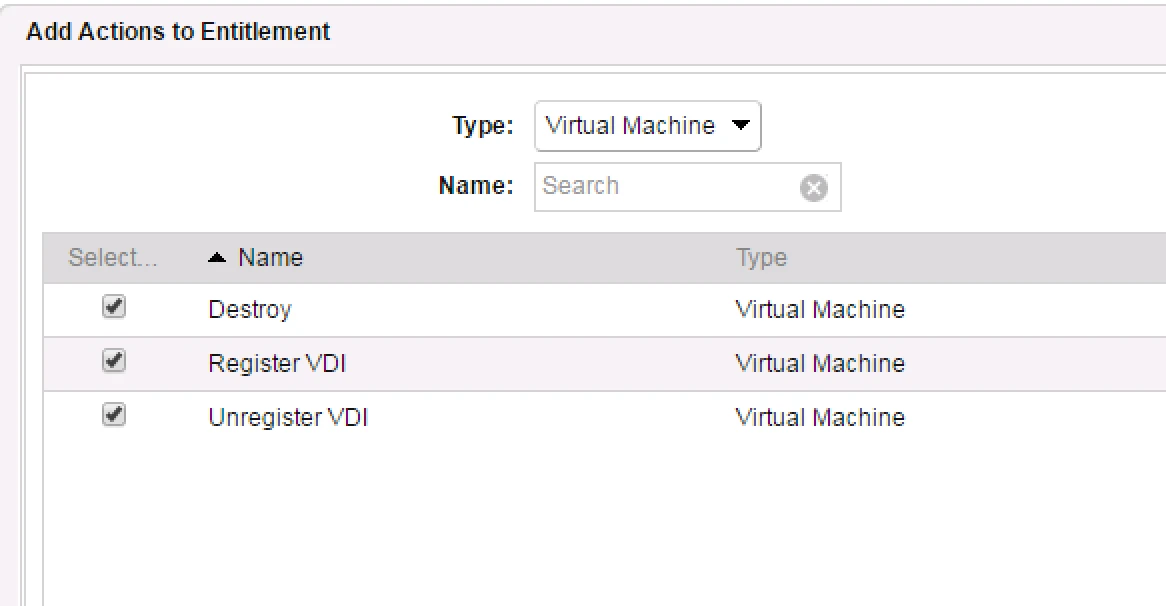
Now Action Time What Roles and Permission you want to allow like Machine, Virtual Machine, Cloud Machine etc
Under all these Types multiple roles mentioned like :
Destroy
Create
Register
Delete
Snapshot etc…
Now you are done the Service and Entitlement.

