Updating VMware vRealize Operations Manager 6.6 to 7.5
First download the PAK file from VMware website.
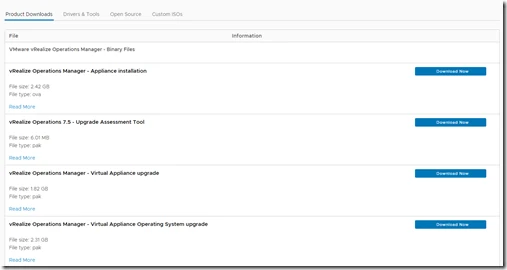
Note: Also download vRealize Operations 7.5 – Upgrade Assessment Tool
Procedure
- Log into the vRealize Operations Manager Administrator interface at
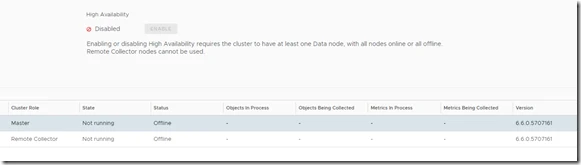
https://IP-address>/admin. - Click Take Offline under the cluster status.

When all nodes are offline.
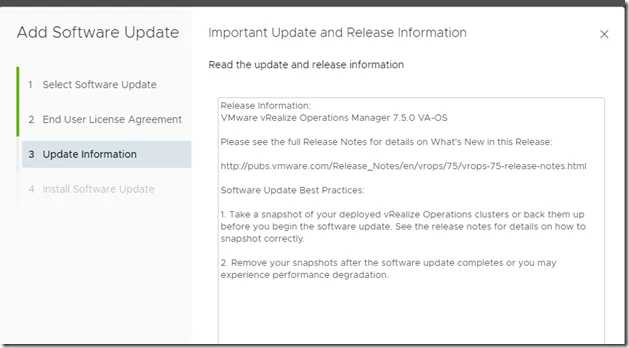
Take Snapshot for Each master and Remote nodes.
Now First thing we have to do is run the Assessment Tool
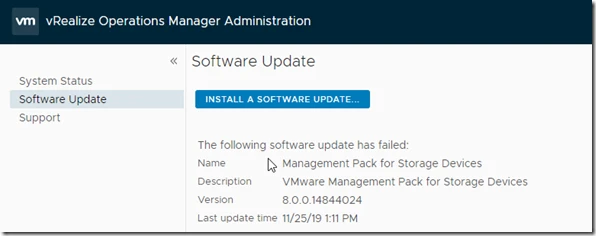
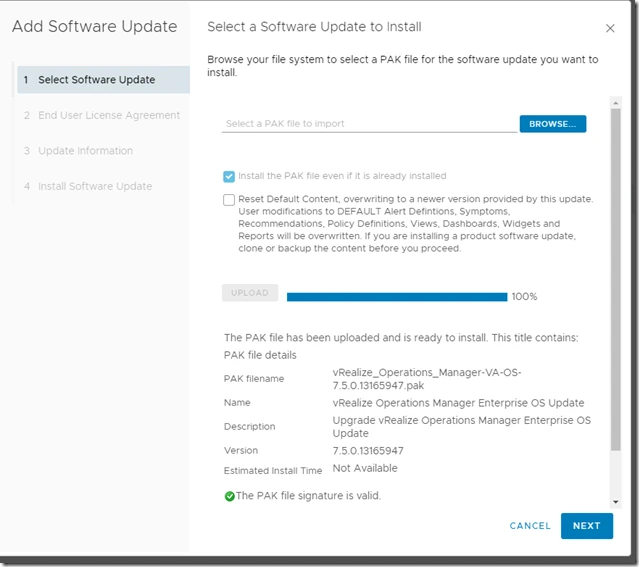
Here upload the file.
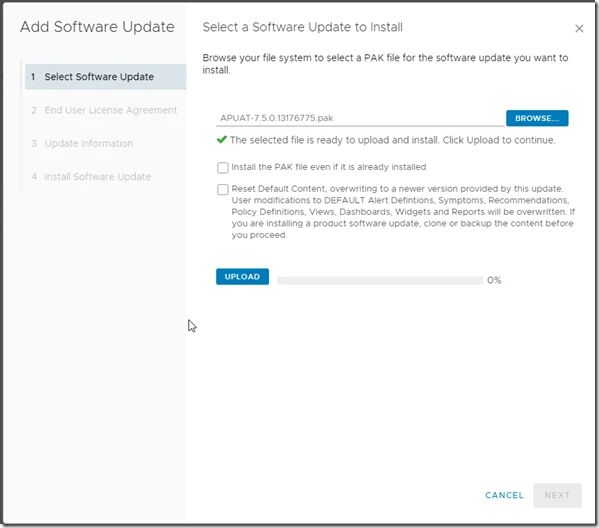
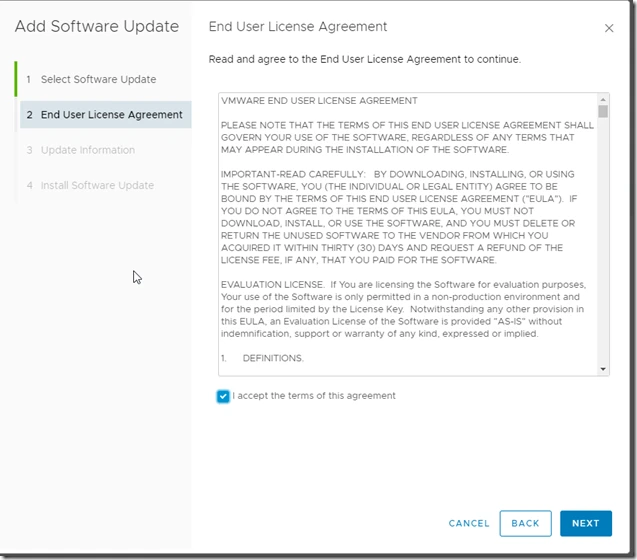
Post this we have to upgrade OS
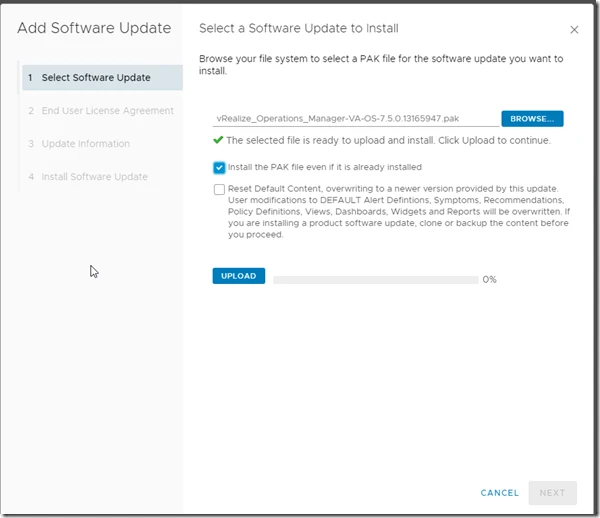
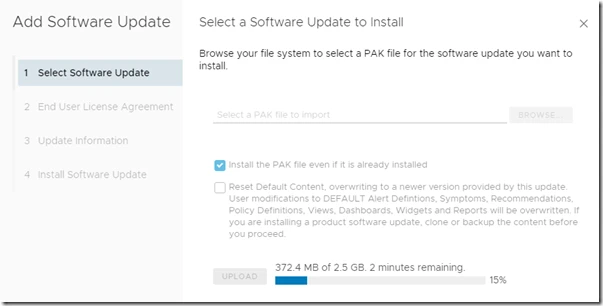
It will start staging.
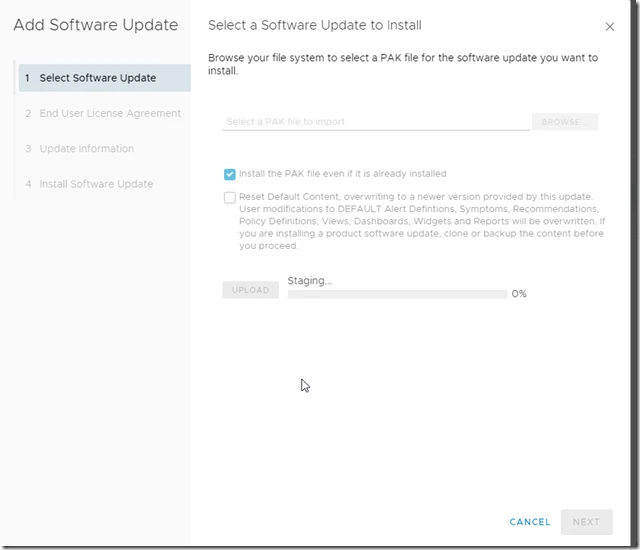
Now it’s ready for installation
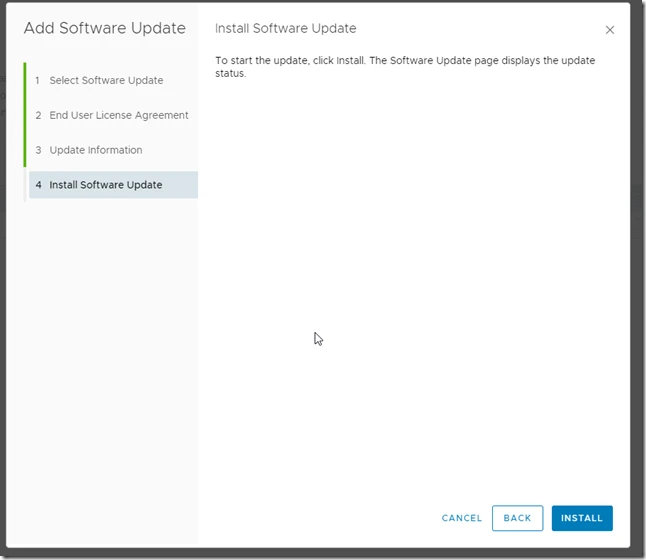
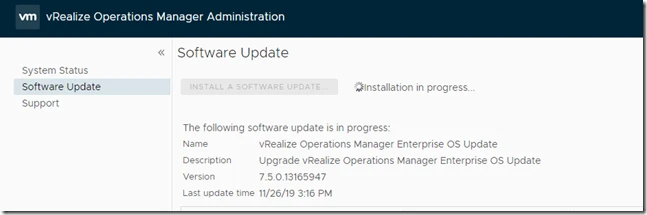
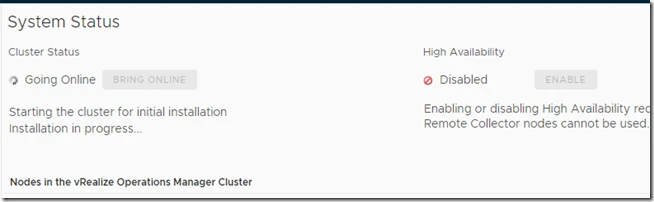
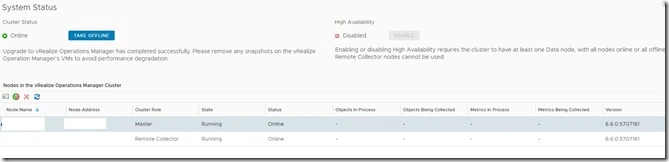
Now the OS has been upgraded.
Now we have to upgrade Manager.
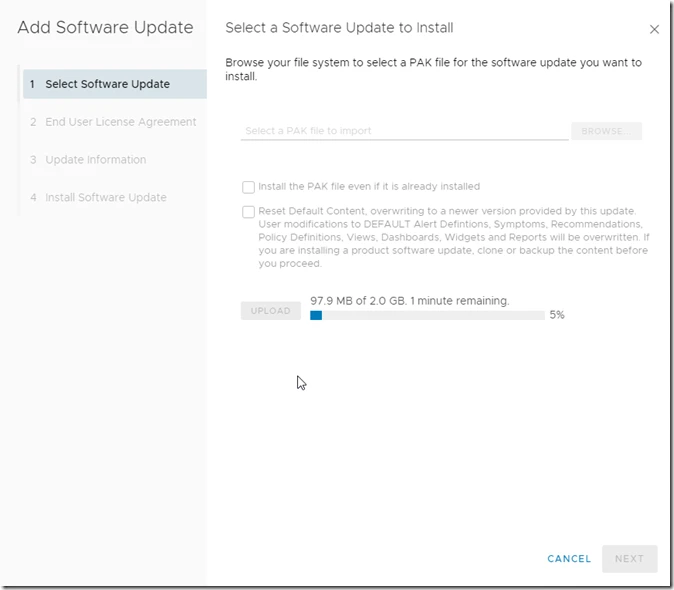

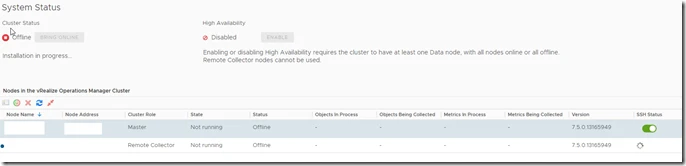
Now both the remote collectors are on 7.5
