I have One vCenter Server with Embedded Database But what if i want to use or Install New vCenter Server With External Database.Note: What all database supported with VMware vCenter Server.1. Windows: Oracle 11g, 12c, Microsoft SQL 2008 R2, 2014.2. Appliance: Oracle 11g and 12c only ( As of Now )Lets see the installation step:1. Open the vCenter server Autorun.
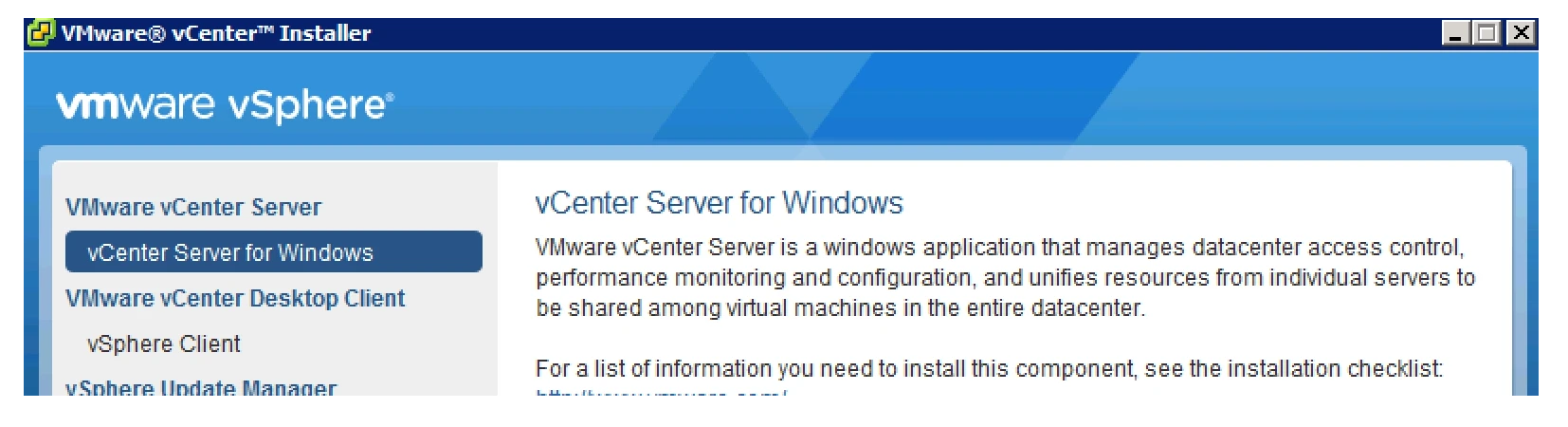
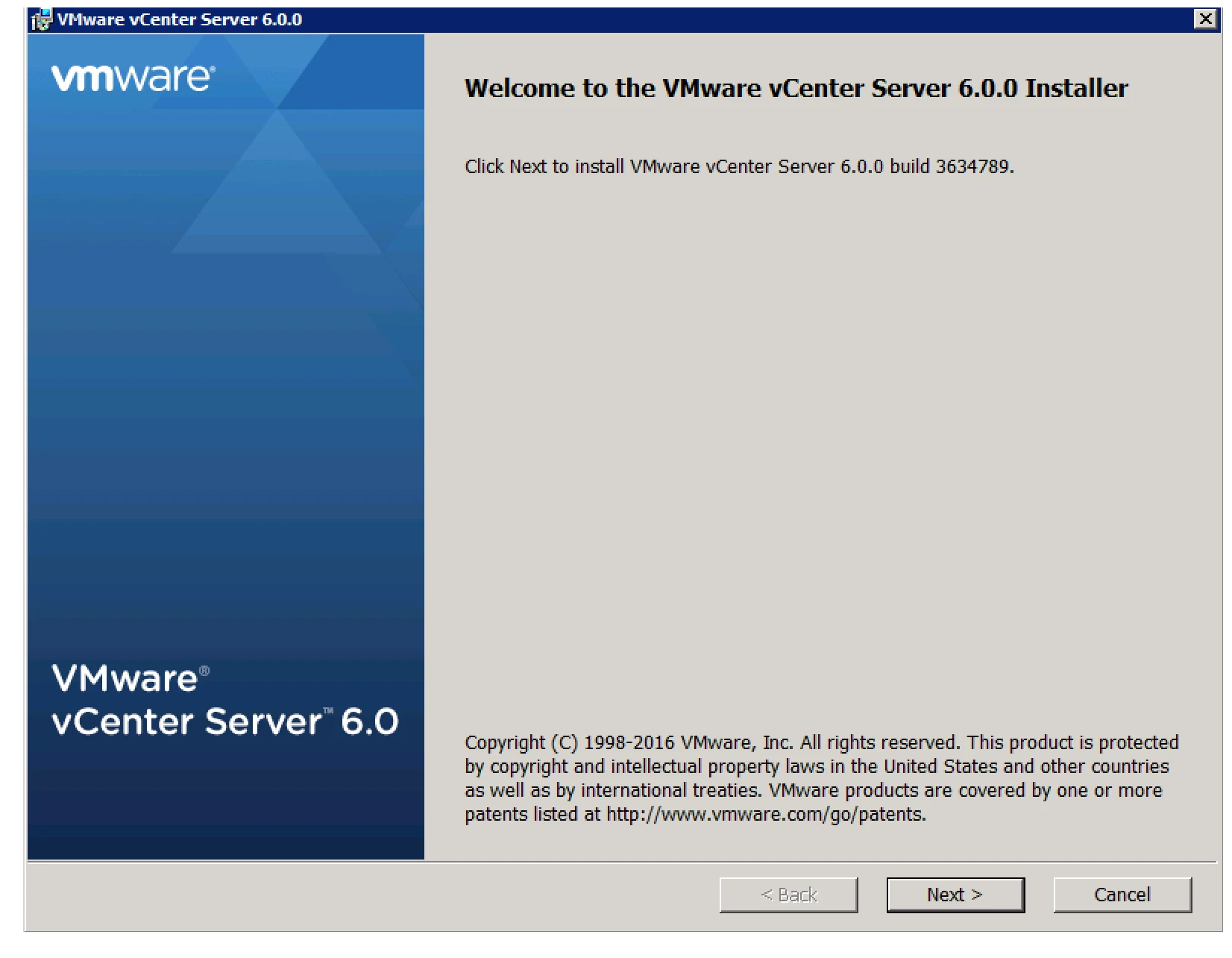
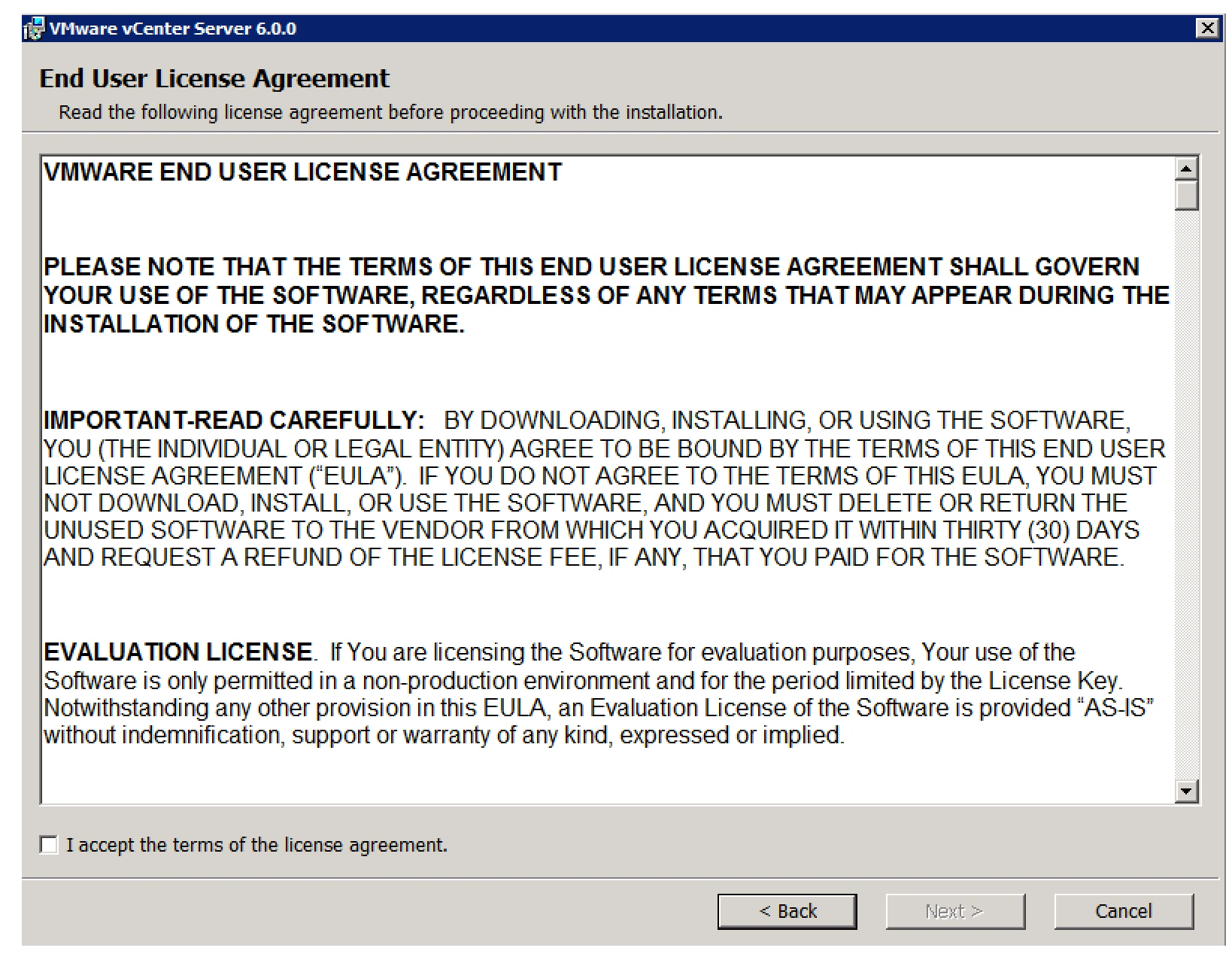
2. Click Next and Accept EULA
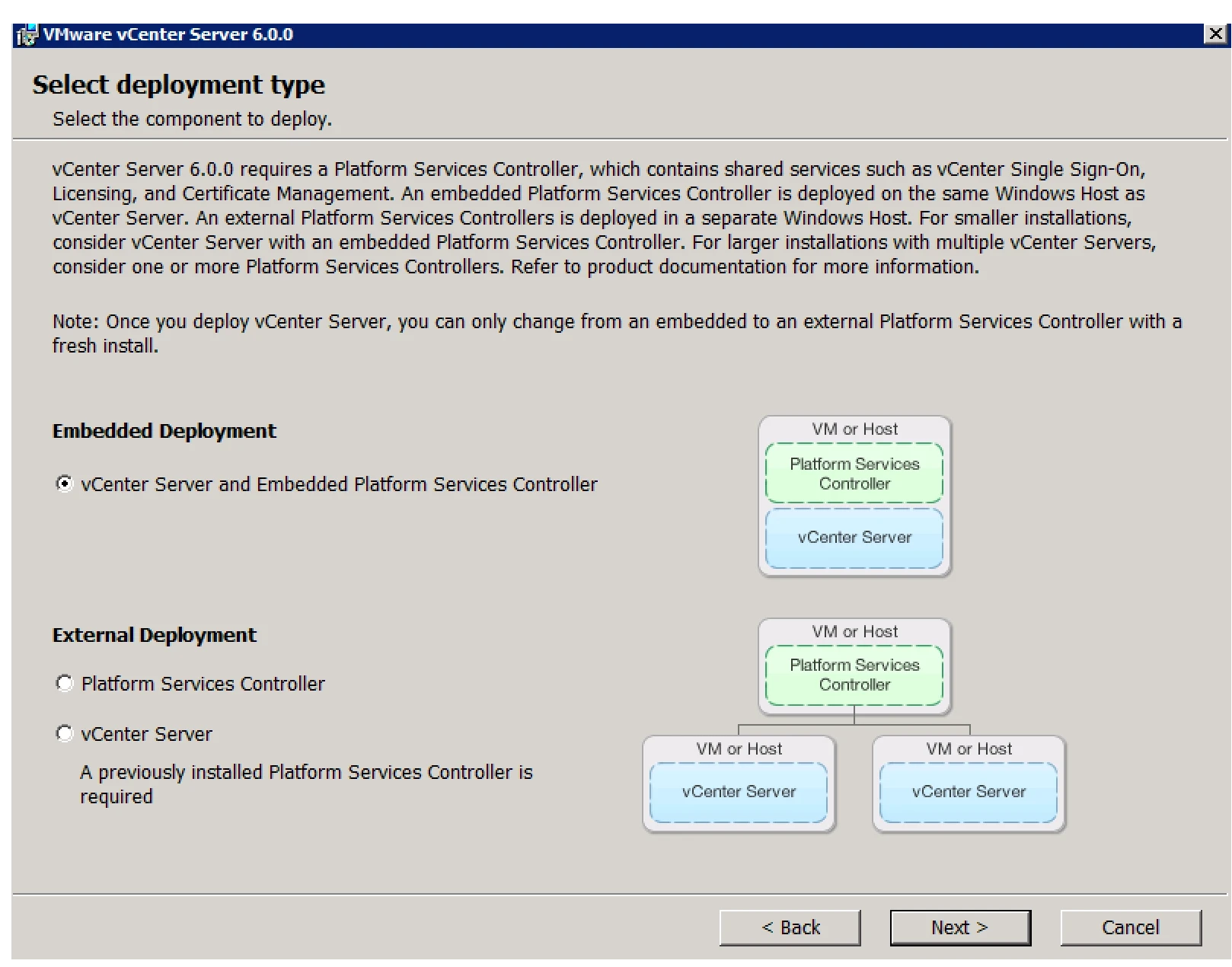
3. Select the Deployment Mode. A) Embedded B) External
4. Give the System Name
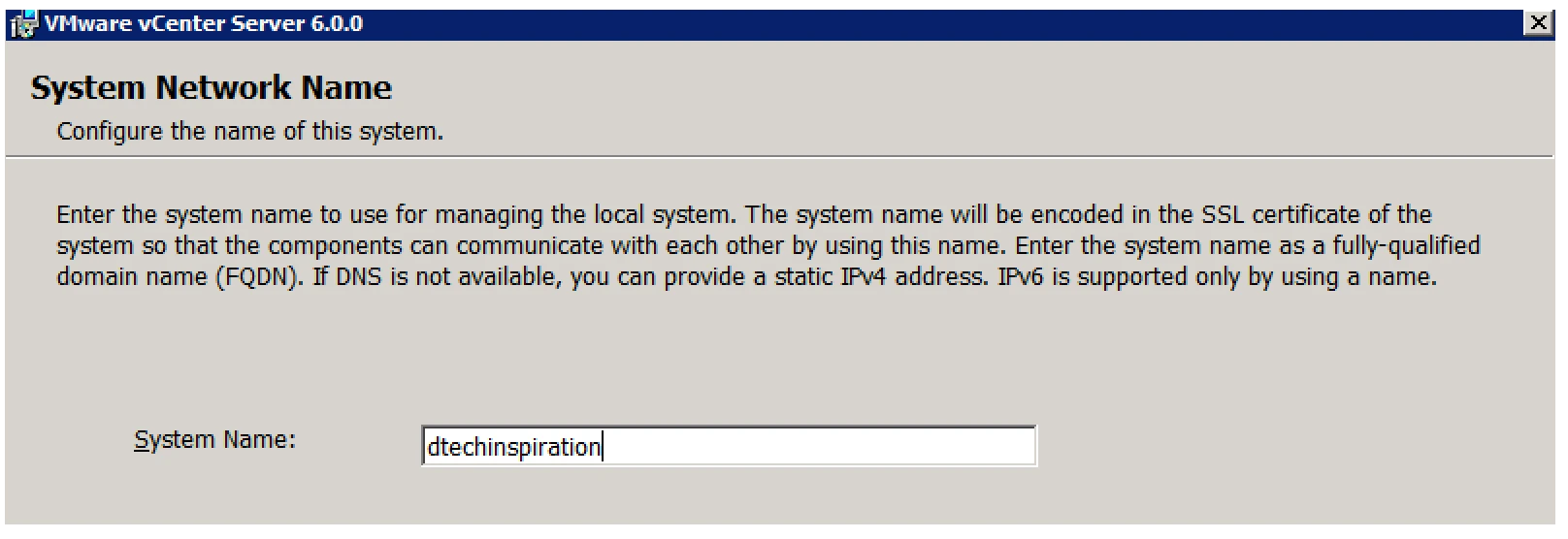
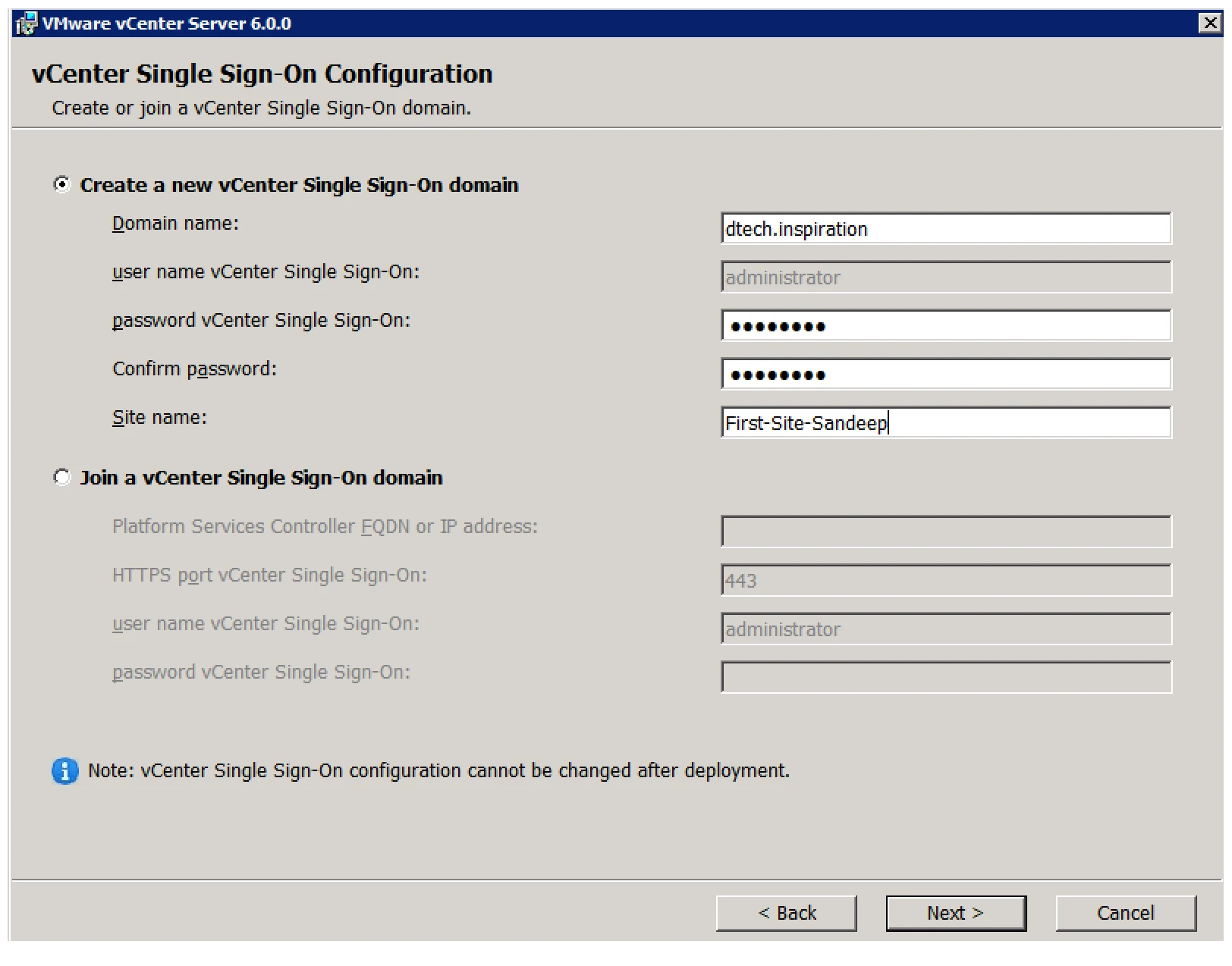
5. User Name and Password
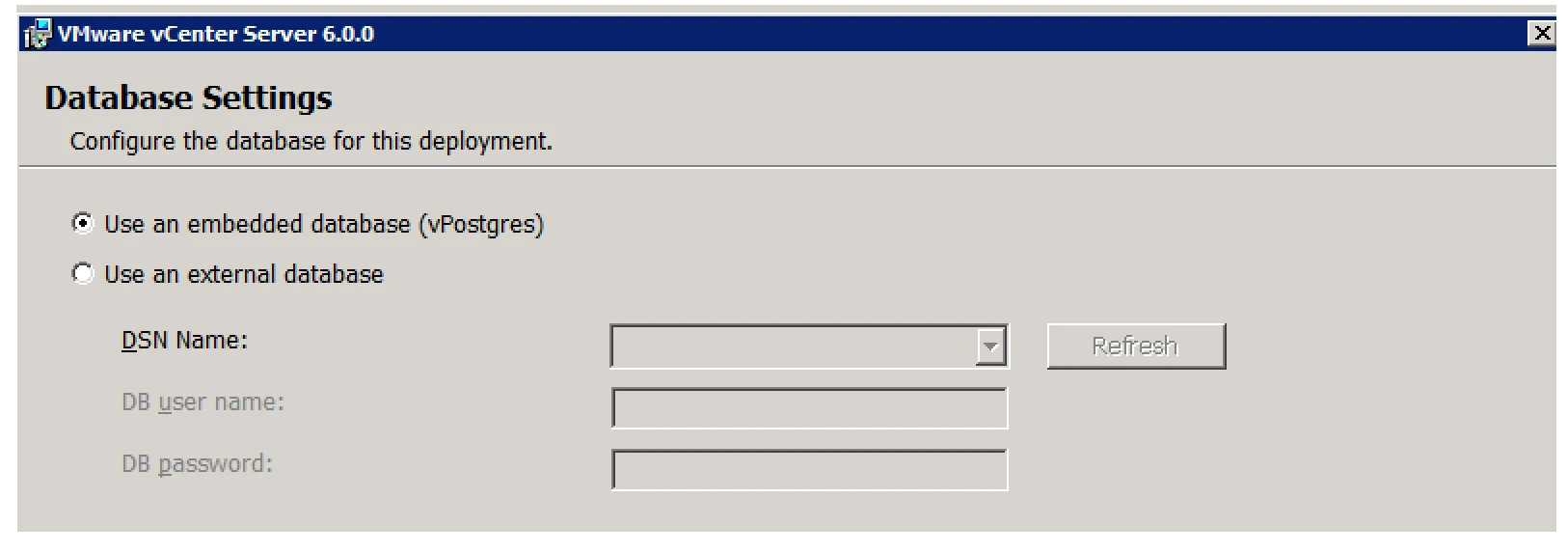
6. Database selection Time
7. Select External Database
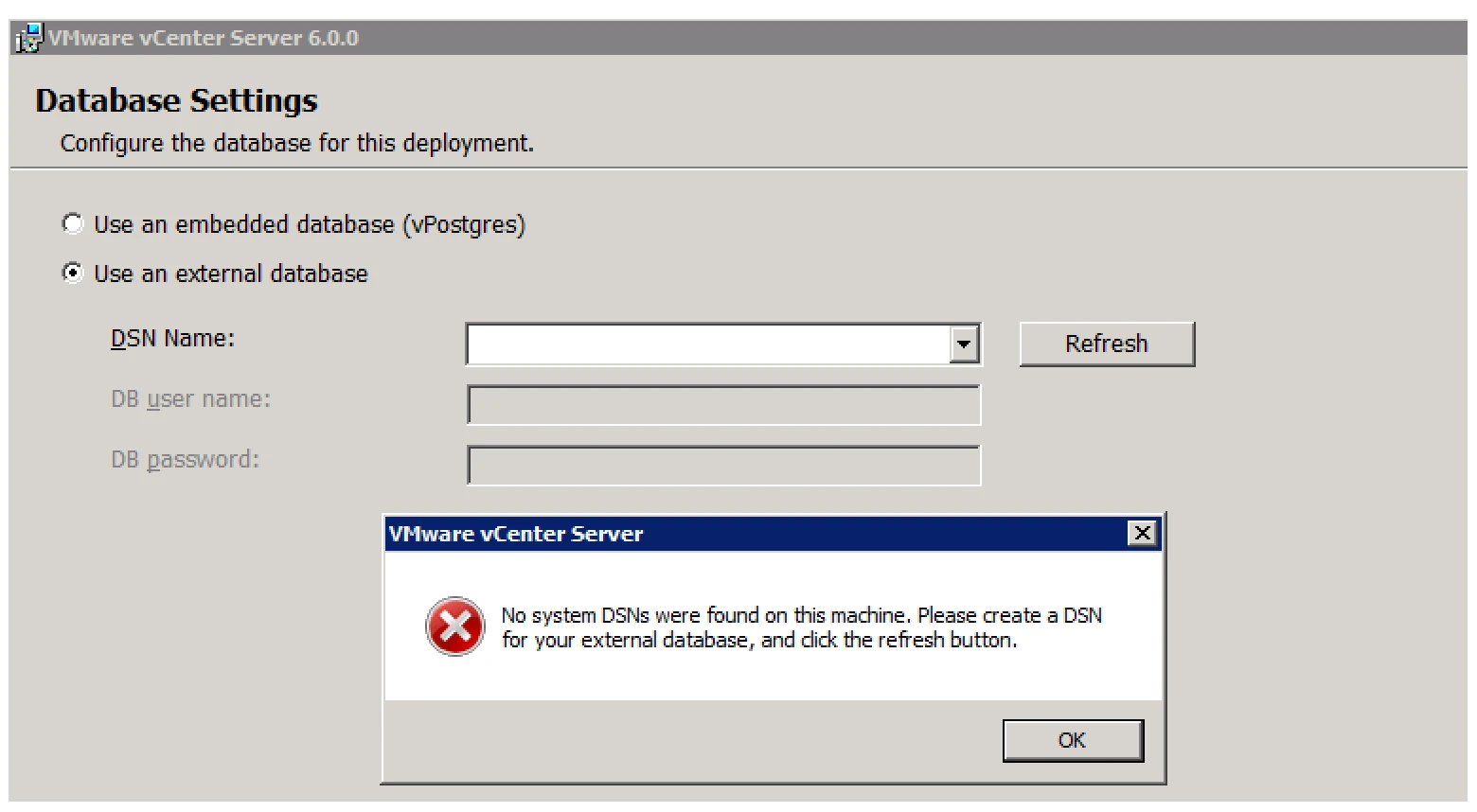
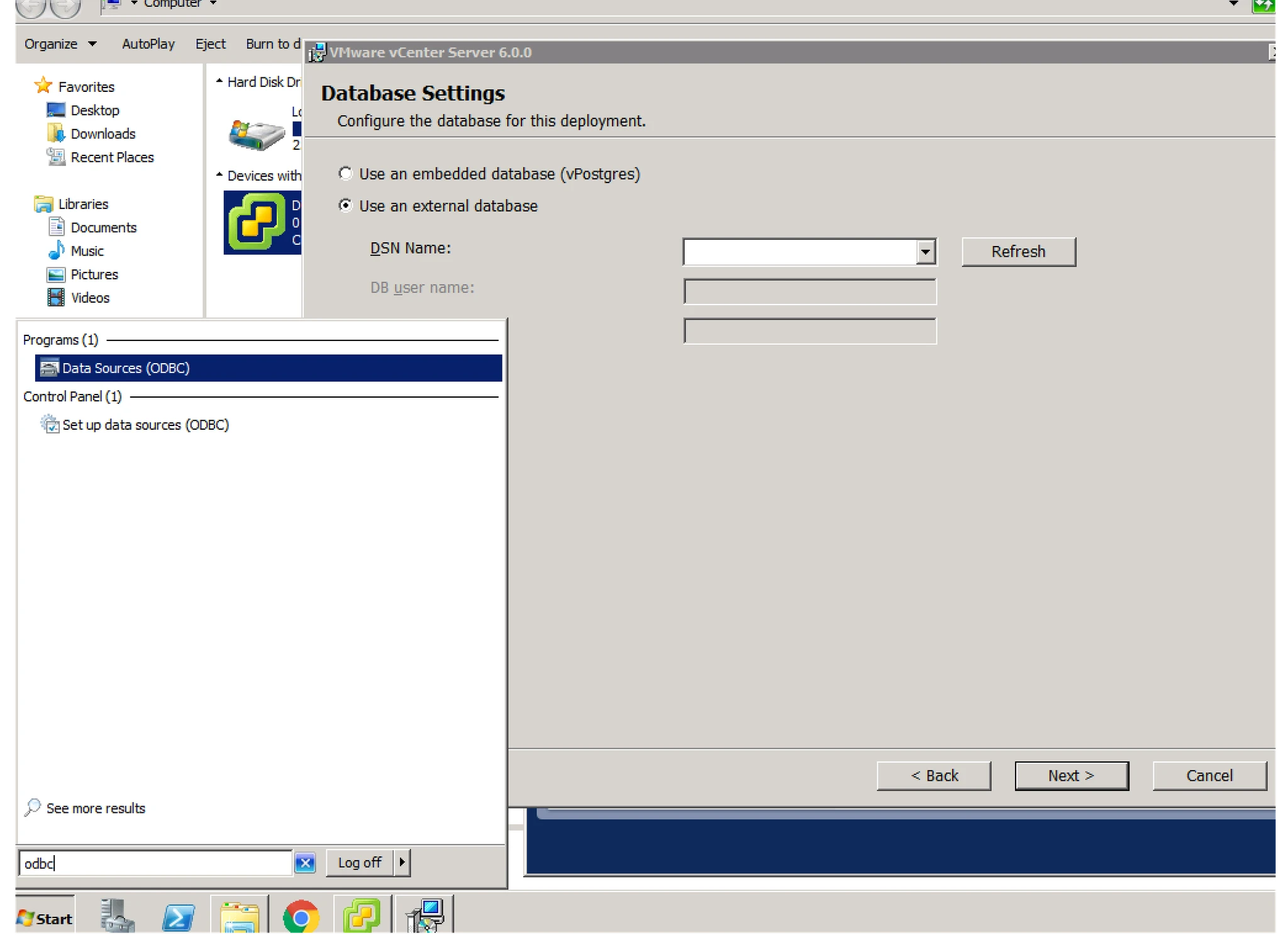
8. Here you need DSN. So First you need to create DSN ( Need to download Native Client)A). Type ODBC in Run and find if you have Native Client 10 or 11 not.
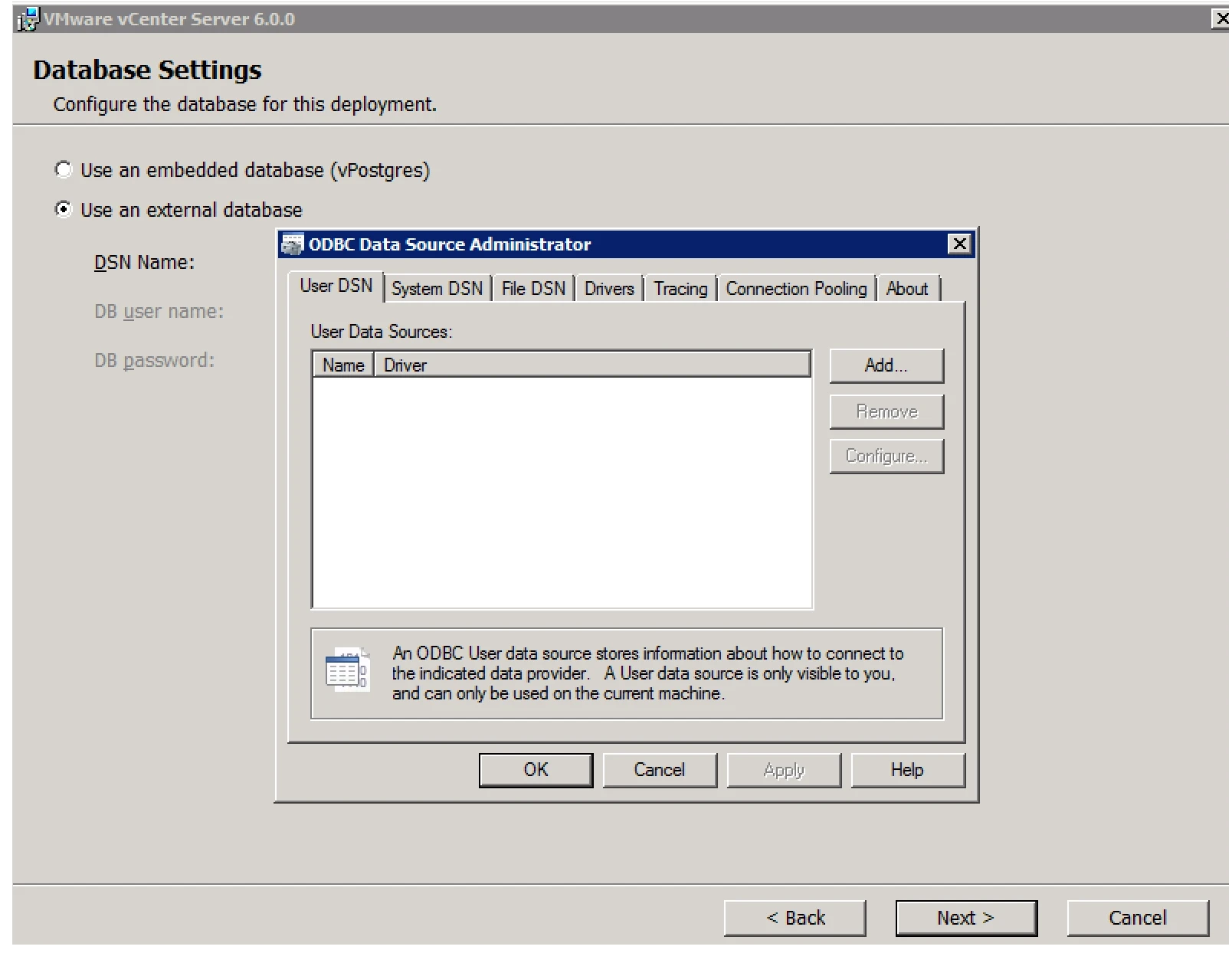
9. ODBC Window
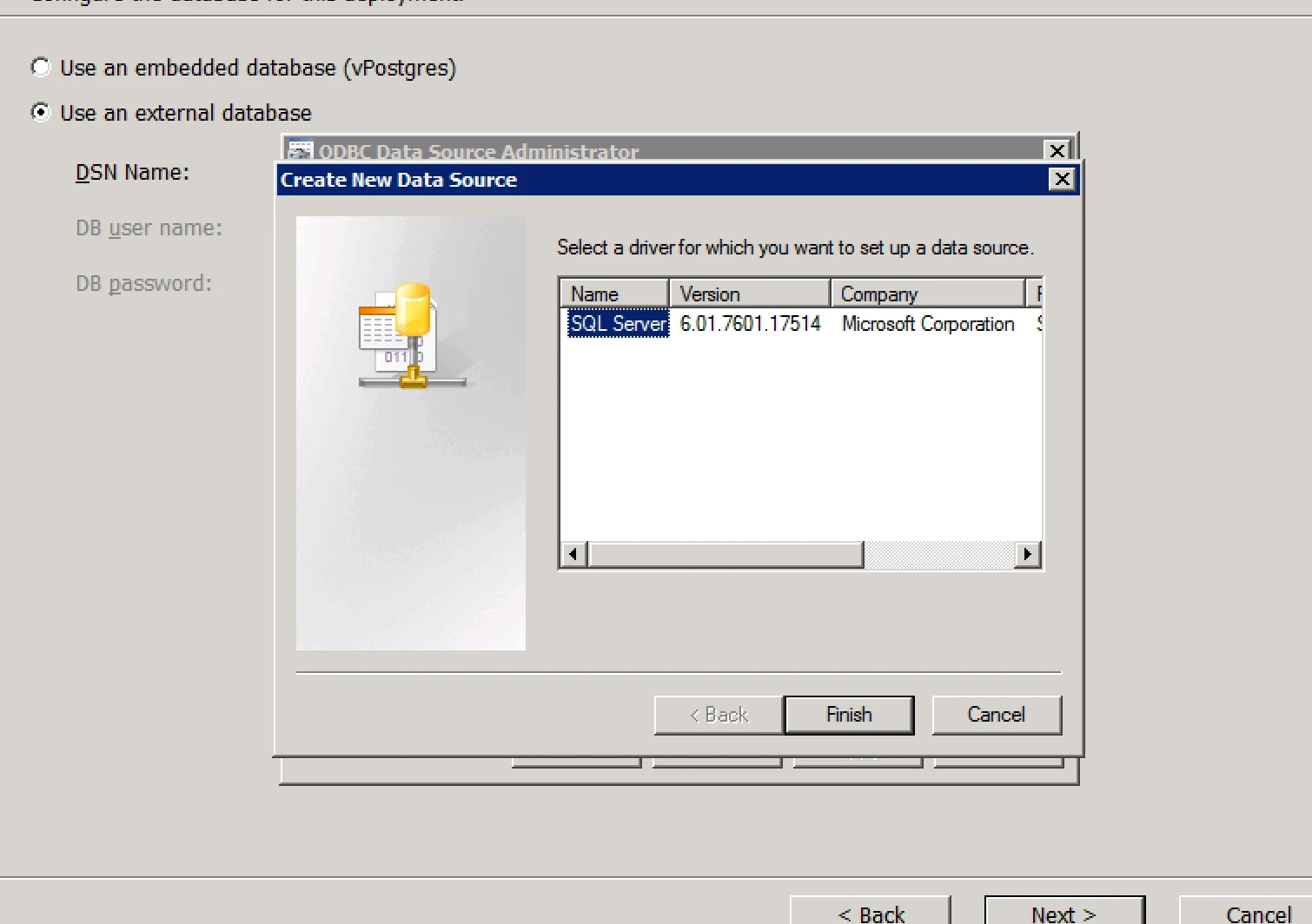
Download the Driver from given below Link

10. After installation it will show you list of Drivers
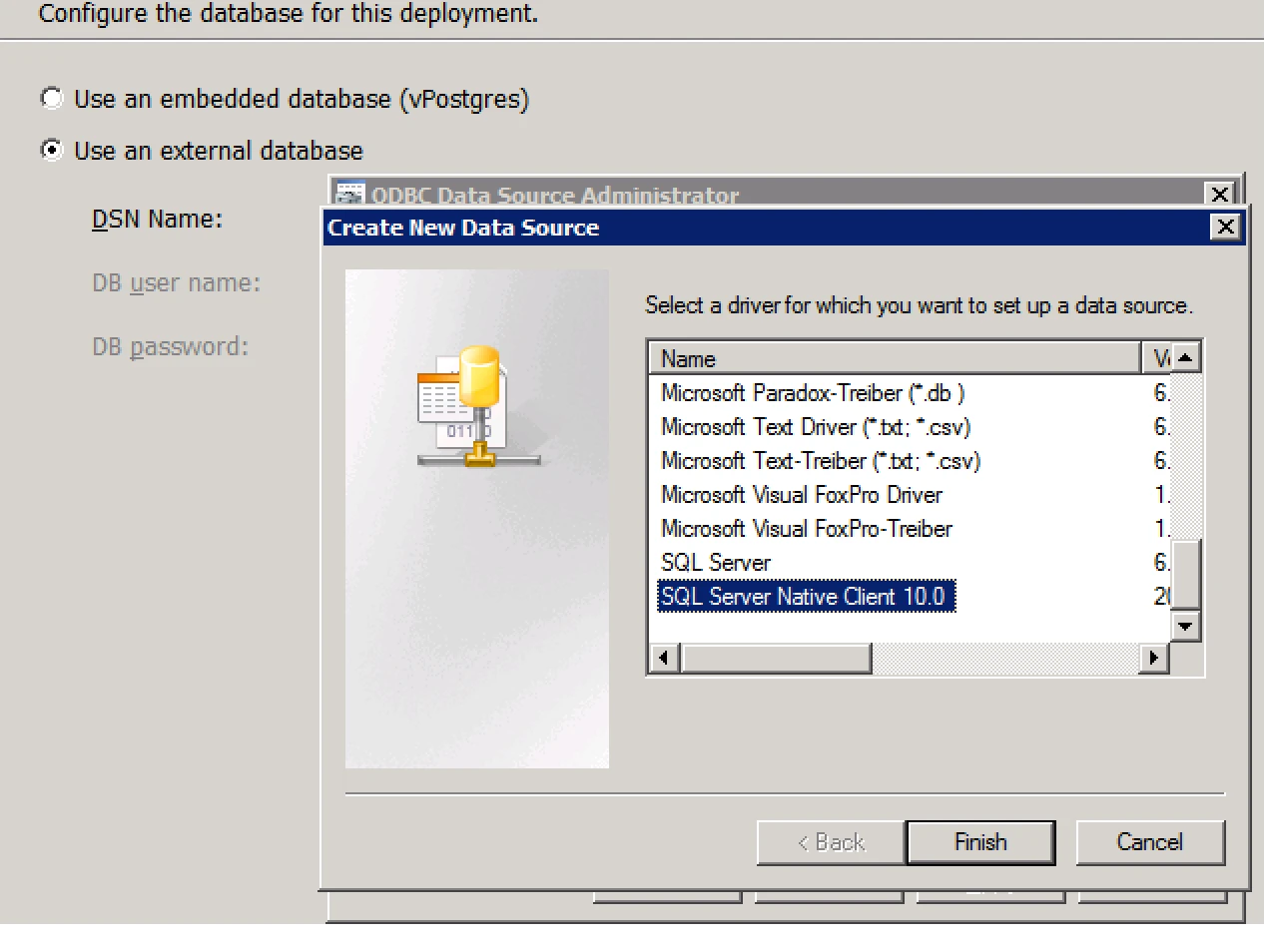
11. Now Do the setup for SQL Server
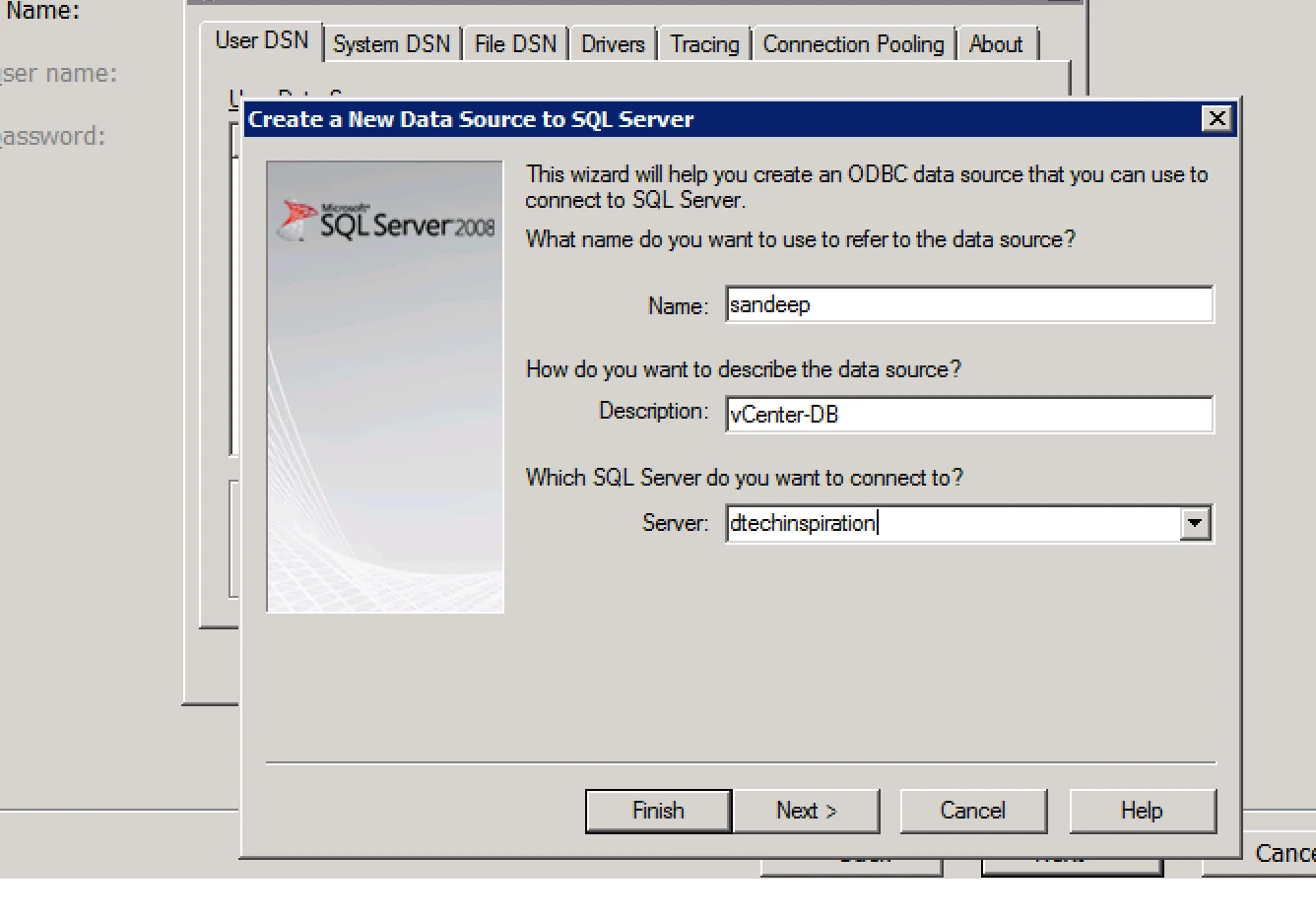
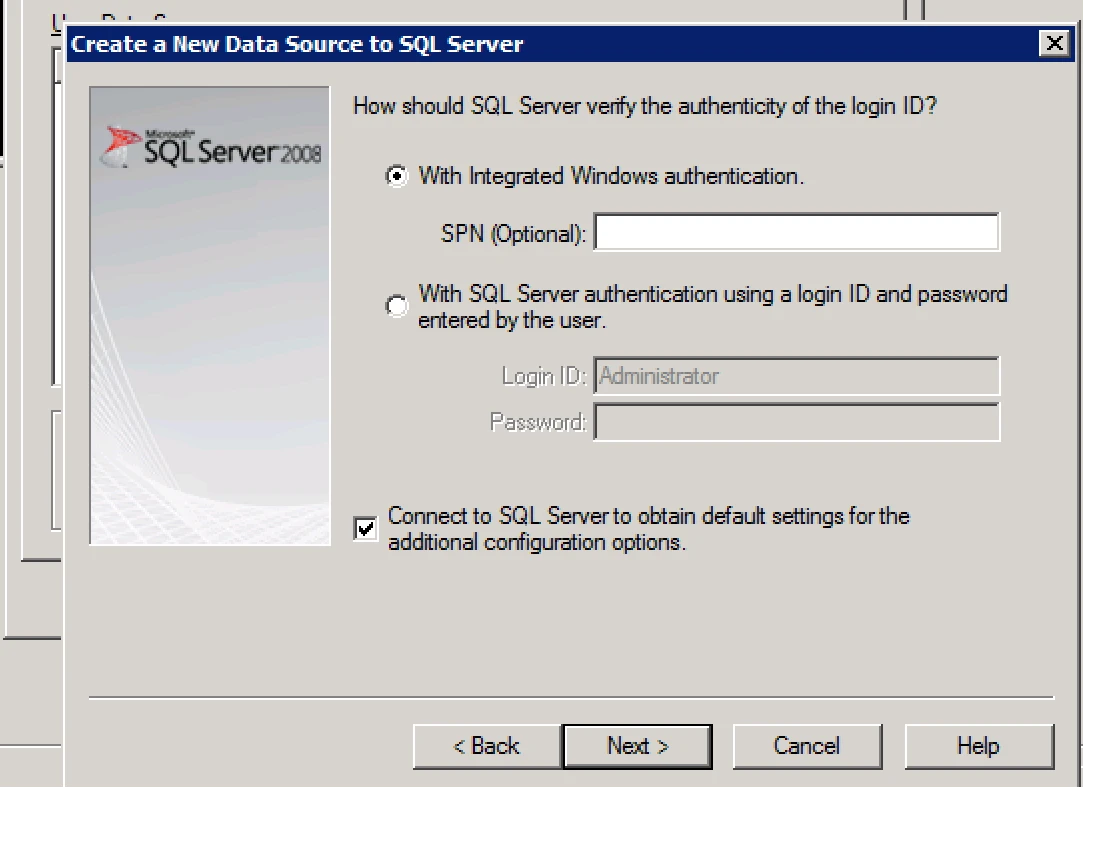
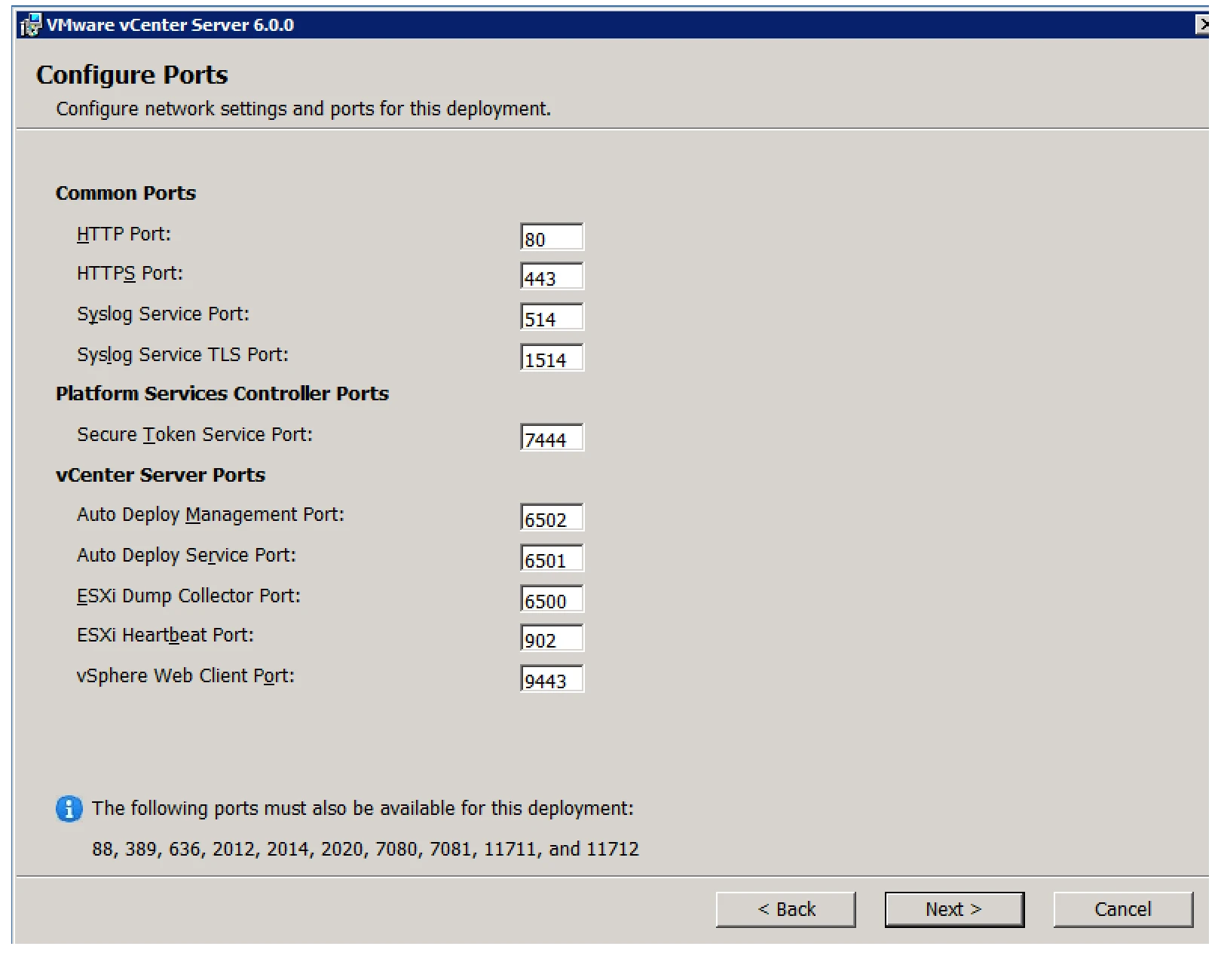
12. Next window show you port details
Finish the installation.

