NSX Manager Deployment
1. NSX Manager
It will automatically install all the required component as per request Like NSX controller.
2. NSX Controllers: Need to be deploy in odd number like 3 or 5.
3. Edge
4. Distributed Router Controllers
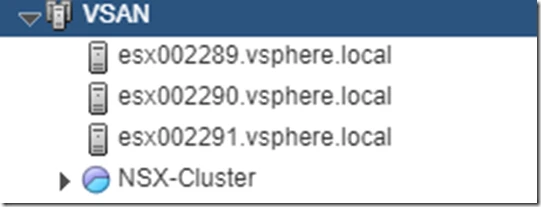
Now First you need to Create NSX Cluster this is not compulsion but suggested or i have created one Resource pool with Expandable check.
Download the OVA file from VMware website.

NSX Components Layer where they Installed.
Data Plane: On ESXi host
a) Kernel Modules: VXLAN (16 Million VXLAN Segment)
b) Distributed Logical Router (DLR)
c) Distributed Firewall (DFW)
d) VDS switch and Edge Service Appliance.
Control Plane:
a) NSX Controllers
b) User World Agent
c) Logical Router Control VM
Management Plane:
a) vCenter Server
b) NSX Manager
c) Message Bus
Deployment of NSX Manager:
1. Only One NSX manager per vCenter Server.
2. Deploy as a VM.
3. What if my NSX manager is Shutdown: No worries, everything continues to work but you will not able to change anything. No Service impact.
Solution: Protect with vSphere HA.
NSX manager Virtual Machine Requirement: reference vmware doc.
1. 4 vCPUs
2. 16 GB of RAM
3. 60 GB of Storage
Steps for Installation:
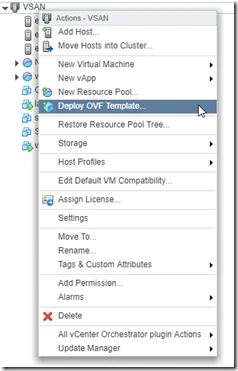
1. Right-Click on the cluster in which you would like to deploy the NSX Manager OVA and choose “Deploy OVF Template”
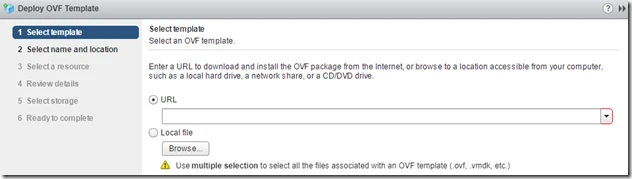
2. Browse the file and Click next.
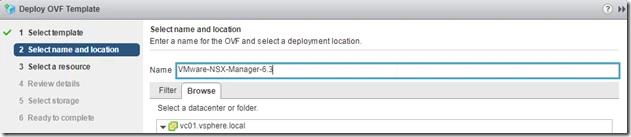
3. Select the Resources
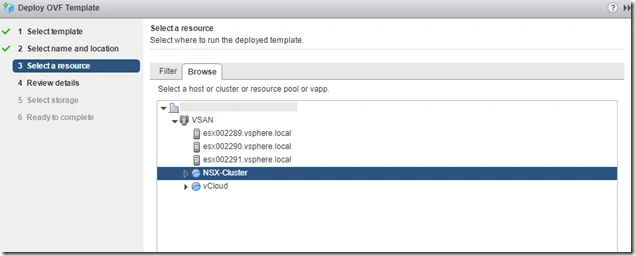
4. Review the details and click Next.
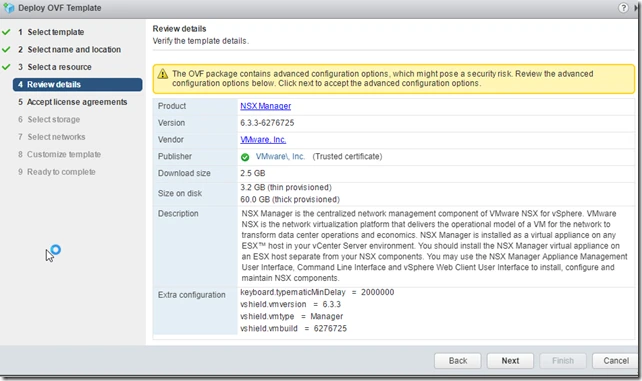
5. Accept the License agreements and click next.
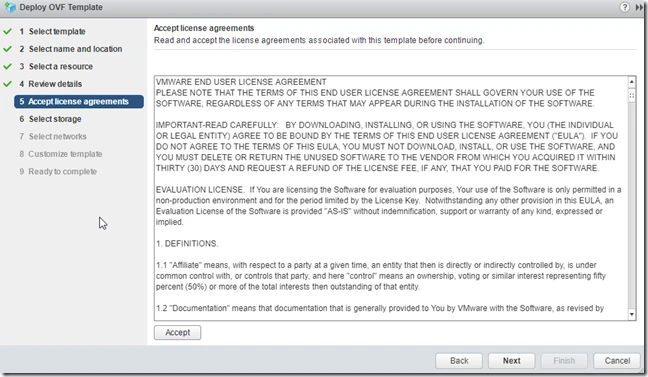
6. Select Storage and click next.
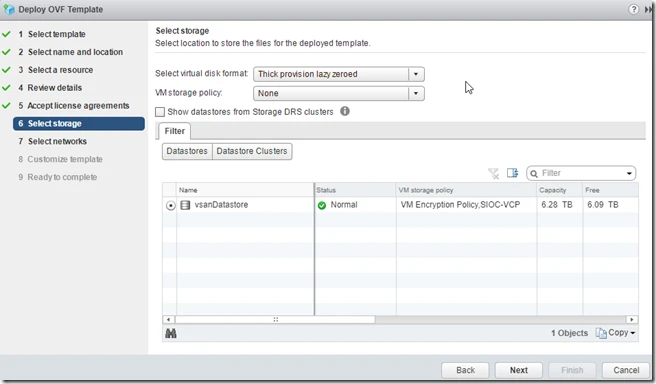
7. Now Provide Network from VDS.
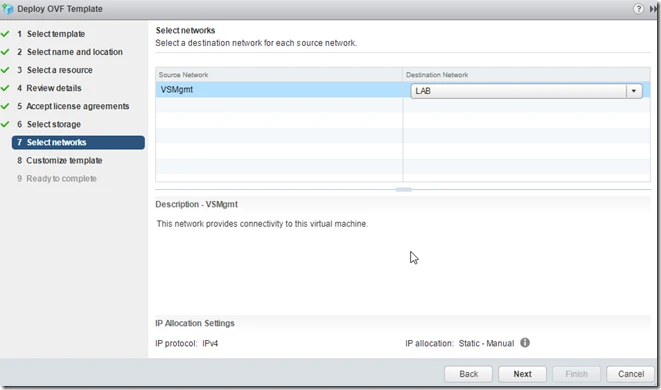
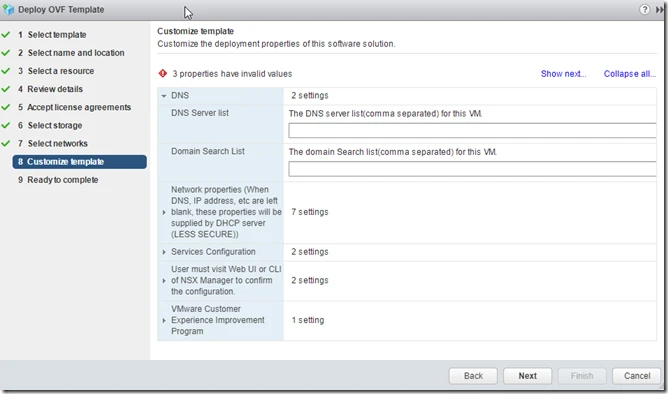
8. Provide IP details, CLI password and DNS sever click next and finish.
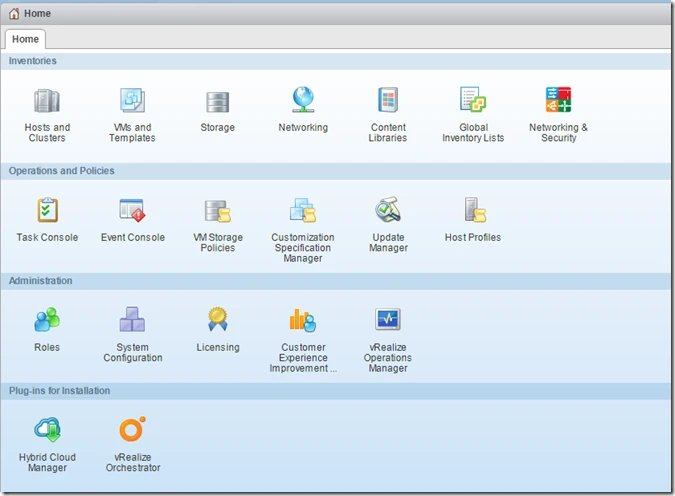
After installation you will see new icon with Networking & Security.
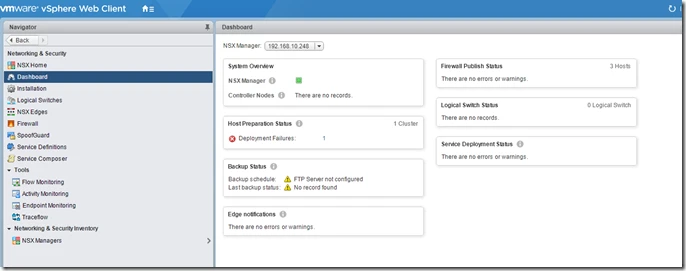
when you click on Dashboard option on the left hand side then you can see that status of NSX Manager and Host Preparation Status.
When you click on Installation Option then it will show you NSX manager and it’s controller nodes name and status.
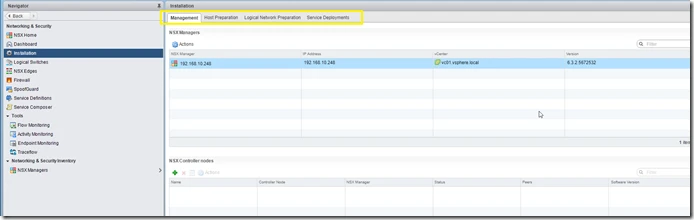
Now under Installation you have multiple tabs like Management, Host Preparation, Logical Network Preparation and Service deployments
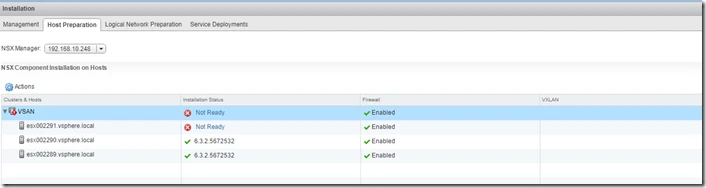
Click on the Host Preparation and you can see whether NSX manager module vCenter, NSX Manager, EAM(ESX Agent Manager) is installed or not.
These are the VIB which will be install.
esx-vsip
esx-vxlan
Open Putty session for ESXi host.
[root@esx002291:~] esxcli software vib list
Name Version Vendor Acceptance Level Install Date
—————————– ——————————————————————- —— —————- ————
esx-vsip 6.5.0-0.0.5534171 VMware VMwareCertified 2017-07-19
esx-vxlan 6.5.0-0.0.5534171 VMware VMwareCertified 2017-07-19