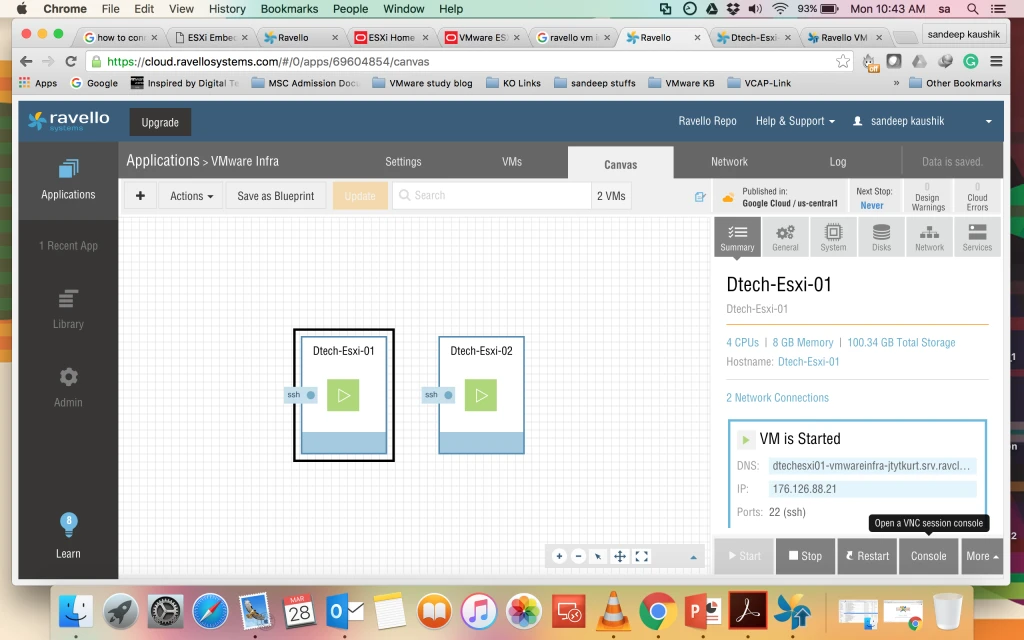
How to Create ESXi host, Virtual Machines for Home Lab or for Production in Ravello ( Google Cloud or AWS Cloud.
First Get the Subscription for the same like other Vender ( VMware, Amazon, Azure etc…)
- Open the Website … https://www.ravellosystems.com/
- Provide your ID and Password.
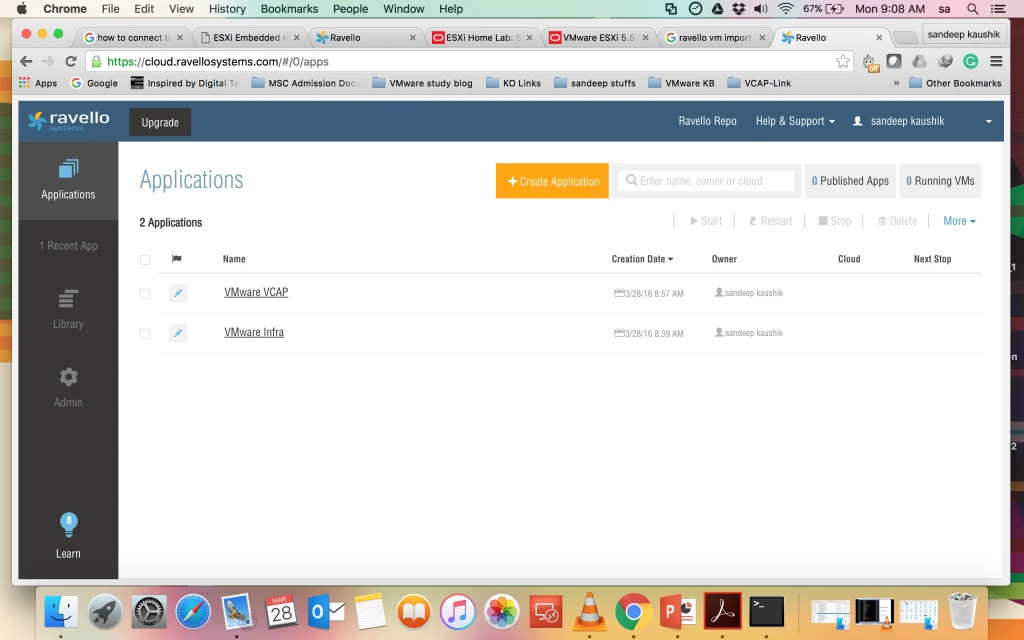
3. First you have to create Application Ex. VMware VCAP or VMware infra.
4. After that you are able to create VM’s Ravello has some pre-defined template you can use them or you can use your own.
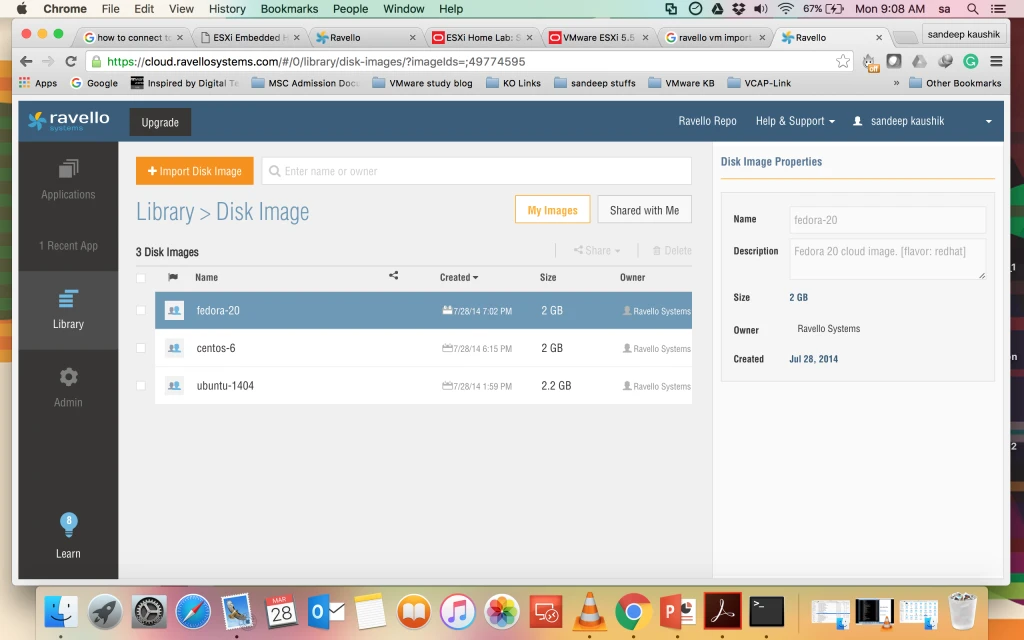
5. You can also upload your own images like OVF, OVA, VMDK your own VM’s which was imported by Ravello.
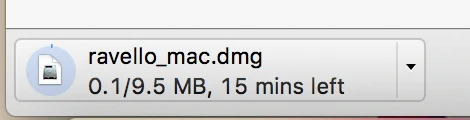
Note: You need Ravello VM Import tools ( when you click on Import Disk Image it will give you below option from where you can download this tools for Windows or MAC).
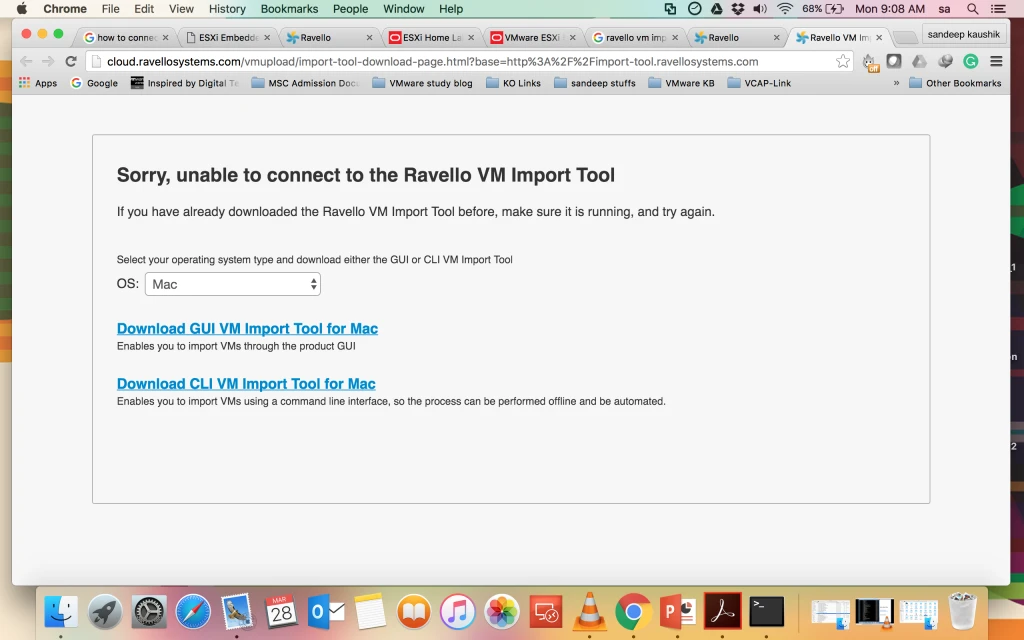
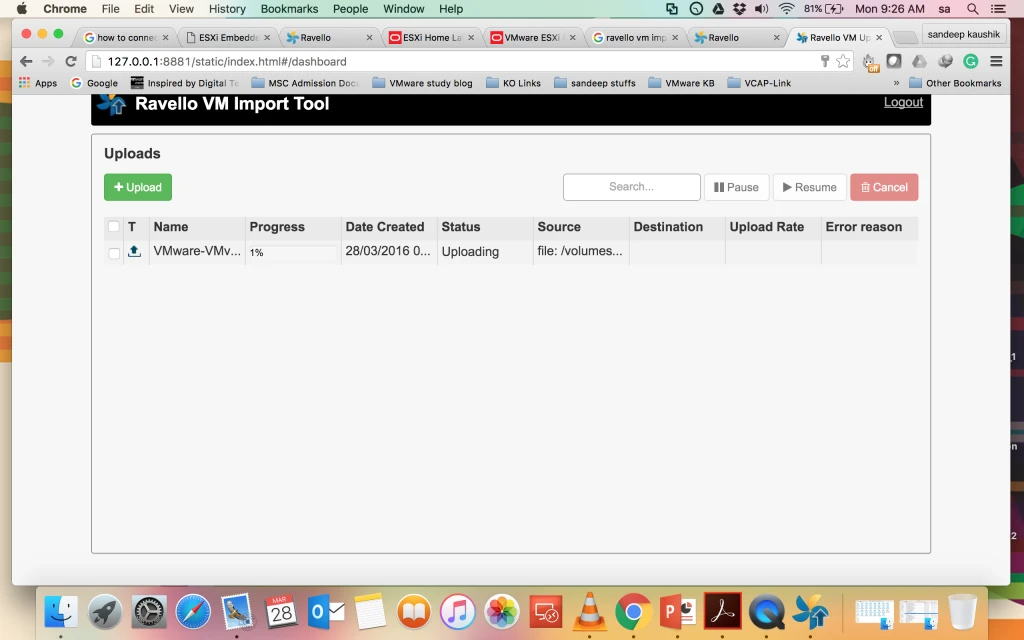
6. After that you can upload the image from your local System.
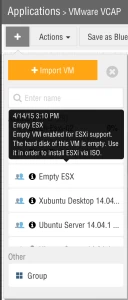
7. Now it’s time to Create VM ( ESXi ) Go to application and click on + and use Blue Print Empty ESXi.
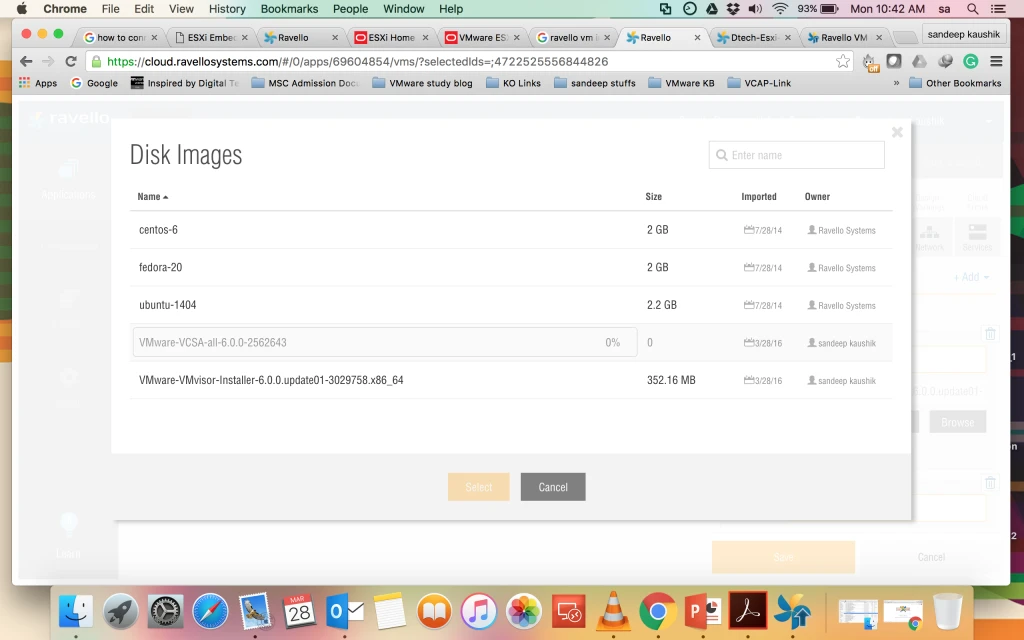
8. Now Attach the CD in this ESXi host.
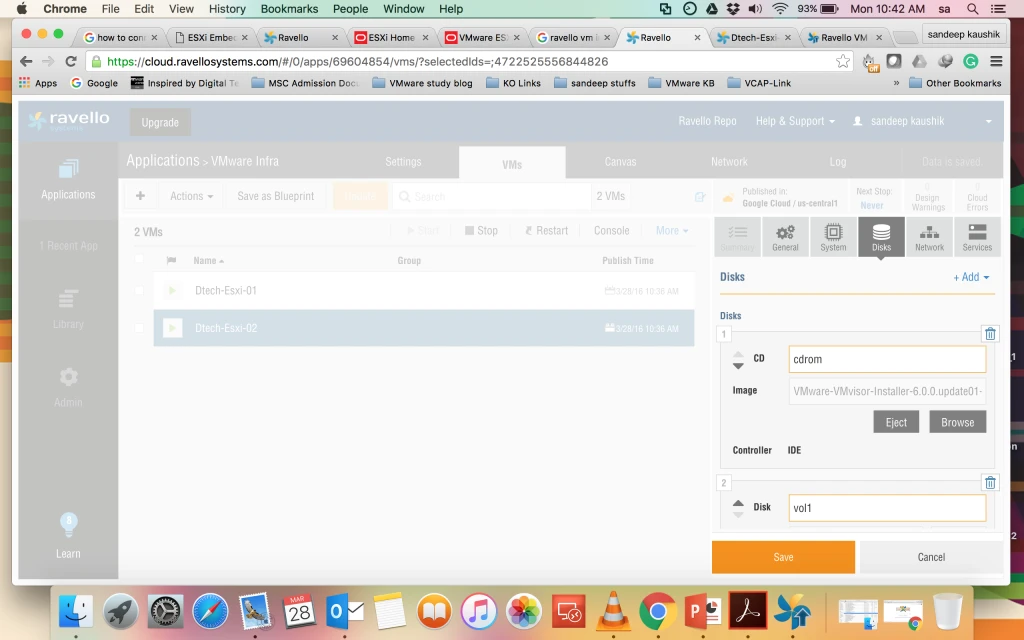
9. Now Click on Publish and your VM is ready for ESXi host.
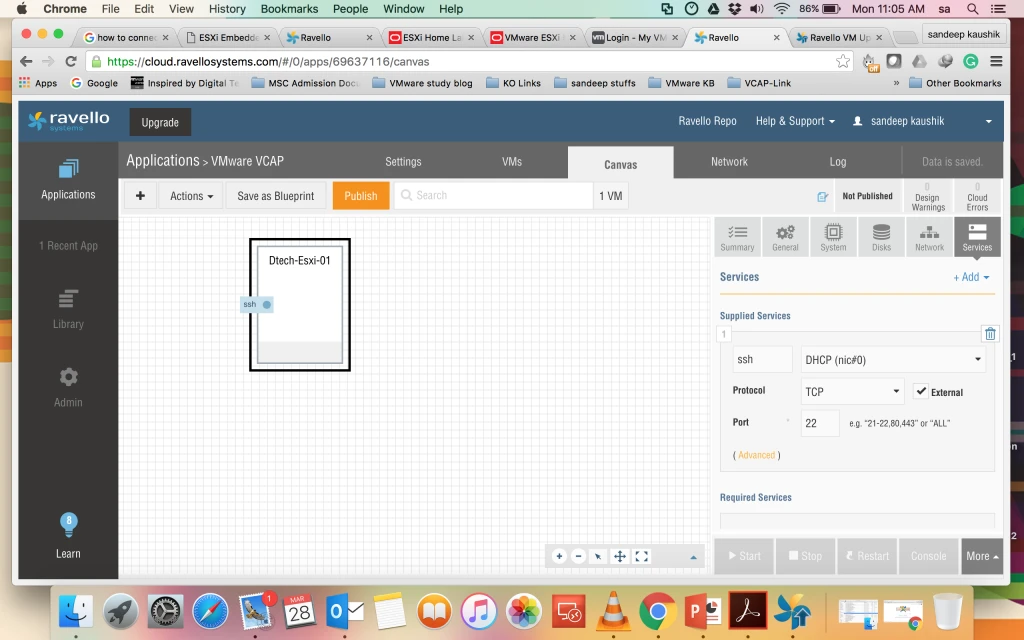
10. Power ON the VM and take the console.