If you want to Test, R&D with Docker then you can install it on VMWare Fusion box.
There are some pre-requisites for installing Docker.
1. VMware Fusion
2. Ubuntu or CentOS ( i will use Ubuntu )
3. Laptop/Desktop ( x64 )
4. Internet Connection
First Download the VMware Fusion and install it.
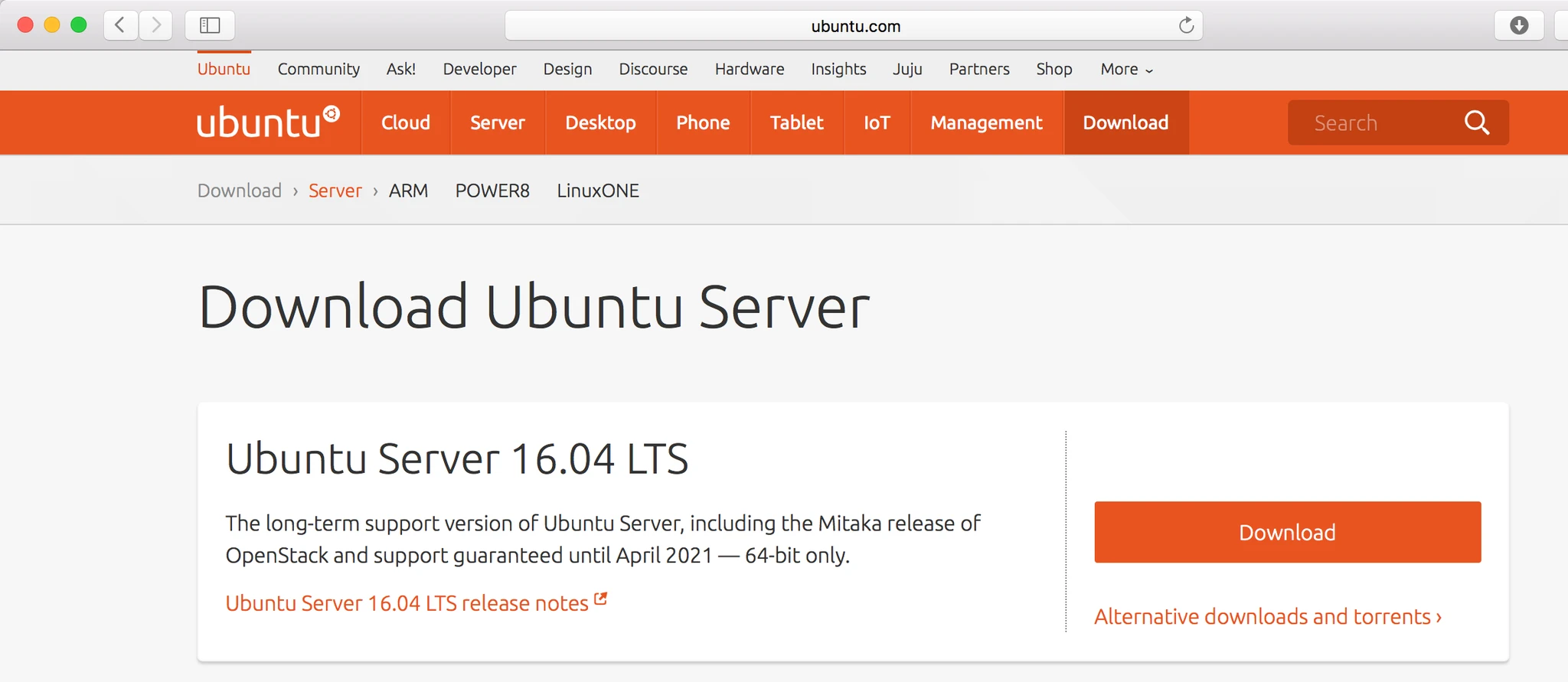
Second Download the Ubuntu from internet. Server version it could be 14.x or 16.x
After download Open Fusion and create new VM with Ubuntu OS
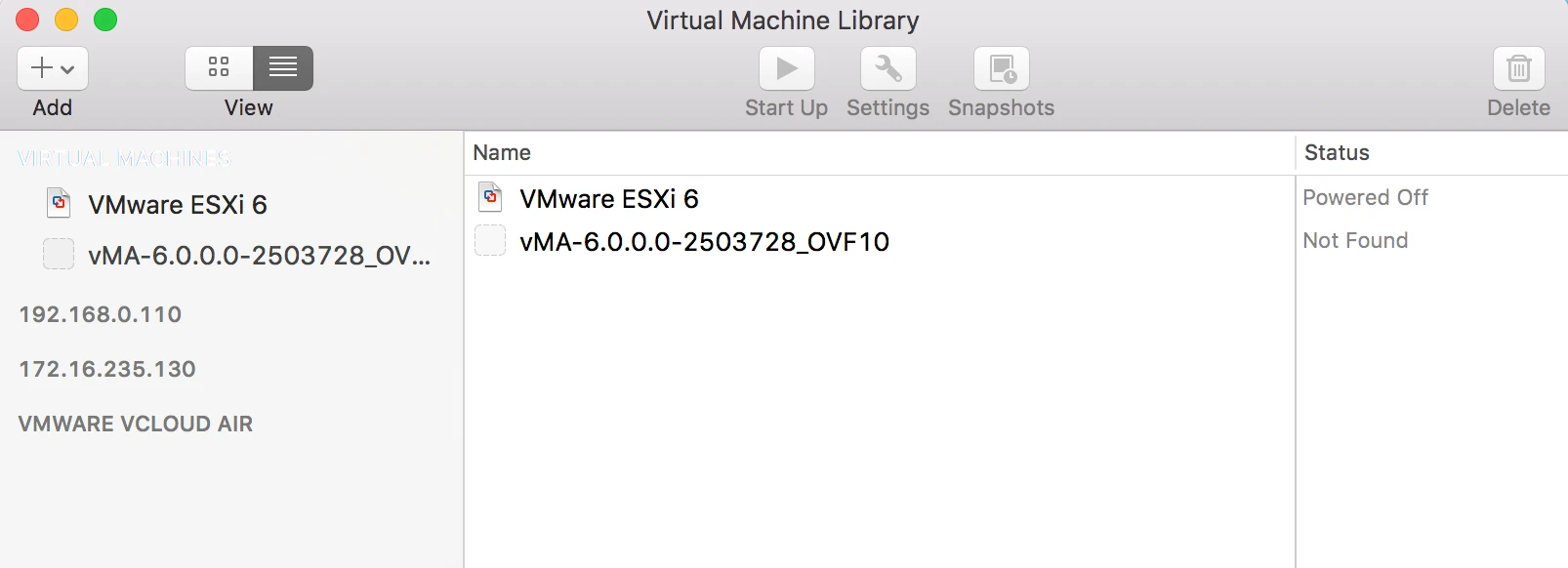
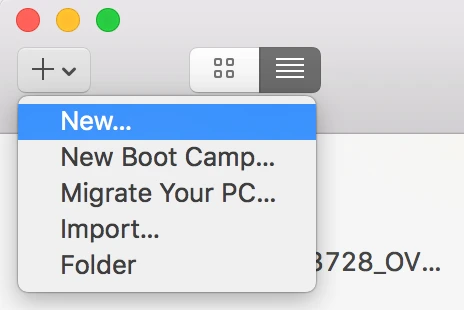
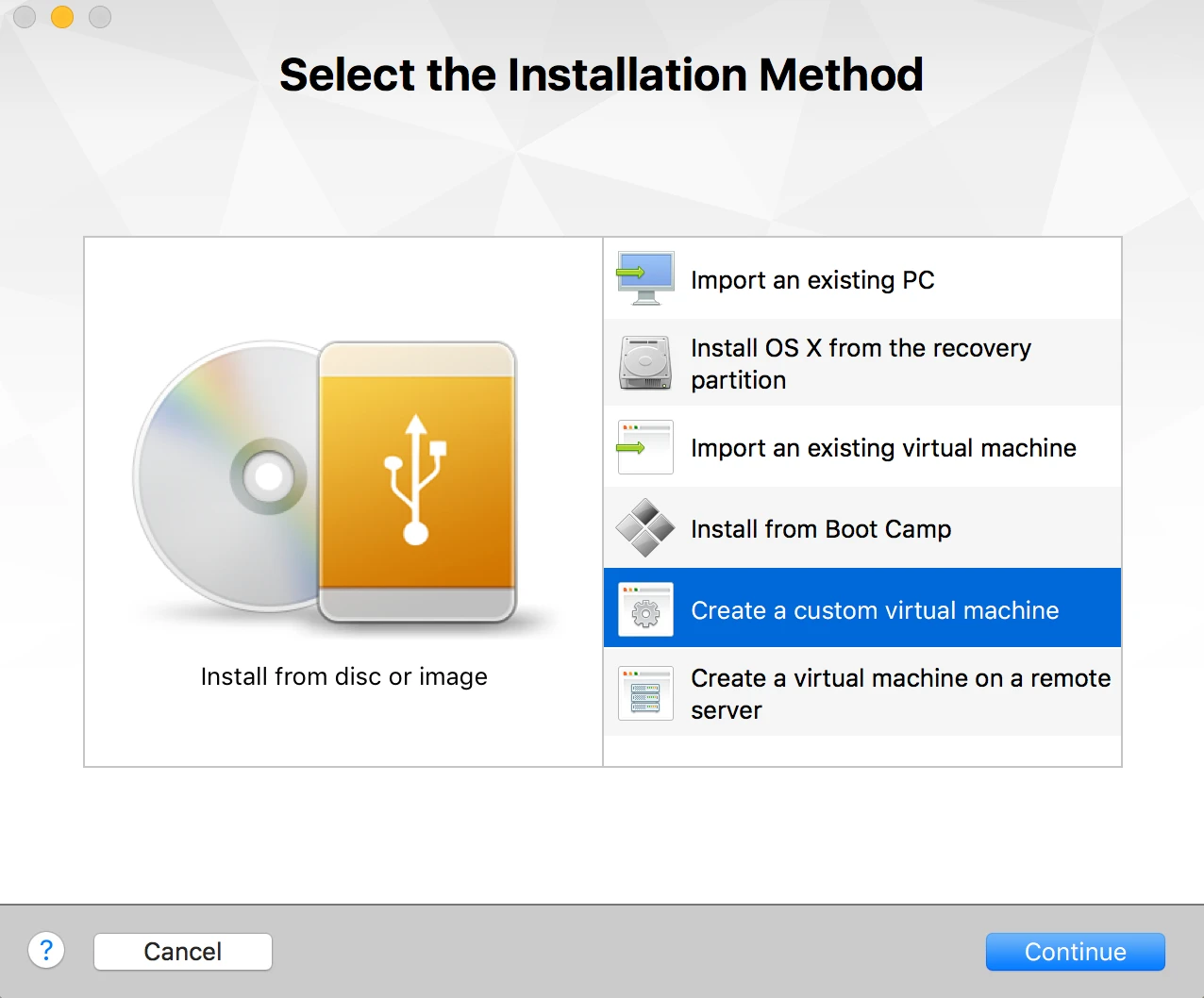
And follow the steps.
Final step is to attach the Ubuntu CD

Now Power On the Virtual machine and start insttaling Ubuntu first
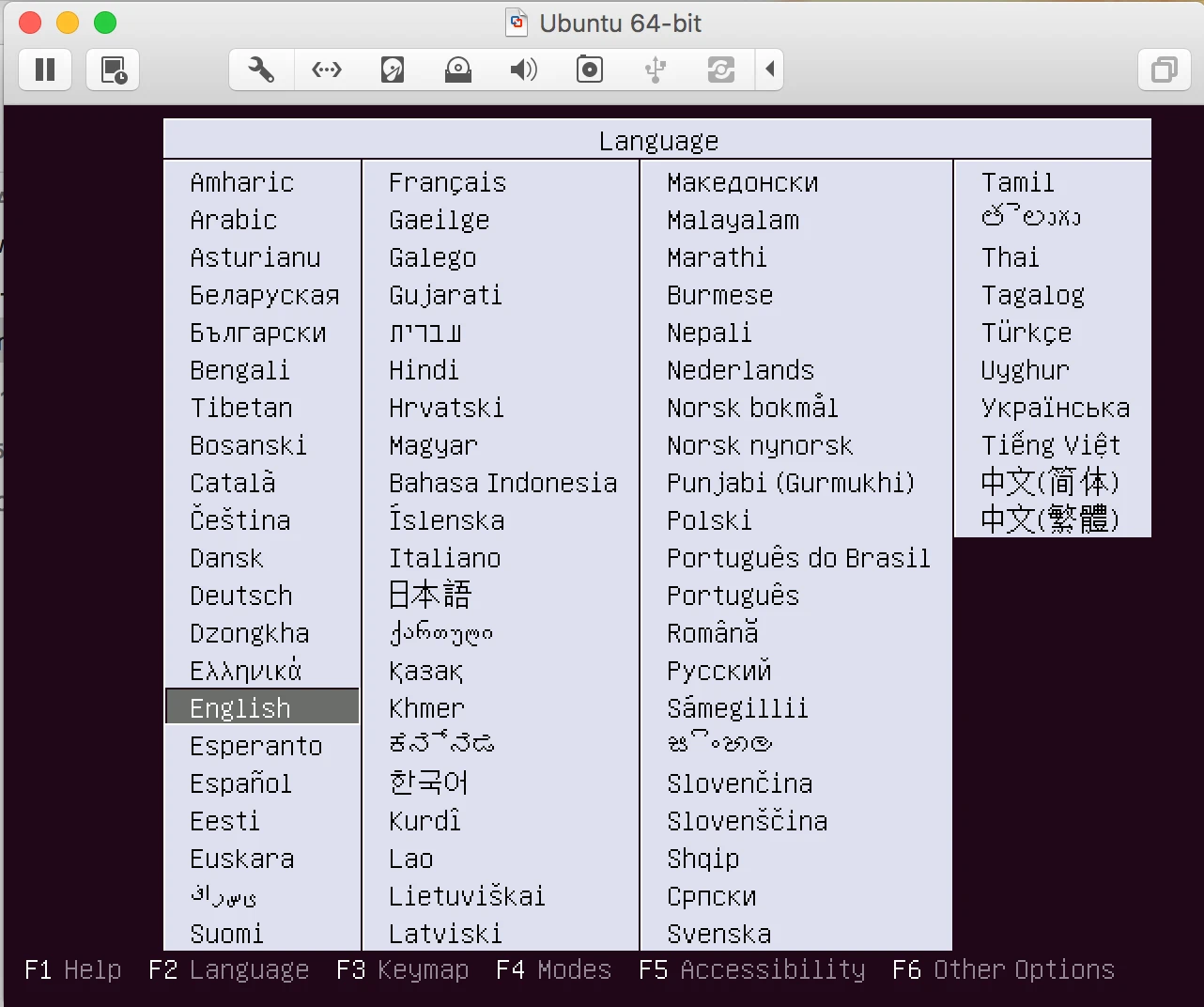
1. Select the Language
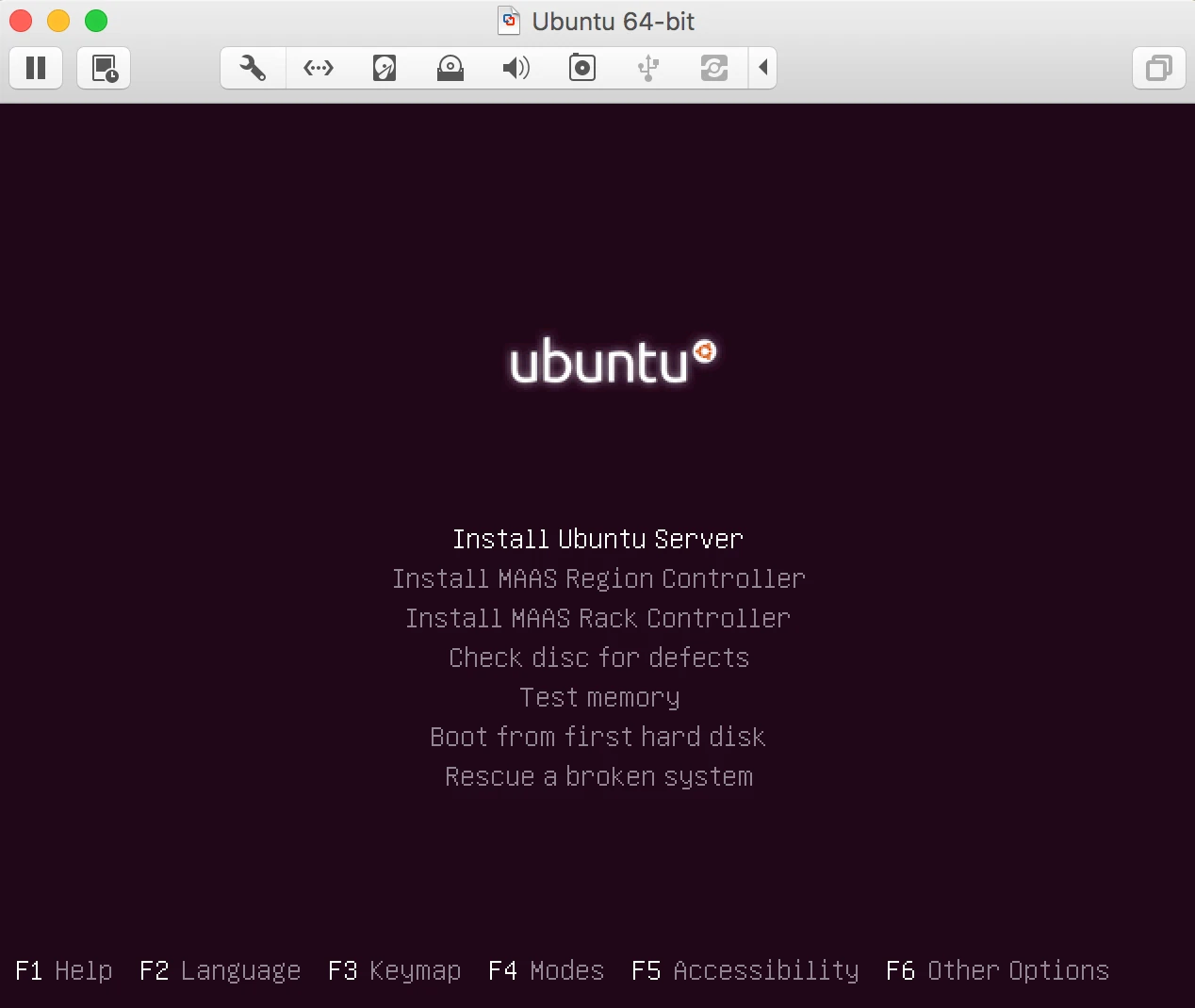
2. Select the install ubuntu Server
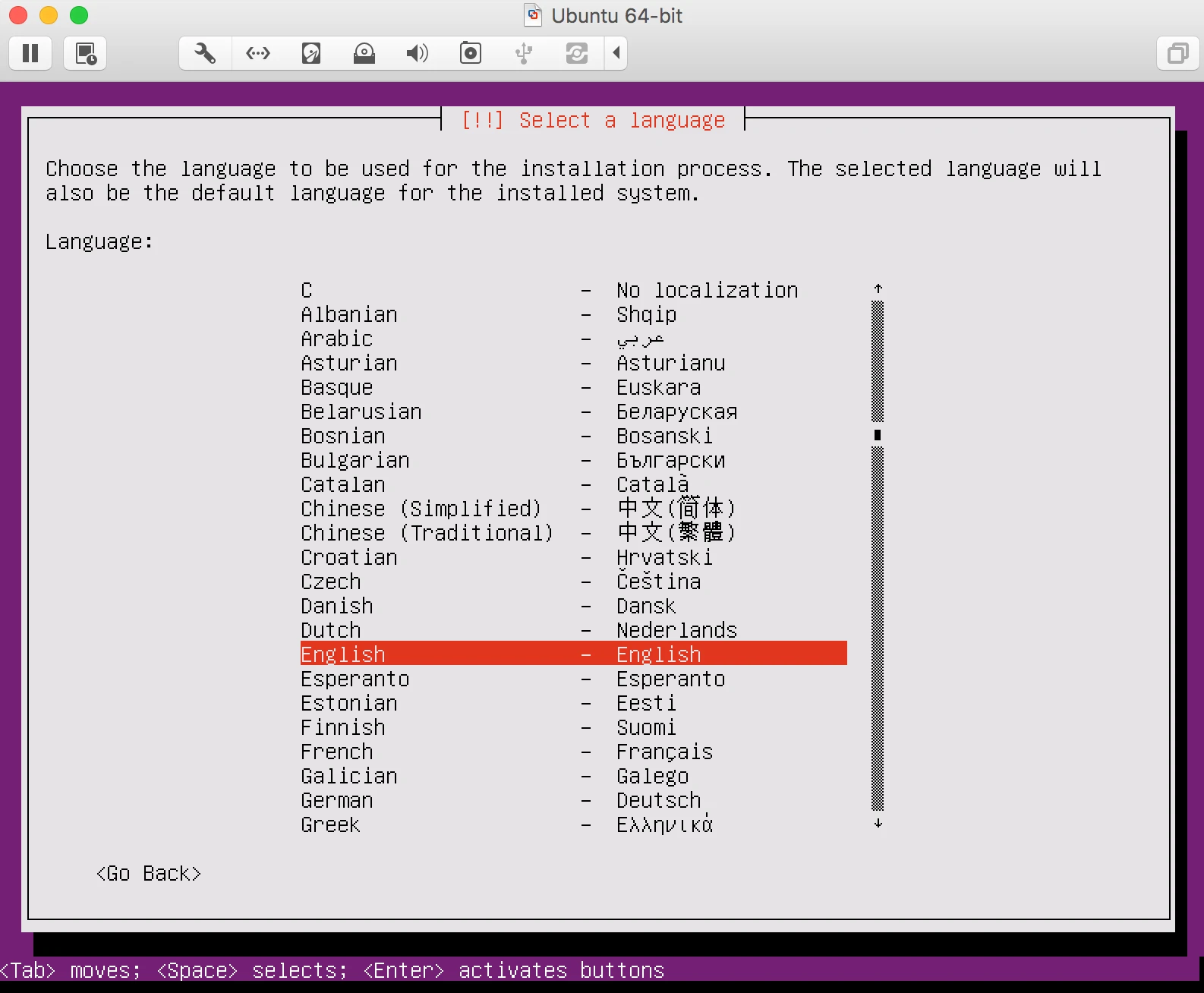
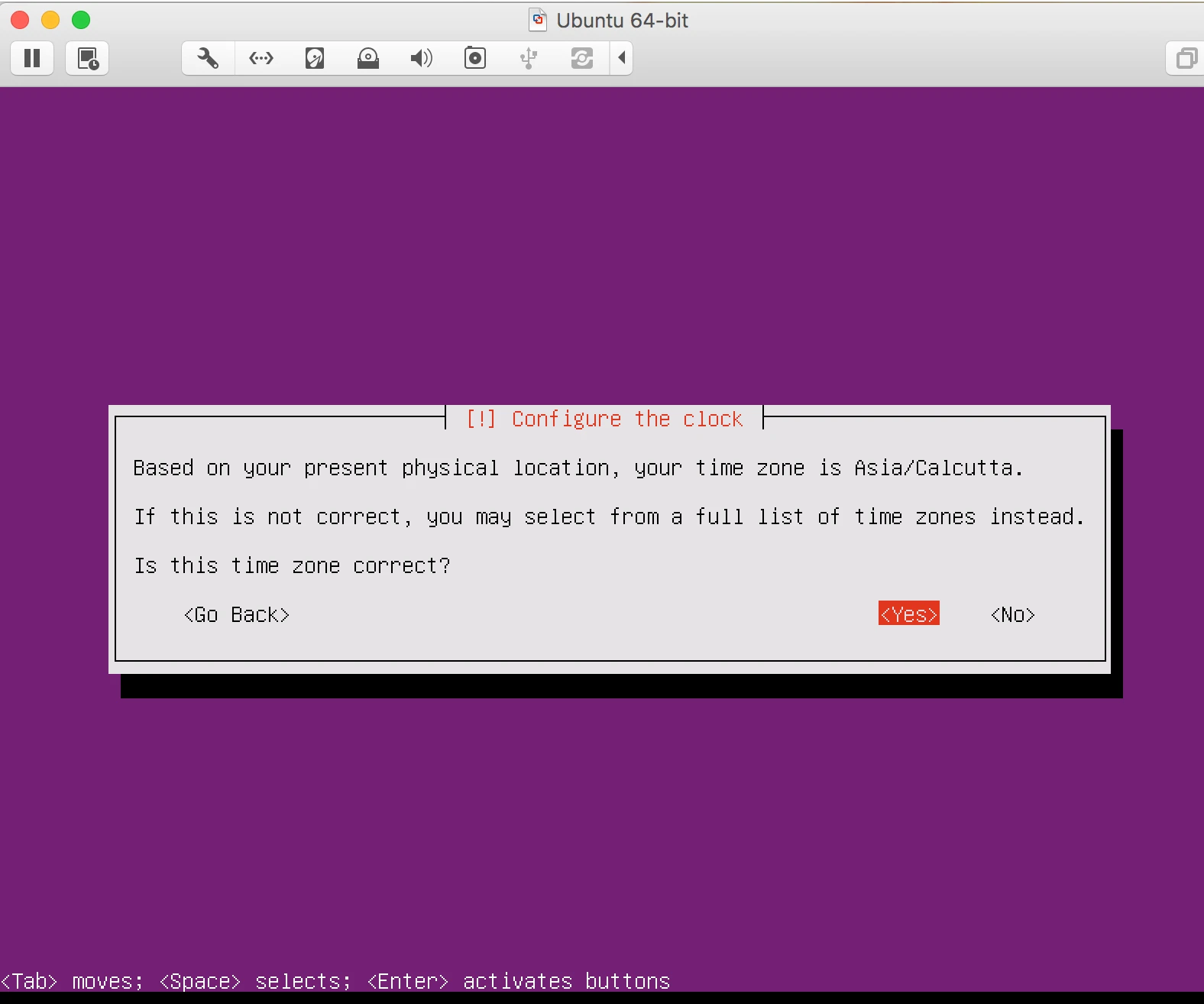
3. Select the location, language and keyboard prefered langauge.
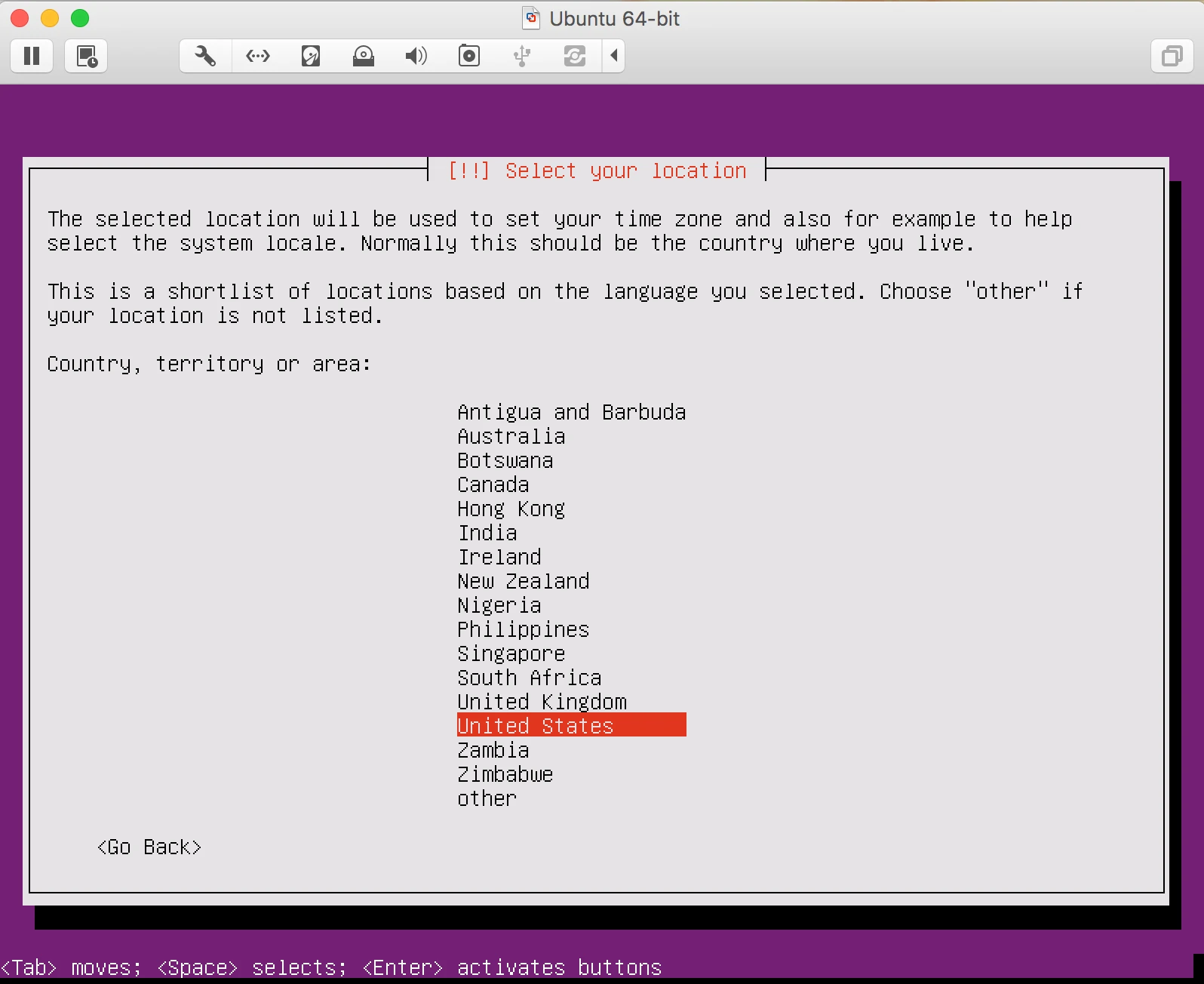
4. It will ask you to configure the keyboard select No and follow the instruction
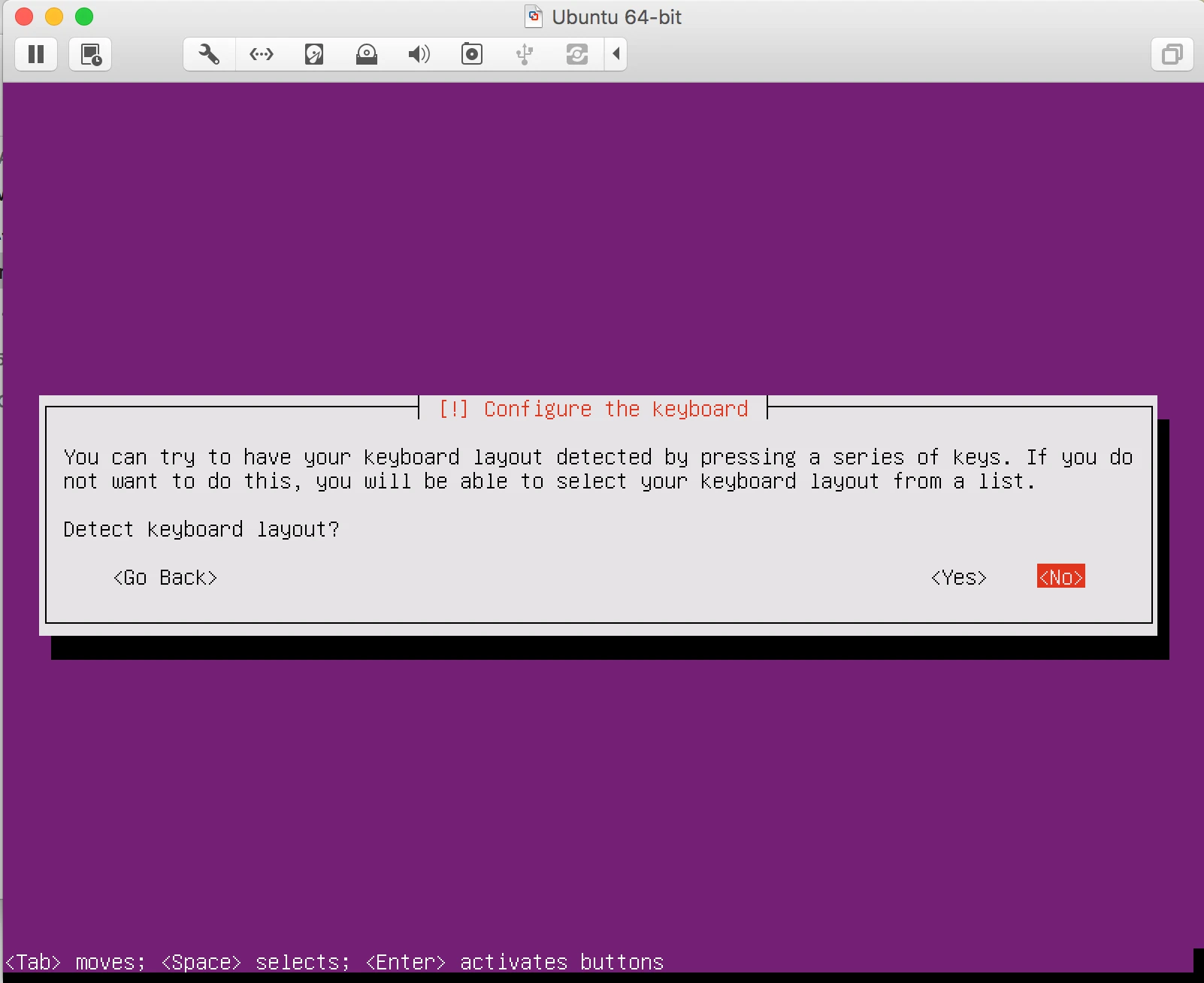
5. it will start loading the component from CD.
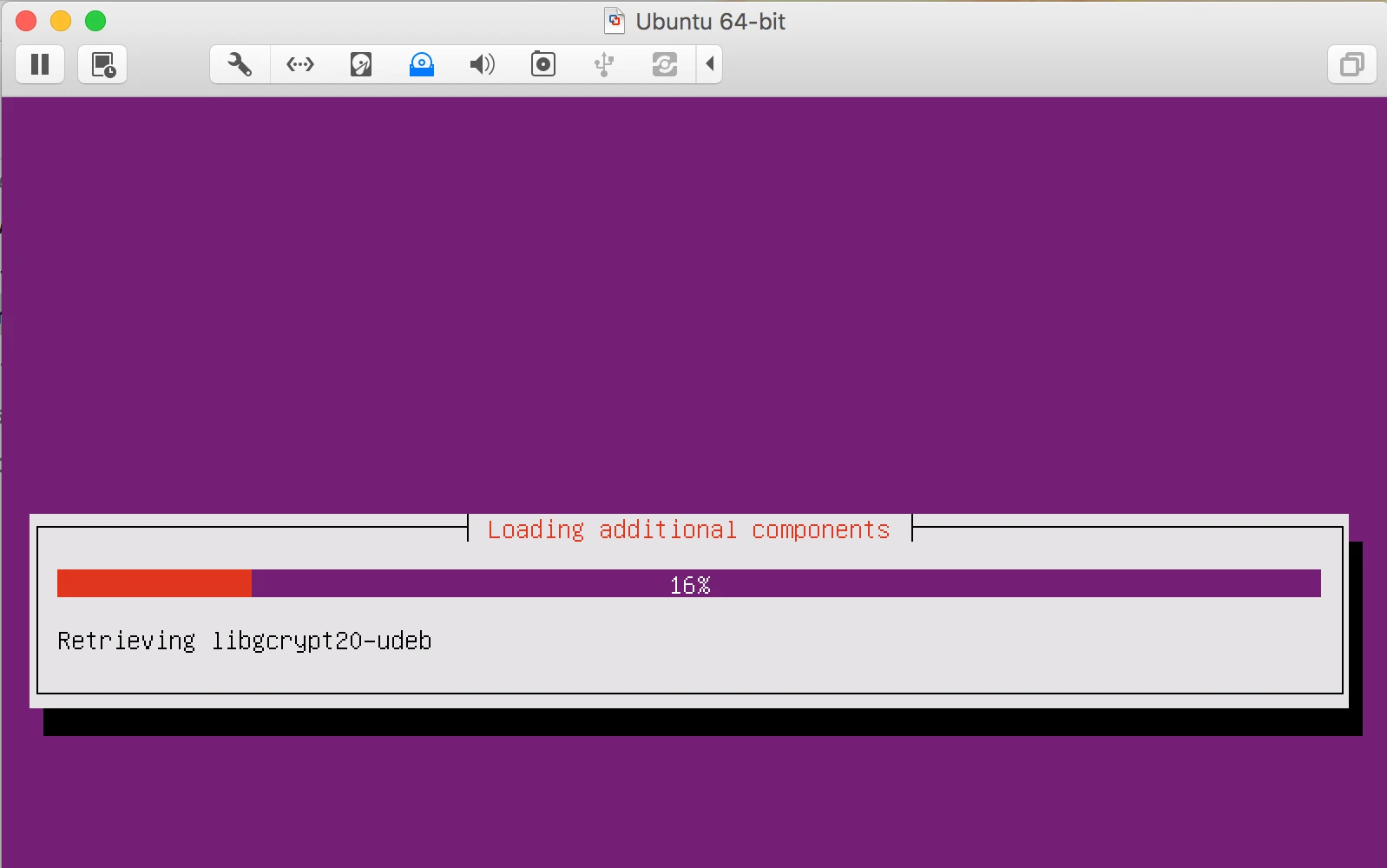
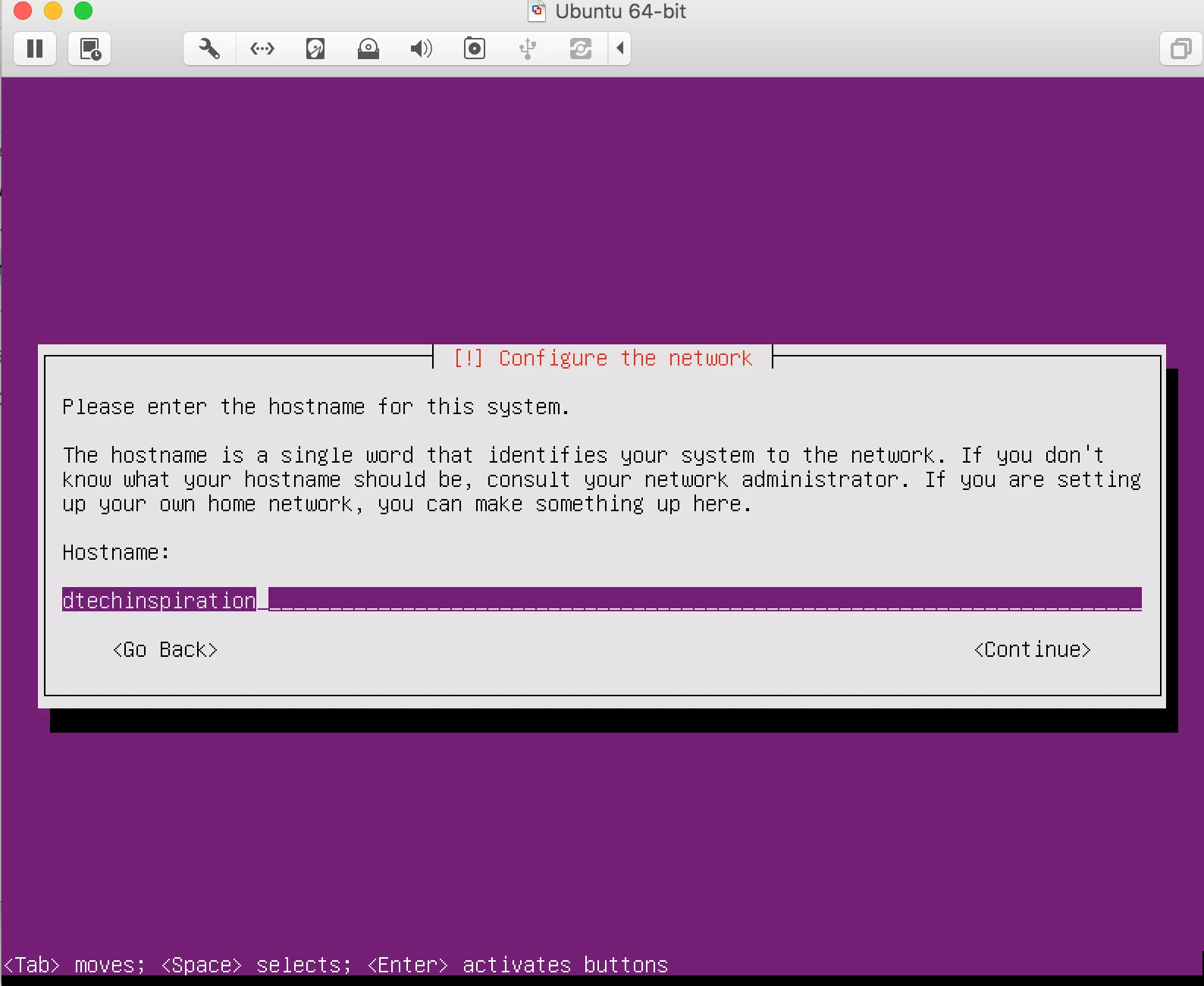
6. Configure the network
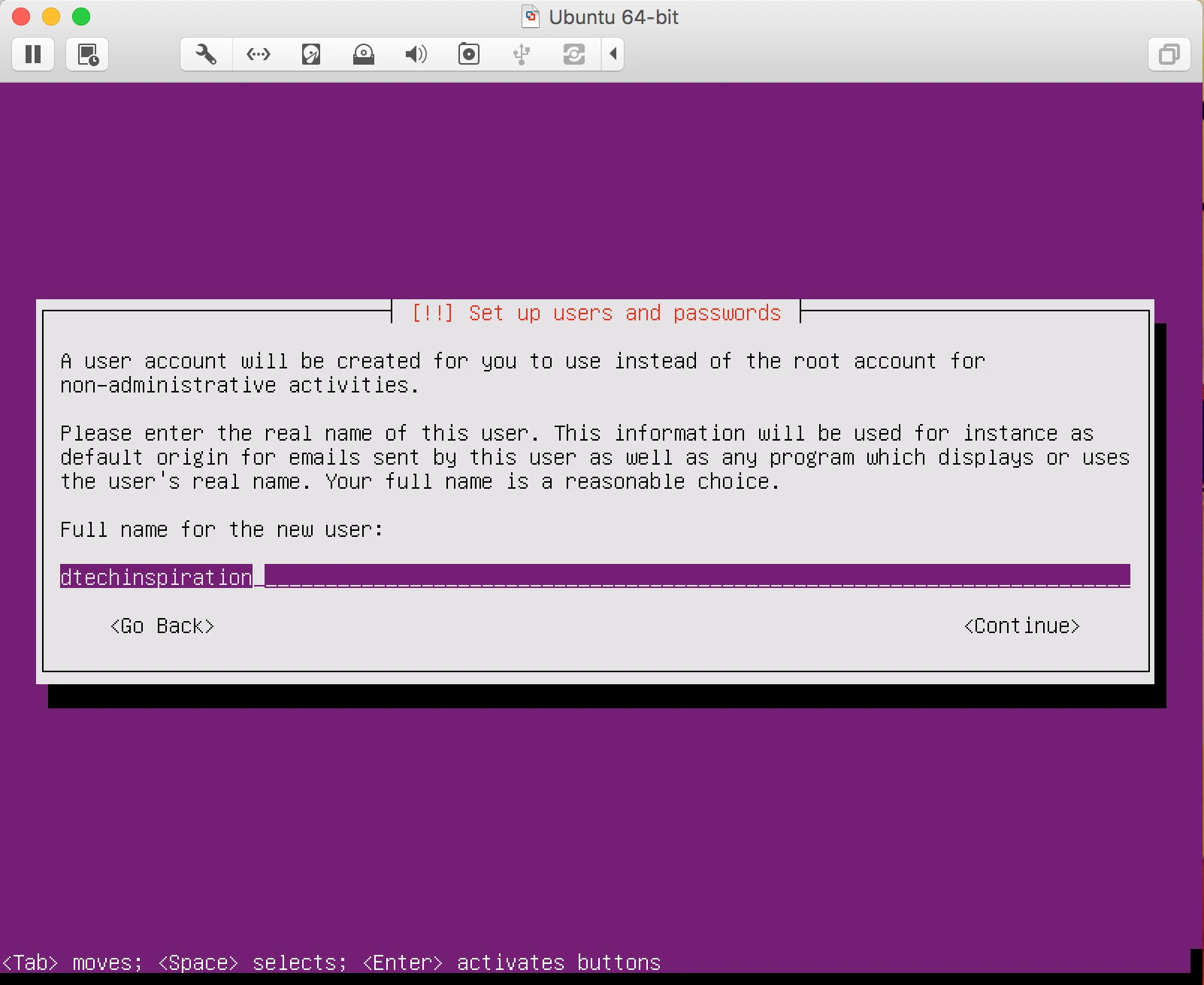
7. Set up User name and password
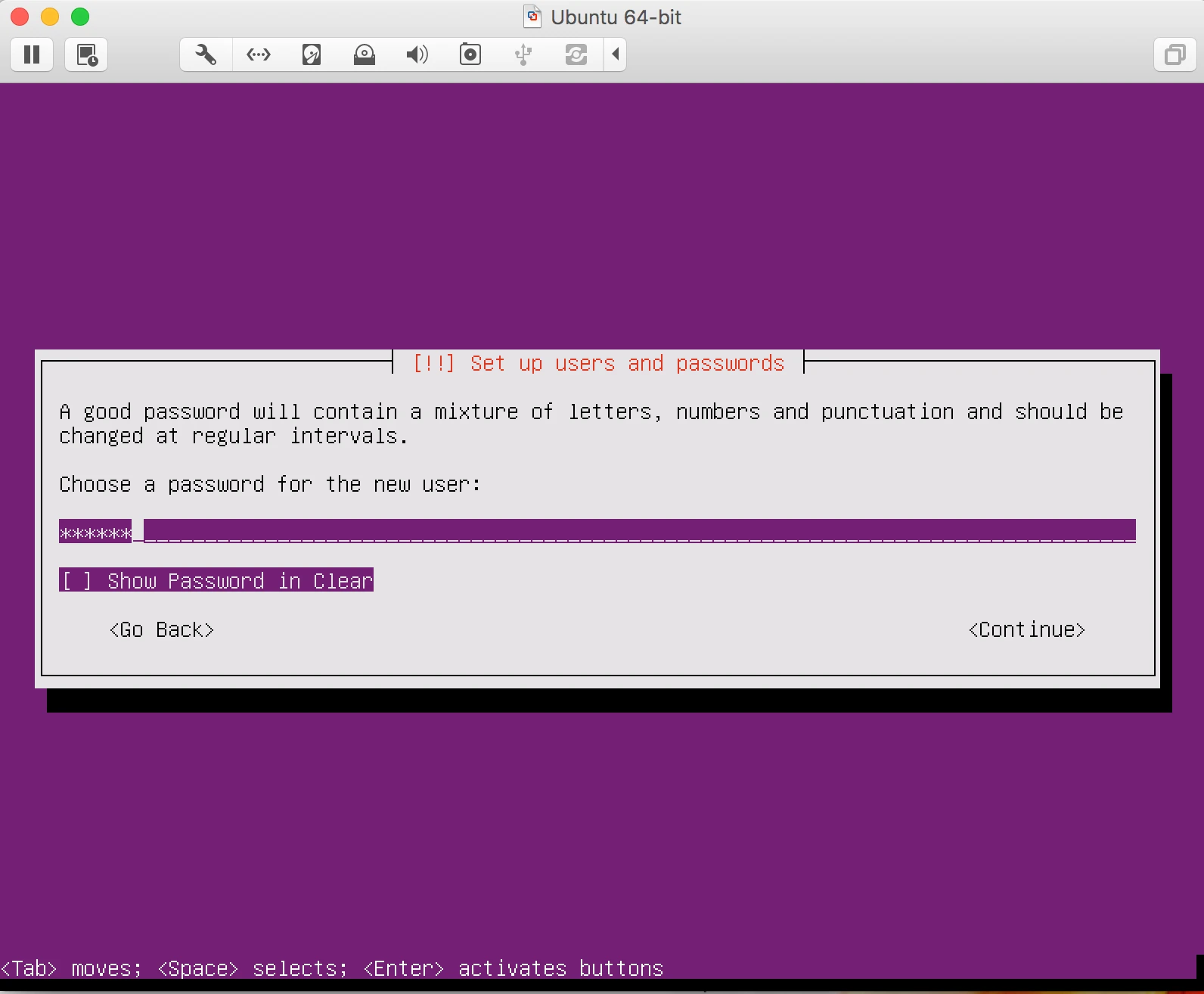
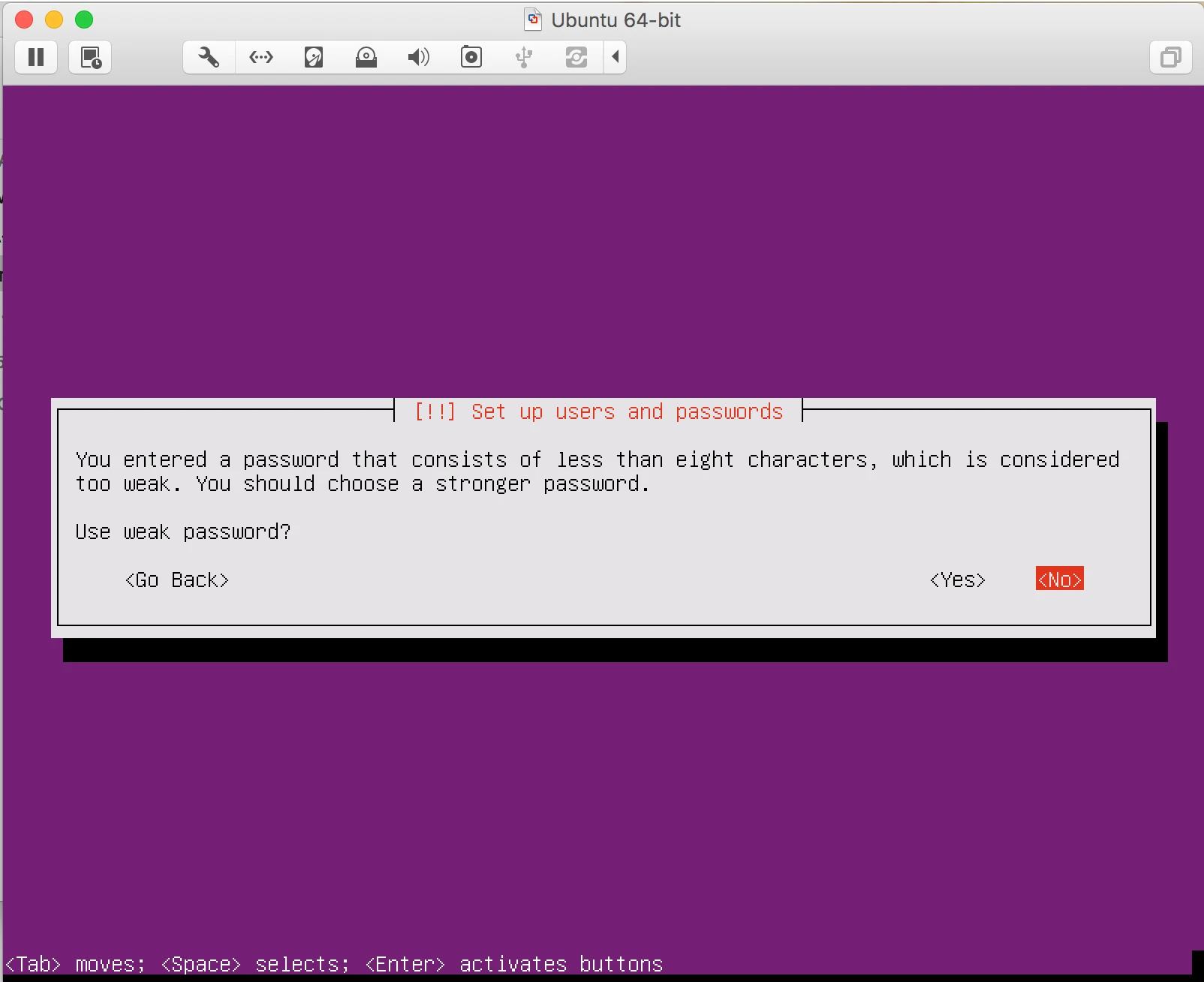
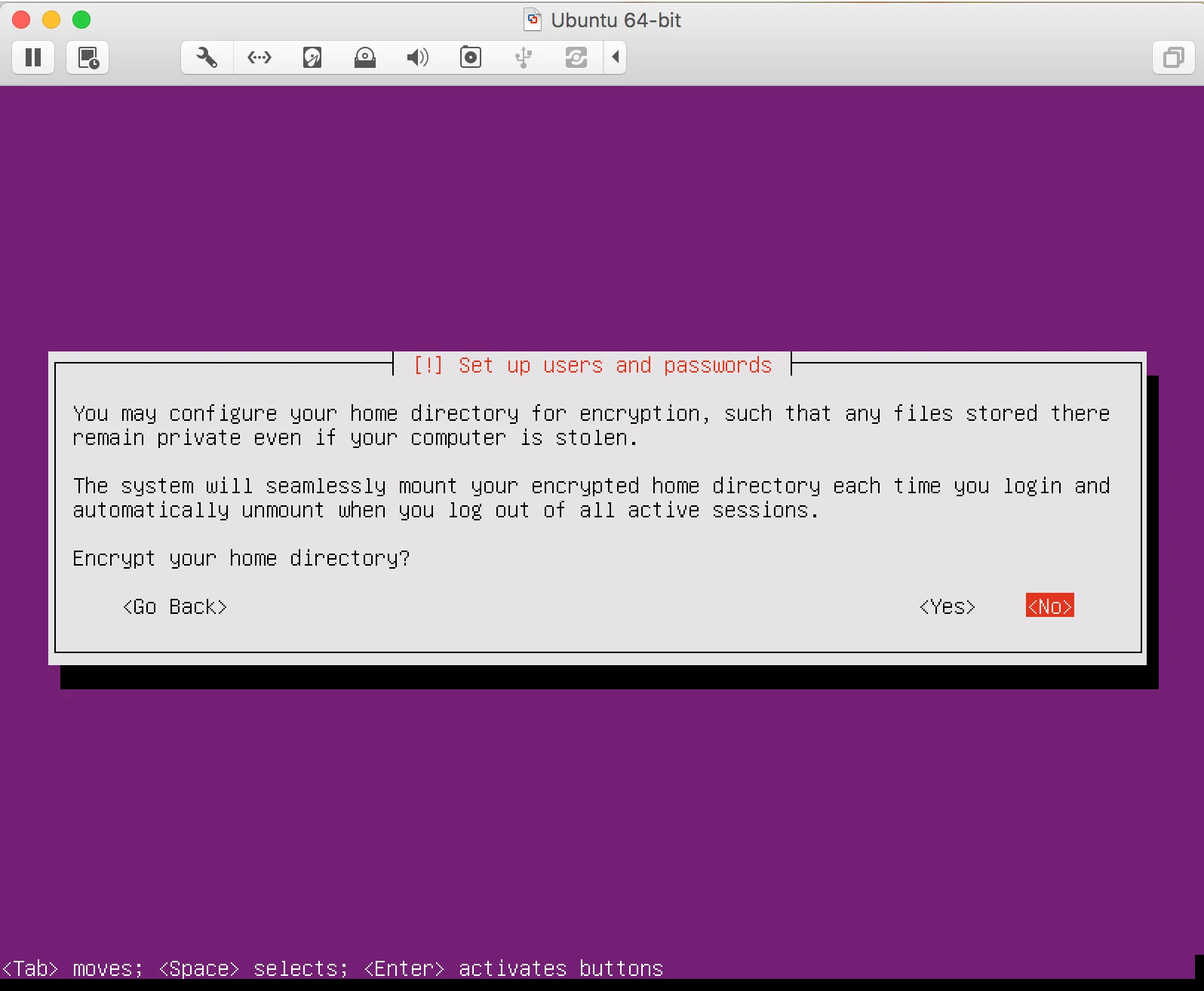
8. It will Give you warrning that your password is not as per the policy will you continue or discard.
9. it will ask you for Partition select set up with LVM
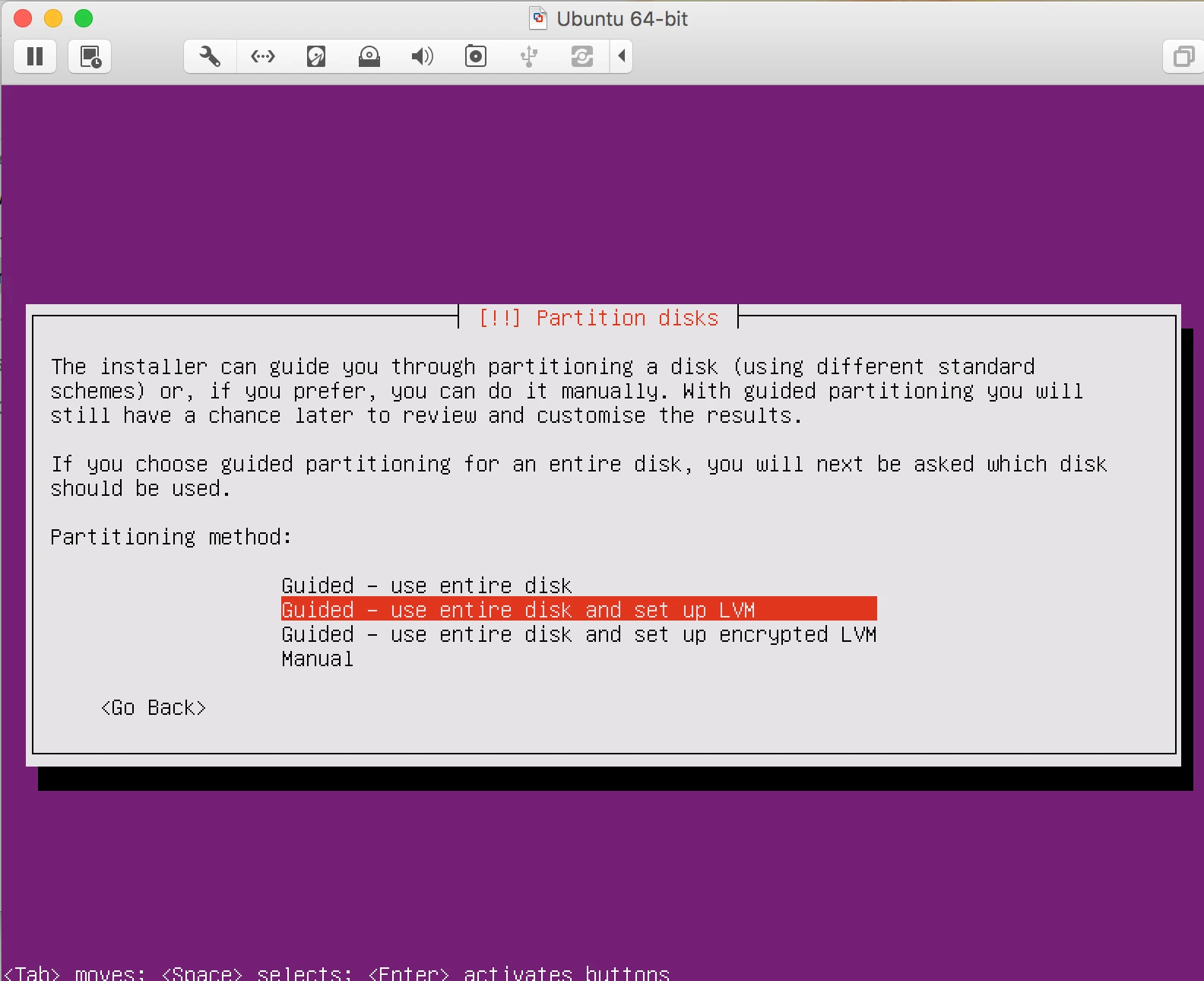
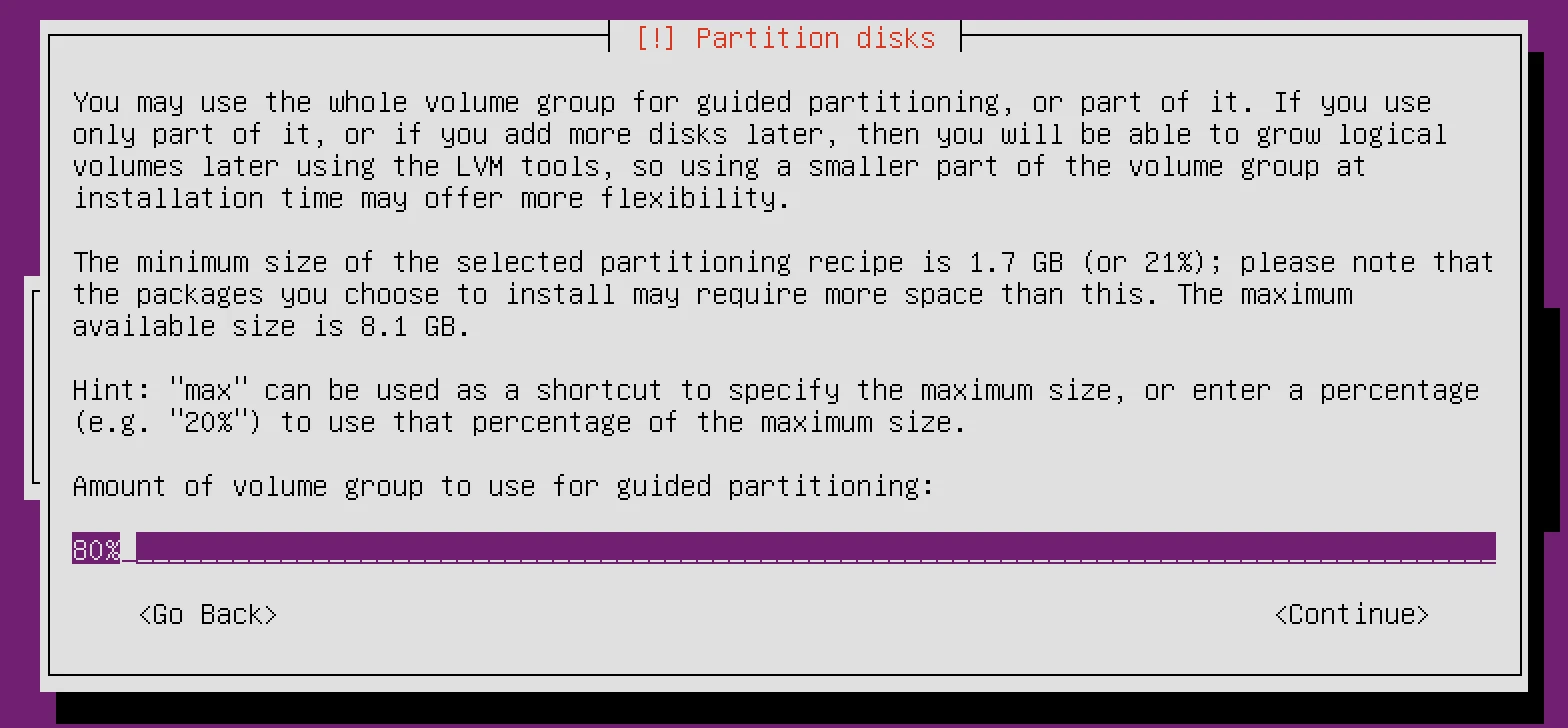
10. You can choose the disk size in % as well like 80% or 70%.
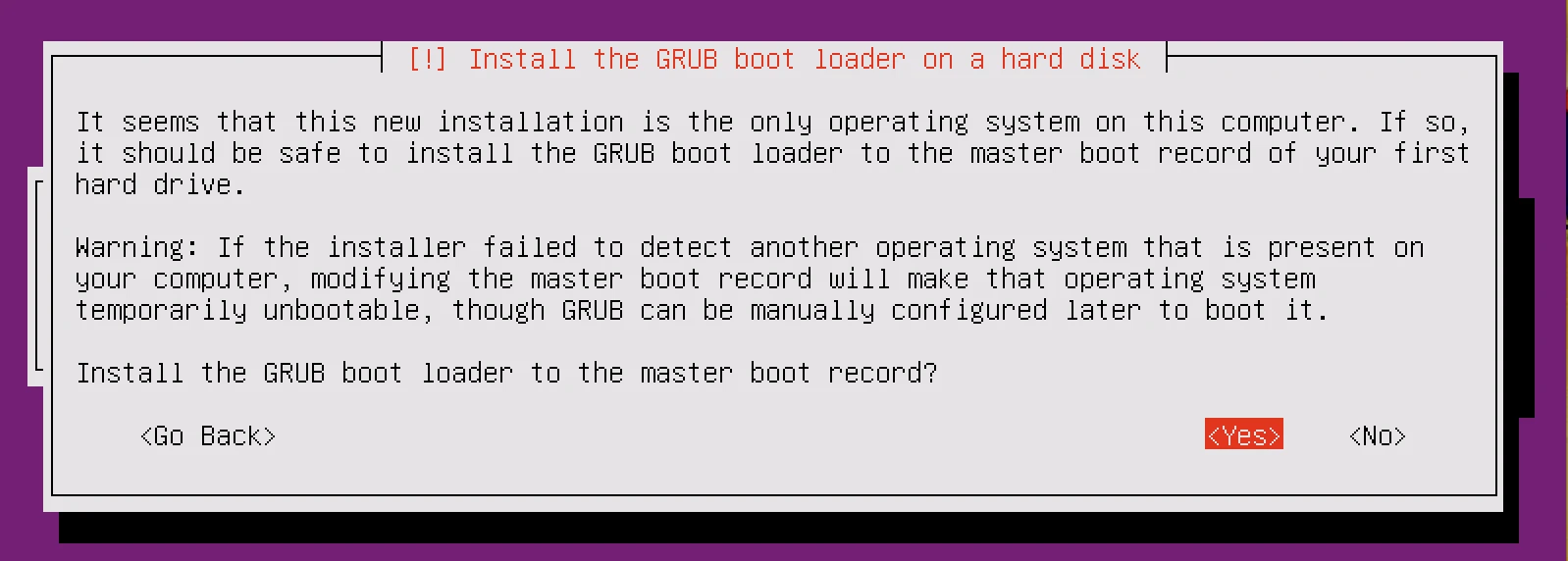
11. It will ask you to install GRUB
12. Now installation is Finished and you are ready to install Docker.
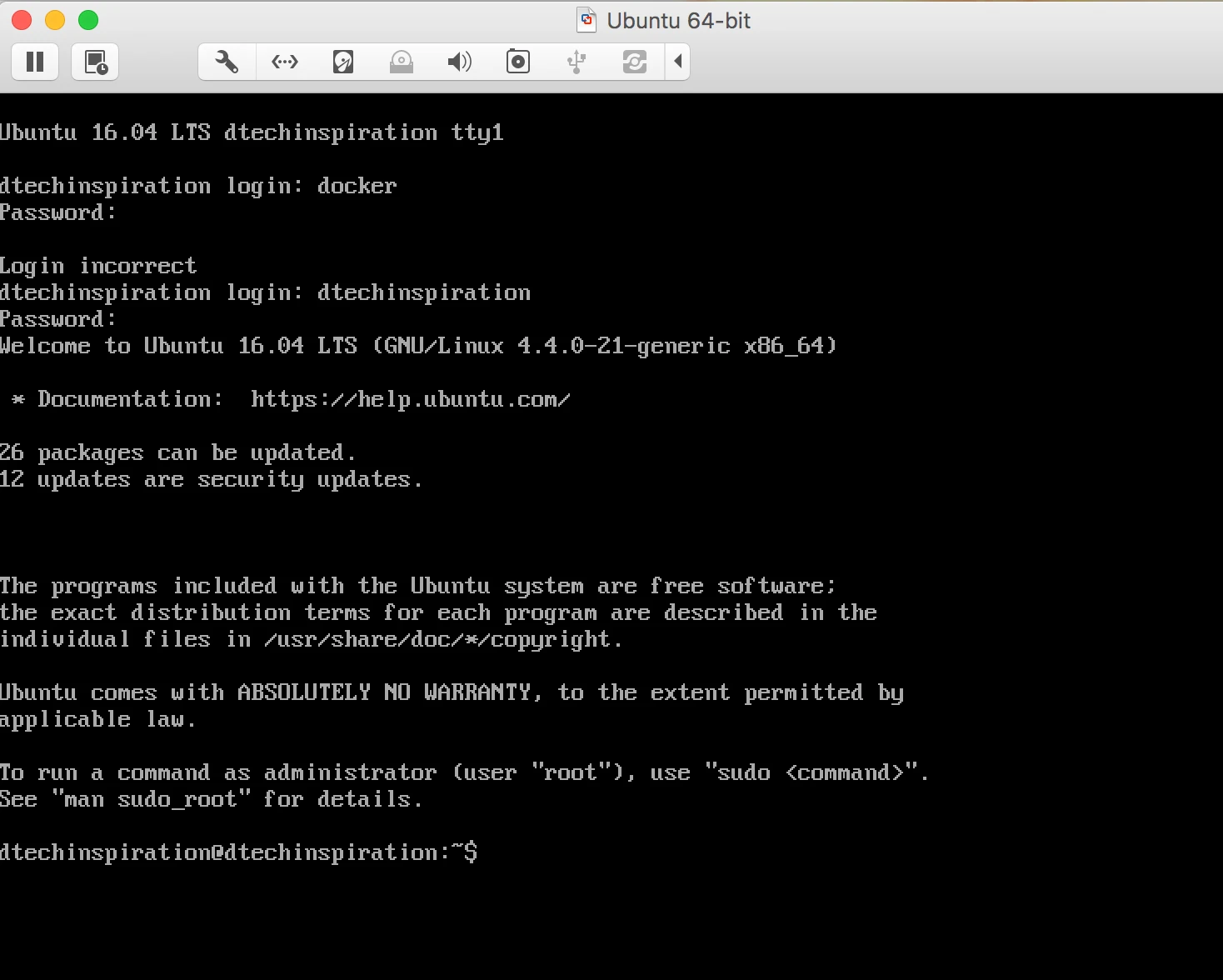
Now time to install Docker.
1. Open the ubuntu console and check the version.

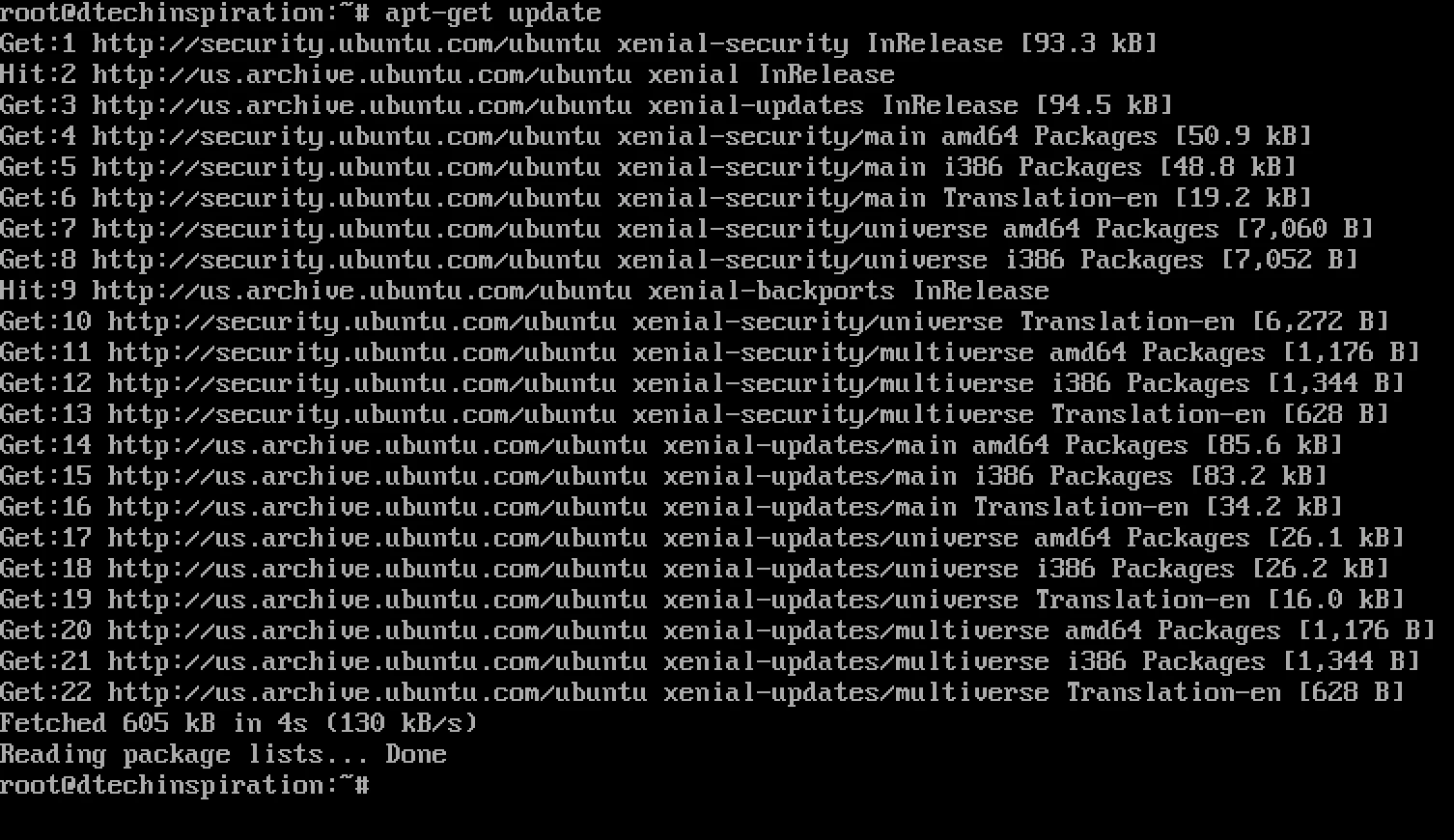
2. Now Run the Command: apt-get update
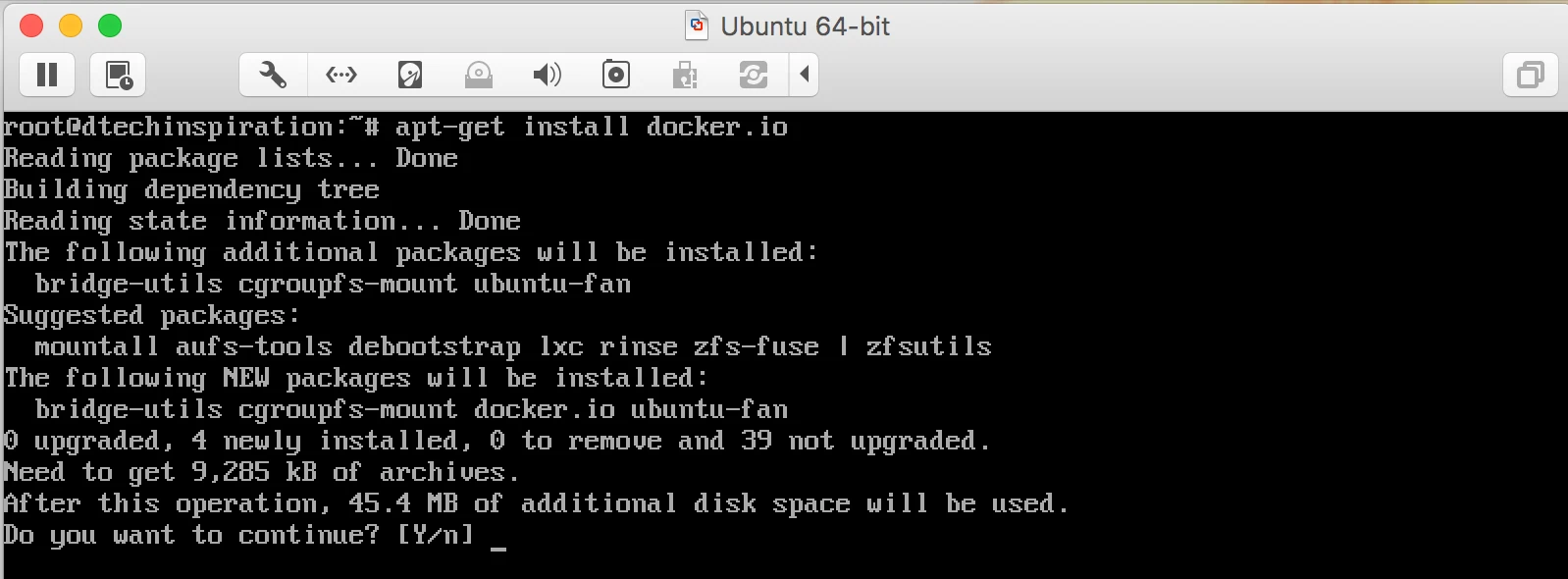
3. Now Run the Command: apt-get install -y docker.io
and follow the instruction while installing like Press Y for Yes
4. After installing check the Docker Version: docker version

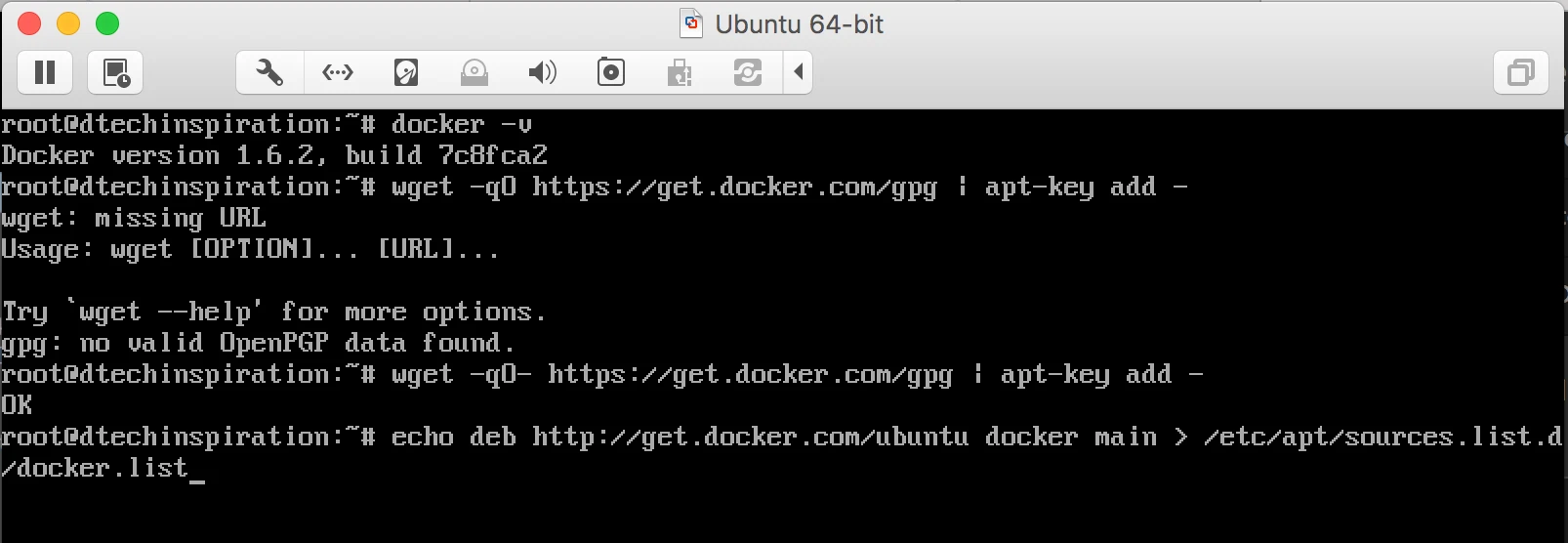
5. Need to Add two URL for depot to be download, URL mentioned in below screenshot.
6. Now try to install: lxc-docker
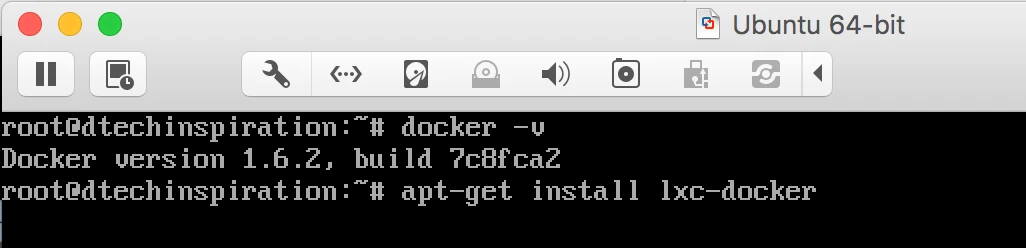
But while installing i am getting Error. also getting error while checking docker version.
Error1: cannot connect to the Docker daemon. Is docker daemon running on this host?
Erro2:docker.service is masked
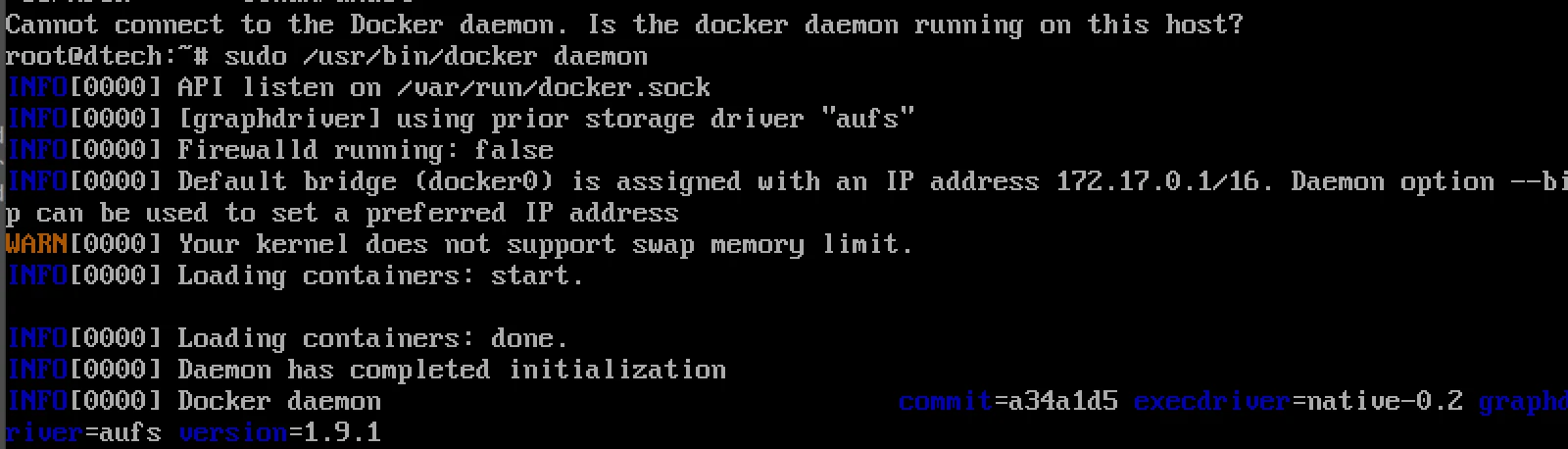
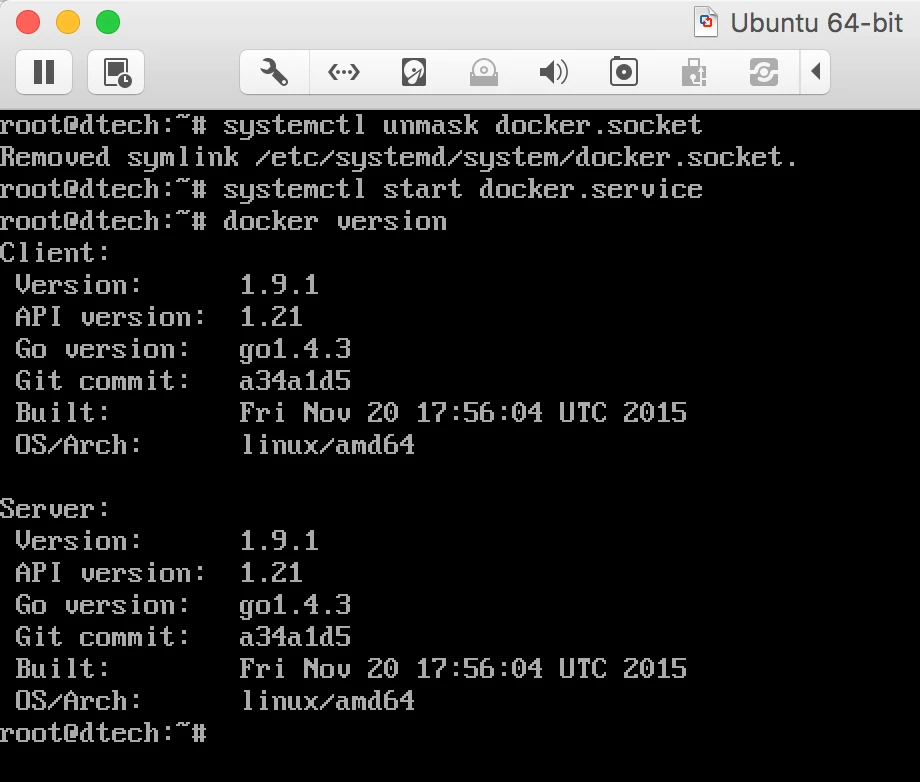
to resolve this issue you have to run some command.
# systemctl unmask docker.socket
# systemctl unmask docker.service
# systemctl start docker.service
it will resolve this issue.


Why not just use docker-machine and its vmware fusionprovisoner? Installing everything manually seems very complicated if all you want is to run docker.
I was waiting for this kind of issue. Thank you very much for the place.
Really nice post, I definitely love this website, keep on it.
You made some decent points there. I looked
on the net for the problem and found most people will go along with with your website.
Your place is valueble for me. Thanks!