How to Access Esxi host via Web Client. ESXi 6.0 U2
After installing ESXi host Update 2, I am able to access my ESXi host via Web Client.
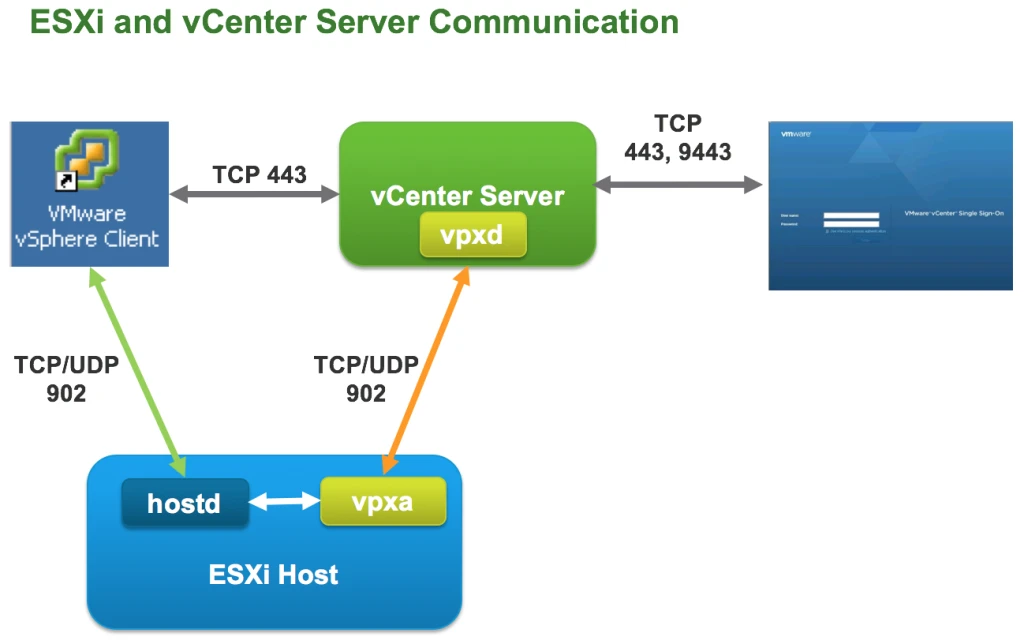
When we are talking about ESXi host and vCenter Server Architecture. it was not possible to access ESXi host via Web Client But now it possible.
Old One
New One
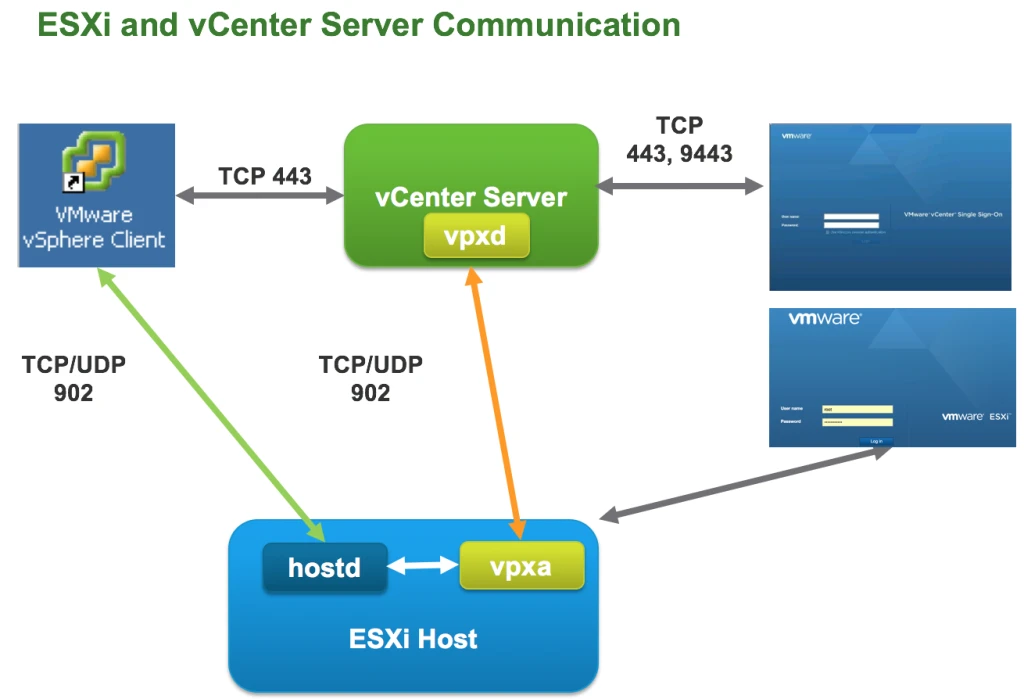
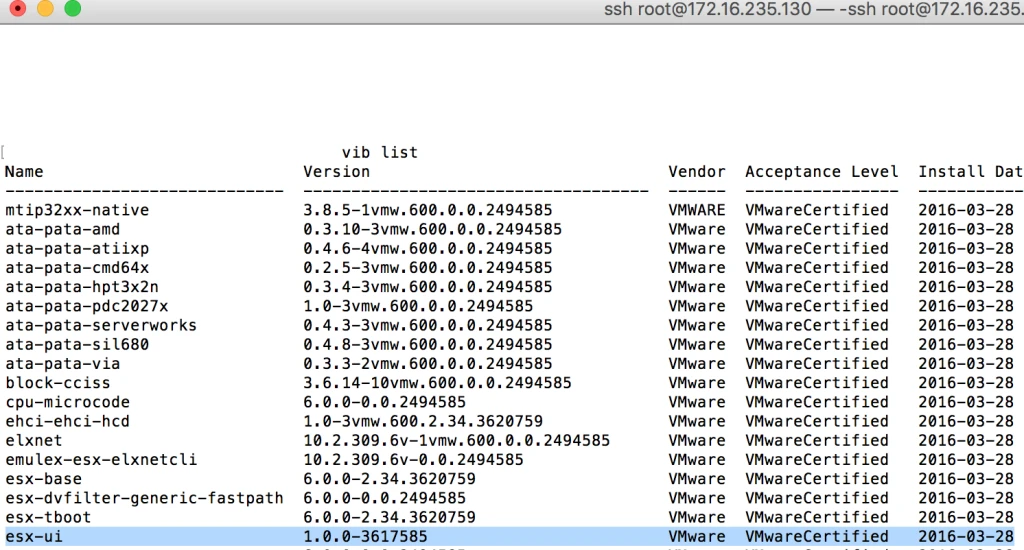
After installing ESXi host 6.0 U2.
- Open your browser and type the IP Adress of ESXi host.
http://ESXi-IP/ui
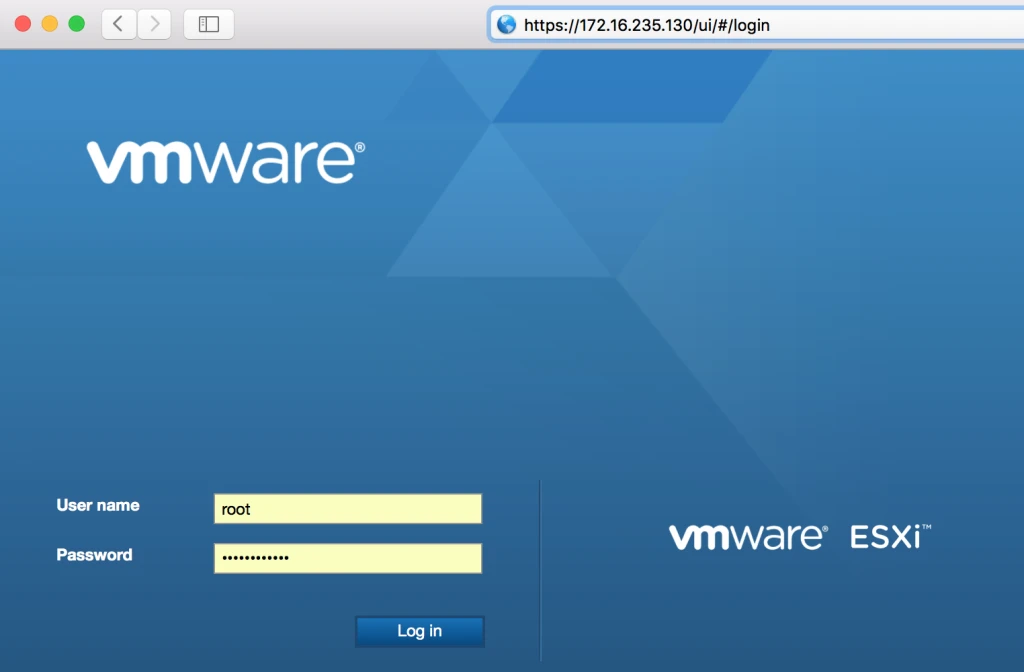
2. Now provide User name and password ( My Esxi host is not part of Domain so i am using Local user name and password).
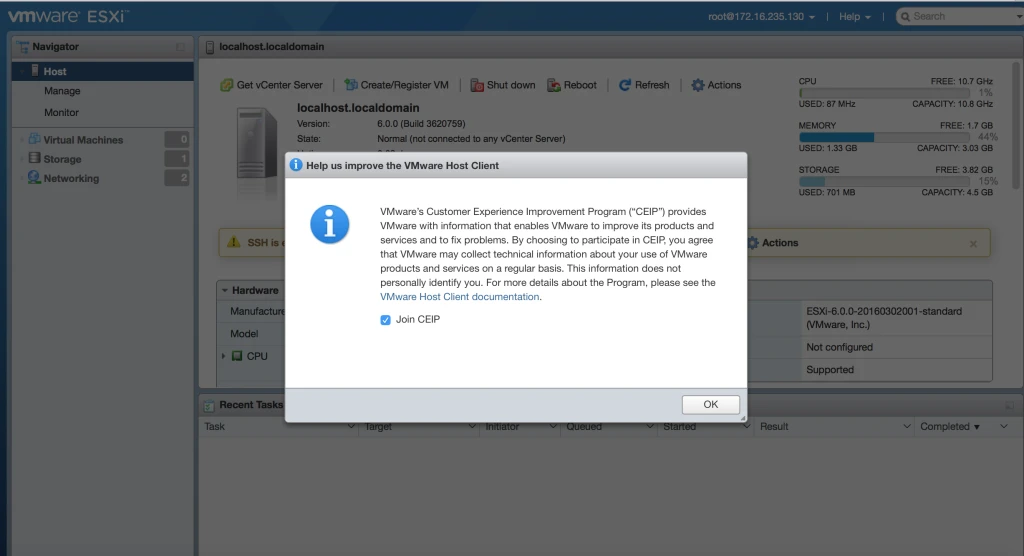
After login it will ask you to Join CEIP. ( join the same and help VMware to give Feedback)
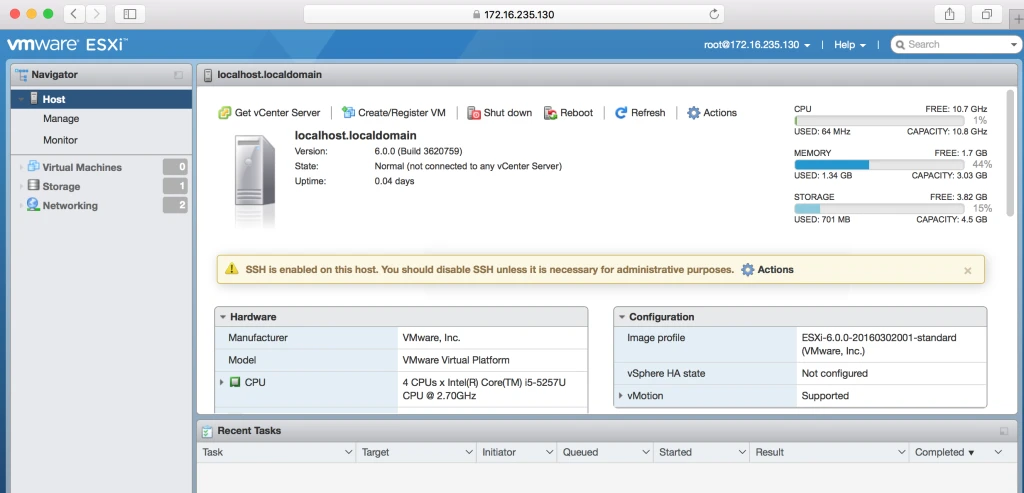
3. First Look of Esxi host.
4. What you can do with ESXi host via Web Client
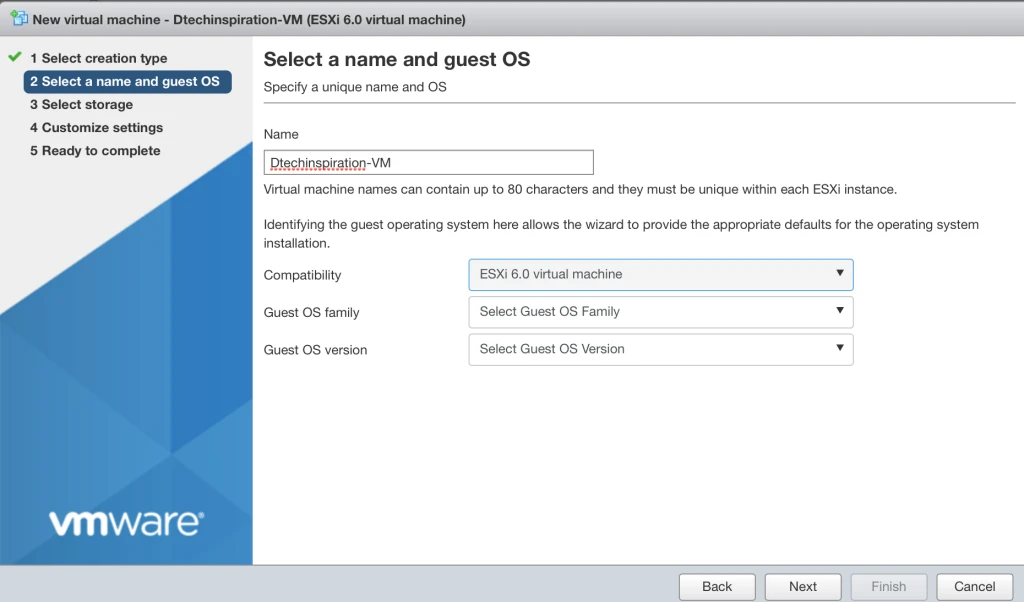
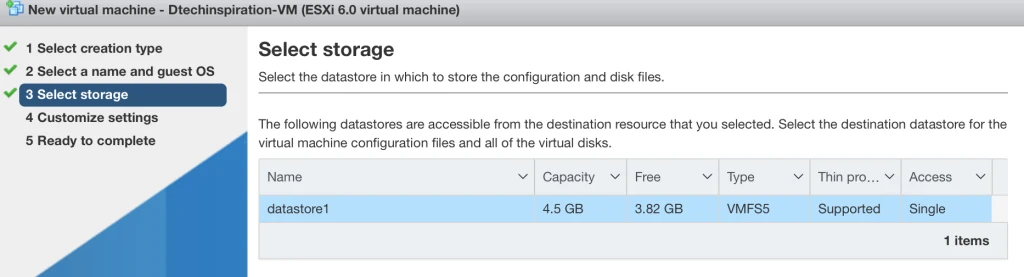
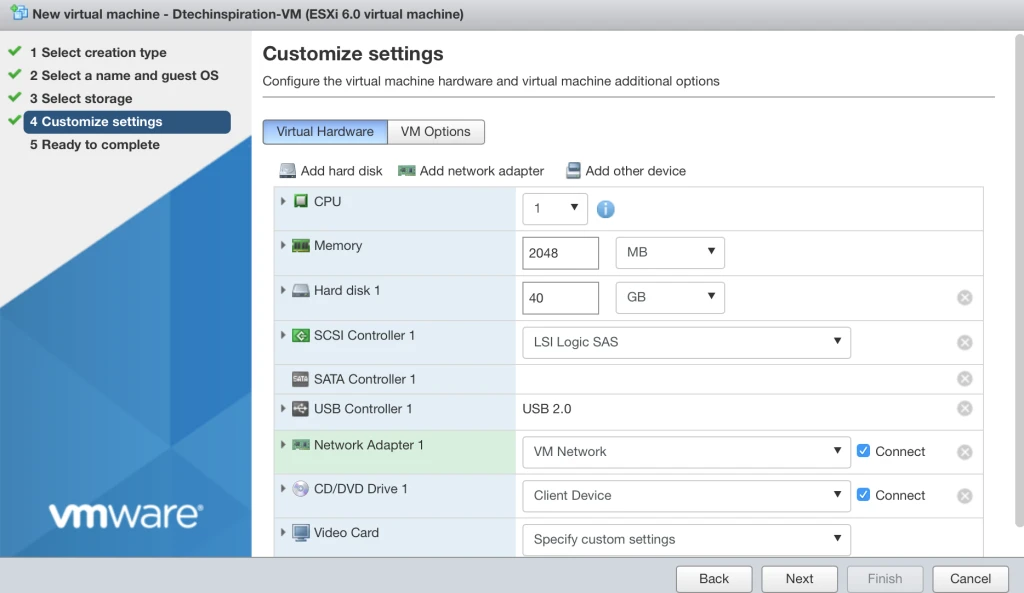
a. Creating a new VM (from OVF/OVA but there is limit- OVA deployment is currently limited to files under 1 gigabyte in size due to web browser limitations.If you wish to deploy an OVA greater than 1 gigabyte, please extract the OVA using tar and provide the OVF and VMDK files separately)
b. Shutdown/Reboot the Host

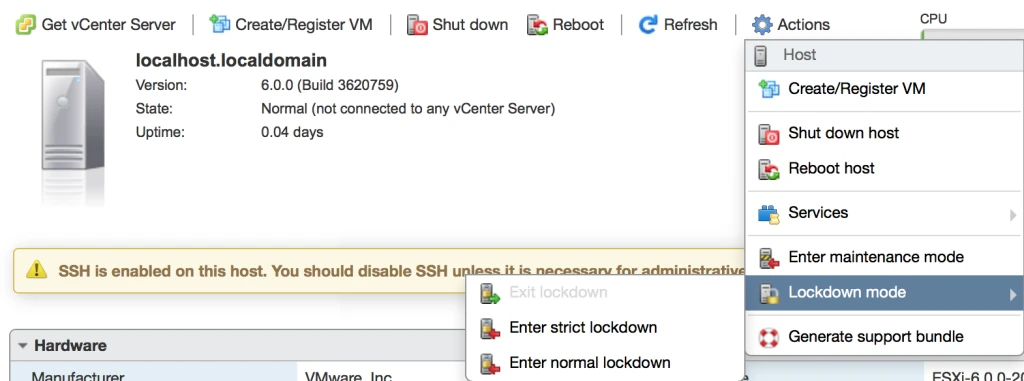
c. Enable Host Lockdown Mode
d. Some More Settings.

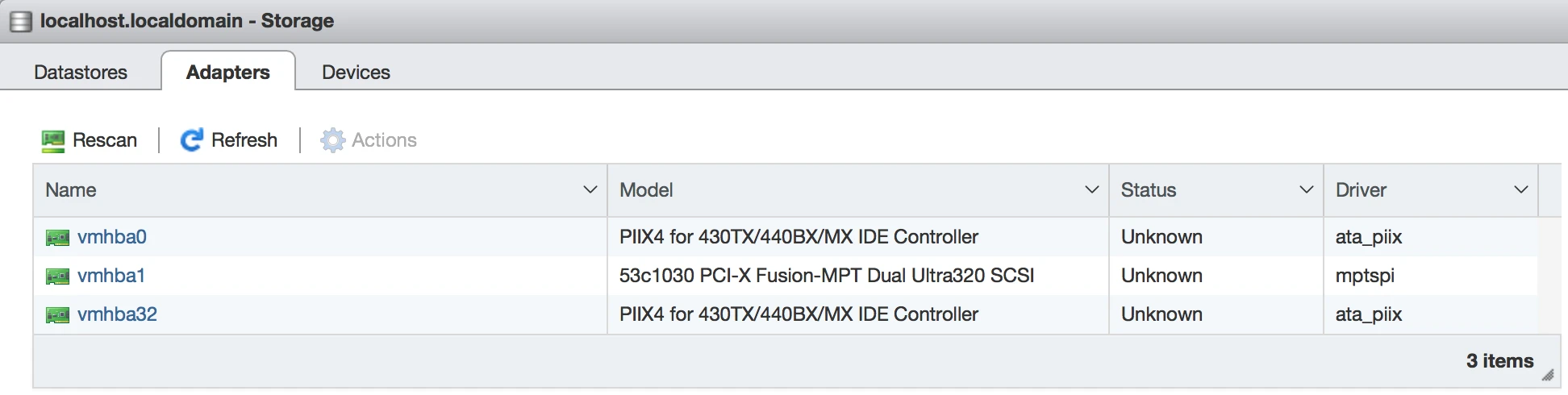
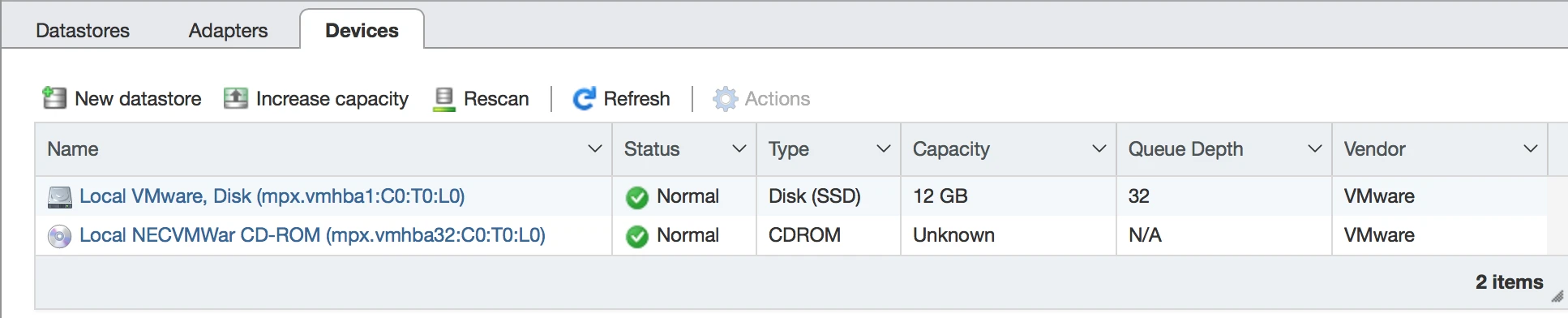
Storage options are below

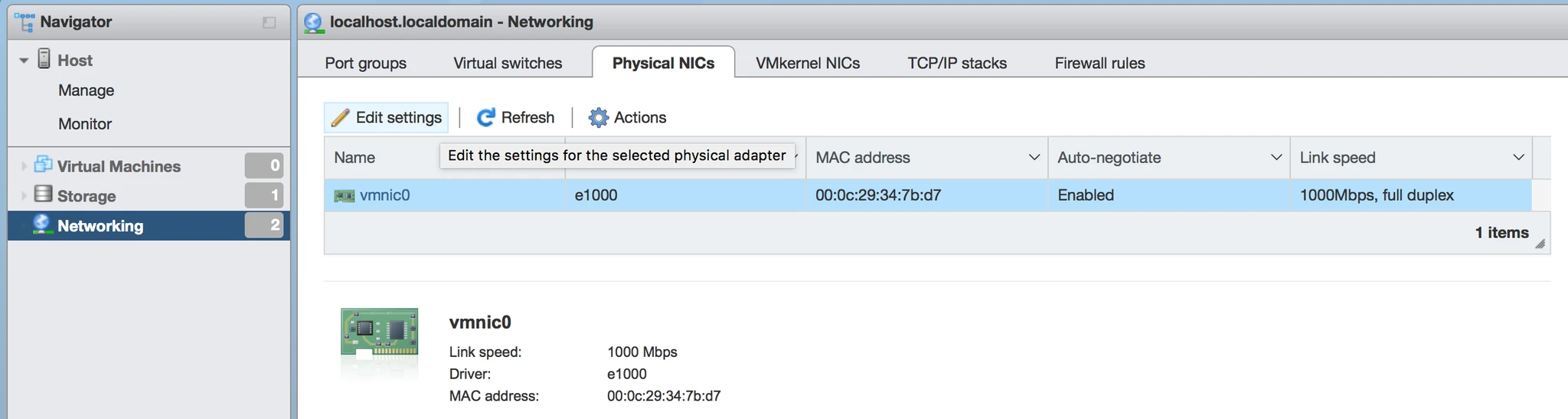
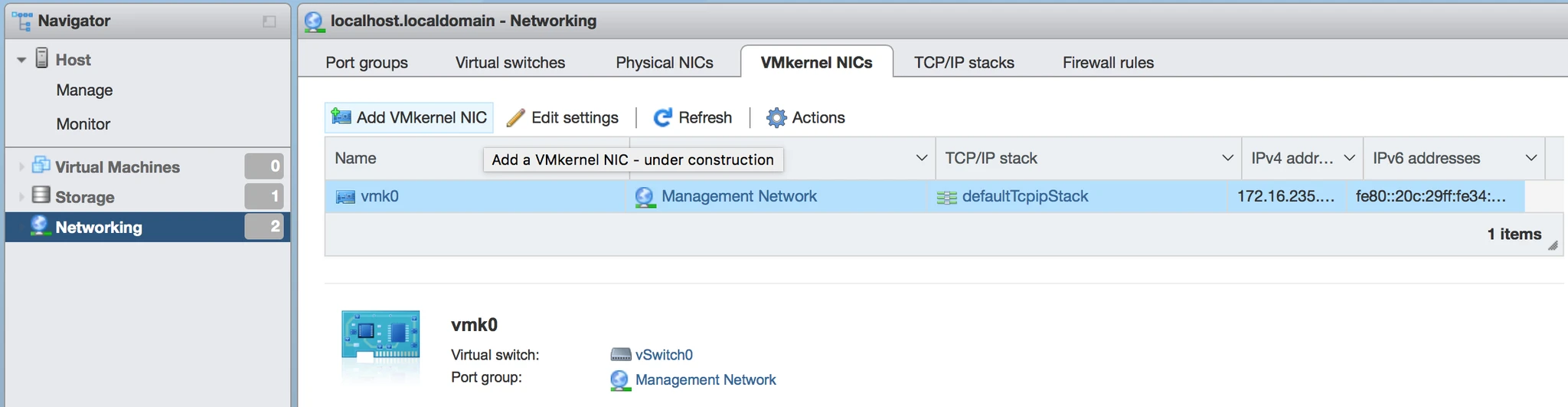
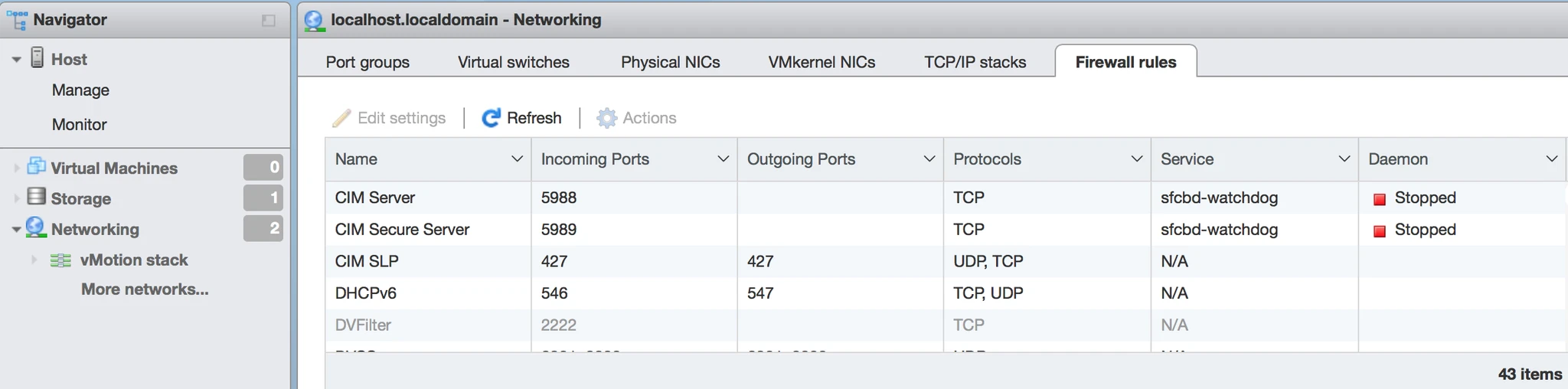
Network options are below


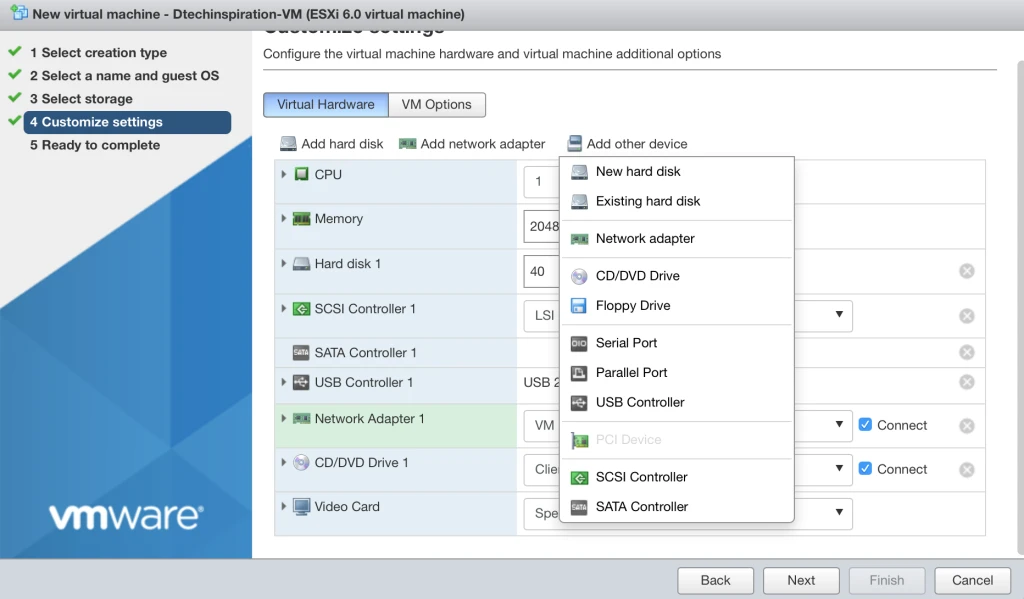
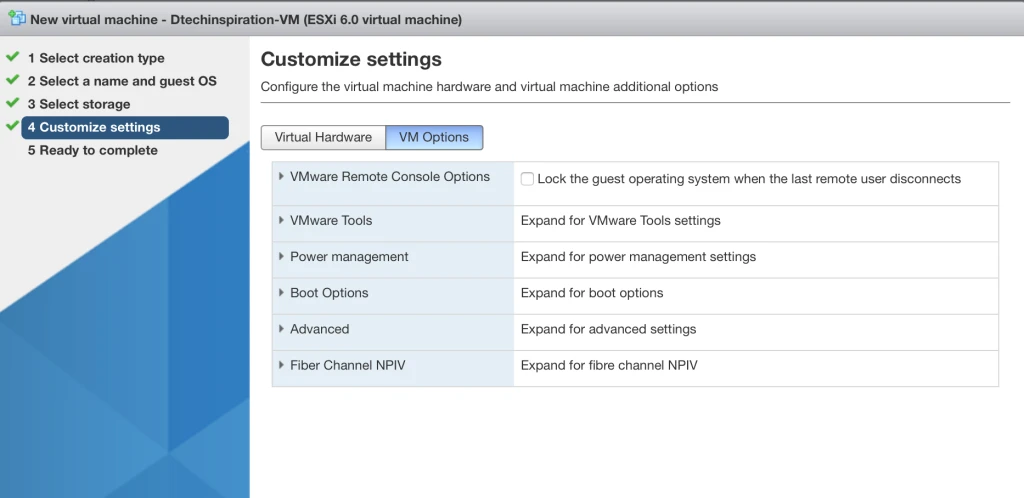
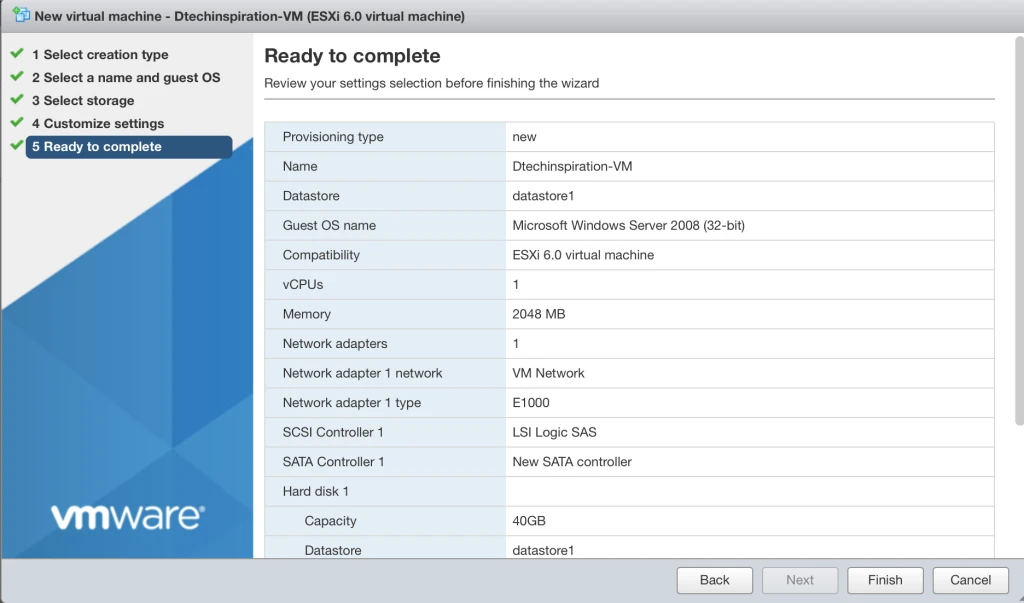
VM Creation on StandAlone Host via Web Client
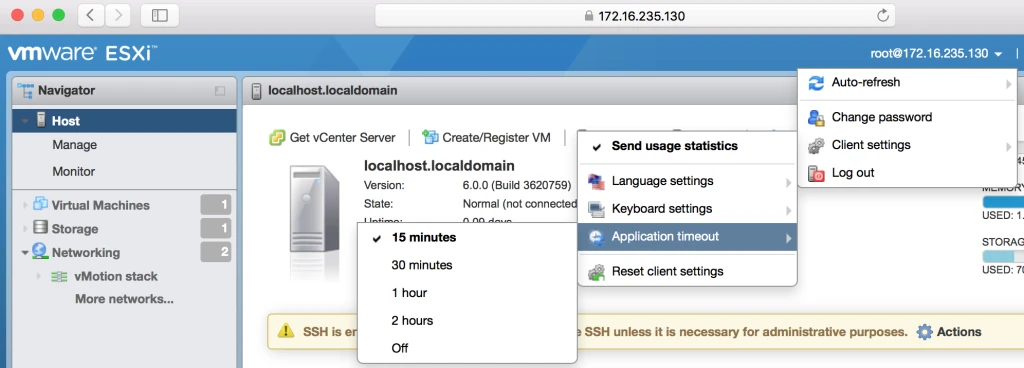
Some Extra Settings