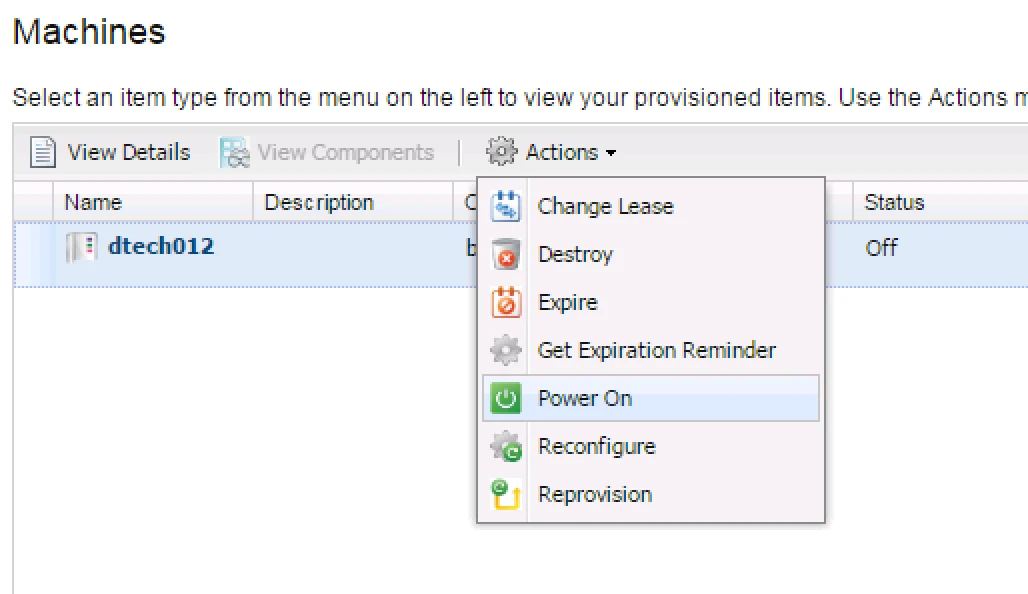
After create Virtual machine in VRA now we will see how to Edit or Modify a Virtual Machine’s Resource Settings.
1. First login into Business-admin

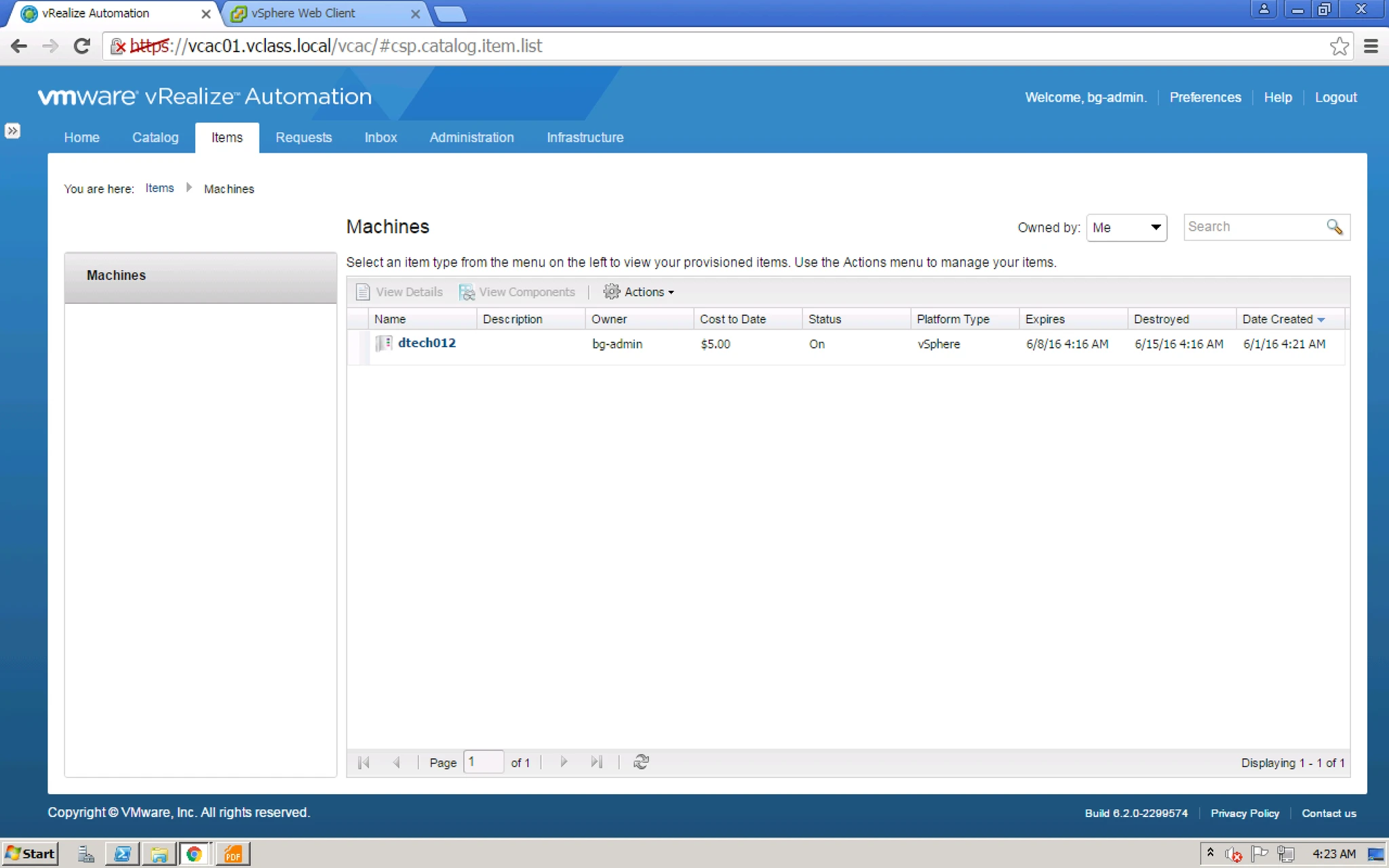
2. After that make sure your Virtual machine is Powered Off, How, right click on your VM and Select Power Off option.
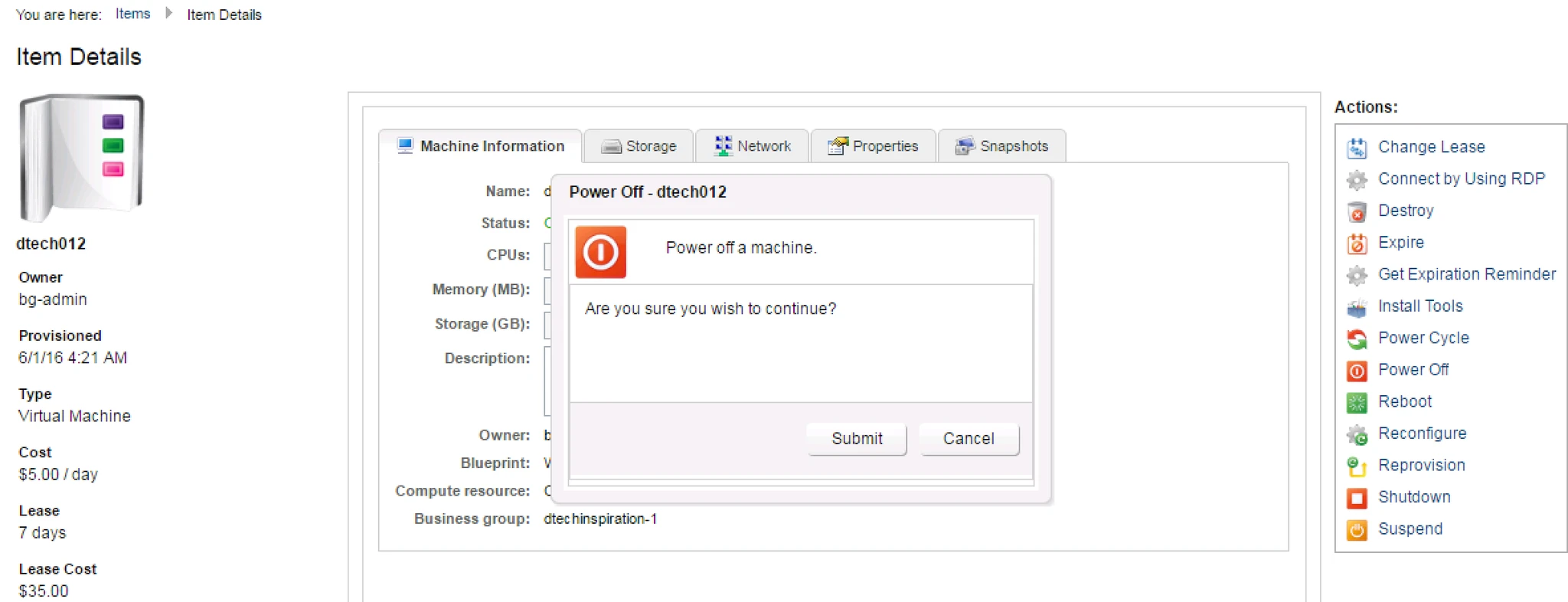
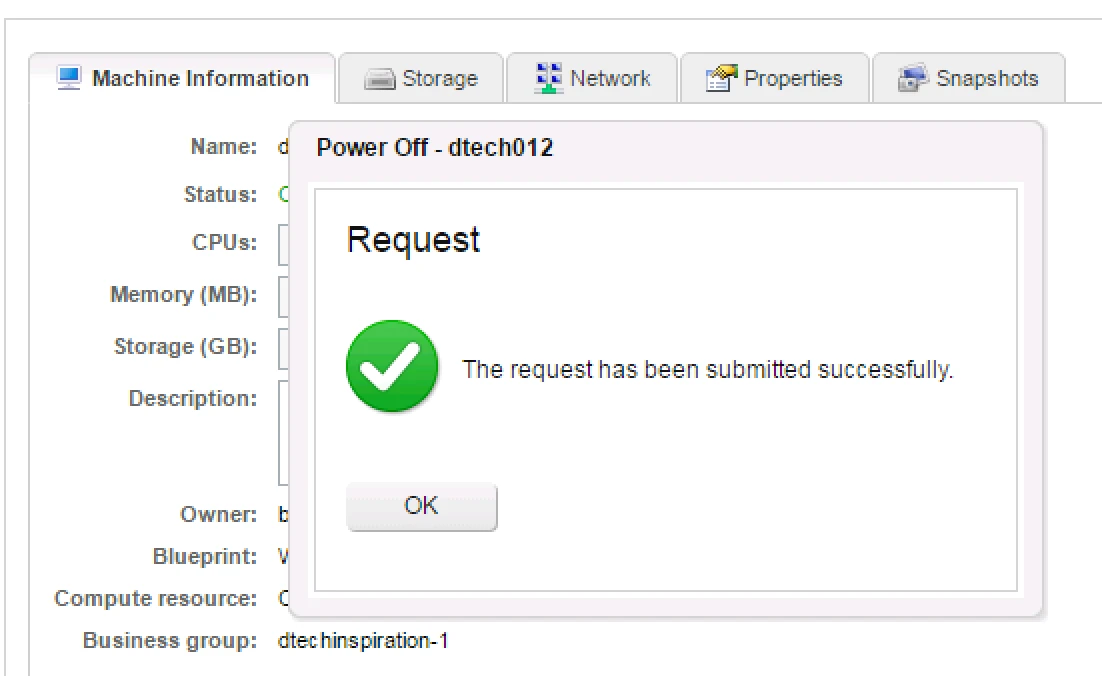
3. It will take some time to power off. Till the time it is not fully powered off it will not highlight RAM, CPU edit options.
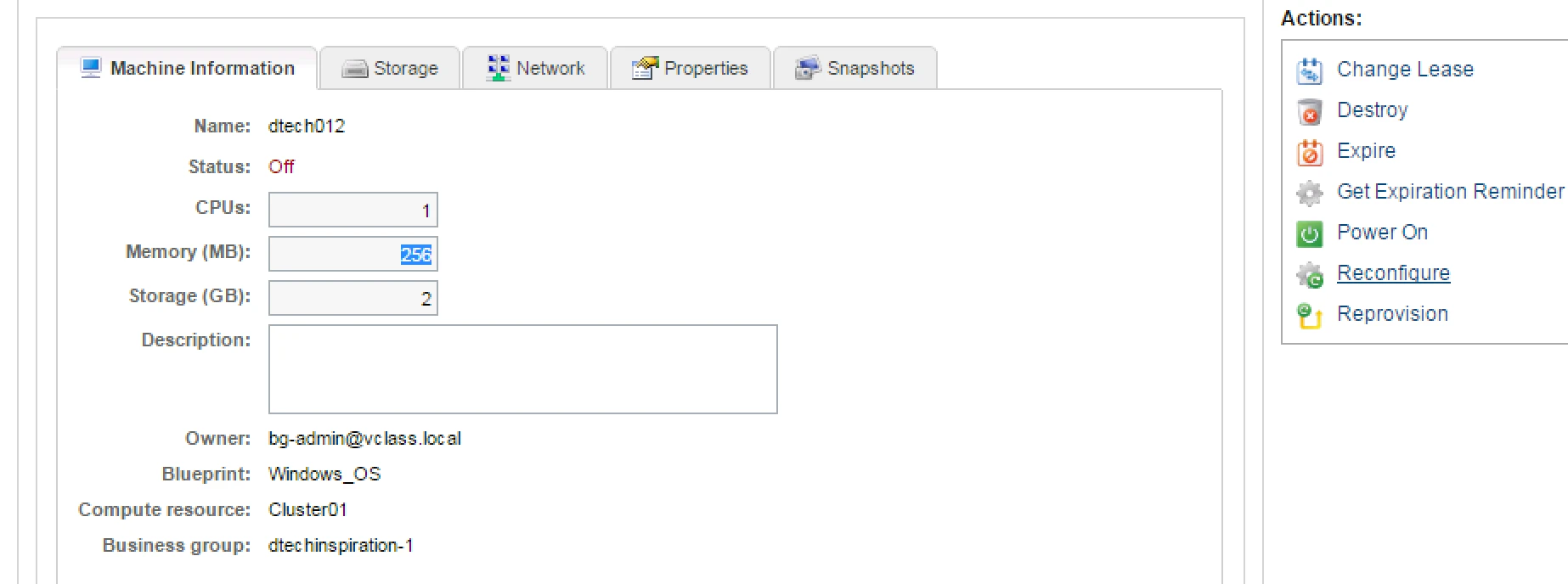
4. Once it is ready then you can see RAM, CPU options are highlighted.
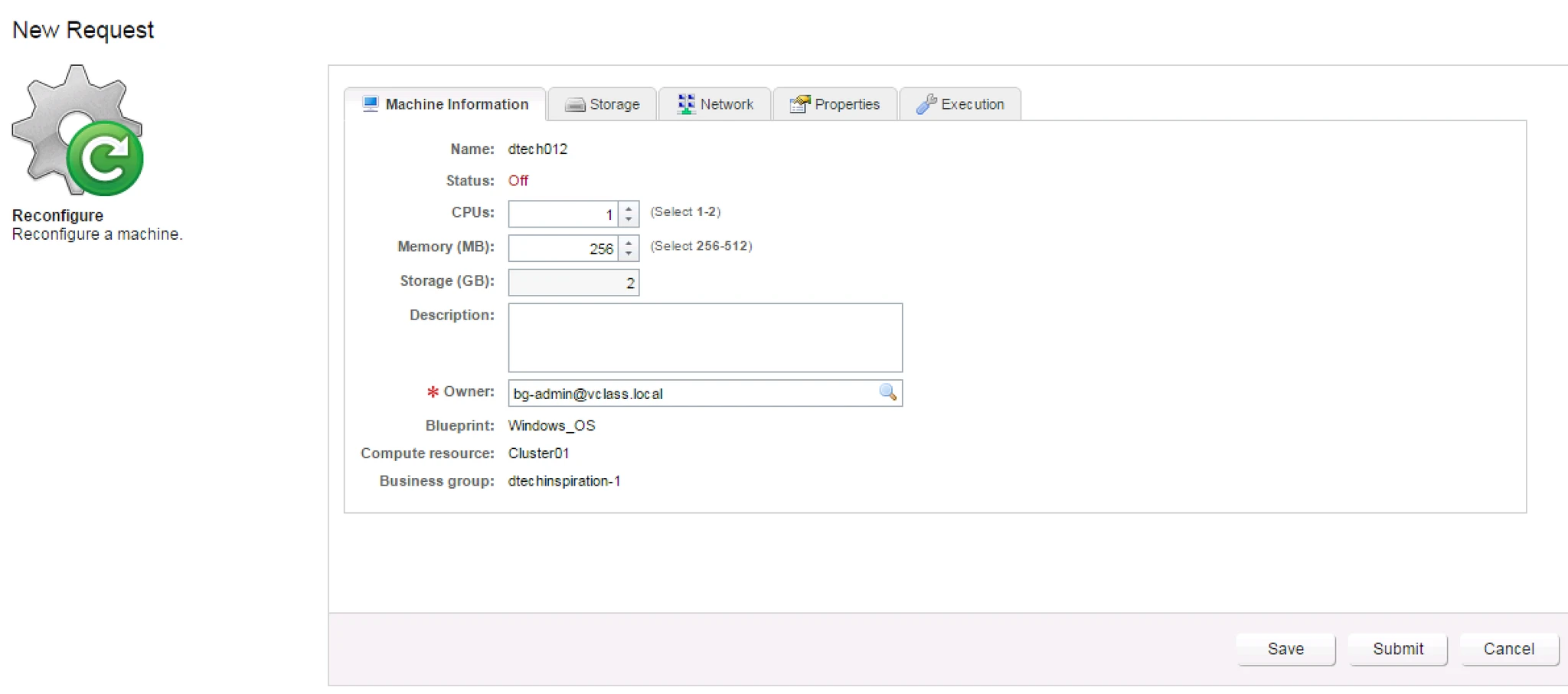
5. Here you have to provide CPU and Memory value which you want to increase.
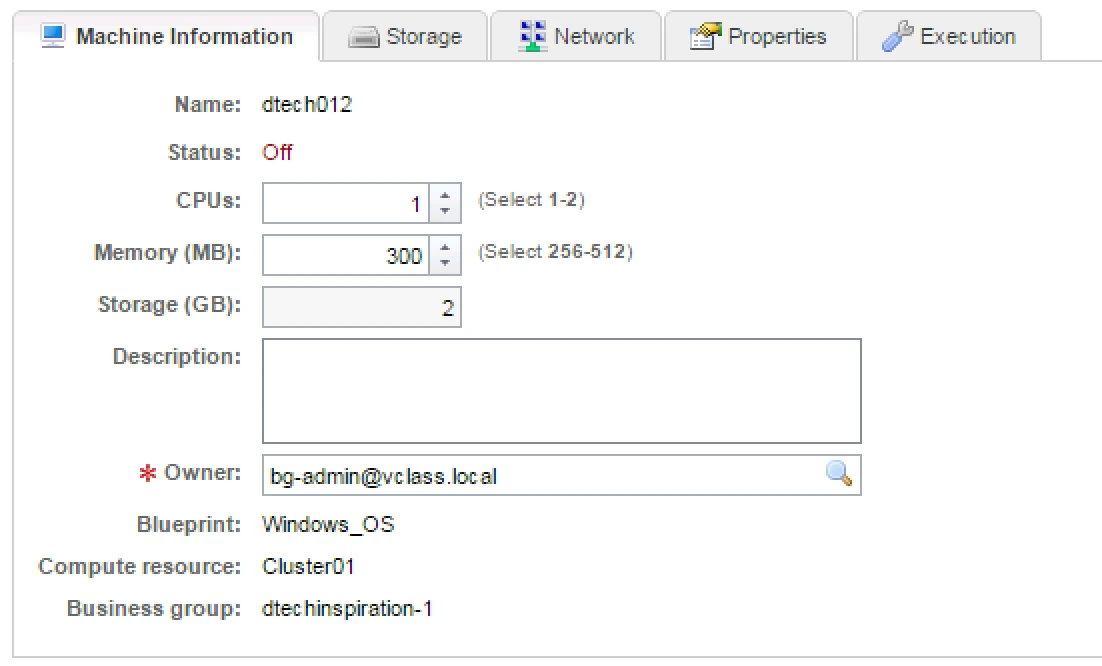
6. Then power On the Virtual Machine.