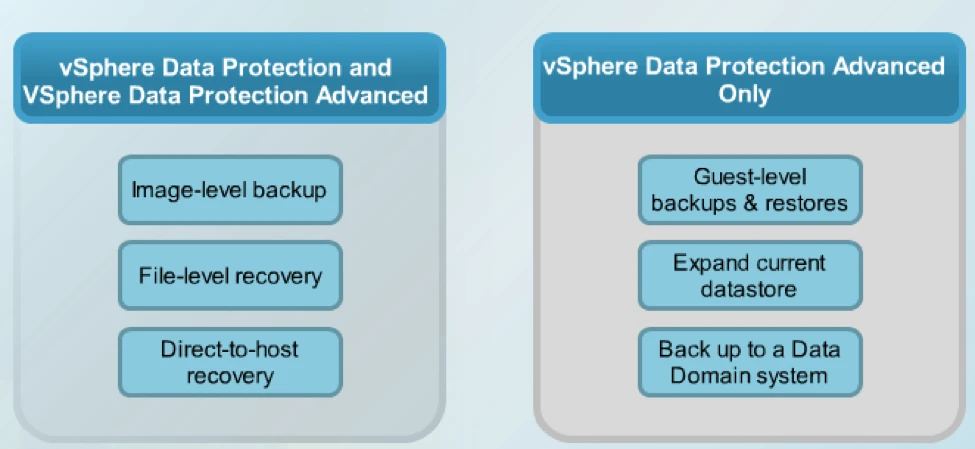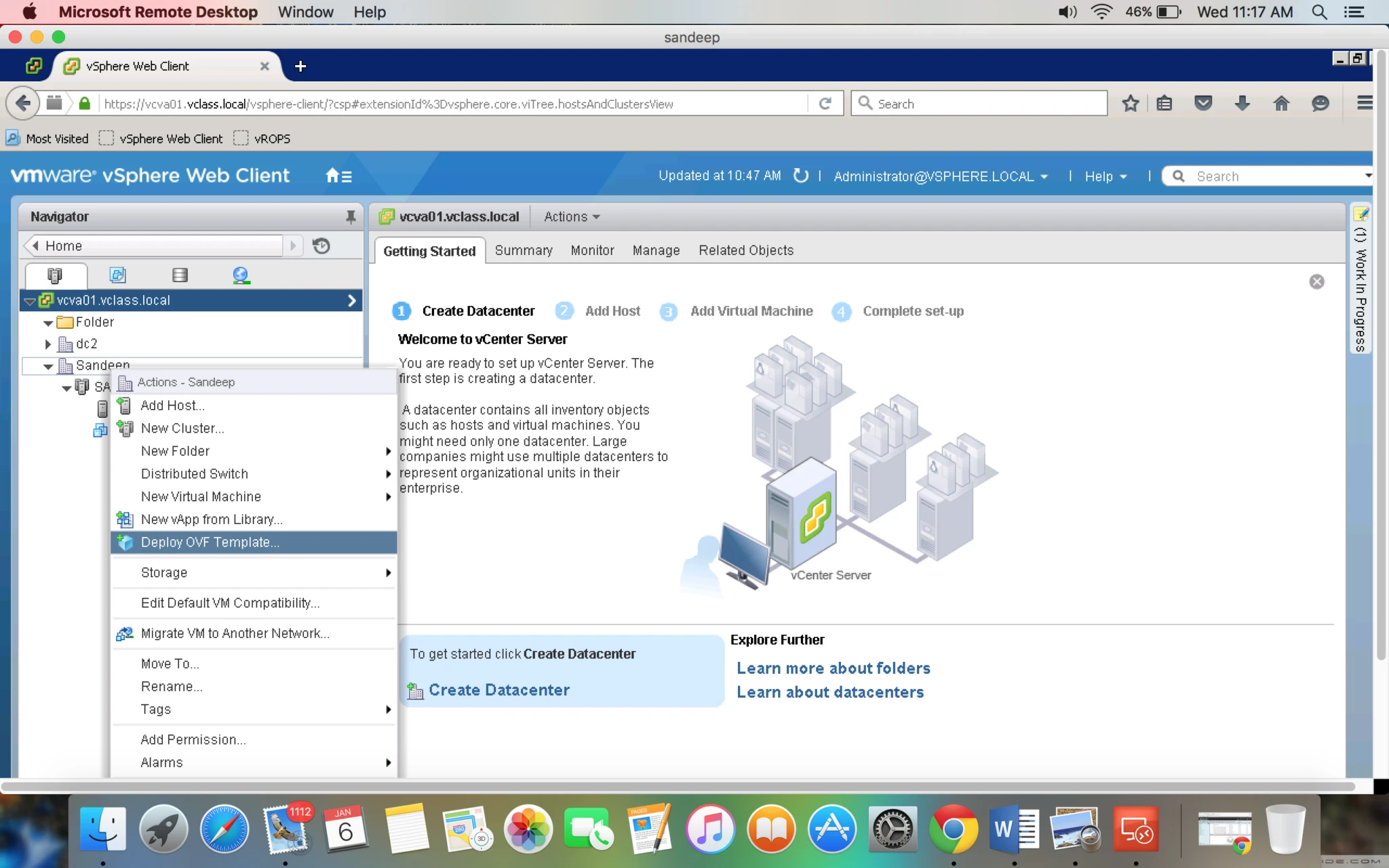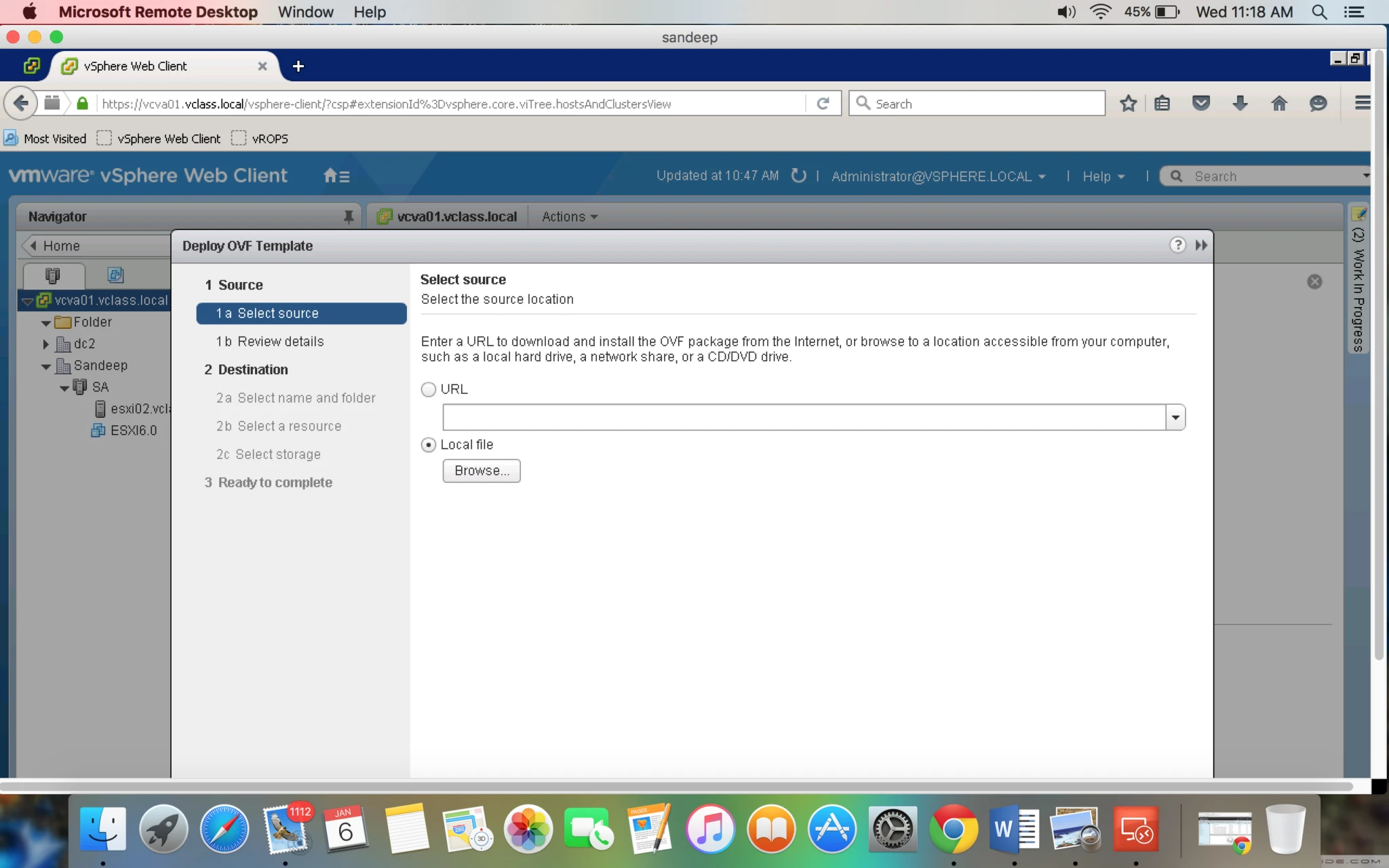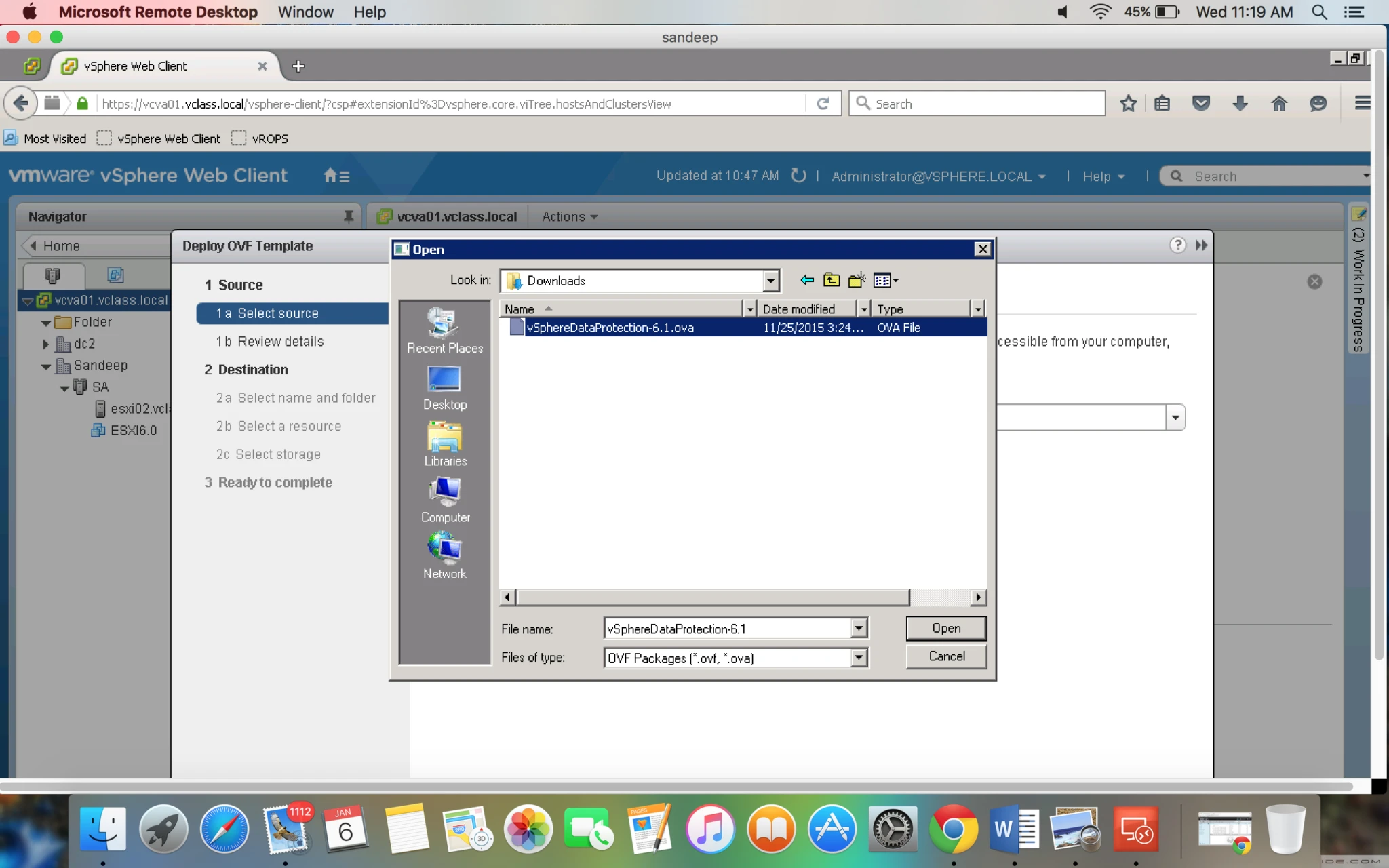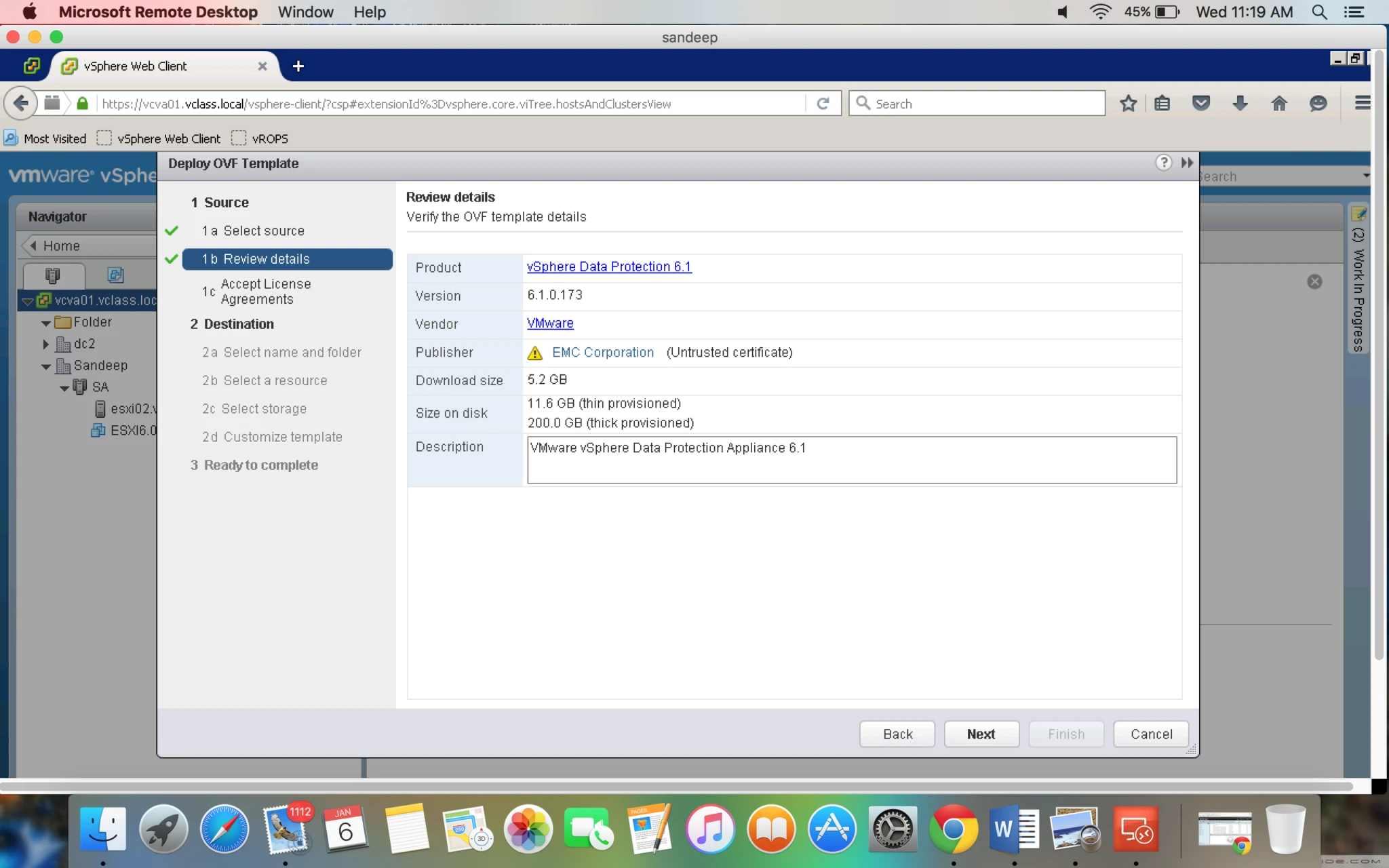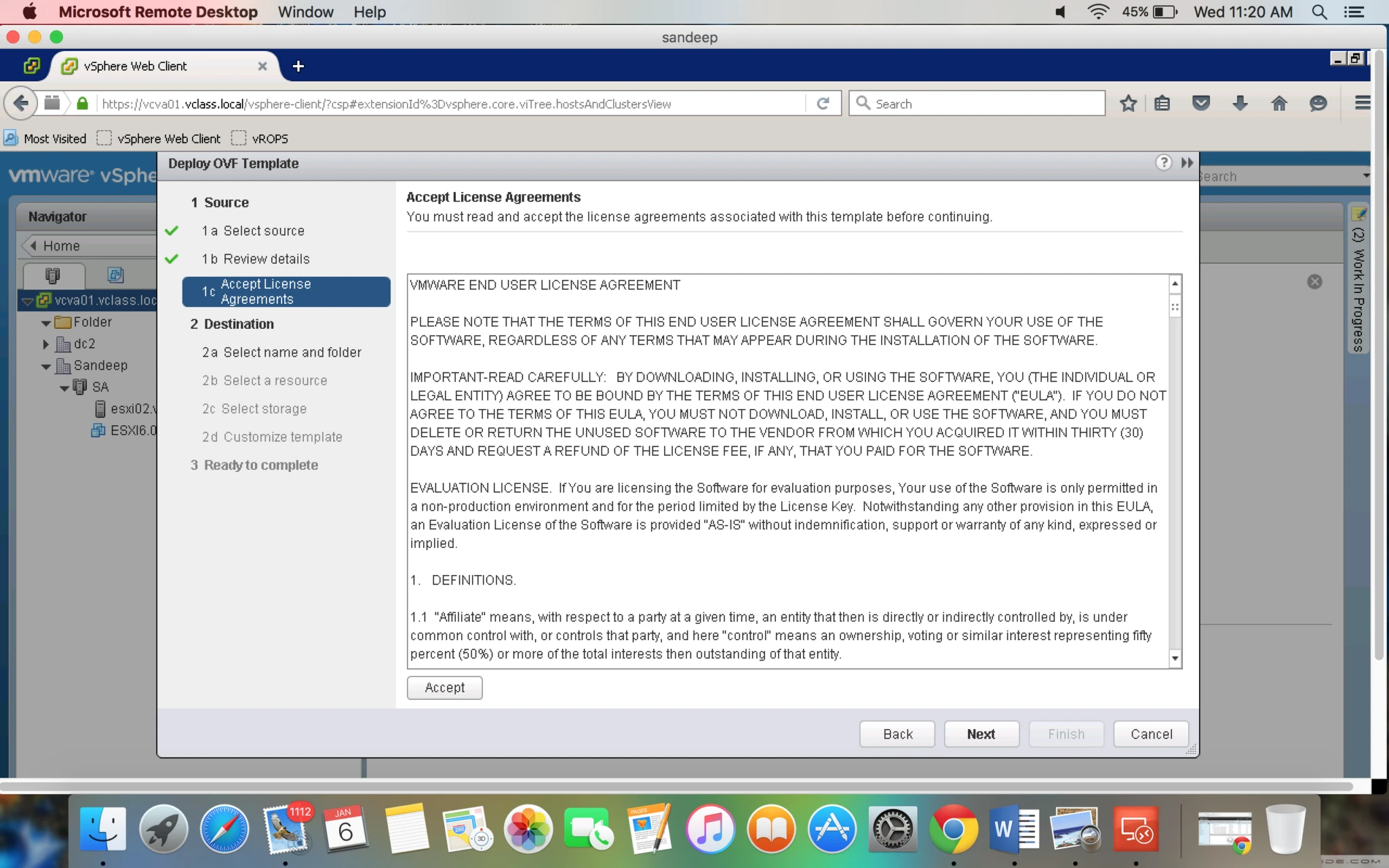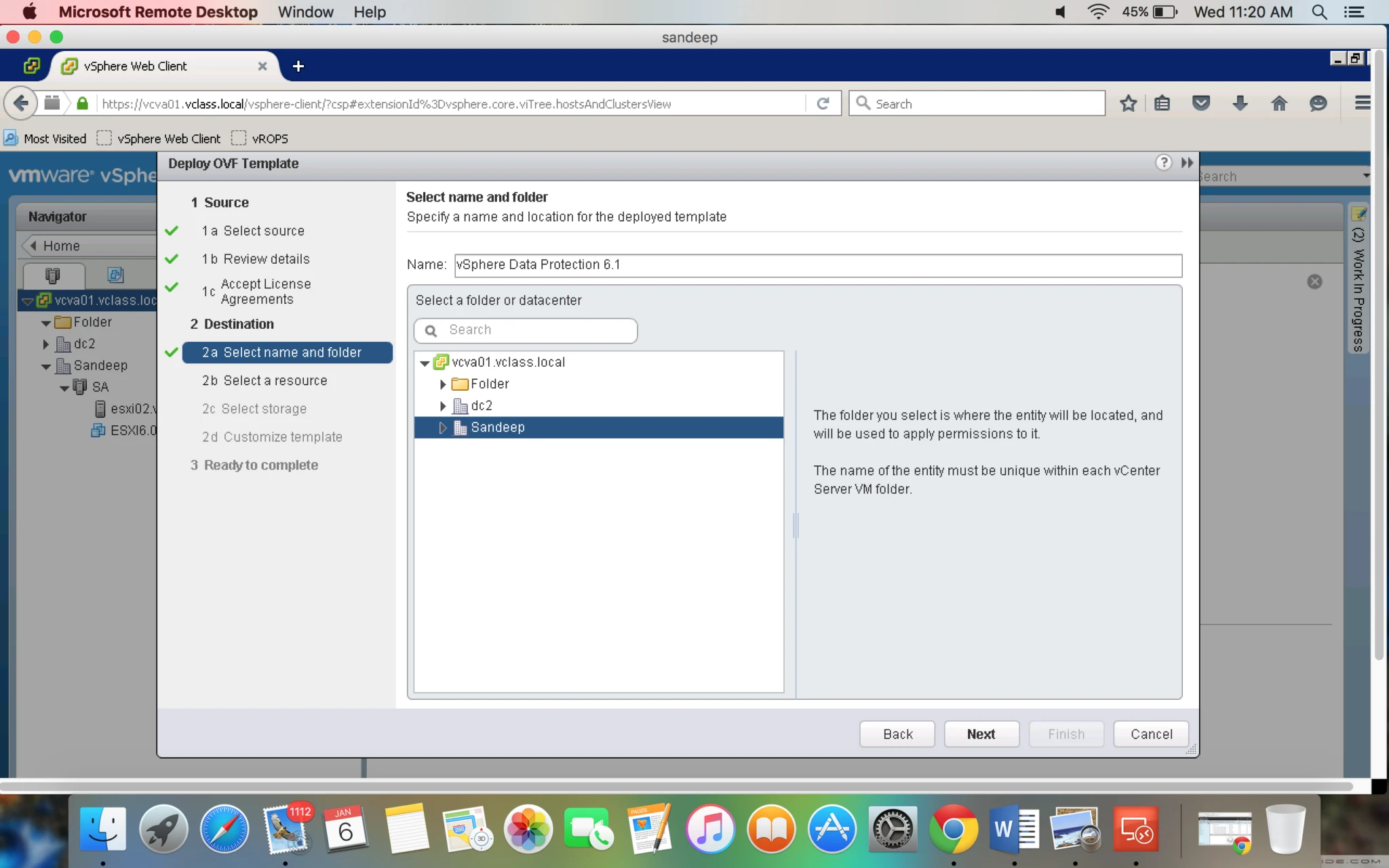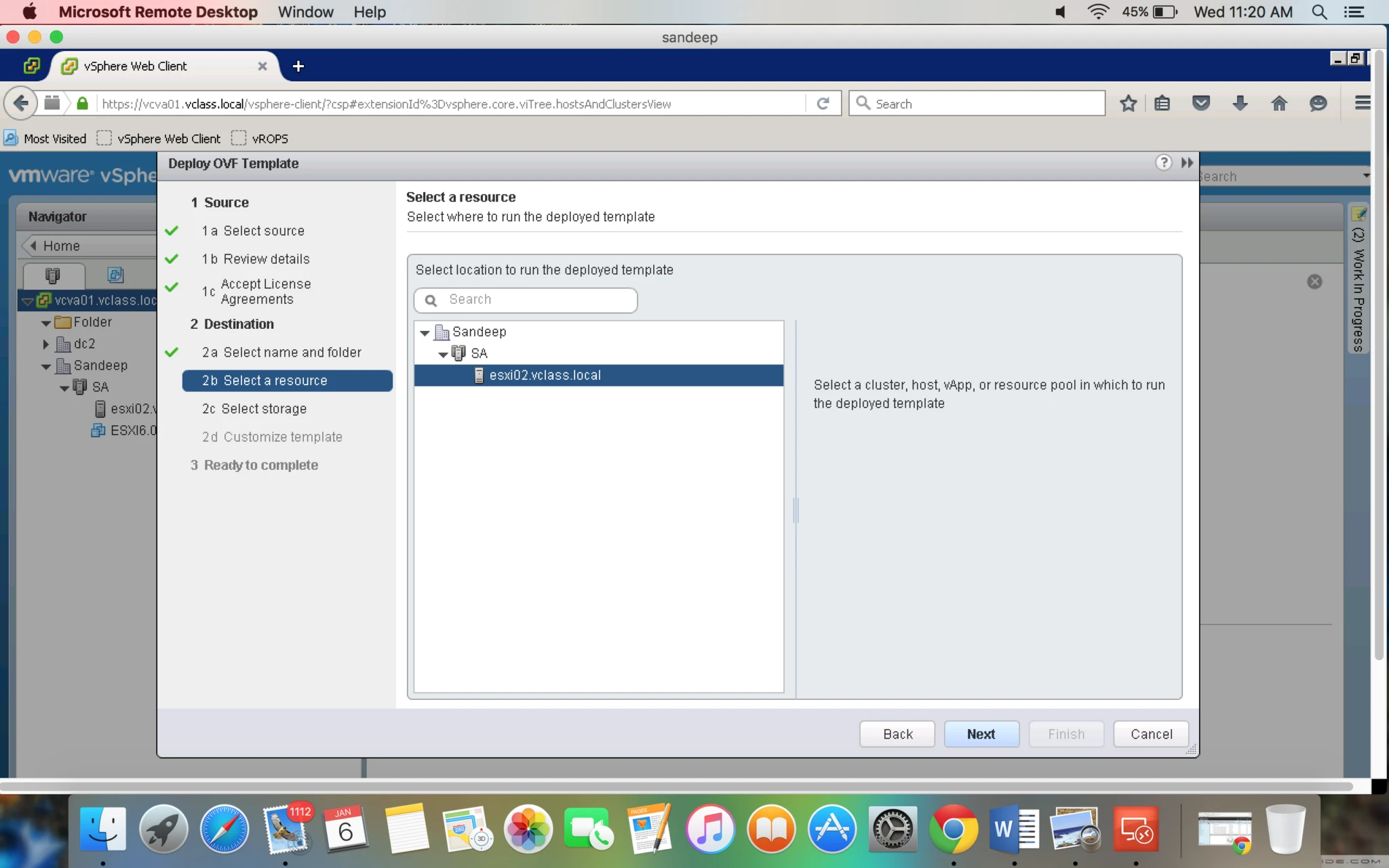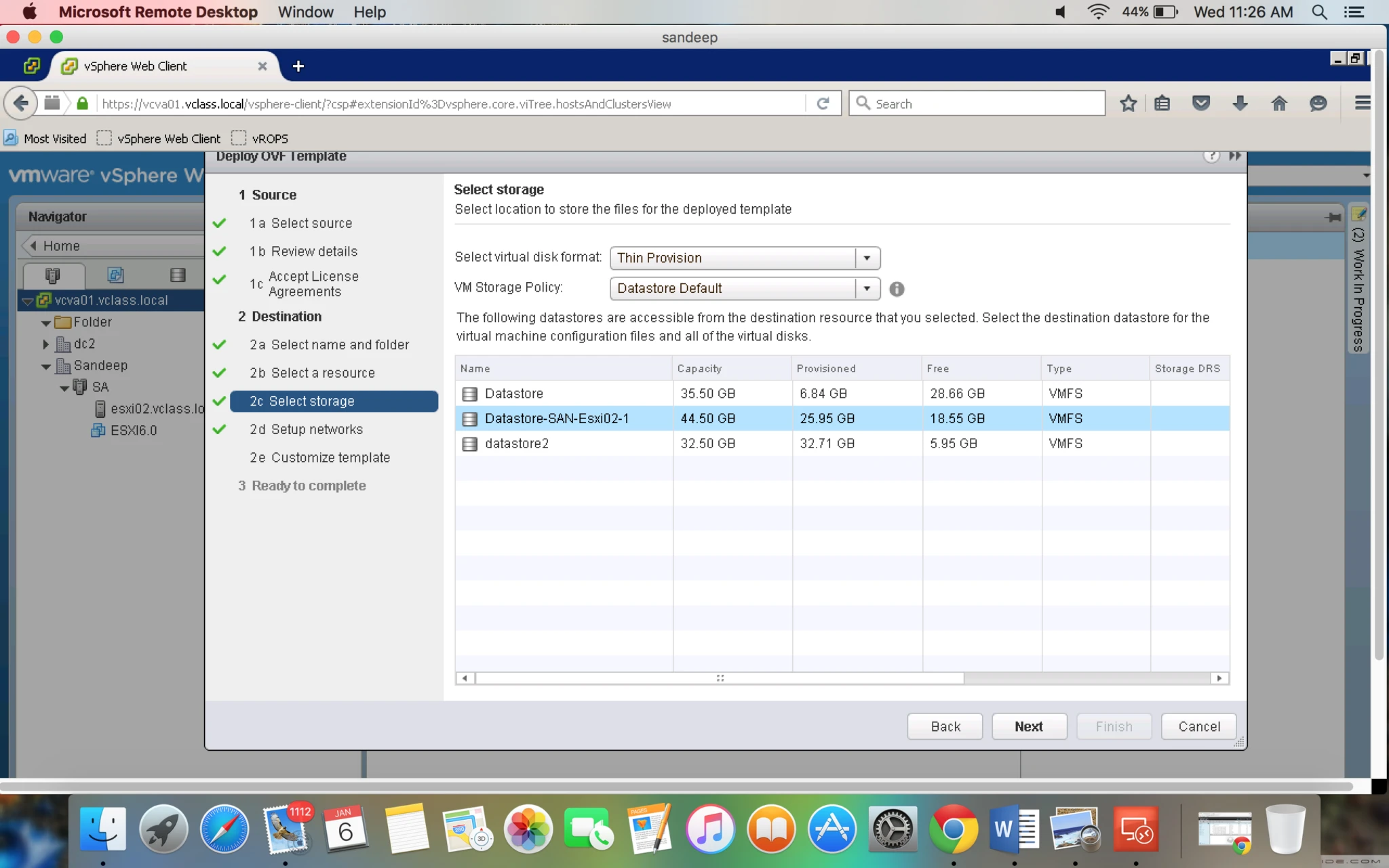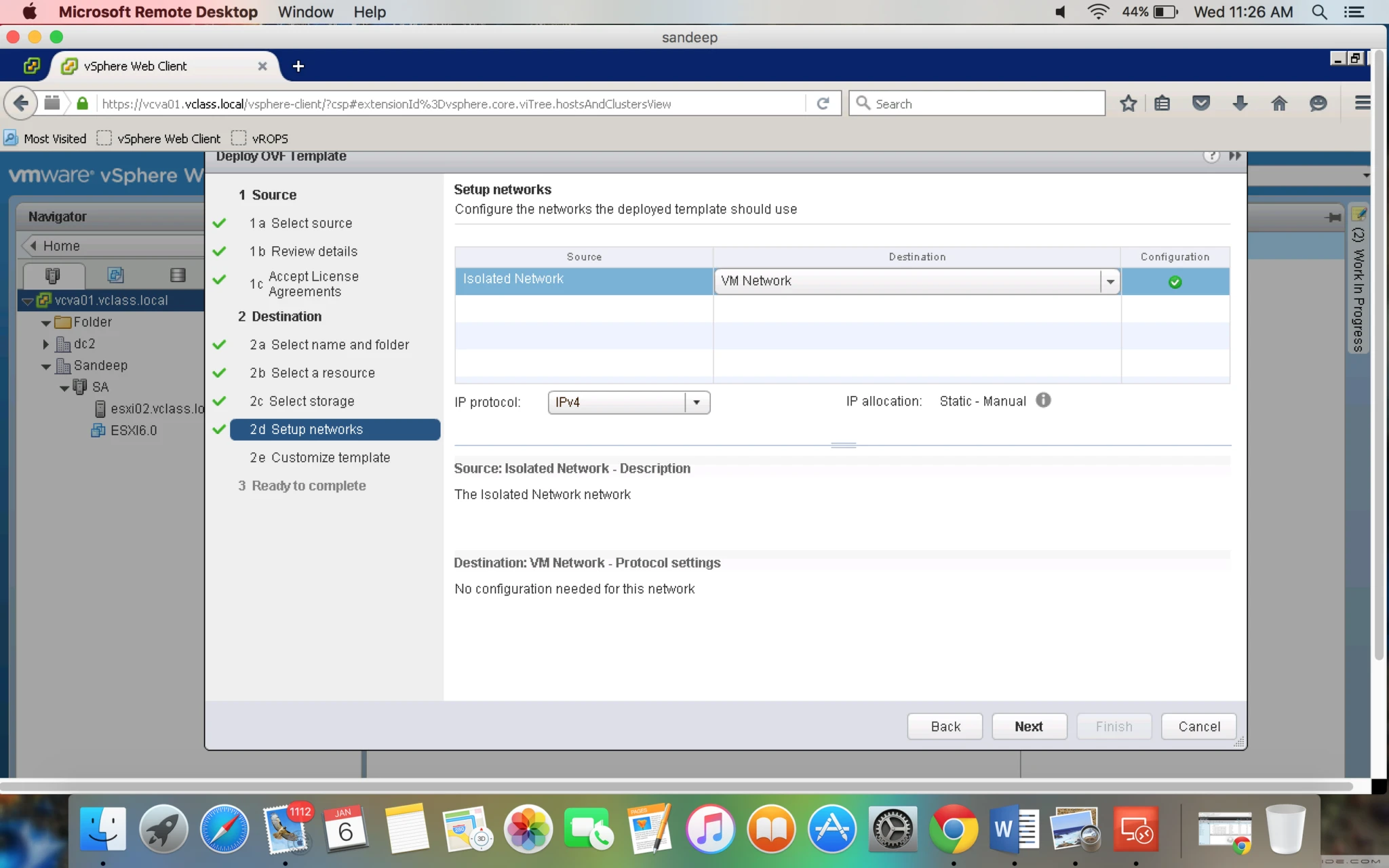
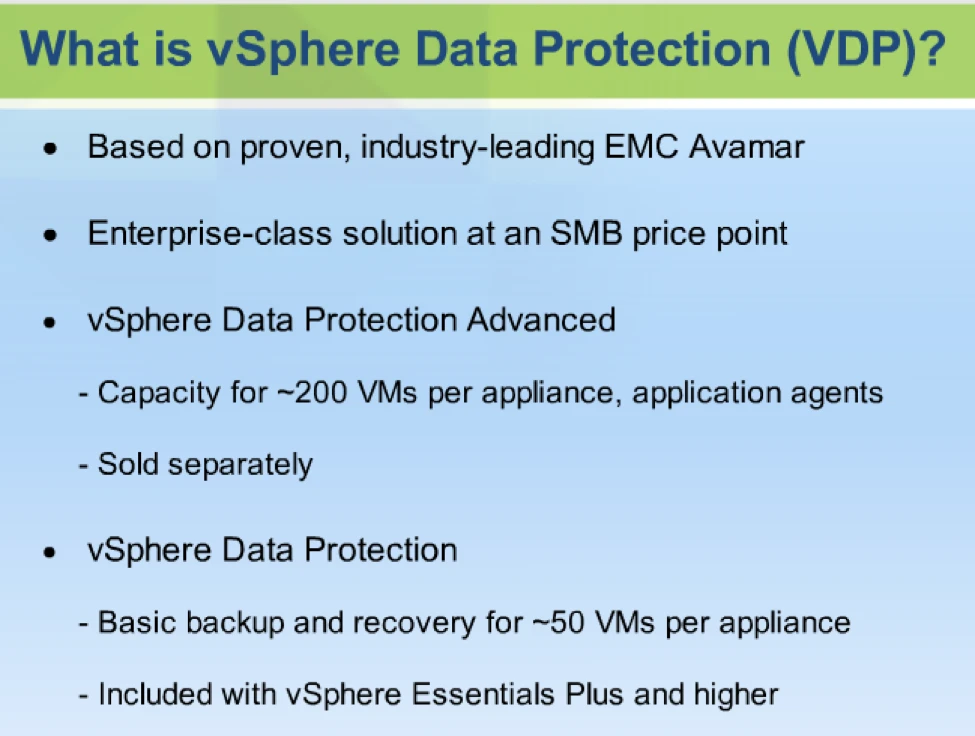
- VDP is fully integrated with vSphere webclient so it is very easy for vsphere admin.
- From this single console vsphere admin will be able to create backup job and able to restore, rather than investing time to learn new user interface.
- At the first time VM is backed up all the block which makeup VM will be backed up. After that only change block will be copied (CBT) is used.
- Variable length segment de-duplication is more efficient than Fixed segment length de-duplication. Other backup solution use fixed length deduplication.
- Without agent you are able to restore backup so it remove complexity
- It is also possible to restore individual file and folder you can restore rather than restoring whole VM using just a web browser.
- If you want to take backup for Database then you can install agent for that application and backup is possible for the same. Example: Microsoft SQL database, Microsoft Exchange.
Features:
- You can replicate the backup between VDP advanced appliances
- You can replicate backup from VDP advanced to EMC Avamar.
- You can also move data to offsite by using VDP
- Replication is very efficient to minimize Network bandwidth utilization.
- Relication is encrypted for security purpose.
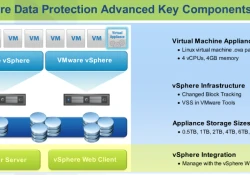
Let’s see vSphere Data Protection Components.
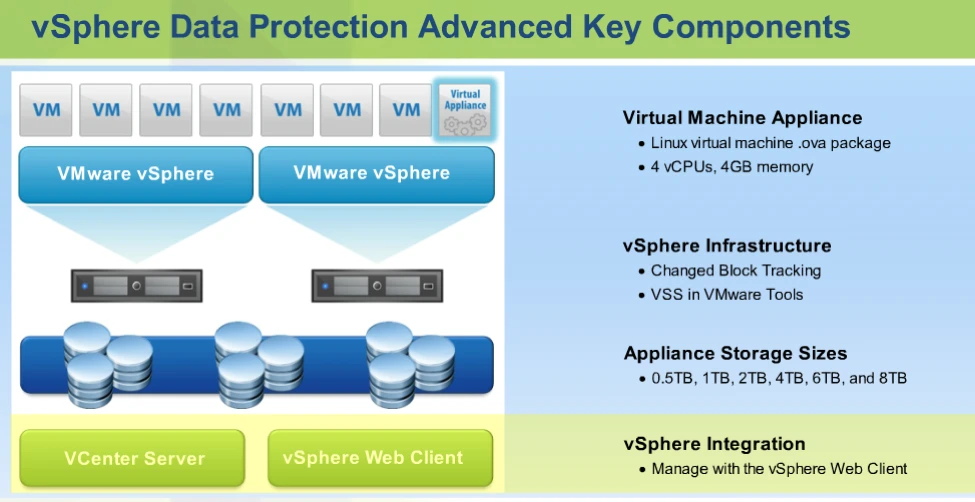
- Virtual Machine Appliance: As shown in above Image.
- vSphere Infrastructure: VMware vsphere API or VADP is used vsphere data protector advanced. This include the change block tracing or CBT mechanism. CBT track the changes made to a VM at the block level and provides this information to VDP so that the only change block will be backedup. This significantly reduce the storage consumptions and speeds up the backup and restore time VDPA.
** VMware tool contain VSS on windows OS it will quiseing the application while backing up the windows OS.
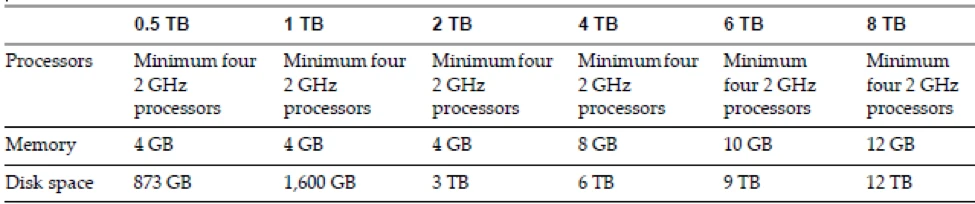
3. Appliance Sizes:
| OVA Size | Disk Space Required |
| 0.5 TB | 850 GB |
| 1 TB | (1.57 TB) |
| 2 TB | (3.02 TB) |
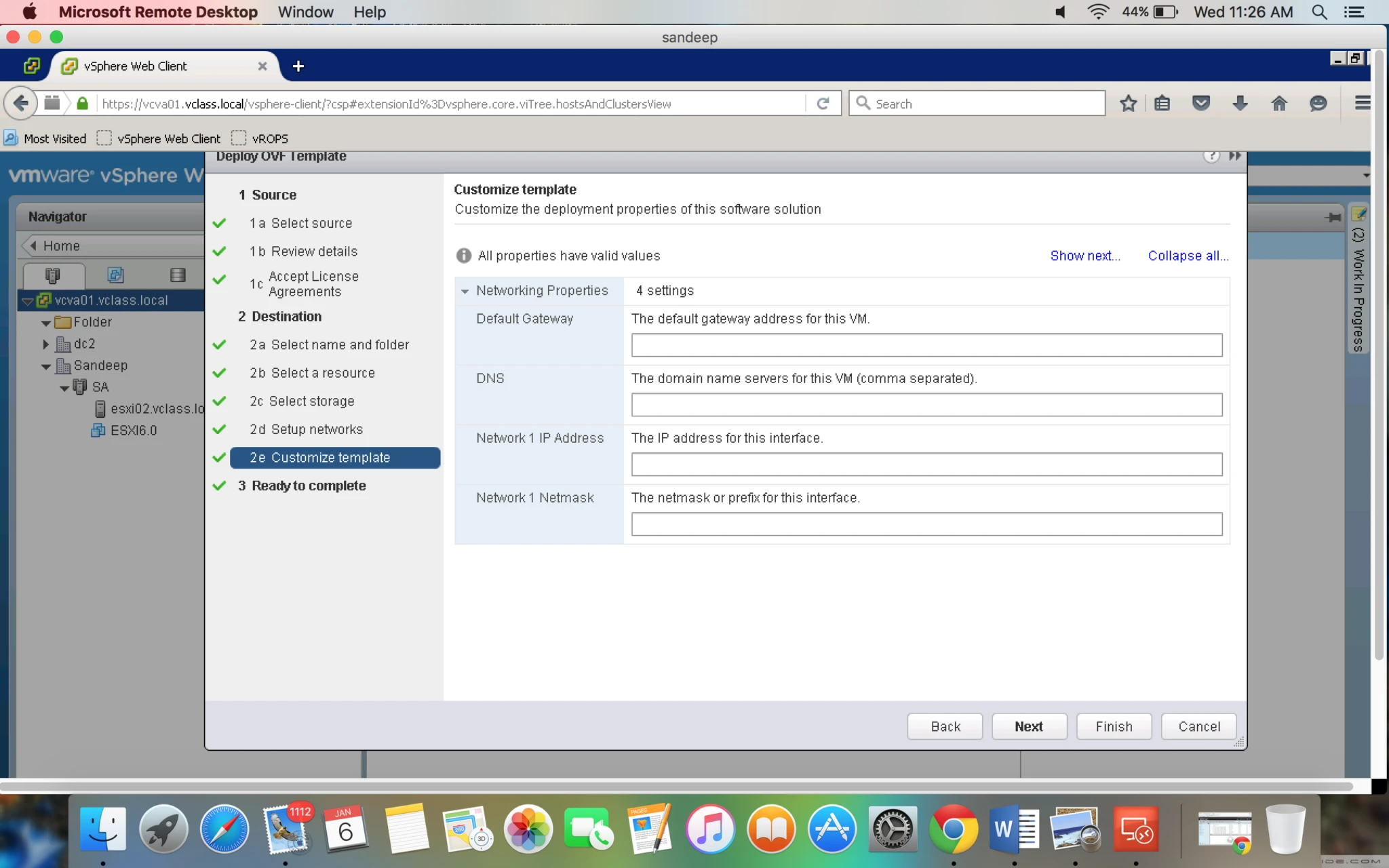
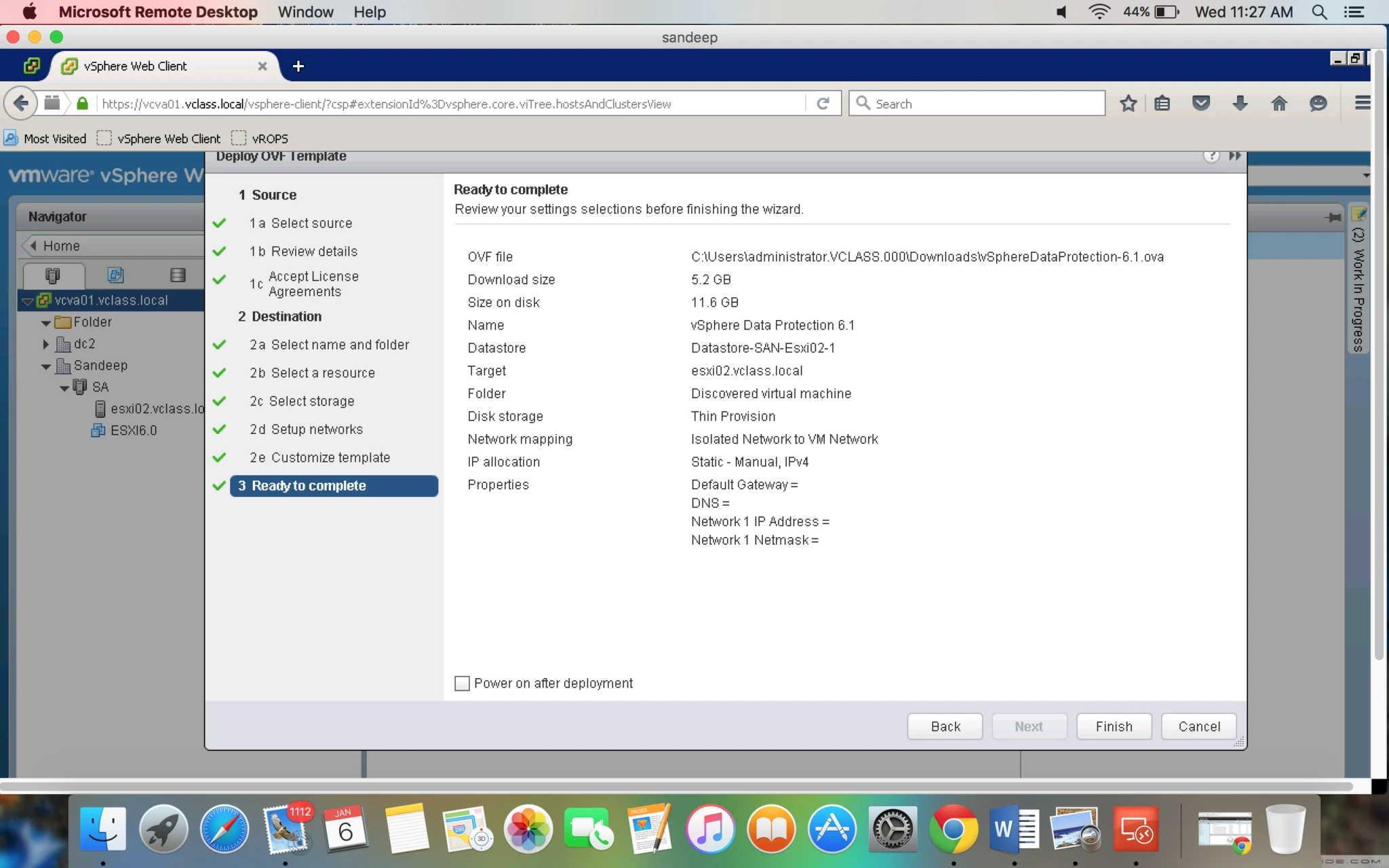
- In VDP 5.5 one OVA size is available, you will be prompted to choose the size of your deduplication store during configuration.
- When a VDP appliance is deployed, additional space cannot be added to an existing appliance. If more destination datastore capacity is needed, a new VDP appliance can be deployed (up to 10 appliances can be deployed per vCenter Server).
- When sizing a datastore to house a VDP appliance, consider if the virtual machine swap file will also reside here and allocate sufficient space.
Note: You must use Web client for managing VDP. You can’t use VI client
You can install VDP in
- 2 TB
- 4 TB
- 6 TB
- 8 TB
But consumed amount is 50% higher than actual amount of VDP.
- 2 TB — 3 TB Storage – 6 GB RAM ( +2 GB with every 2 TB storage)
- 4 TB — 6 TB Storage – 8 GB RAM
- 6 TB — 9 TB Storage – 10 GB RAM
- 8 TB — 12 TB Storage – 12 GB RAM
You can do Thin provisioning but admin need to monitor the storage.
You can upgrade VDP to VDAP (advance) but you can’t downgrade.
VDAP – SLES 11 ( suse linux entprise server) 64 bit.
vCenter 5.1 or higher is supported