I am trying to create local users and group on Esxi 6.0 and found that i am not getting that option (manage users and groups). why because After upgrading to vSphere 5.1 or later, you cannot create a local user group on the host.
So question arise in my mind is that
How to create local user on ESXi host or vCenter server via command line or GUI.
If you want to create local user from vSphere Client on ESXi host steps are below:
- Login into Esxi host via vSphere Client.
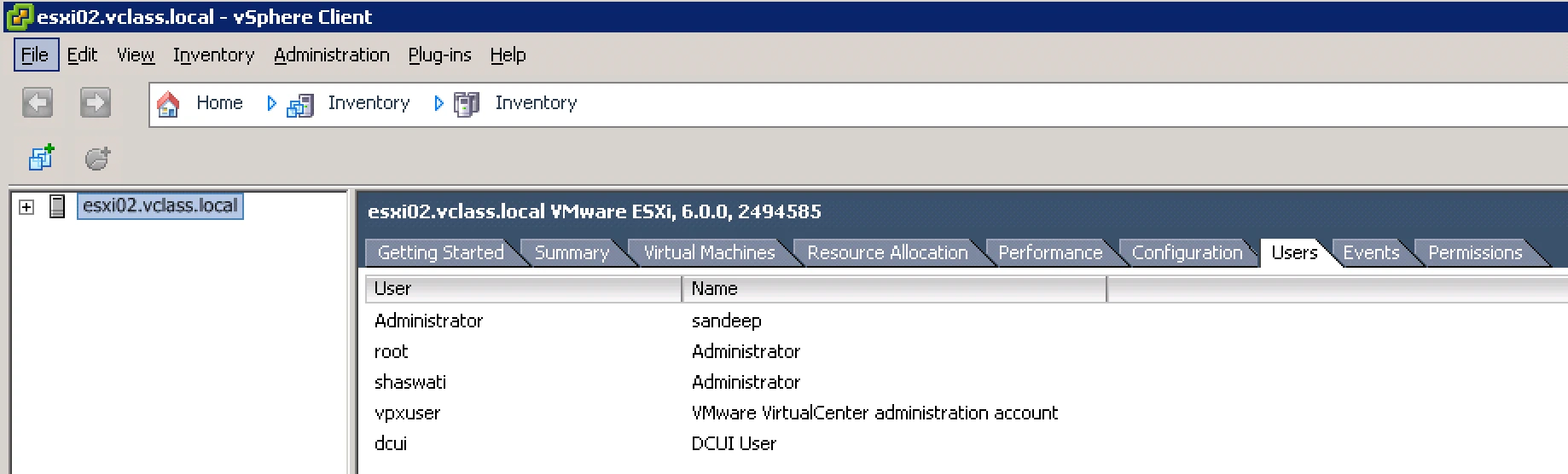
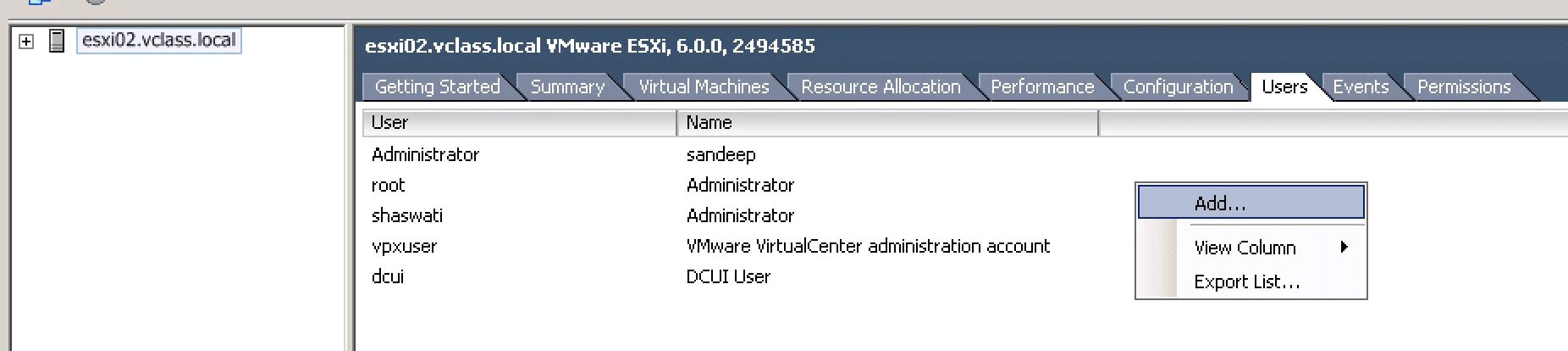
2. Right click and click Add.
3. Provide User (like Sandeep or Shaswati) and Name ( like Admin, DCUI user).
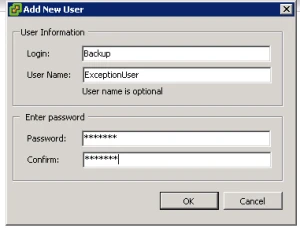
4. Your user is created.
Creating User on vCenter Server via Command line
- Login into vCenter server via SSH
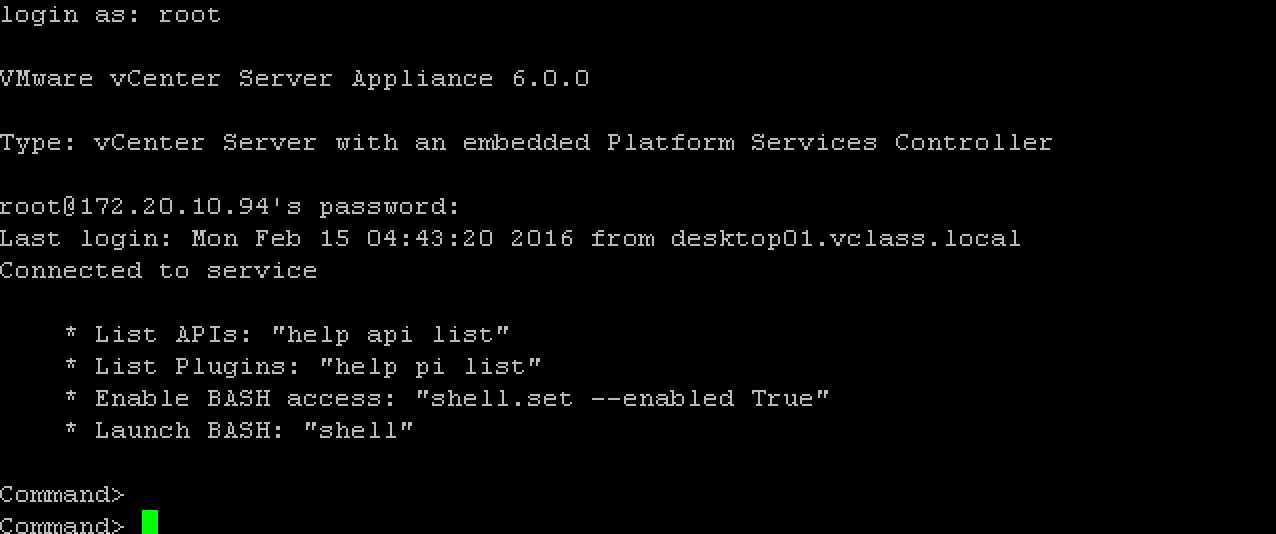
2. Run this command and your user is ready.
localaccount.user.add –role Administrator –username Sandeep –password (No need to provide here) –fullname Sandeepkaushik –email [email protected]

Provide the password and your is created.

