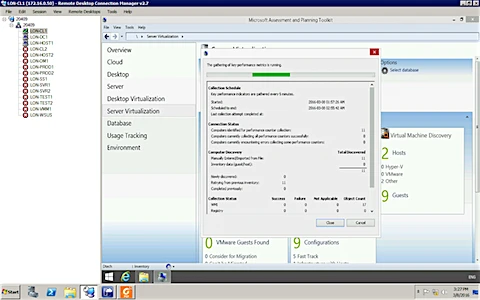
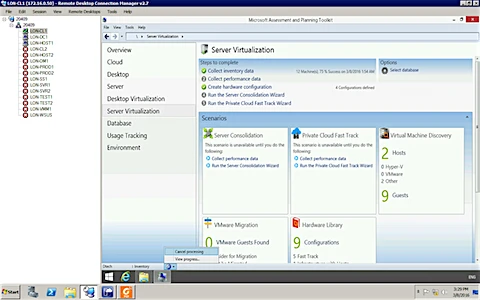
How to collect Data with the help of MAP.
1. Login into MAP toolkit and Go to Server Virtualization.
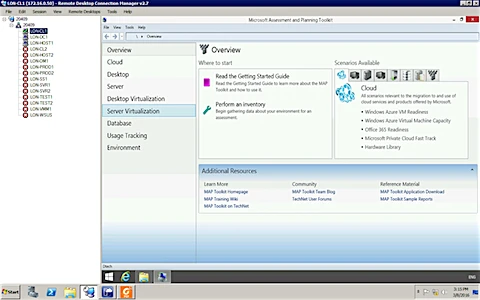
2. Click on Collect Inventory Data ( on the right hand side )
After that provide the details like for All computer, Linux etc…
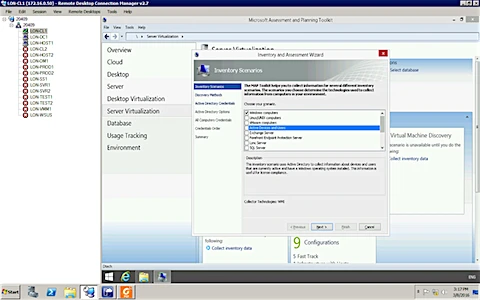
3. Here you have to select by which method it will scan and get the information. if you are using AD DS then need to provide Domain ID and password.
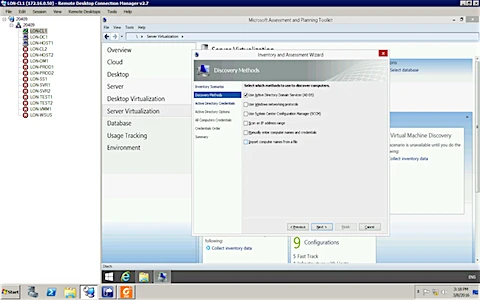
4. Provide Domain and User name, password
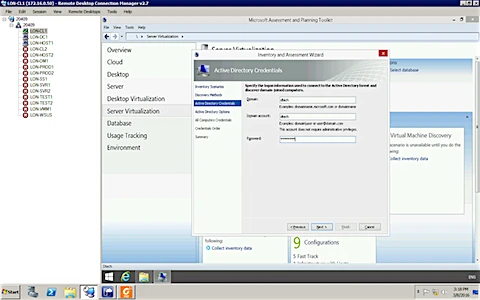
5. Select the Search critaria
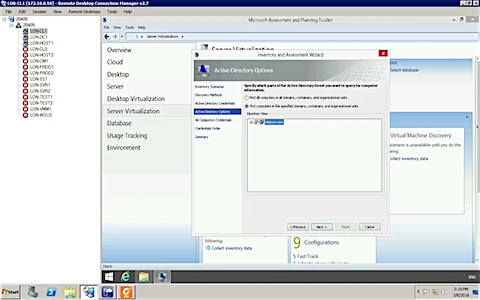
6. Select the user
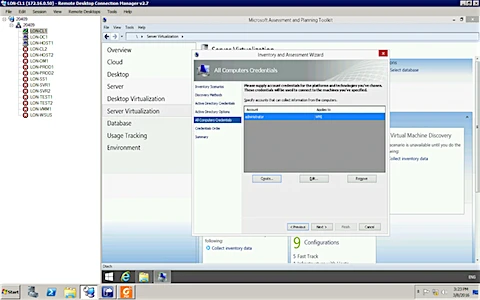
7. or create new user
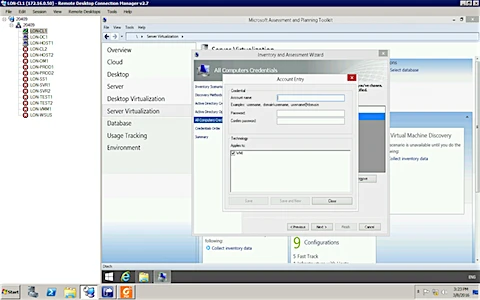
8. From here you can select by using which option you want to let scan this MAP

9. Summary and click finish
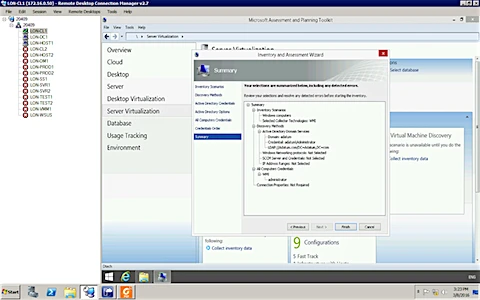
10. It will start collecting data.
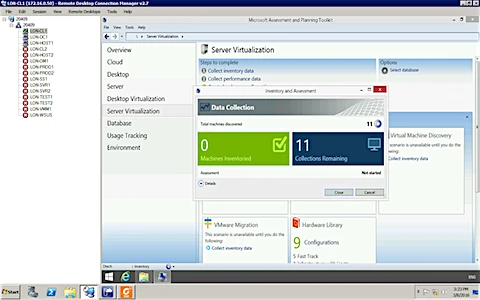
11. Close

12. Now select 2nd option to collect Performance data.
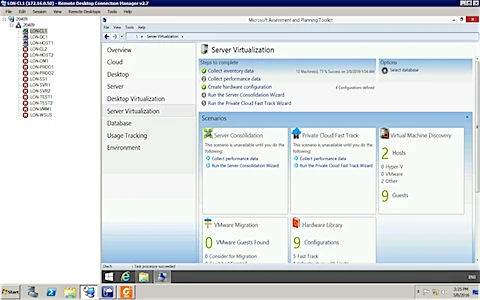
13. Provide the time when it will stop to collect data.
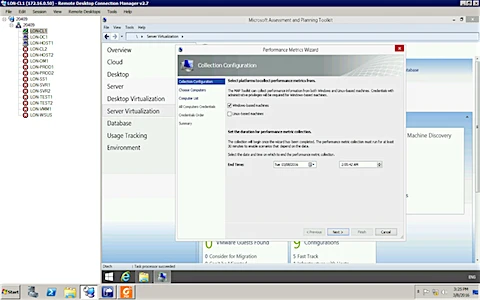
14. Select the option for All computer
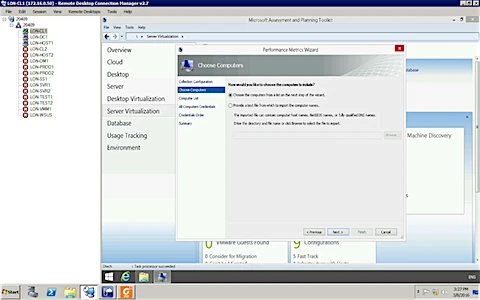
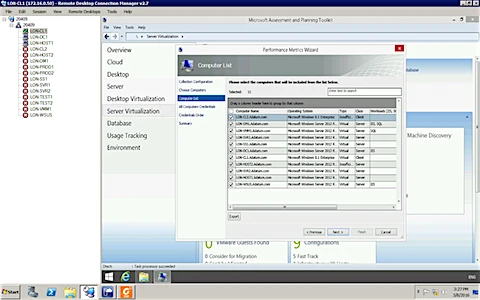
15. select the computer.
16. Select the Account
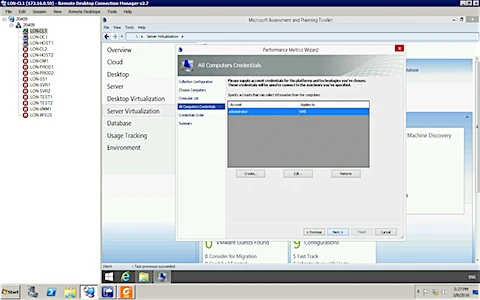
17. click next

18. Summary and finish.
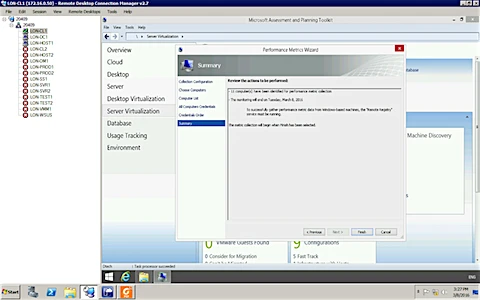
19. it will start collecting data.