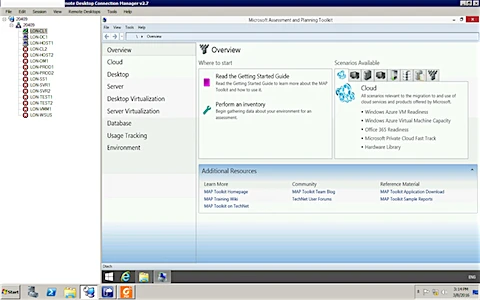
Here we will See how to install MAP ( Microsoft Assessment and Planning ).
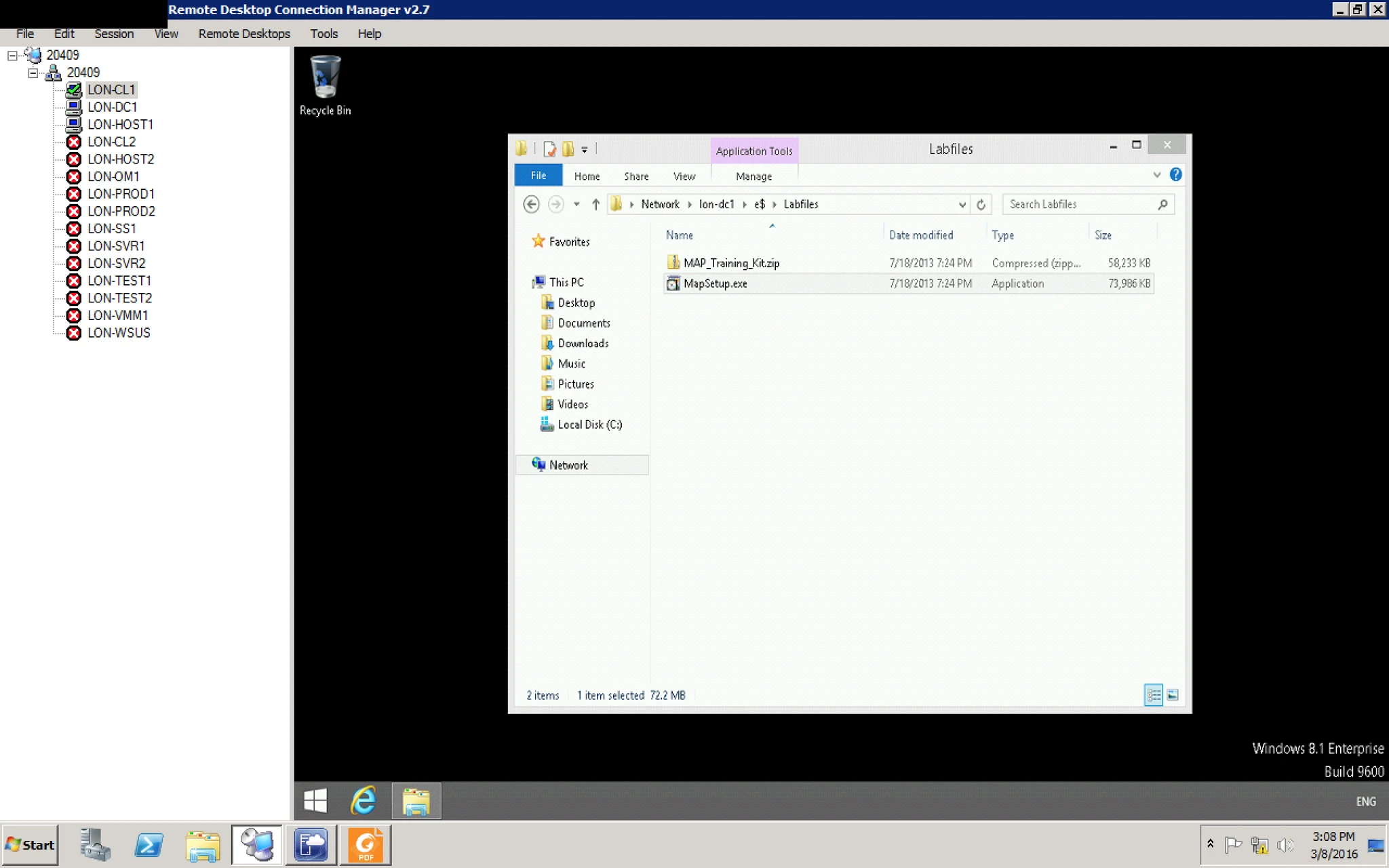
1. First Open your VM and locate the exe of MAP
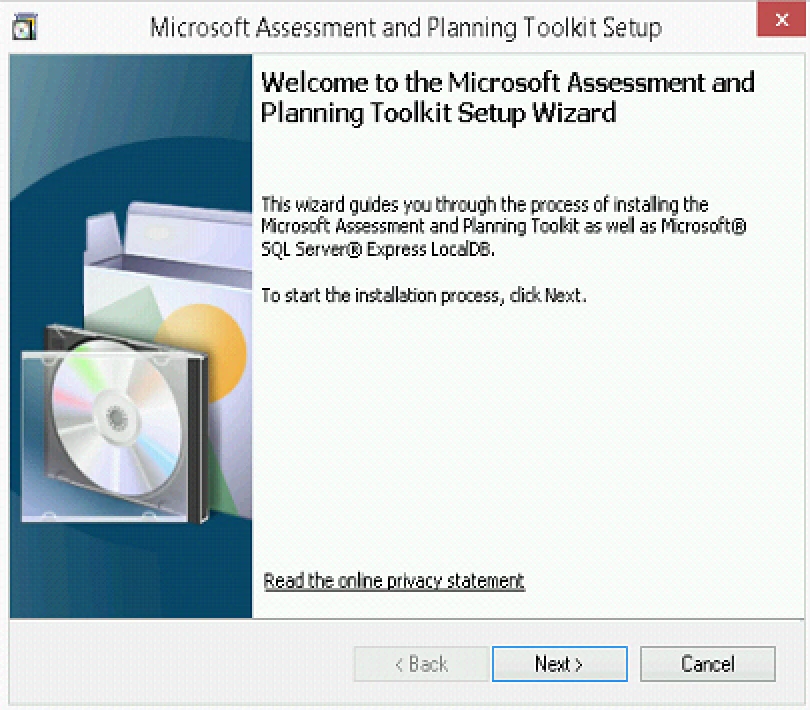
2. Click Next
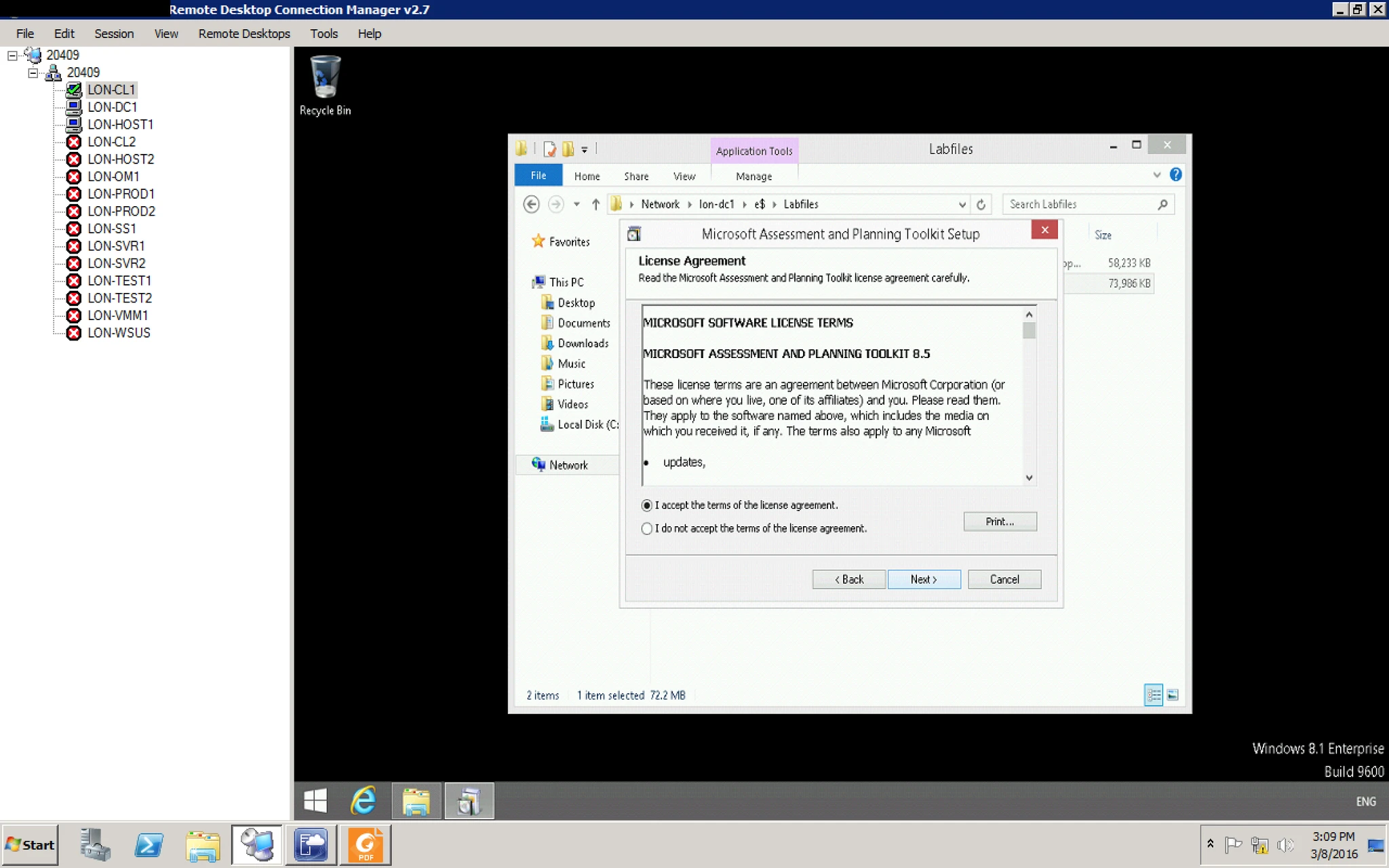
3. Accept the EULA
4. Provide the installation directory.
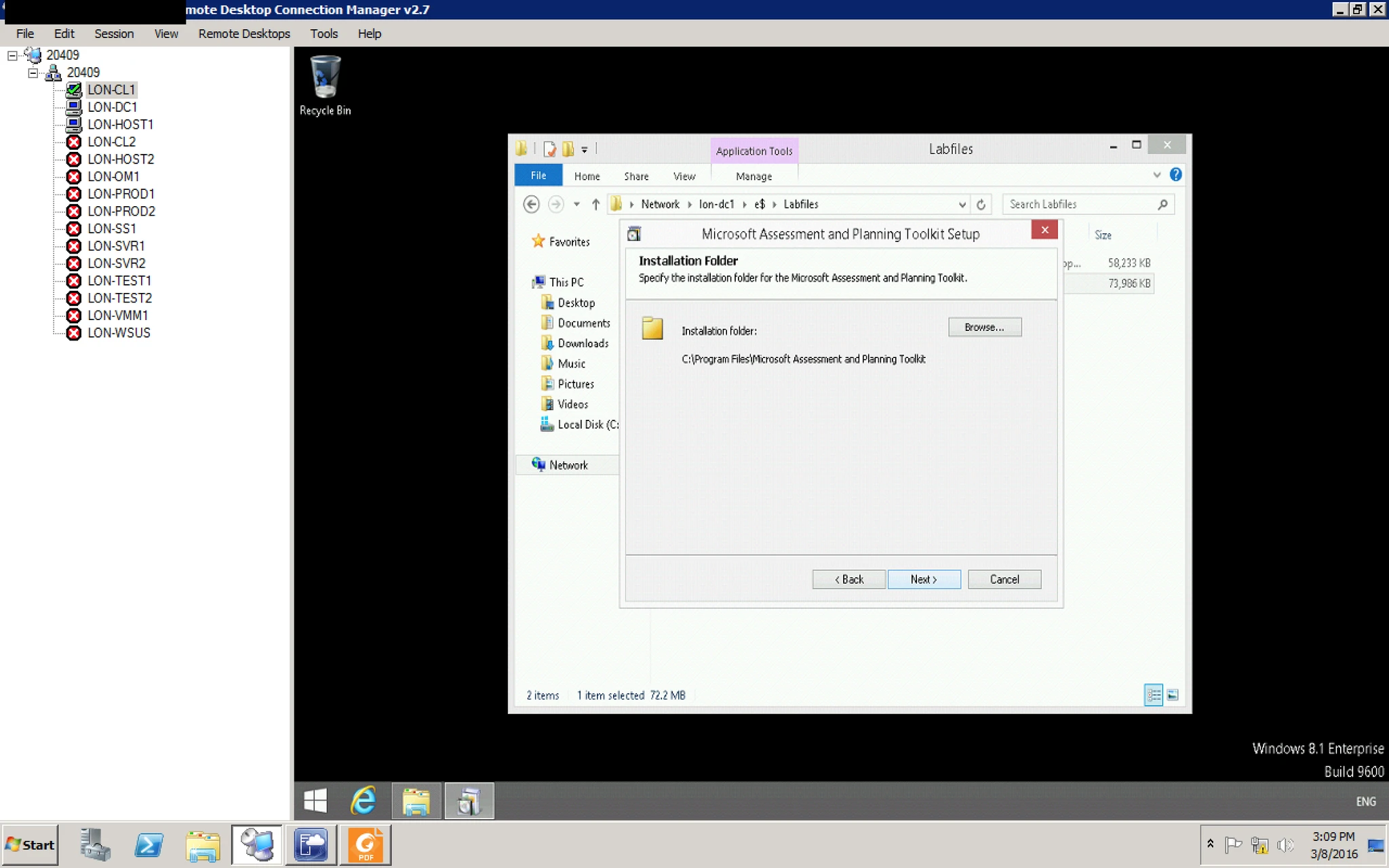
5. Click on Install.
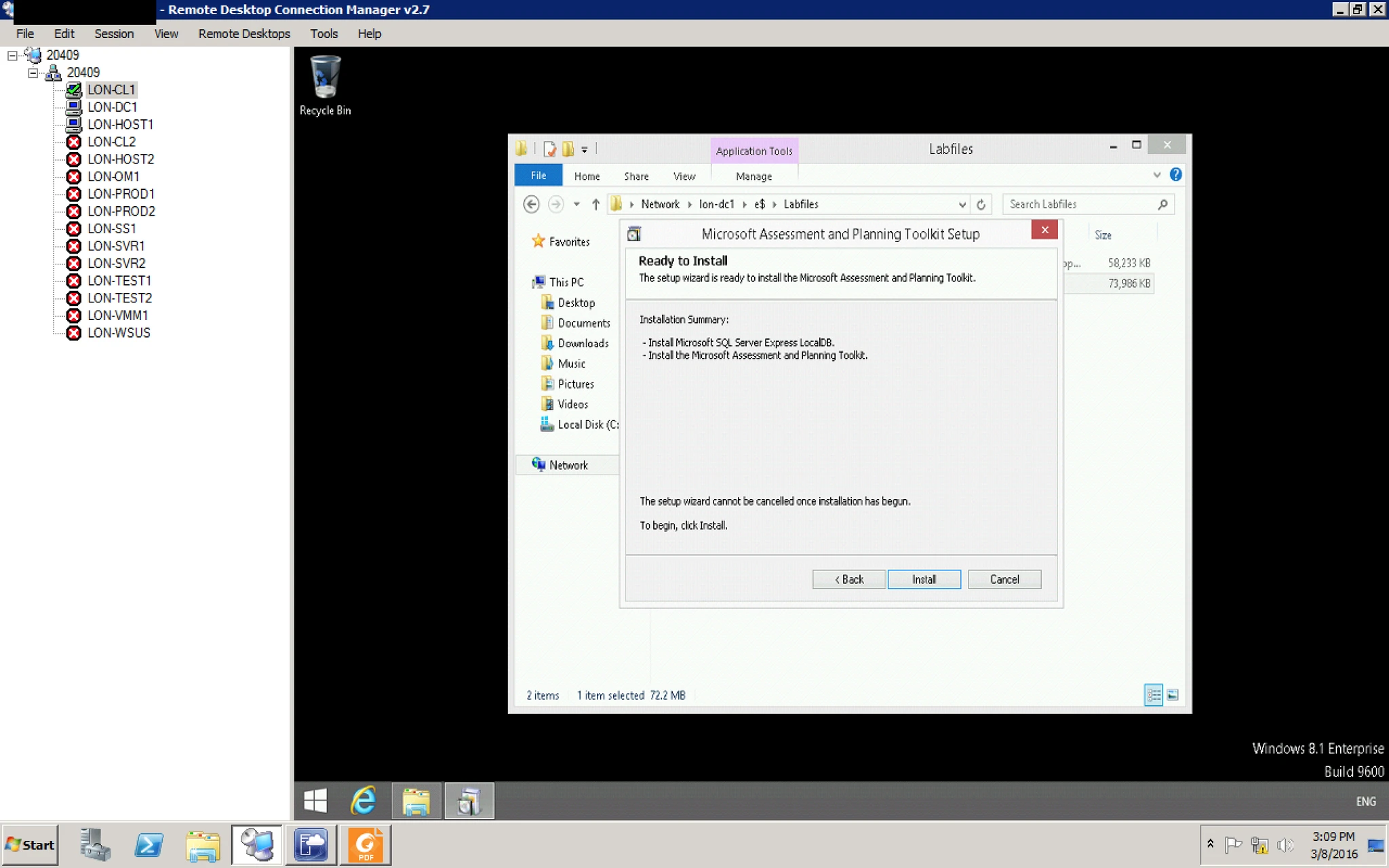
6. it will start installing MAP
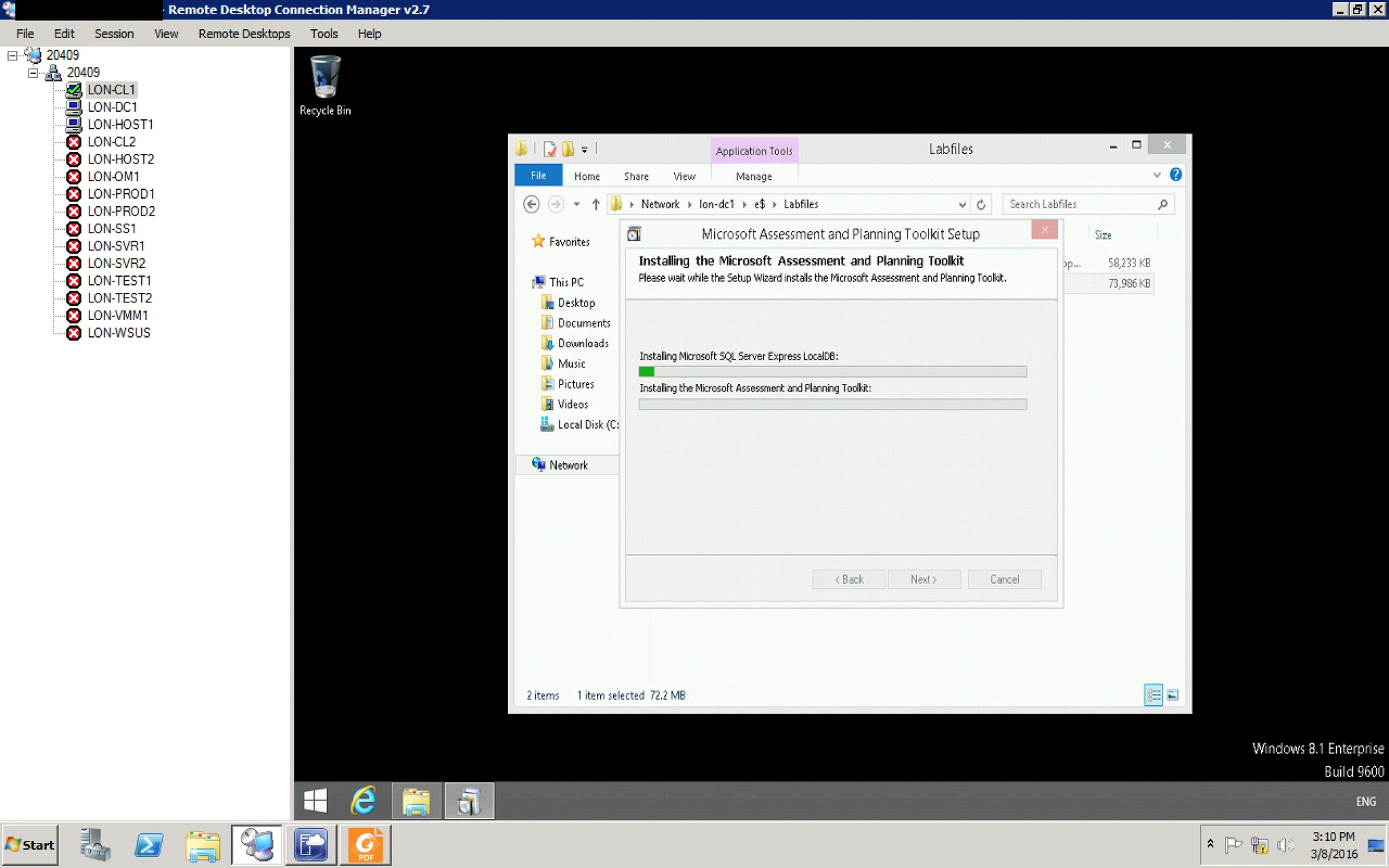
7. Click on Finish.
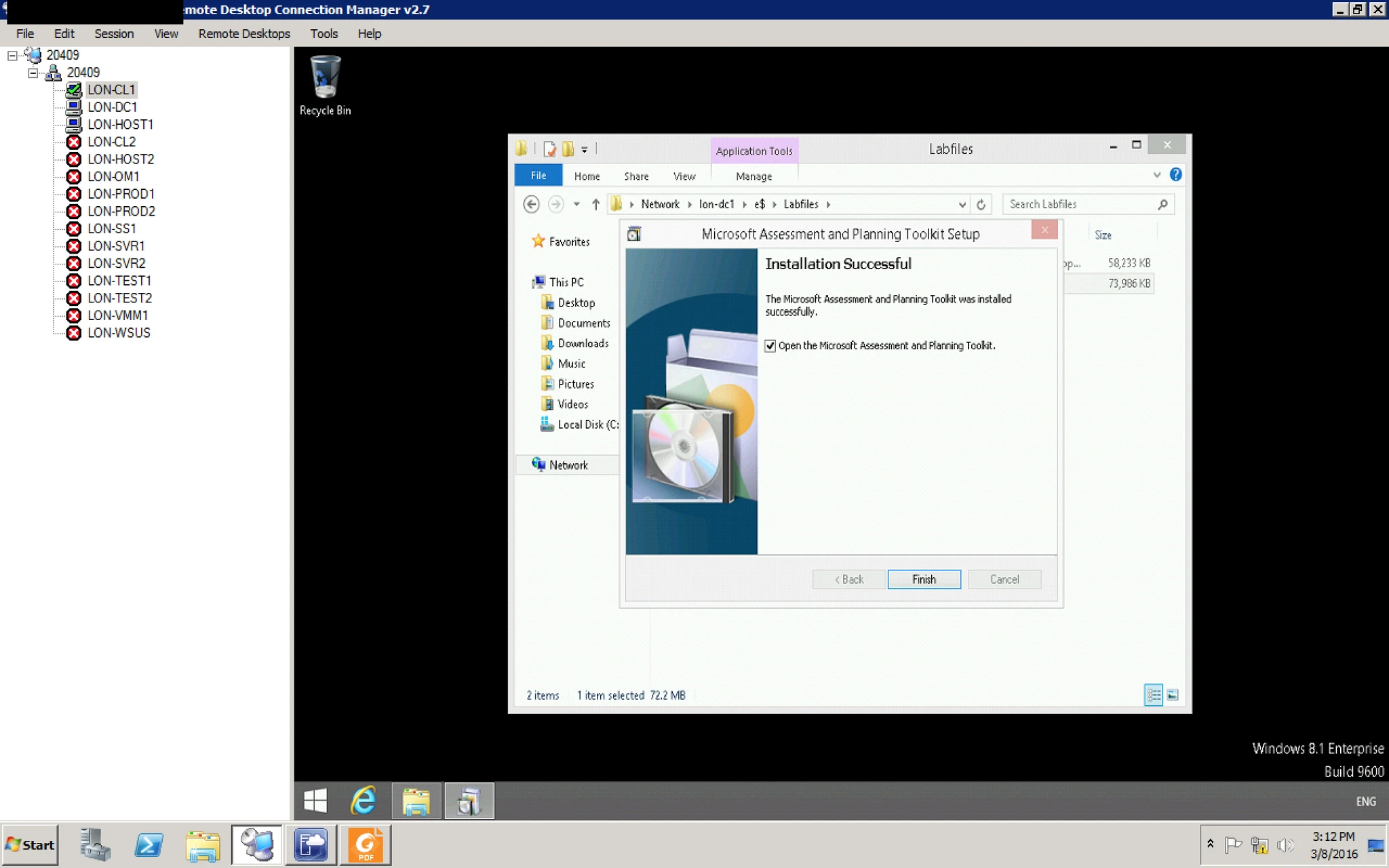
8. Here you go. your tools is ready
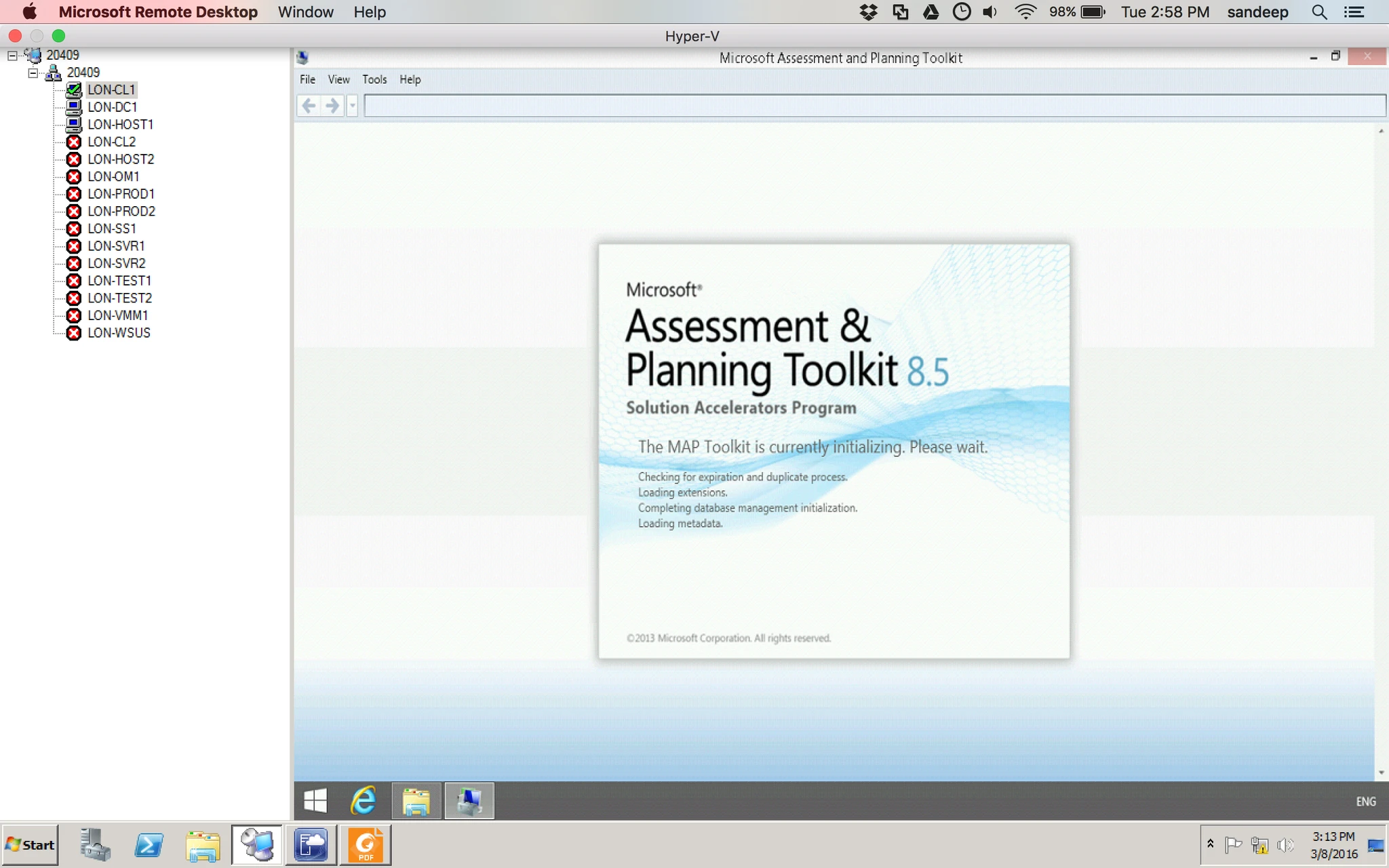
9. After installation it will ask you For Database so create New database or you can attach with existing one.
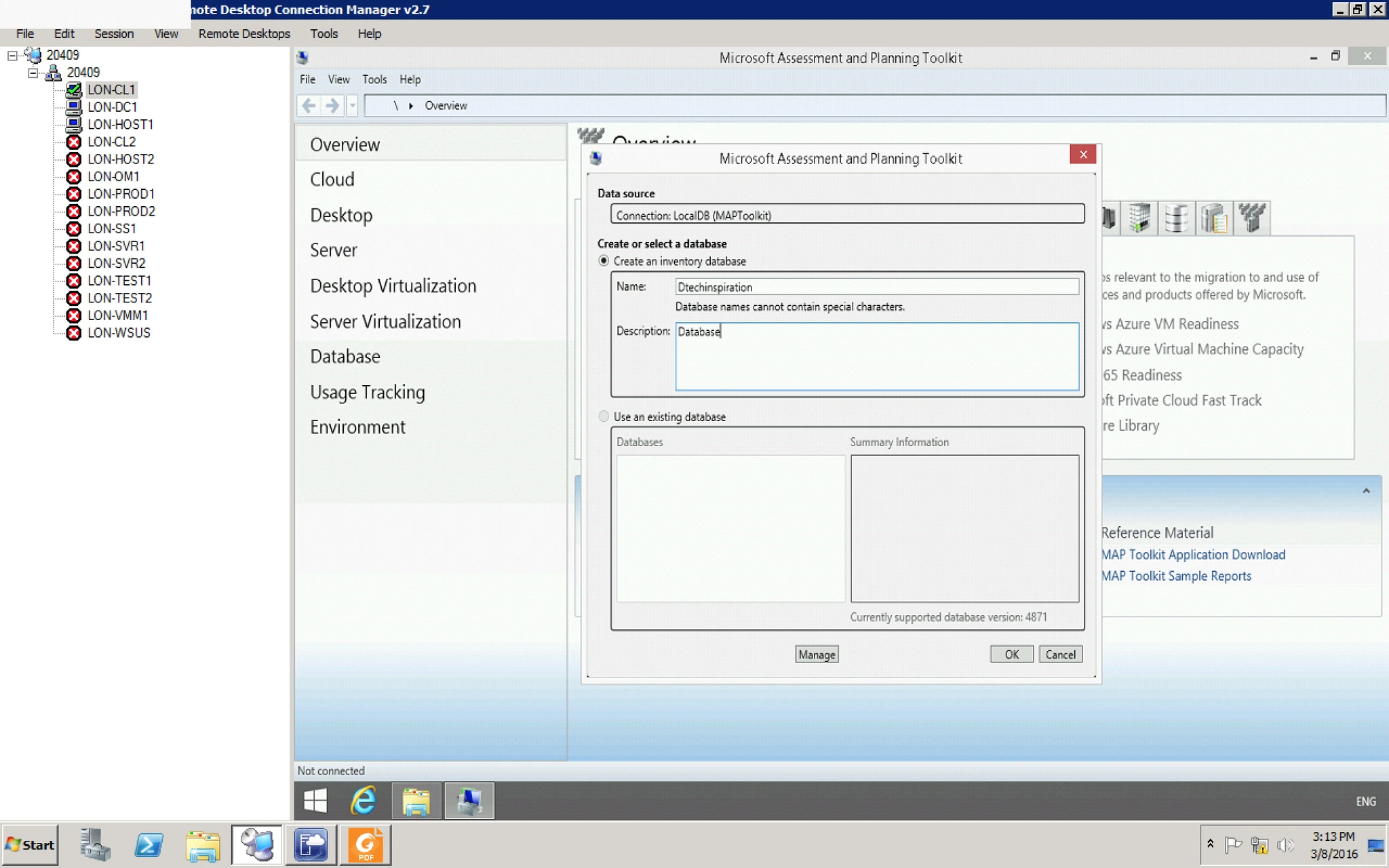
10. After providing it is ready to Gather information.