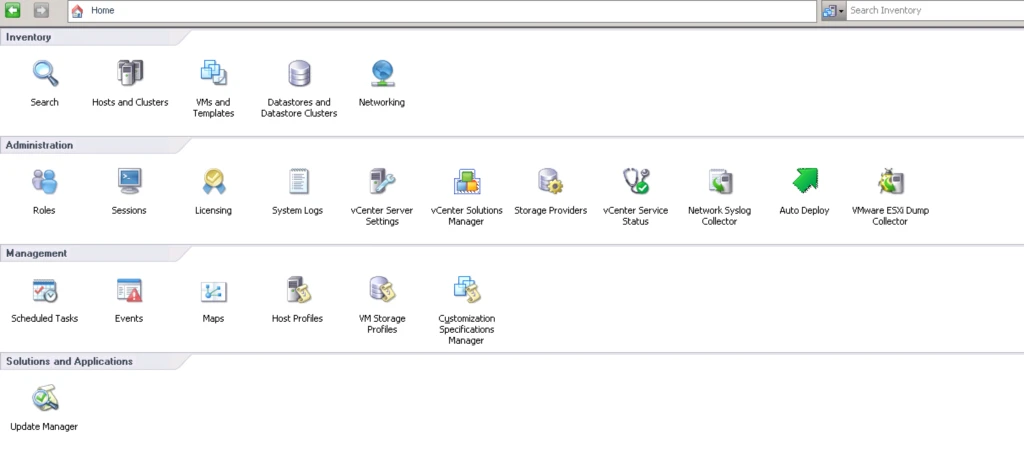
Here is An Article About AutoDeploy Installation.
- Need To Download ISO File of vCenter Server.
- Need to Attach It In VM or Physical Server Where Your vCenter Server or Windows OS
- Open vCenter Server Autorun
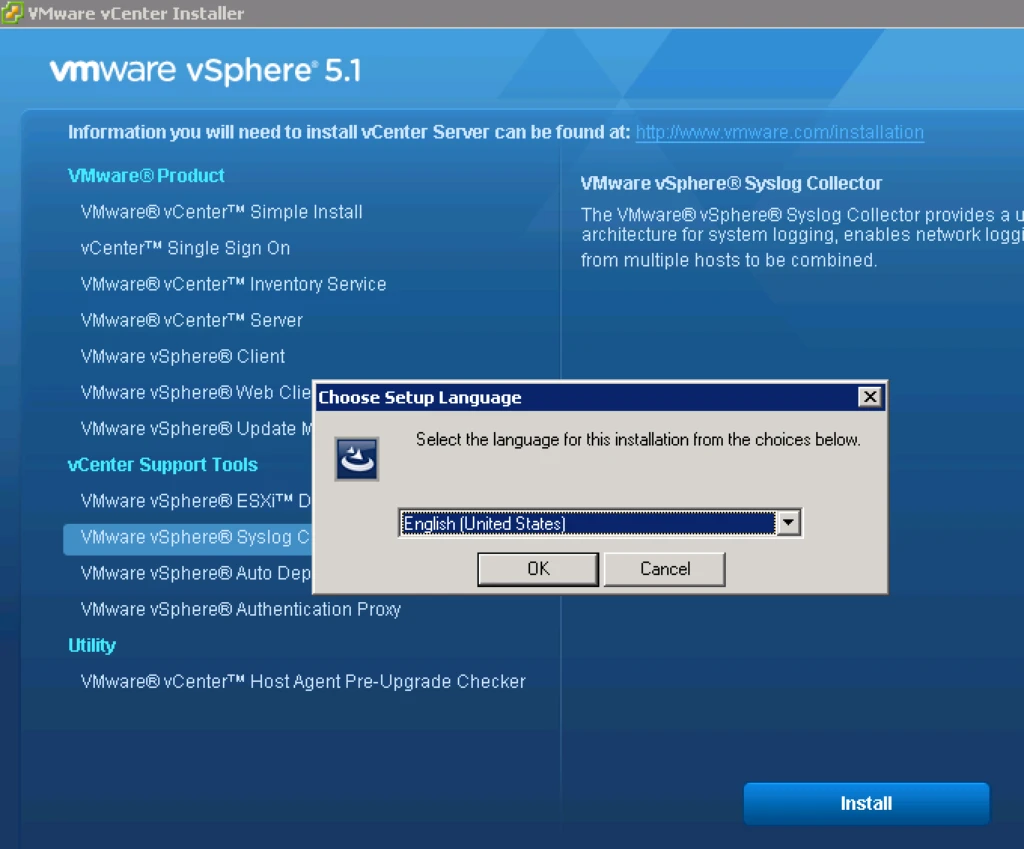
4. Now It will Start Installing
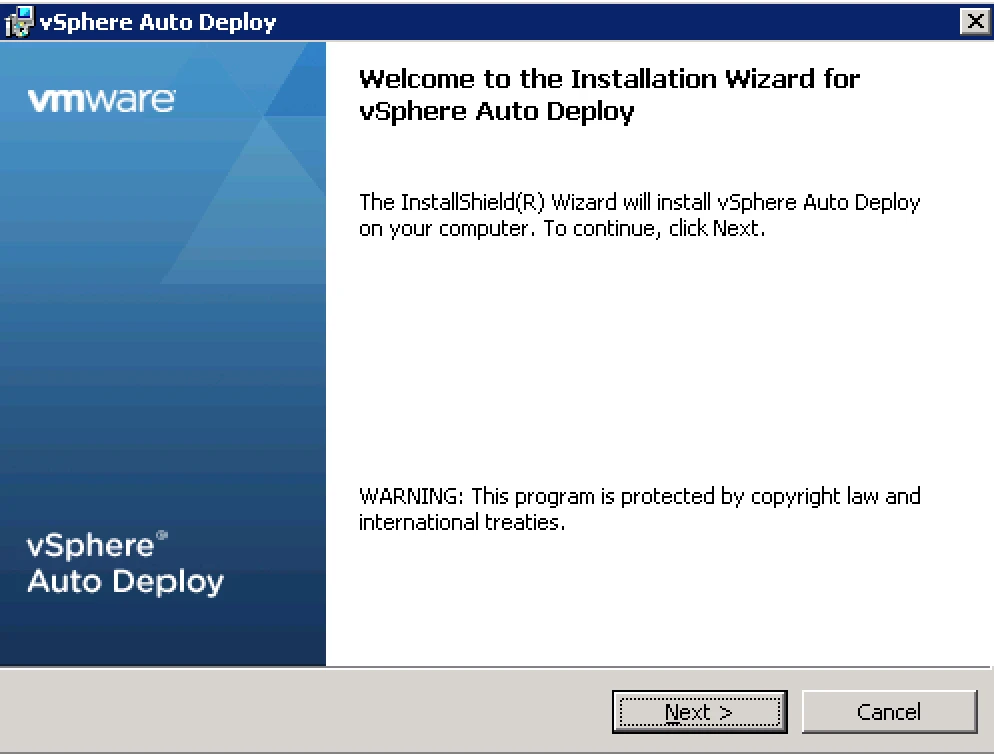
5. After That Click Next
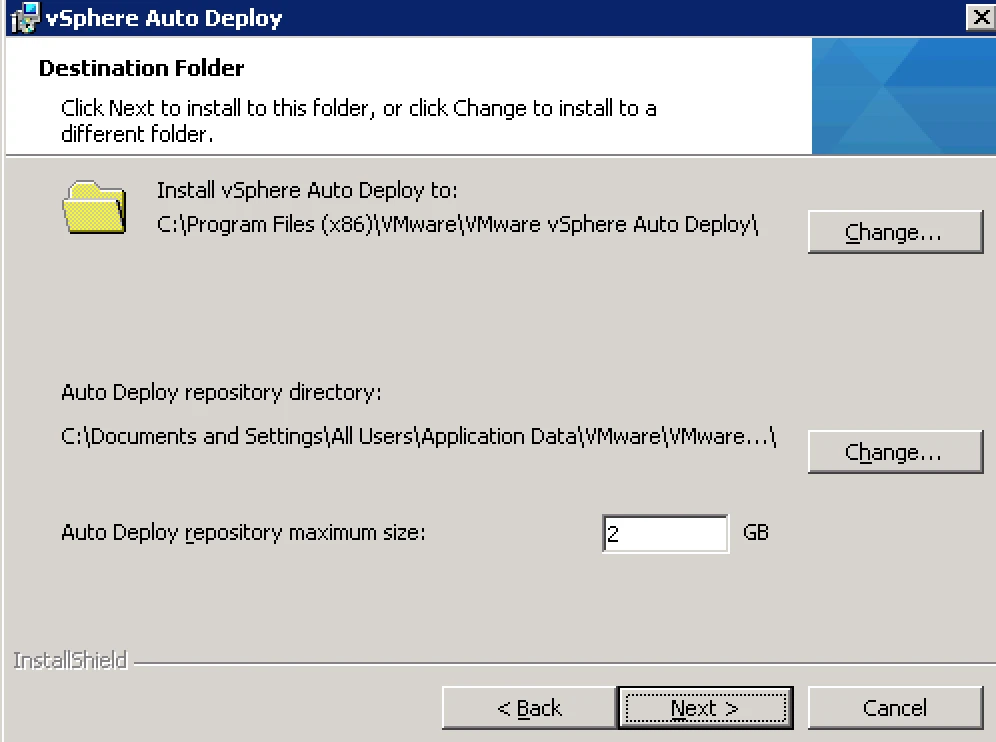
6. Now It Will Ask You Location Where It will Install Auto Deploy and Repository Directory As Well.
Note: From Here You Can Define Auto Deploy Repository Size in GB.
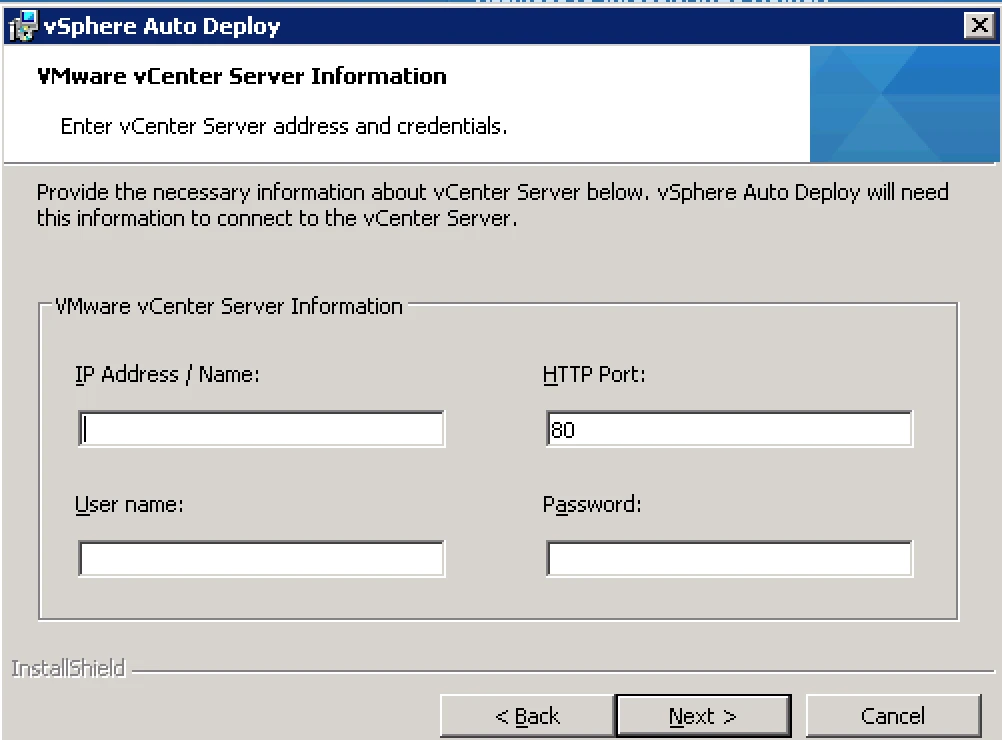
7. Now It’s Time To Register With vCenter Server. Here Provide vCenter Server Details and User ID Password With Which You Want To Register.
8. On The Next Page It Will Prompt Your For Auto Deploy Port.
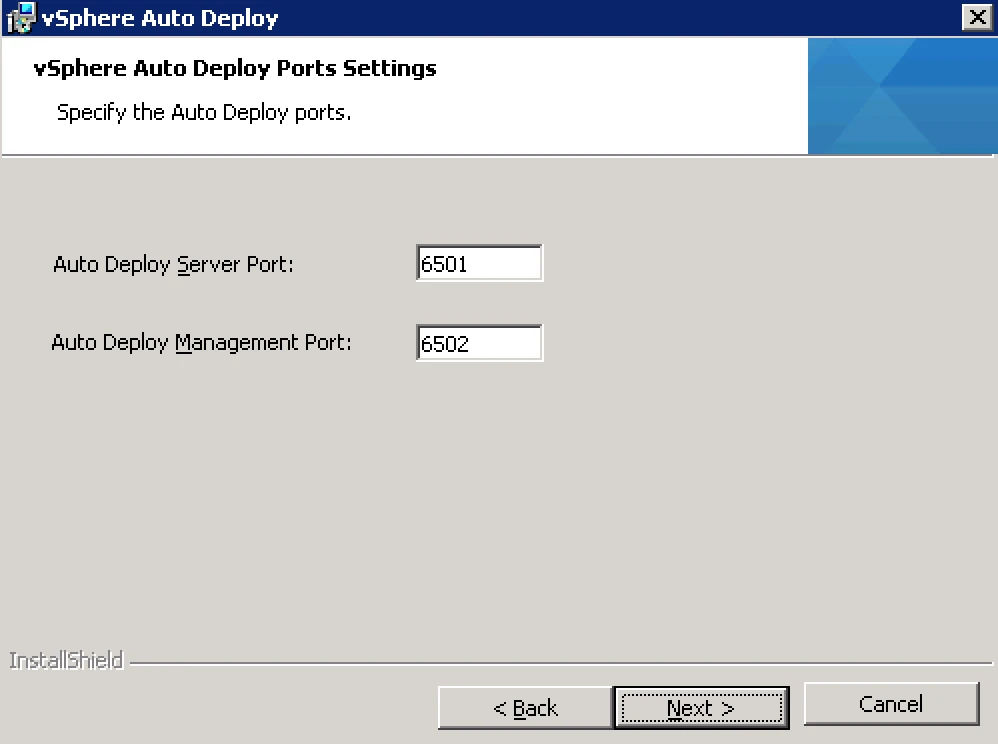
Next and Finish.
Now Your Auto Deploy is Ready.