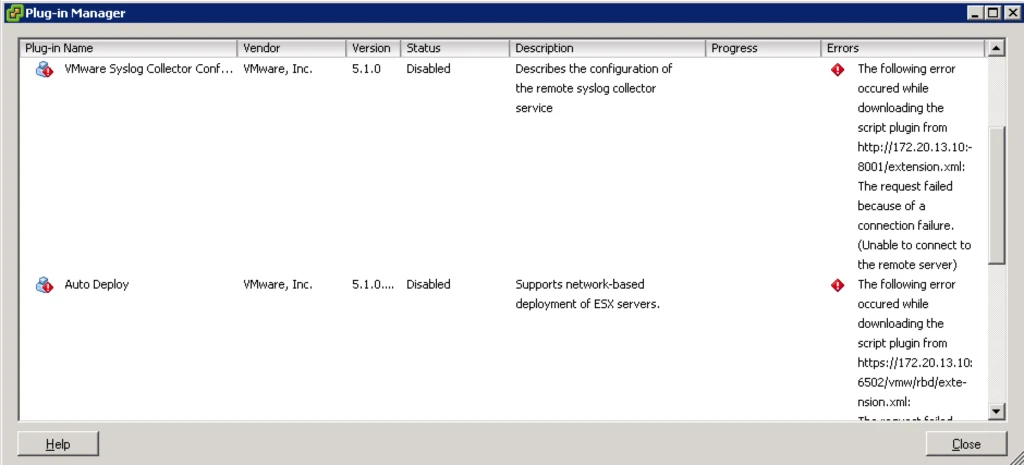
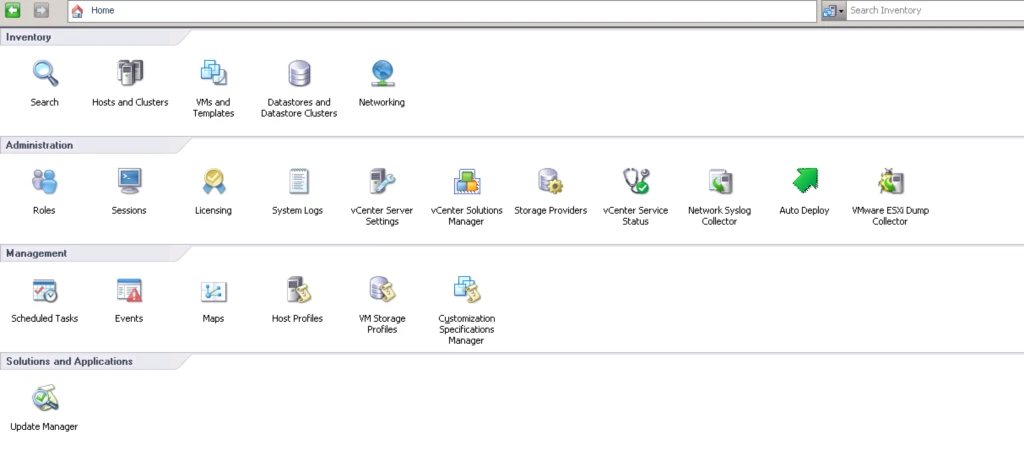
Here i will let you know how to install and configure VMware vSphere Esxi Dump Collector
- Need To Download ISO File of vCenter Server.
- Need to Attach It In VM or Physical Server Where Your vCenter Server or Windows OS
- Open vCenter Server Autorun
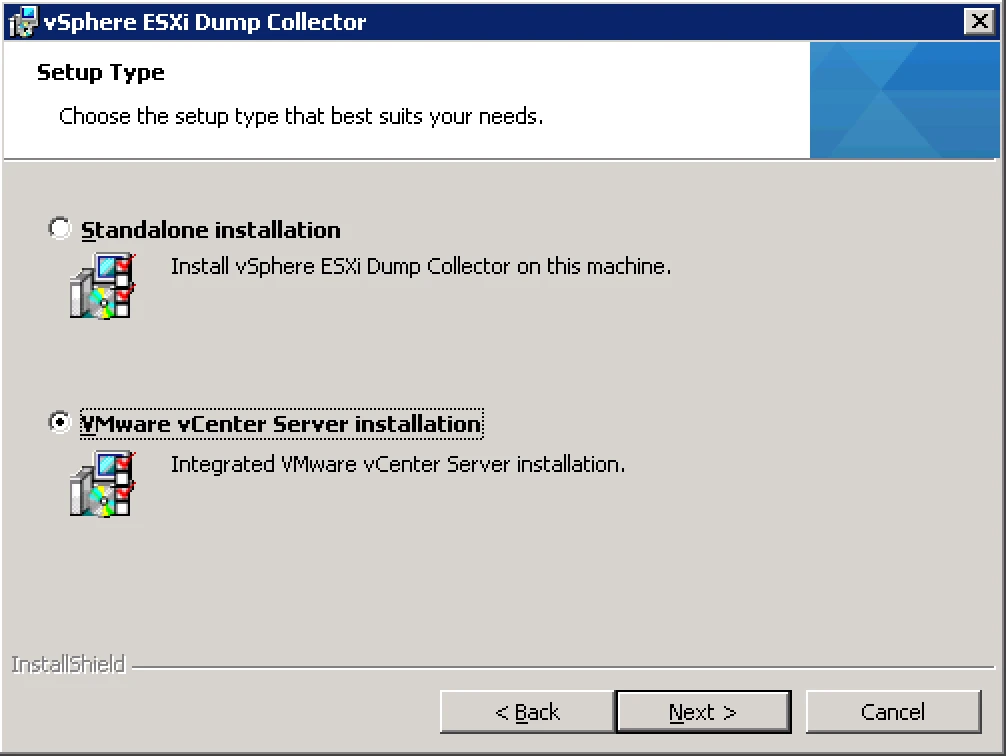
4. Now Select the Setup Type : A). Standalone Installation B). VMware vCenter Server Installation.
5. Now Register with vCenter Server.

6. Esxi Dump Collector Port
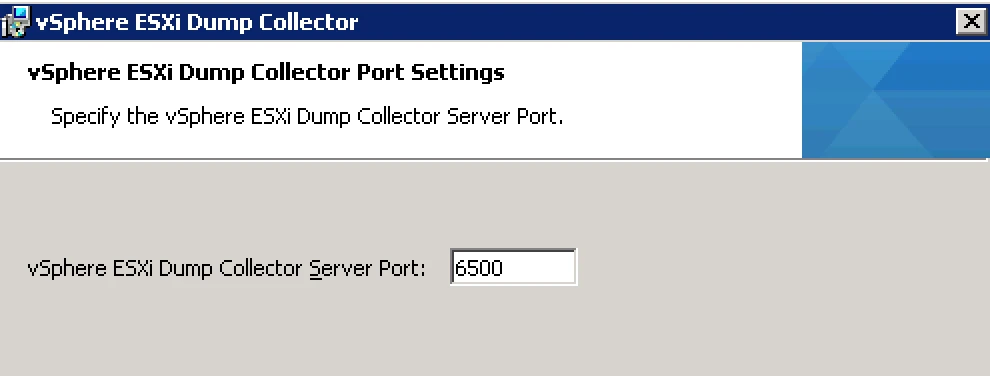
7. From Which Server you want to use

8. Finally installation is completed
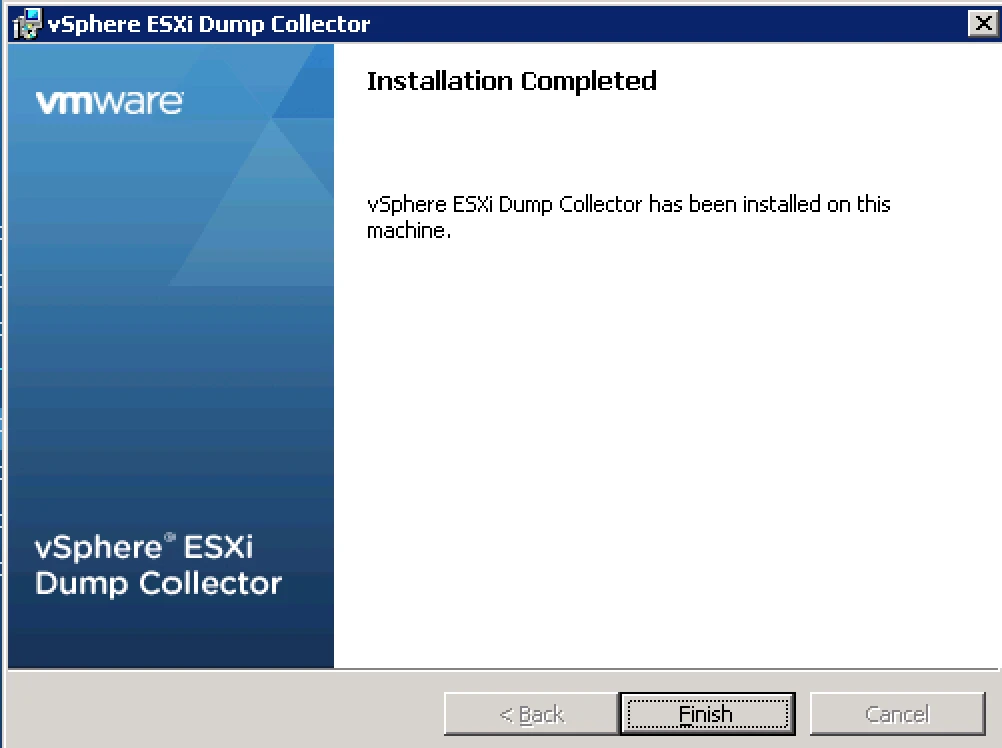
9. After installation Go to vCenter > Plug-in Tab > Download/Enable the Plugin