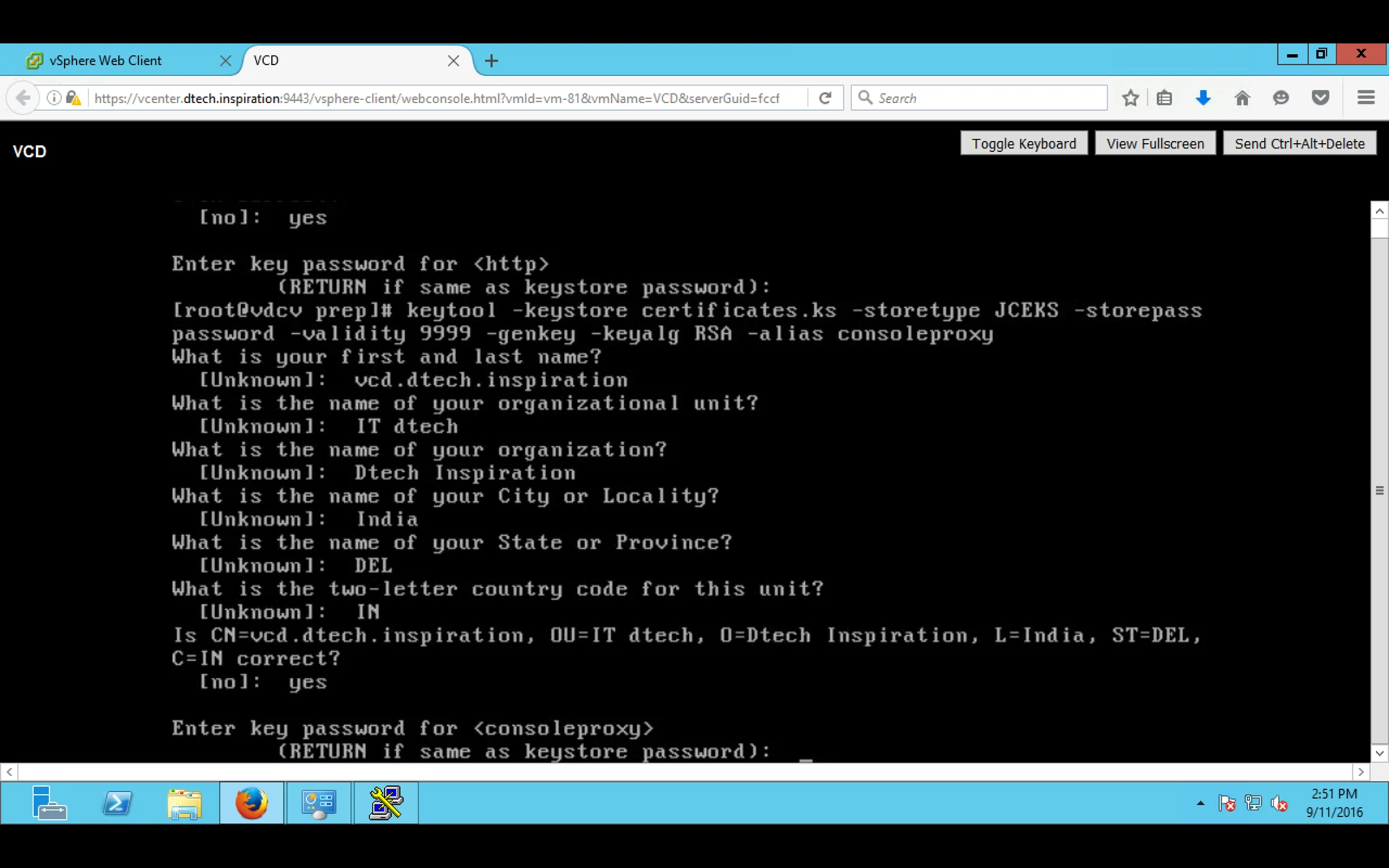
While installing VDC it will ask you to provide Certificate file with extension .ks. So need to Generate the Same by using Redhat Linux Server which we installed in Part 2.
1. Login into Server with root and password.
2. Create a Directory with any name, i am using prep
3. [root@vcd ~]# mkdir prep
4. After that provide the below command to generate the Certificate
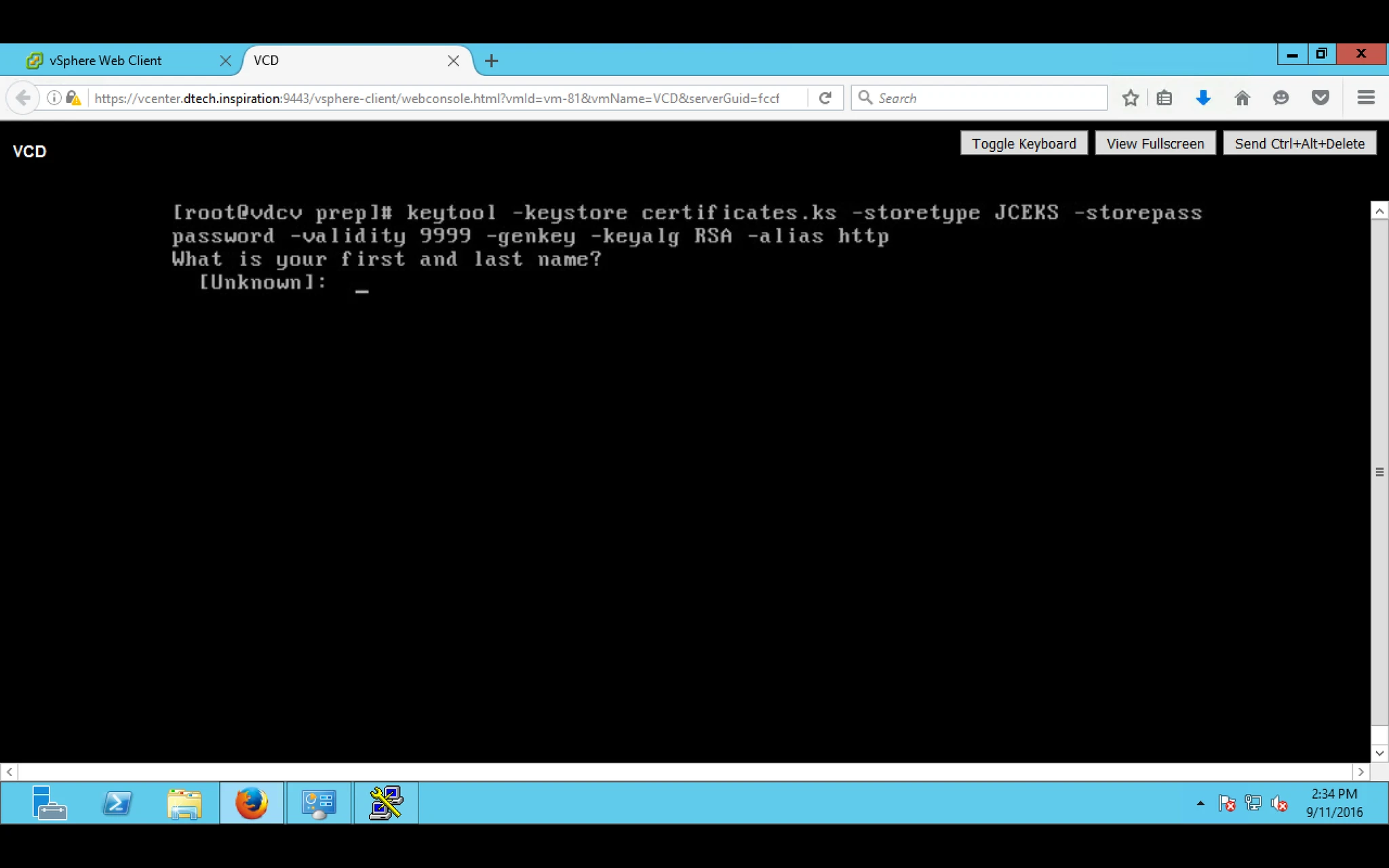
Command 1: keytool -keystore certificates.ks -storetype JCEKS -storepass password -validity 9999 -genkey -keyalg RSA -alias http
In above command -storepass password is the password which you have to provide and need to provide while installing VDC.
During installation you have to provide details as you can see in below screen shot.
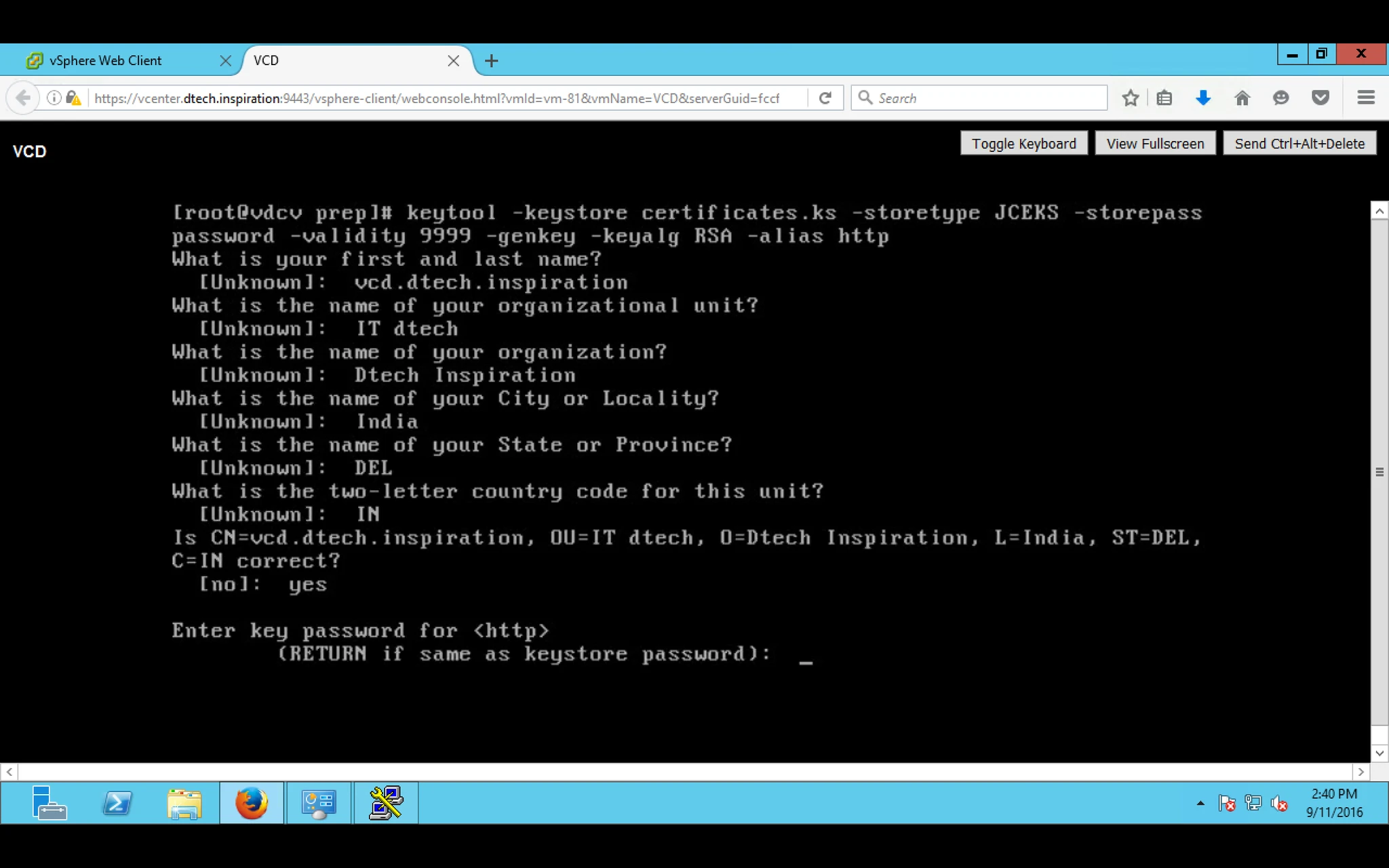
Command 2: keytool -keystore certificates.ks -storetype JCEKS -storepass password -validity 9999 -genkey -keyalg RSA -alias consoleproxy