After installing Redhat OS it’s time to install VDC but before that you have to copy the vmware-vcloud-director-5.5.2-xxxx.bin.
1. Need to download WINSCP software and open the console of VDC server
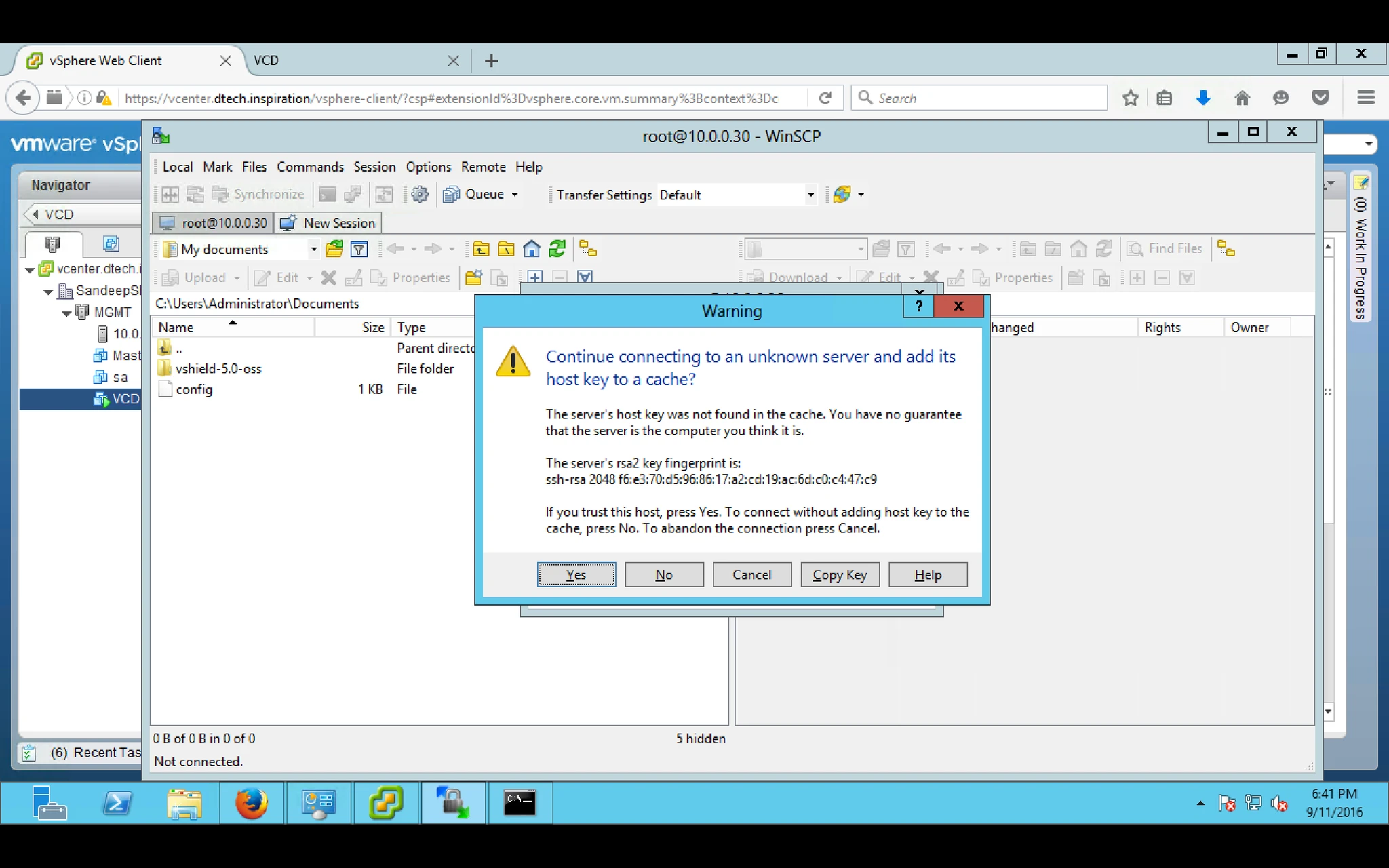
2. Copy the vcloud software in prep folder which we created earlier.
3. Here the list of software under prep directory.

4. Now start installing vcloud software by using below command.
[root@vcd prep]# ./vmware-vcloud-director-5.5.2-xxxx.bin
But before that you need libXdmcp.rpm and required rpm
Required software packages
alsa-lib
libICE
module-init-tools
bash
libSM
net-tools
chkconfig
libstdc
pciutils
coreutils
libX11
procps
findutils
libXau
redhat-lsb
glibc
libXdmcp
sed
grep
libXext
tar
initscripts
libXi
which
krb5-libs
libXt
libgcc
libXtst
5. During installation i am getting above error, So how to install missing rpm.
6. Open the Redhat ISO file and copy the “Package” folder from that ISO file, Copy the package with the help of WINSCP into prep folder.
7. After that run the below command.

8. After installing rpm we can start installing vcloud director software but before that we have to clean the previous installation by using below command.
[root@vcd ]# rpm -e vmware-vcloud-director
9. Now start installing vcloud director.
[root@vcd prep]# ./vmware-vcloud-director-5.5.2-xxxx.bin
Now you will not get that error.
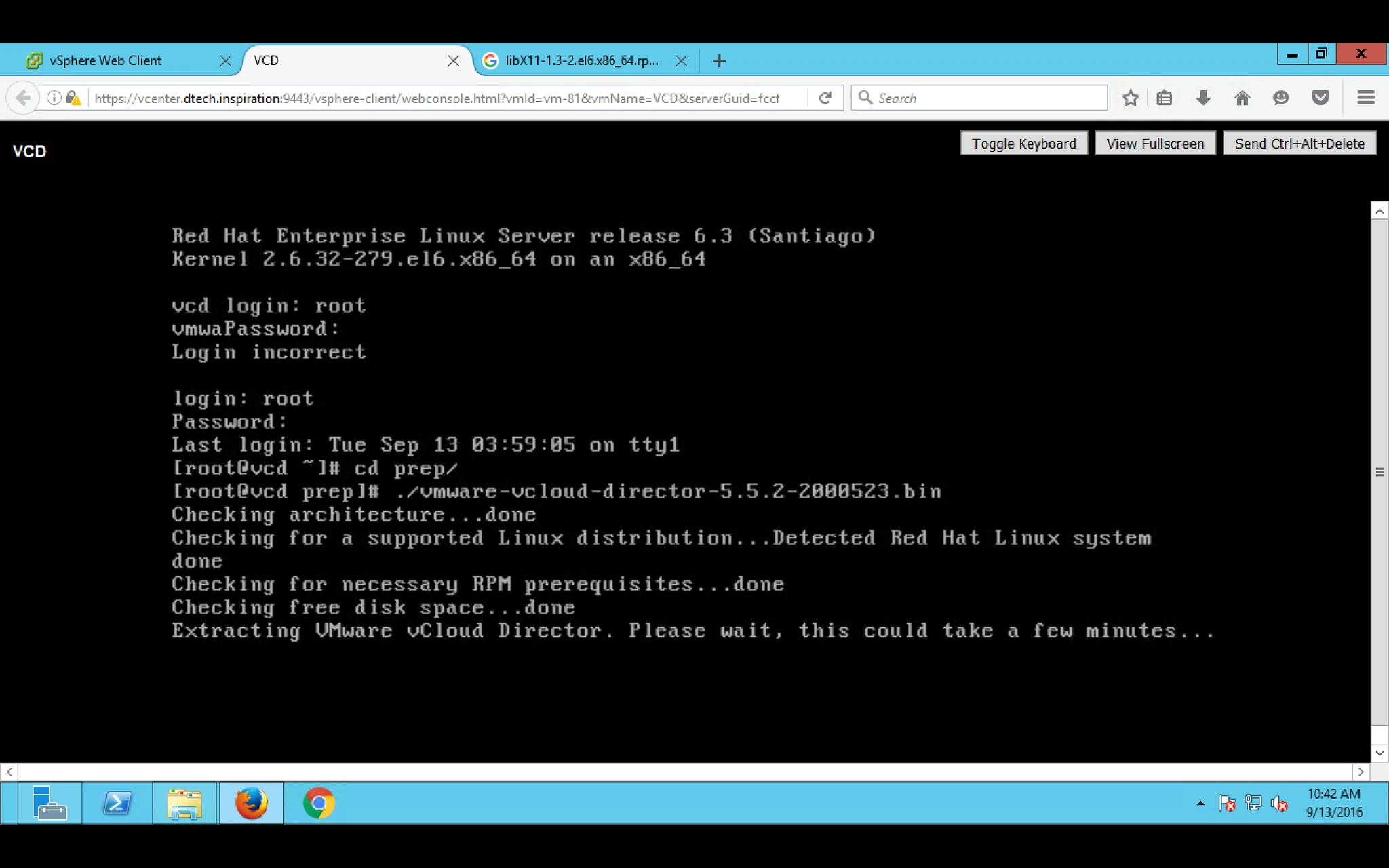
10. It will start installing.
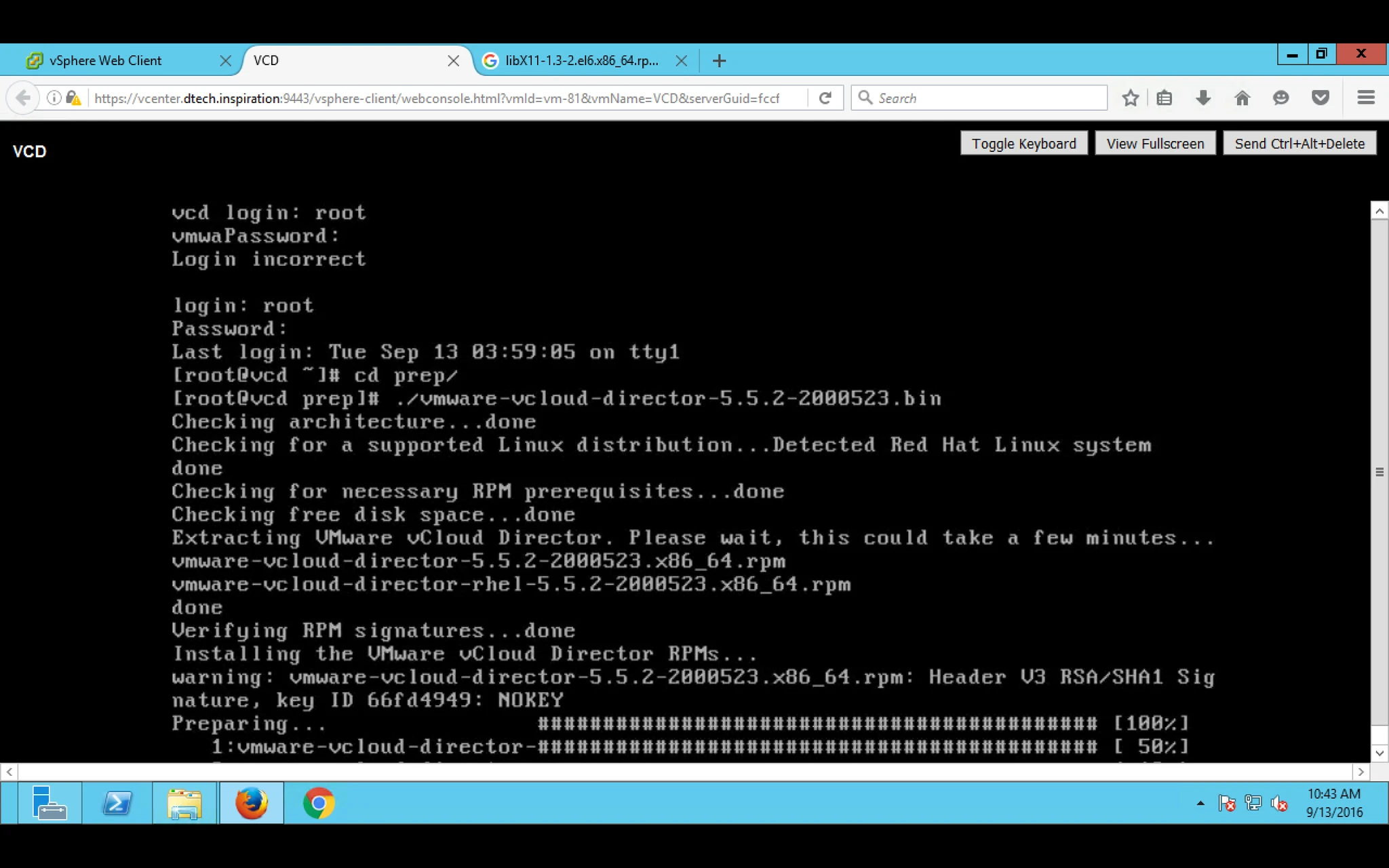
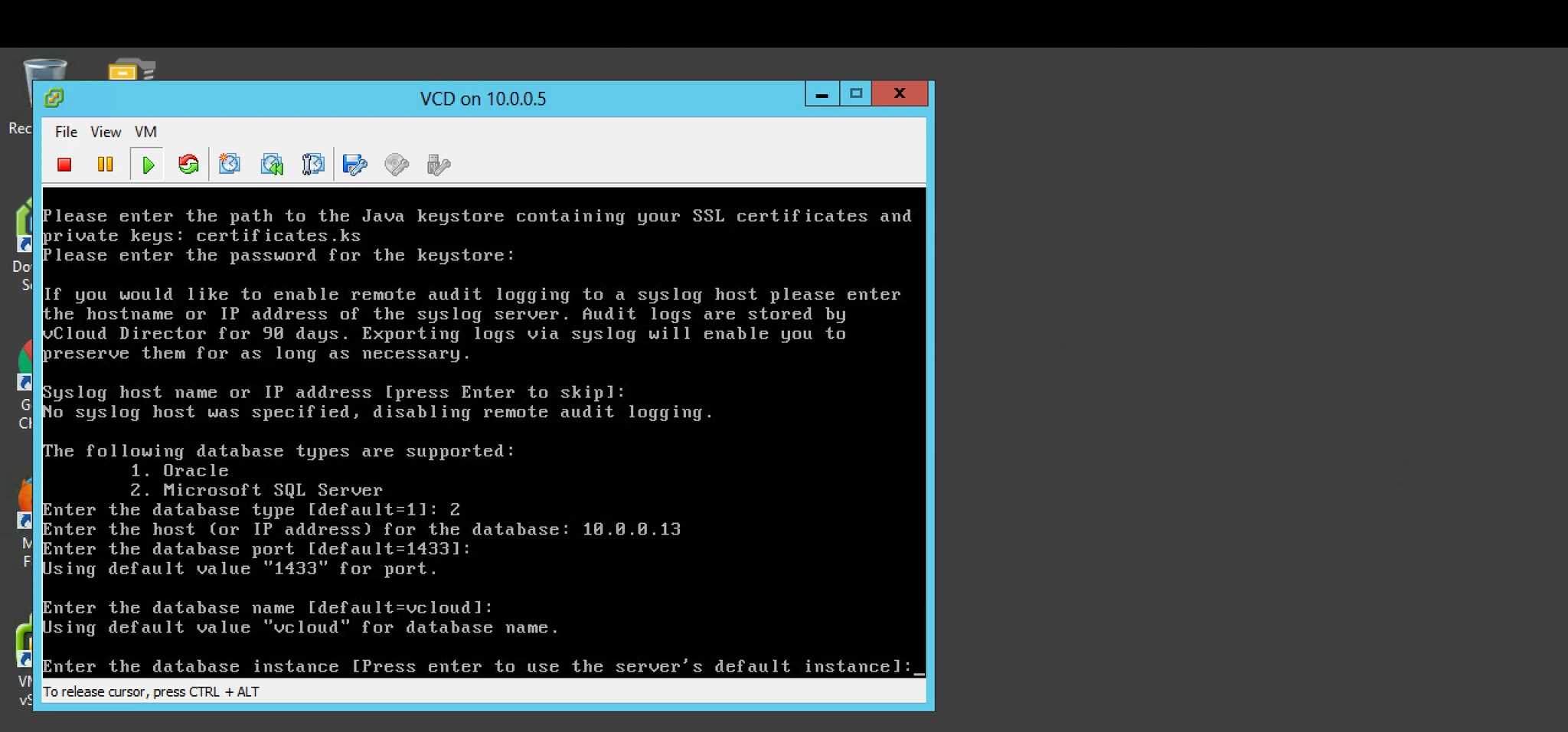
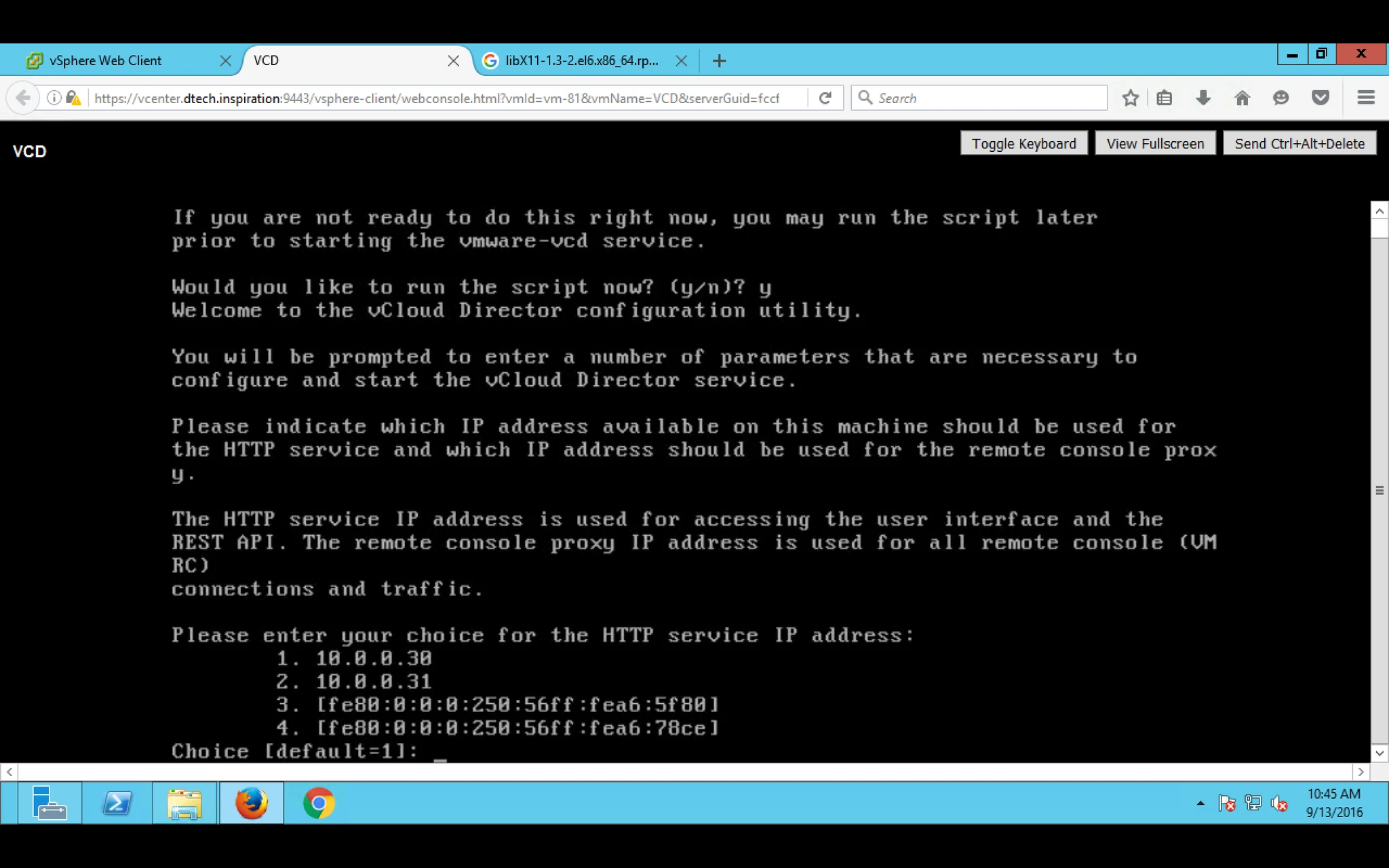
11. During installation you have to provide the Certificate.ks and below details like IP address for HTTP Service IP and
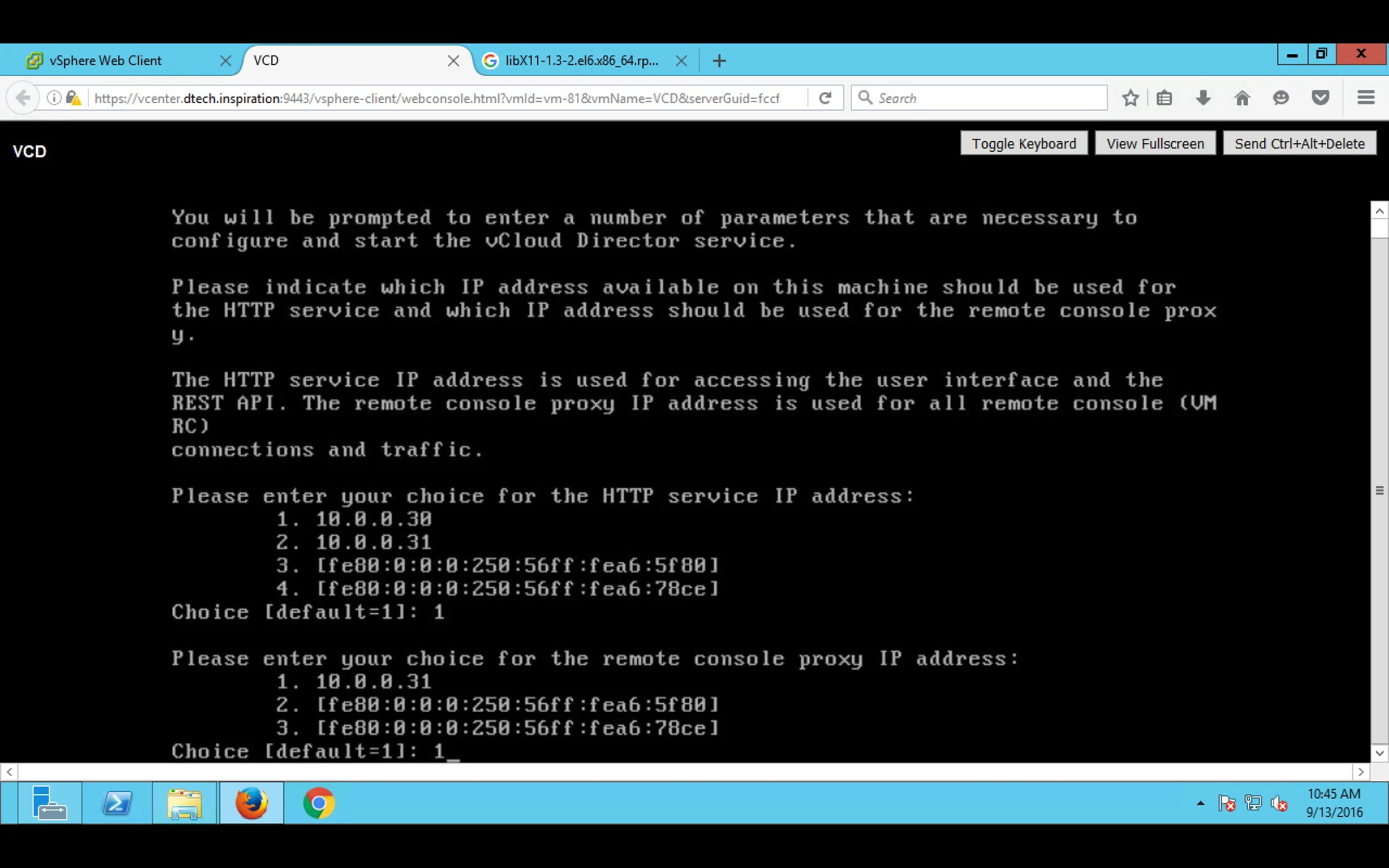
12. and IP Proxy Server IP
13. Provide Password for Certificate.ks which we generated earlier.
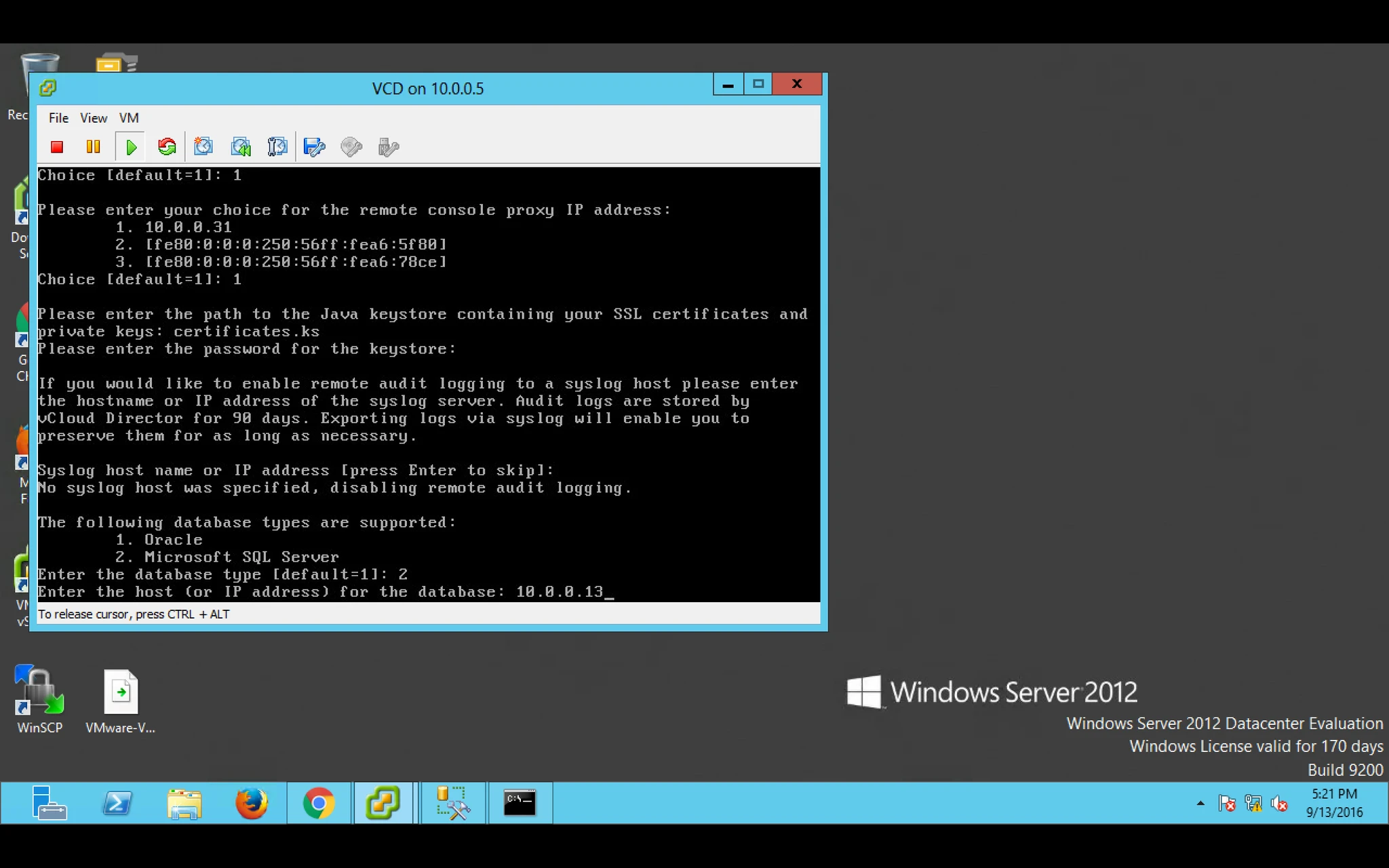
14. Also Provide Database Details Which Database you want to use like Oracle or Microsoft