While installing vCloud Director you have to install vShield and this is very important Component, which you have to install on Every ESXi host.
“One vCloud Networking and Security server is needed for each vCenter Server system. vCloud Networking and Security servers provide network security services and automatically deploy VMware vShield virtual appliances on demand from vCloud Director.”
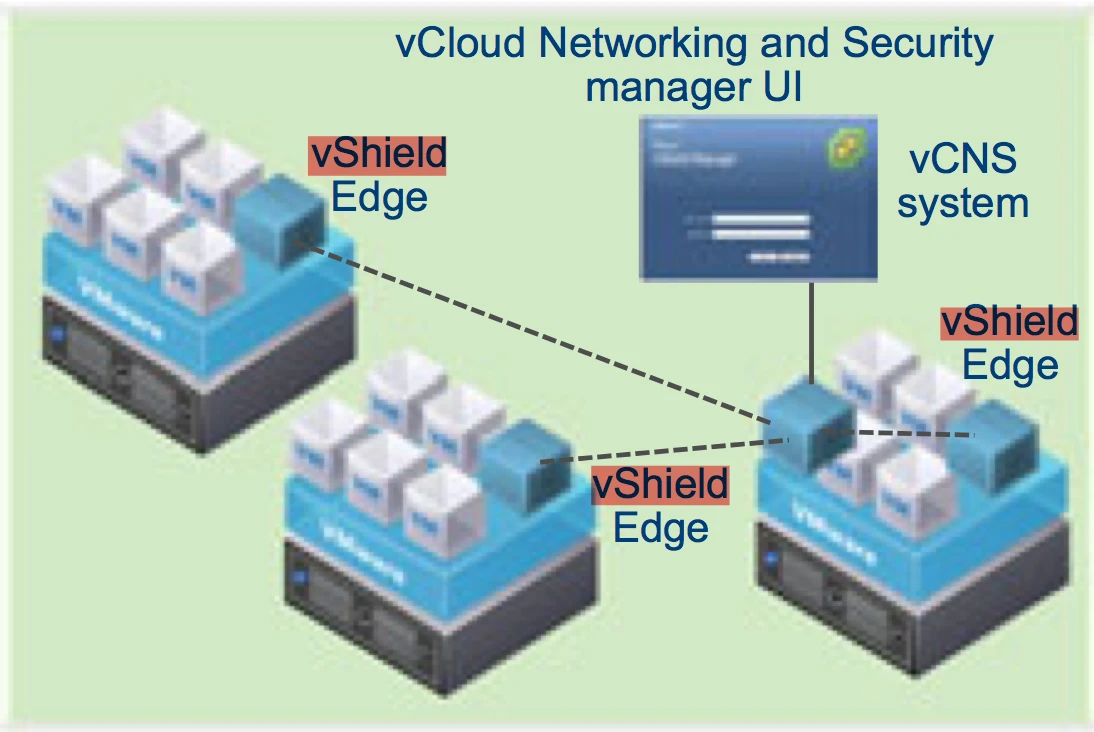
Now we will see how to install vShield into vCenter Server.
1. First download vShield OVF from vmware website. (www.vmware.com)
2. Open vCenter Server and go to Deploy ovf option, options are different if you are using WebClient.
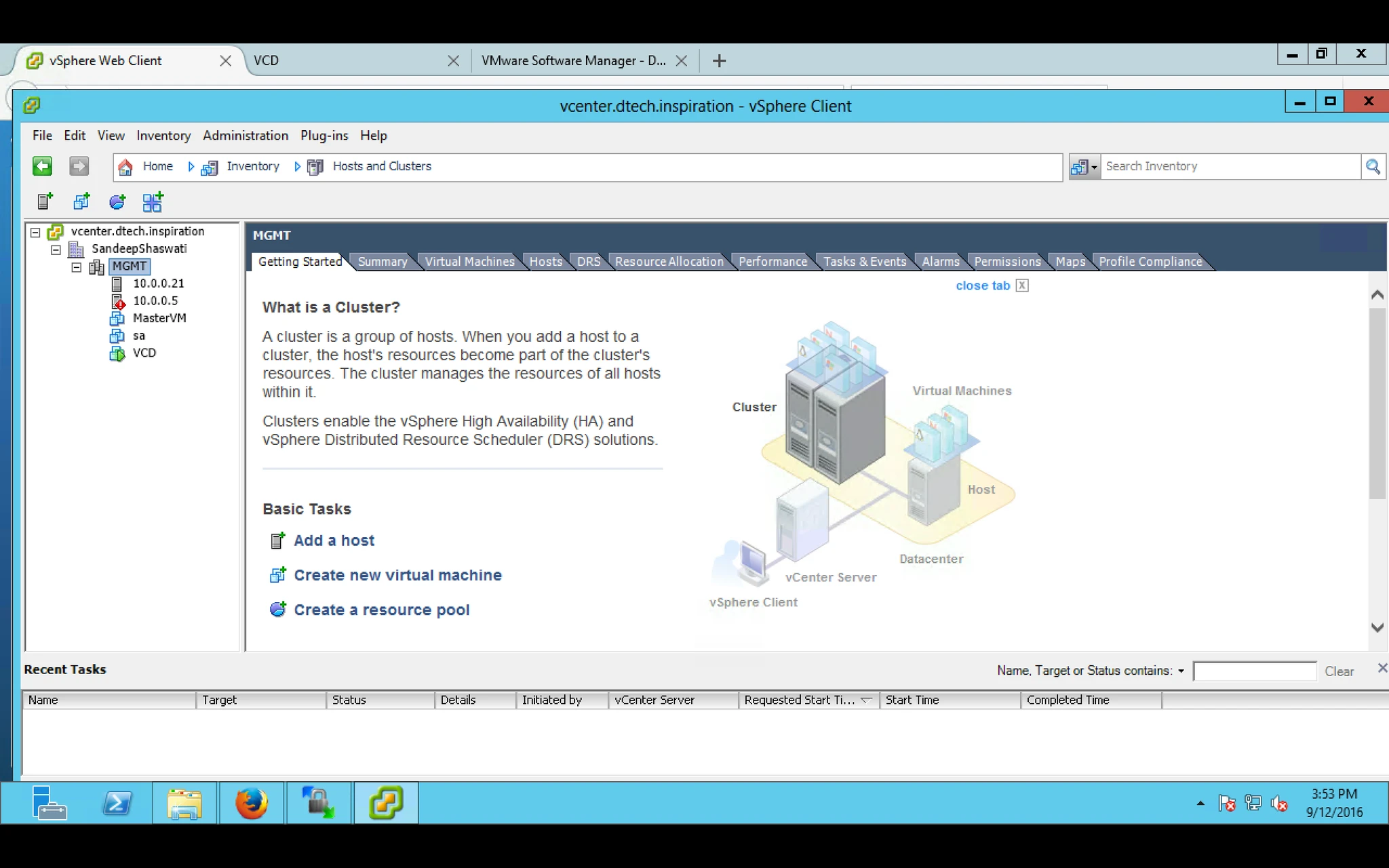
3. Locate the OVF file and Create a VM
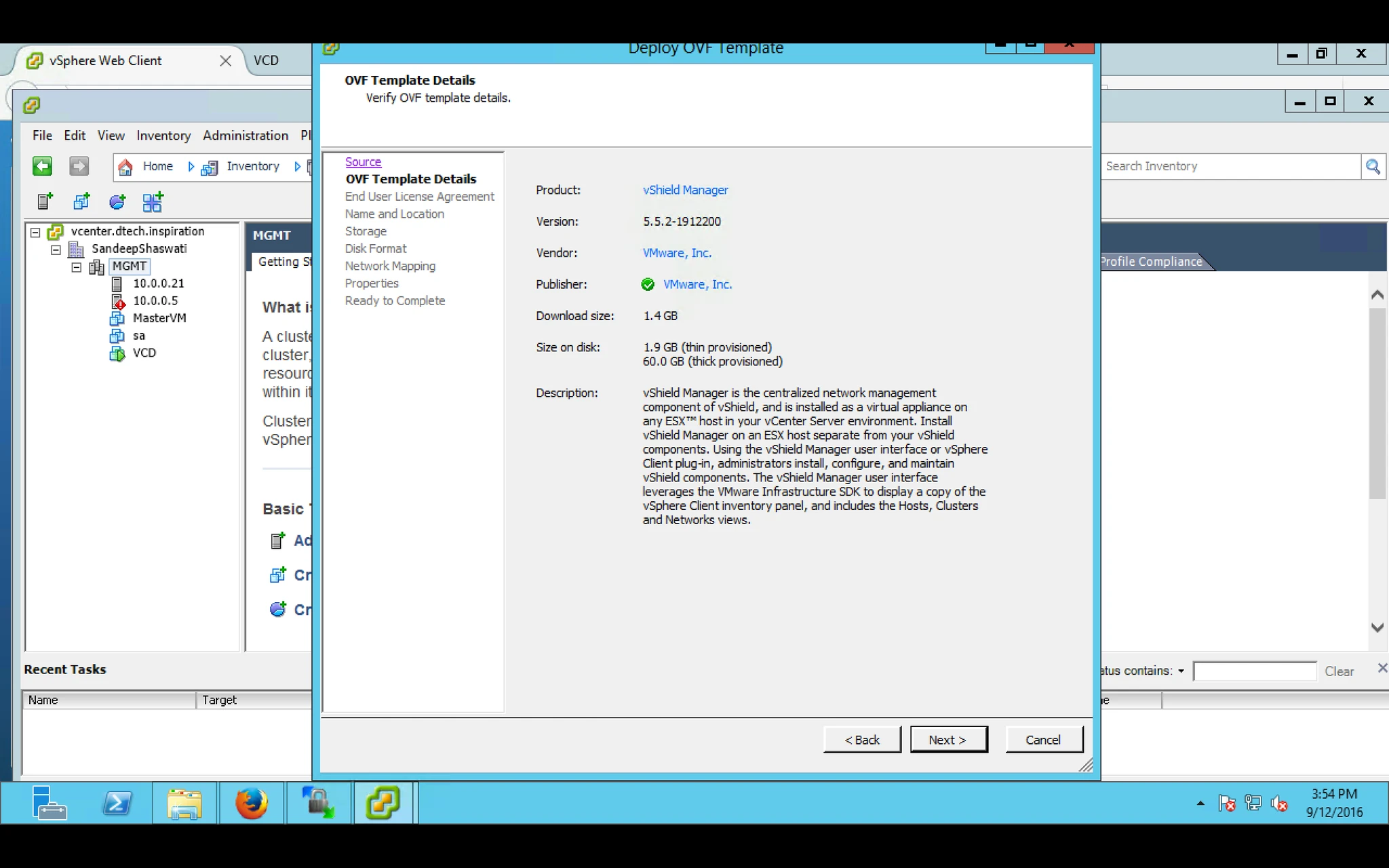
4. it will validate the OVF and provide rest of the Information
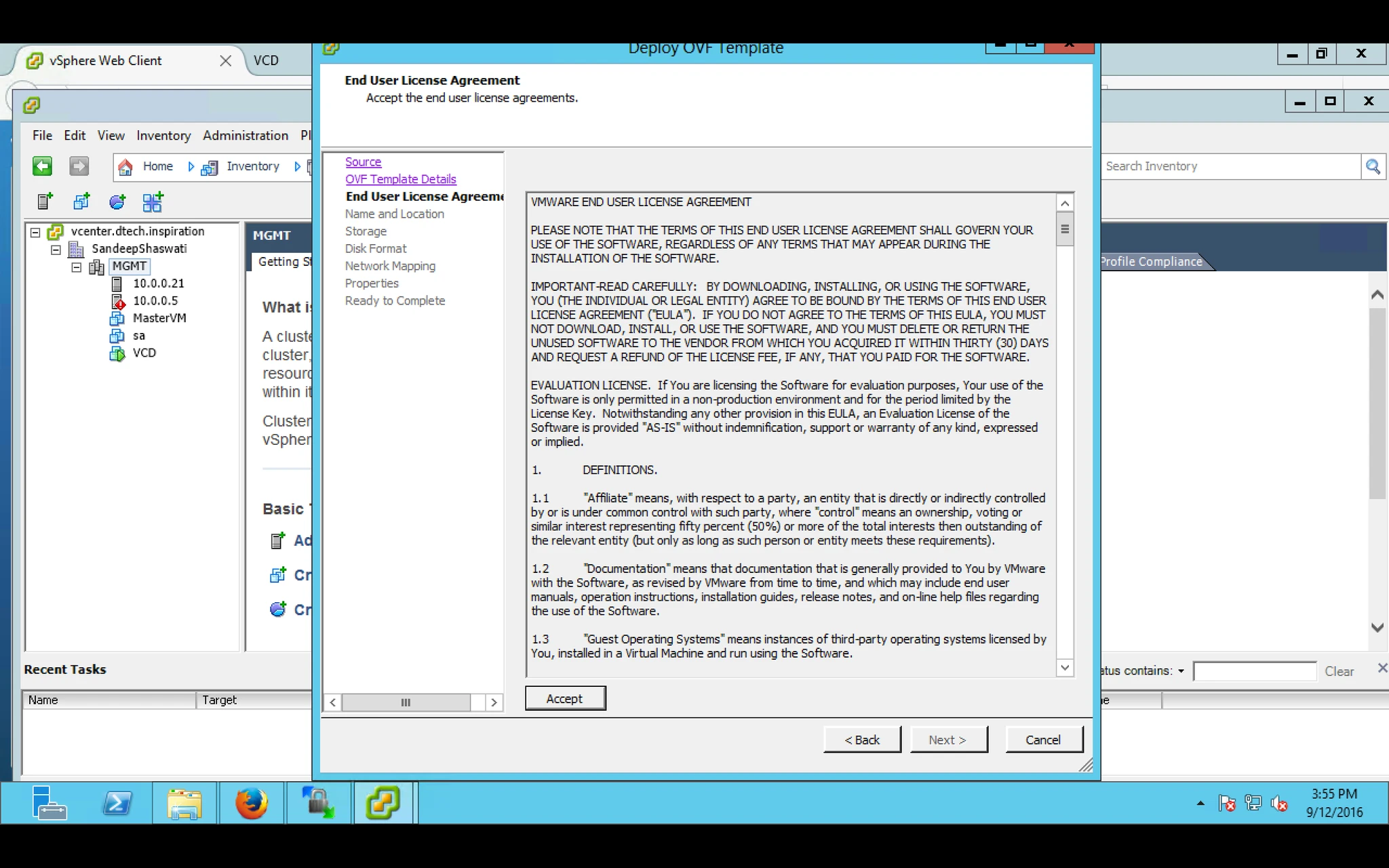
5. Accept the EULA
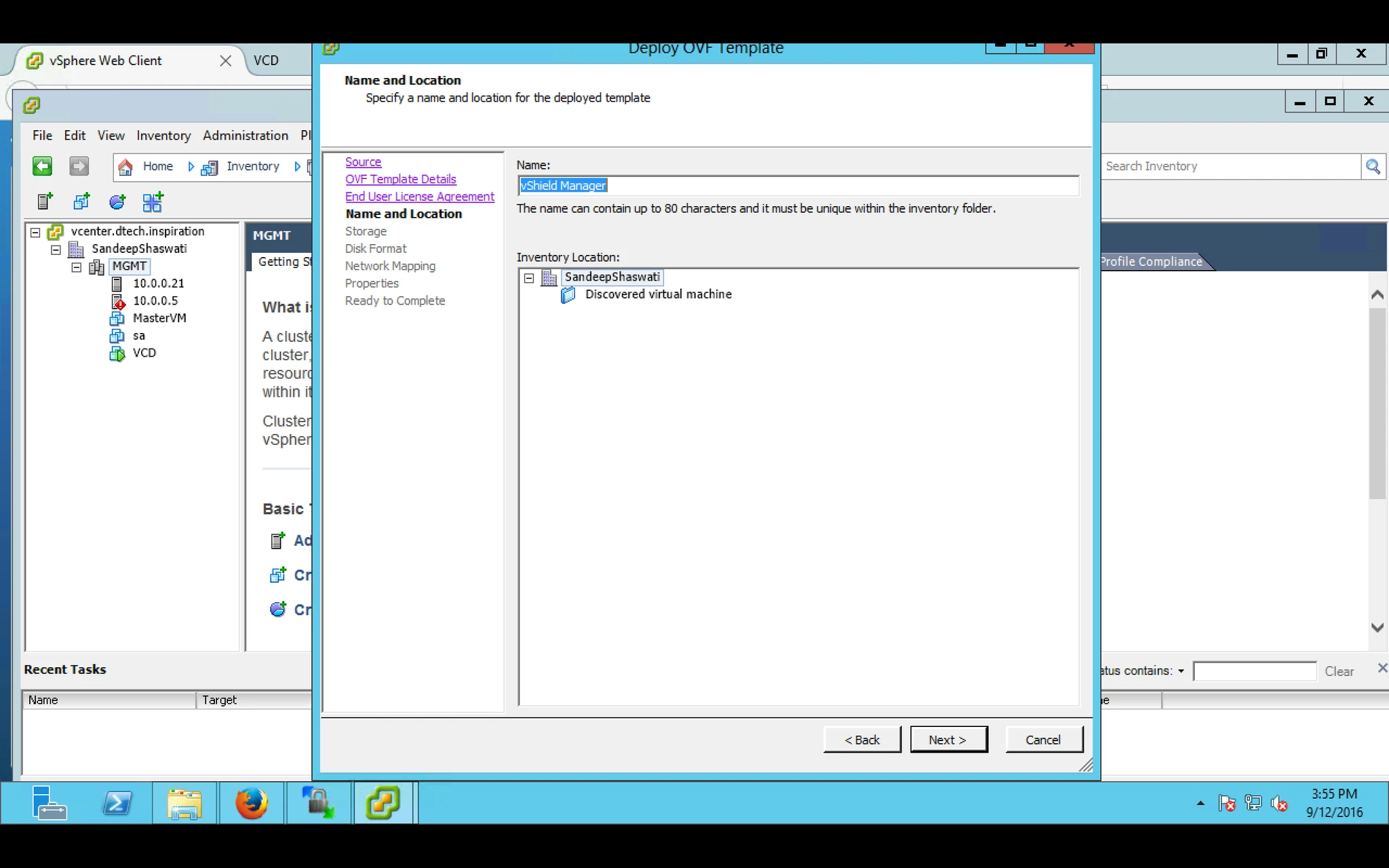
6. Provide Virtual Machine name and location
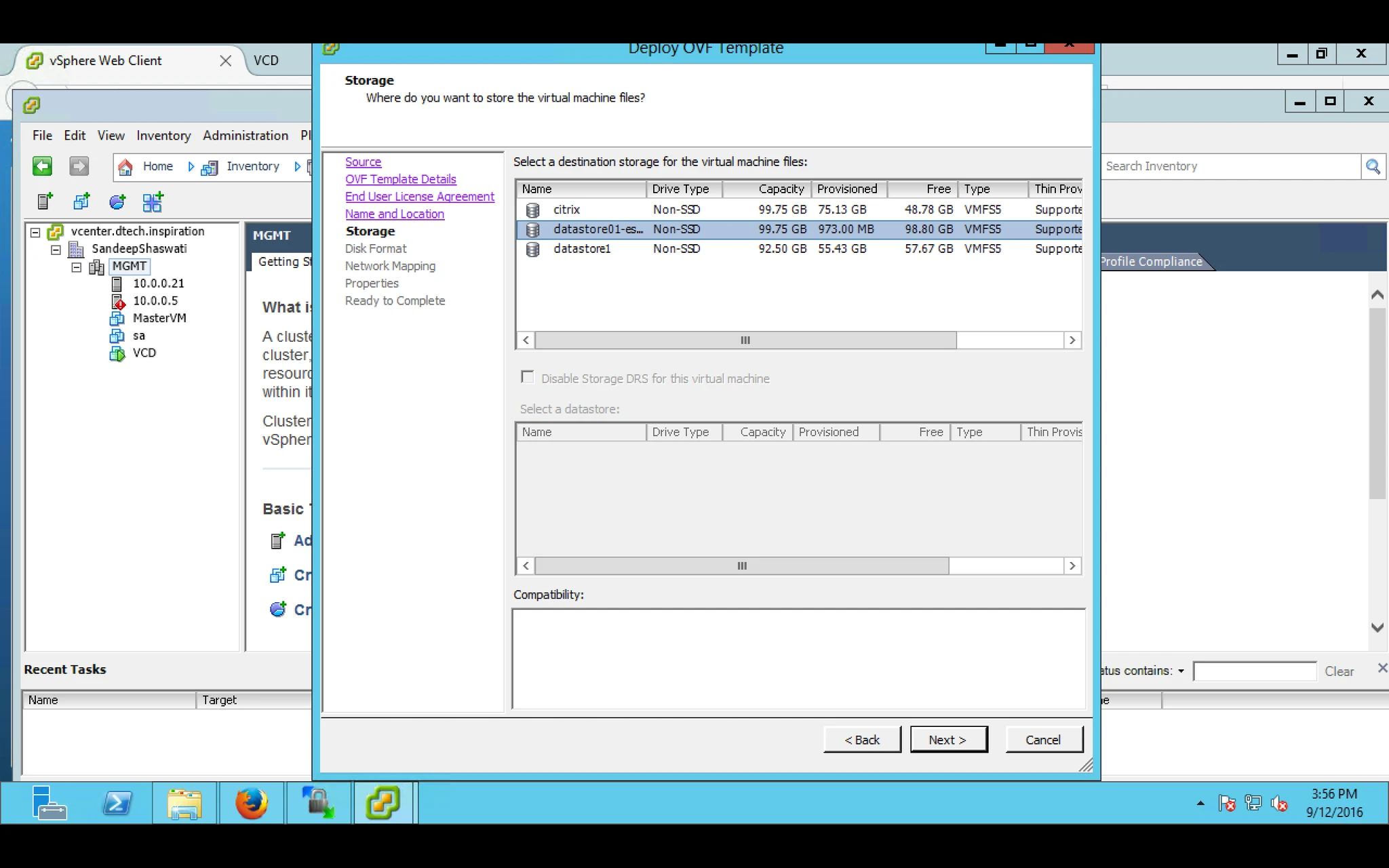
7. Select the Datastore where vmdk will be stored for this VM.
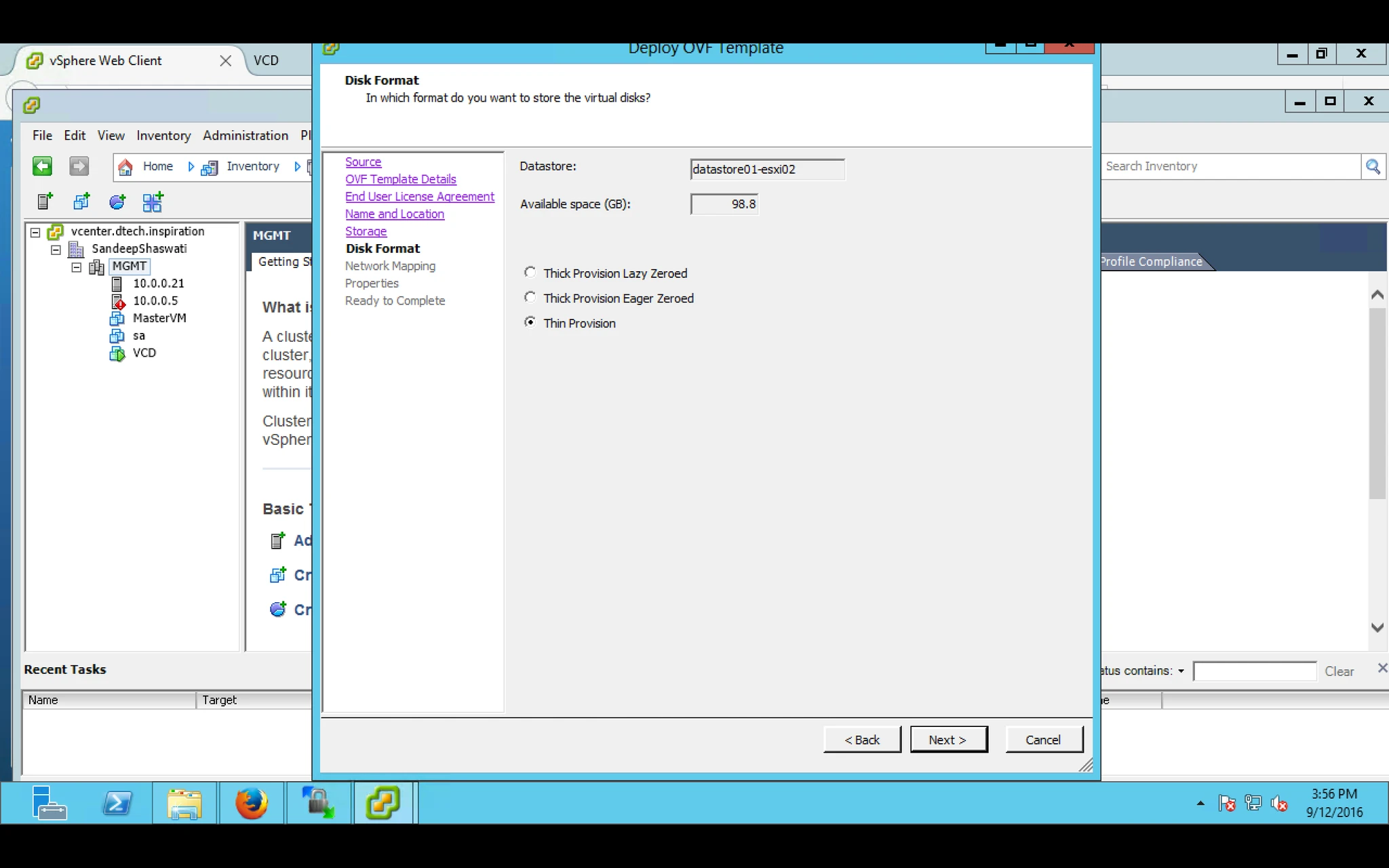
8. Select the Provision
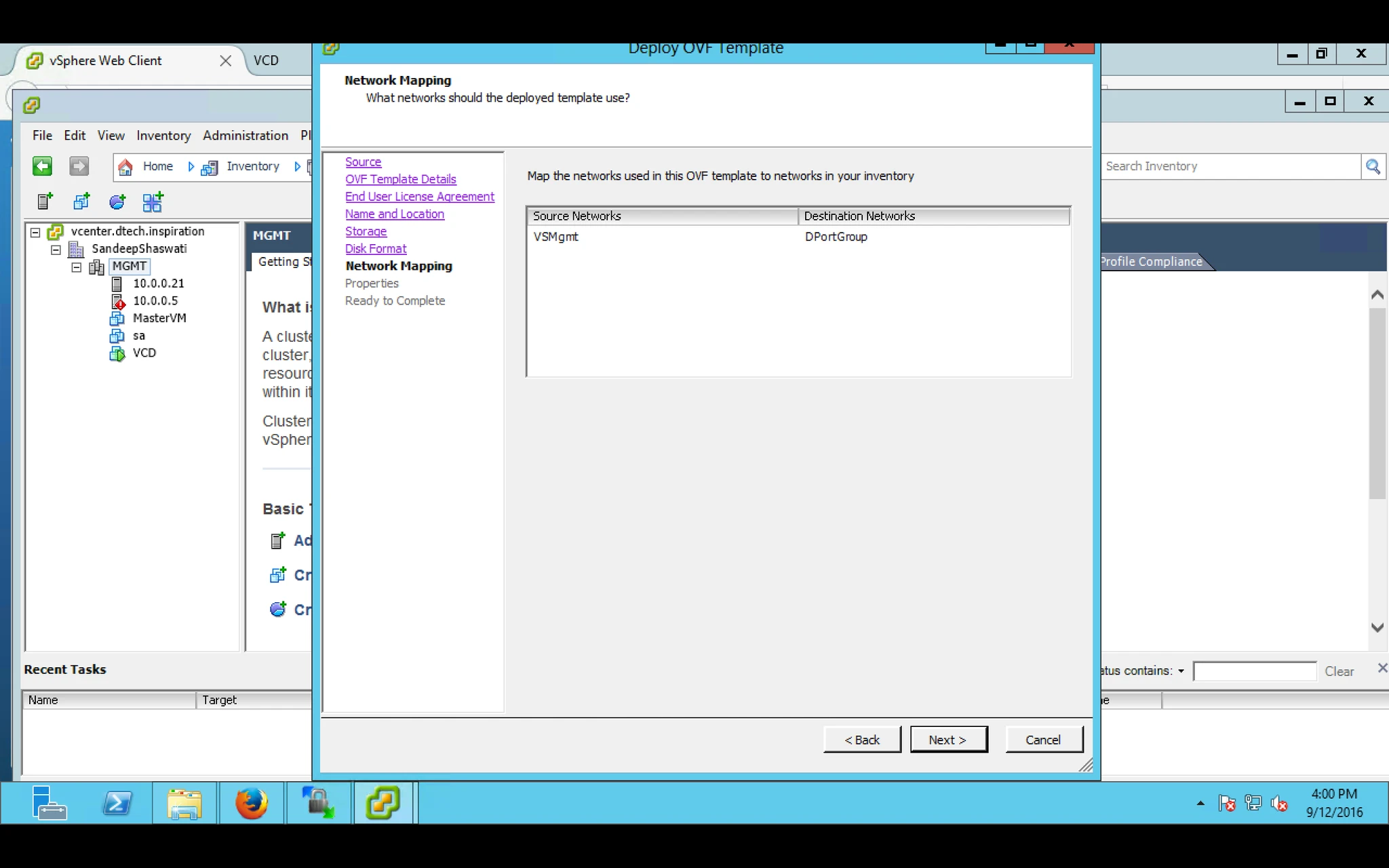
9. Provide Virtual Machine Network
10. Provide password for Web UI or CLI of vShield Manager
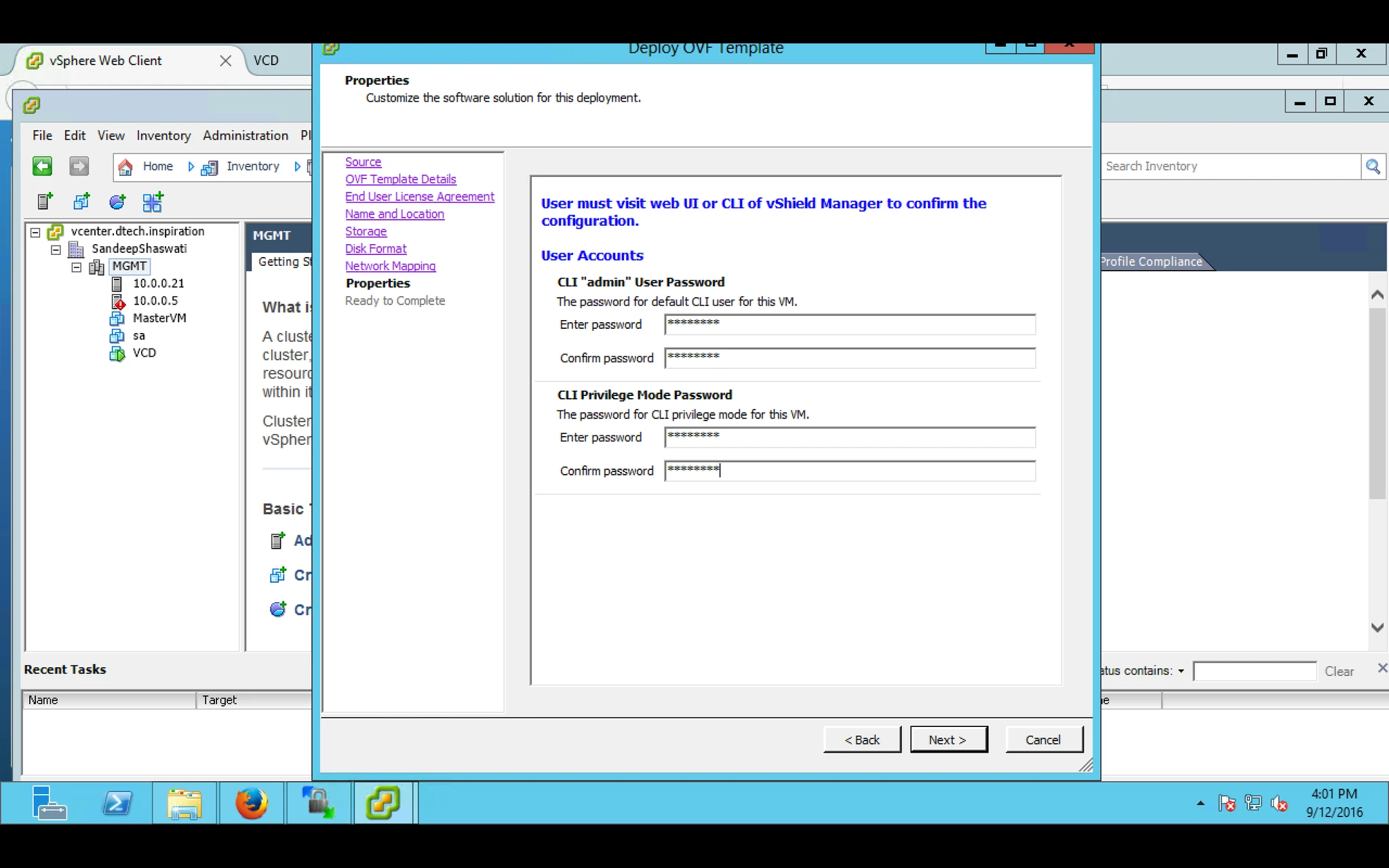
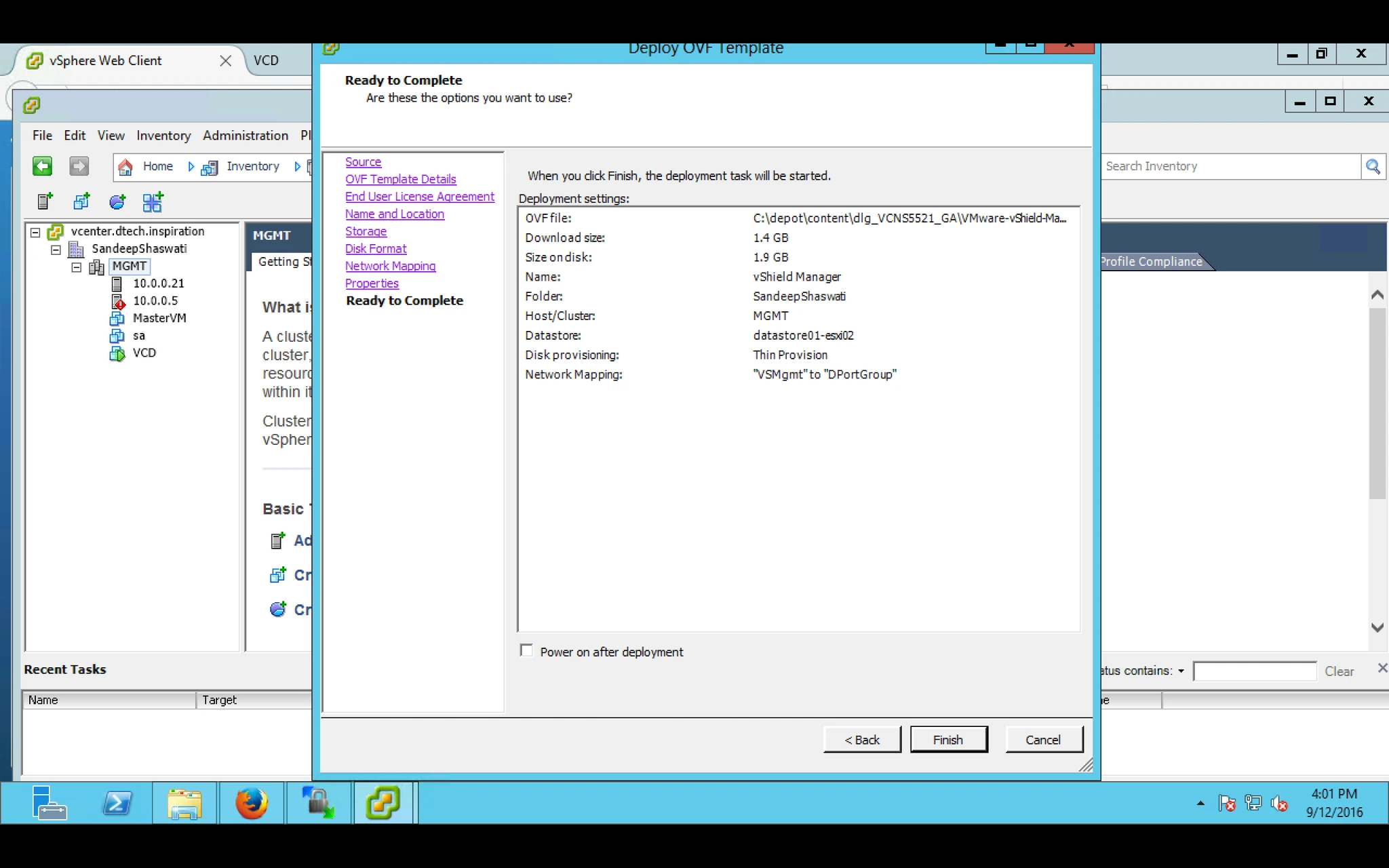
11. On Summary page click finish.
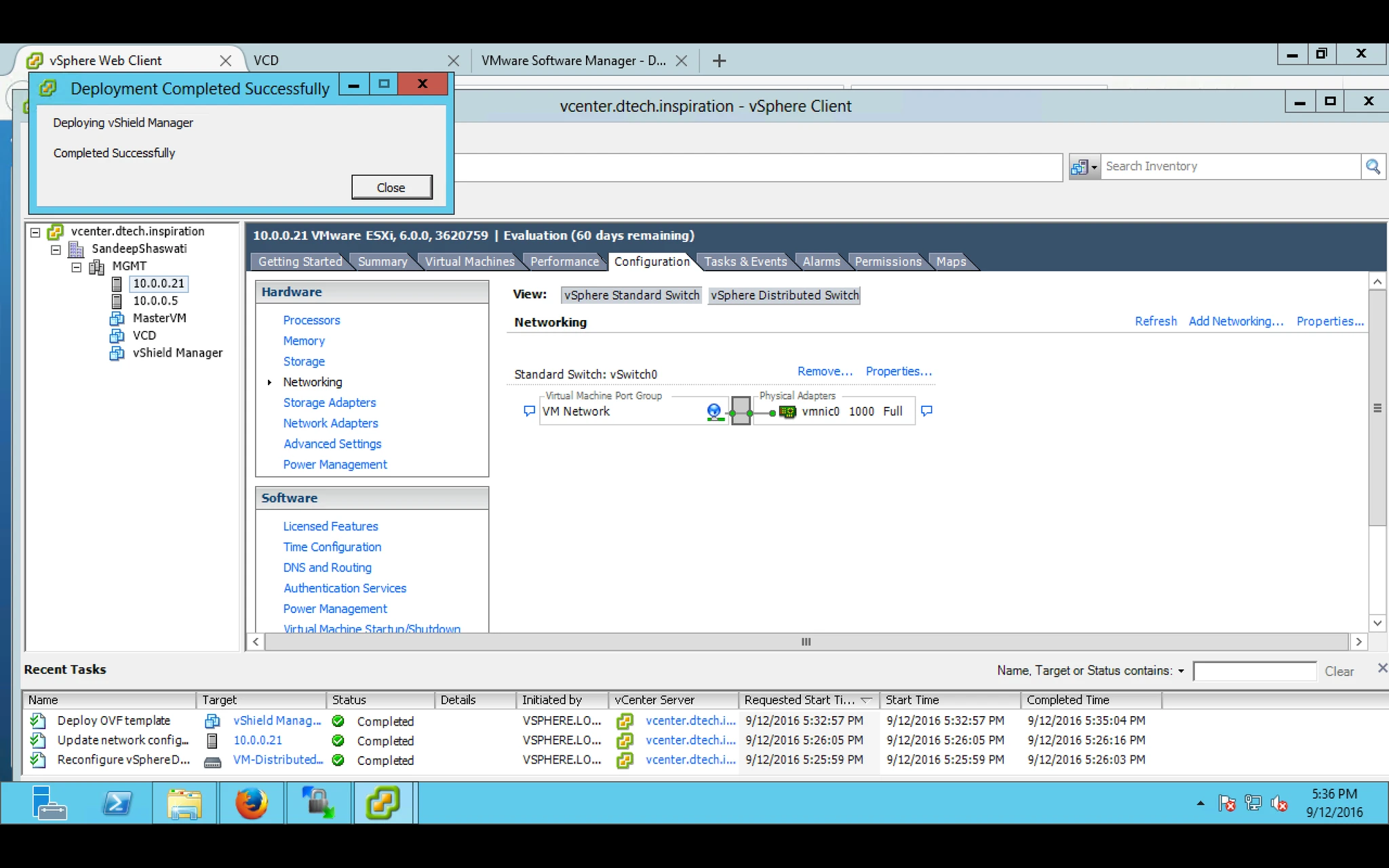
12. Once the installation finish you will get this message.
13. Power ON the Virtual Machine and login into it.
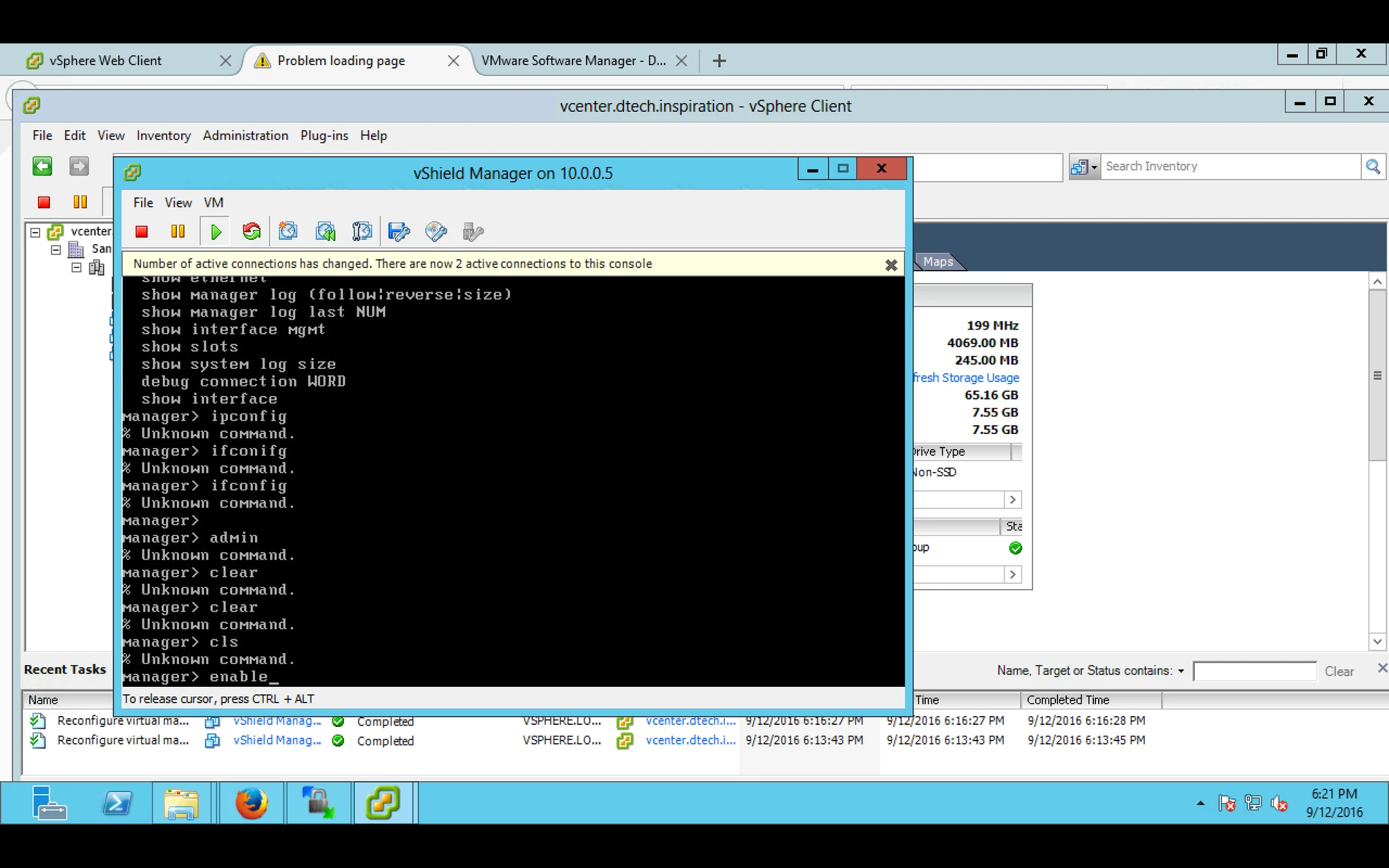
14. Type Setup and need to do setup like IP address and basic to use the same.

15. After that reboot the appliance/VM and open Web browser and type the IP address which you provide while setup vShield.
Note: it will give you Certificate warning click to continue and after that it will give you login screen.

16. Here you have to provide user name and password for vShield to login: Default user name and password vShield is: admin and password :default
Note: your system must have updated adobe flash player.


17. After login First task is adding vCenter Server. Under Lookup Service you can see vCenter click on Edit and provide your vSphere/vCenter server information.


18. After Successfully connecting you will be able to see vCenter Server inventory on the left hand side.